Features:
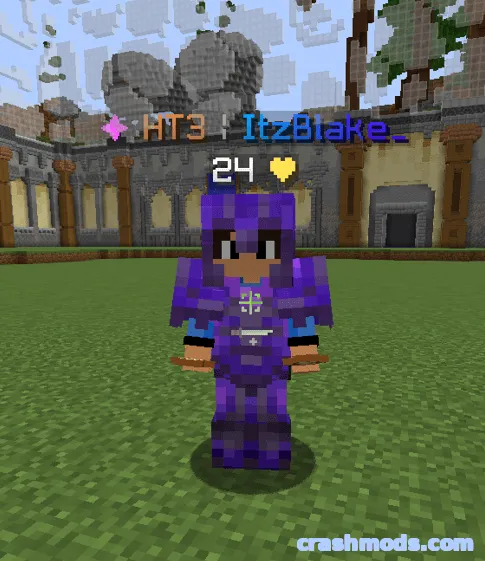
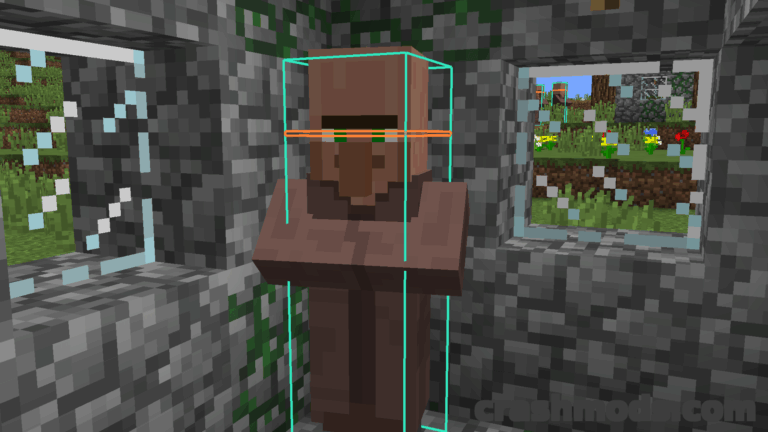
- PvP tiers shown directly in player nametags and in the tab list
- Rankings pulled from Tier Tests, MCTiers, PVPTiers and SubTiers
- Up to two tier lists displayed at the same time
- Primary tag uses any tier list and gamemode, placed before or after the name
- Prefix, Suffix and Split layouts, plus icon or classic colored symbol styles
- Display modes include Highest Fallback, Highest Always, Selected Only and Ranking
- Cross-API fallback steps in when a tier list has no data for a player
- Nearest player and last hit player popups with skin, region, rank and peak tiers
- Player search looks up any username across every tier list at once
- Default keybinds N, U and C, all rebindable in the controls menu
- Forge support for Minecraft 1.8.9
- Made by Flxme
Tier Tagger puts competitive context on screen before the first hit lands. Every player’s PvP tier appears next to their name, inside the tab list and in the pop-up lookup panels, with rankings gathered from Tier Tests, MCTiers, PVPTiers and SubTiers.
Two tags can run at once, so a sword tier from one list can sit beside a vanilla tier from another in the same nametag. The primary tag takes any tier list and gamemode and can be placed before or after the name, with prefix, suffix and split layouts to choose from.
Display modes range from highest fallback and highest always to selected only and ranking, and a cross-API fallback fills the gap when a list has nothing for that player. Tiers can be drawn with icon-style graphics or classic colored symbols, alongside a region tag.
Lookups go deeper than the tag itself. Popups for the nearest player and for the last player you hit show the skin, region, rank and every gamemode tier including peaks, while a search field resolves any username across all tier lists at once. Three default keybinds open the config and the two popups, and each one can be changed in the controls menu. The Forge build targets Minecraft 1.8.9.