Skip to content
Join our Discord for updates & support Discord

Diagonal Fences – Fences That Connect on the Diagonals V2.4.0

0 downloads
125.2 KB file size
0 comments
0 videos
Minecraft More Minecraft Mods Explore more high-quality Minecraft mods. Browse Mods

—/5, 0 ratings

Your rating

Creator: Fuzs

File verified — safe
All 64 security engines found this file clean.
Last checked: 2026-07-28
Security report

Features:

  • All kinds of fences can connect diagonally
  • Dedicated diagonal models and hitboxes
  • Fences added by other mods are supported dynamically
  • Unwanted blocks can be excluded with a block tag
  • Has to be installed on both client and server
  • Requires Puzzles Lib
  • In-game configuration through the mod menu
  • Config files stored in the config folder as TOML
  • Part of a wider family of diagonal block mods
  • NeoForge support
  • For Minecraft 1.21.1
  • Made by Fuzs

Vanilla fences only ever join along the four cardinal directions, which quietly forces every paddock, garden edge and courtyard onto a strict square grid. Diagonal Fences removes that limit: fences can now link up on the diagonals as well, using dedicated diagonal models and hitboxes so the new connections read as part of the fence rather than a patch on top of it.

Support is not limited to the vanilla wood types. Blocks added by other mods are picked up dynamically wherever possible, so mixed builds keep working without extra setup. If a block ends up affected when it should not be, it can be listed in the mod’s non-diagonal fences block tag and will be left alone.

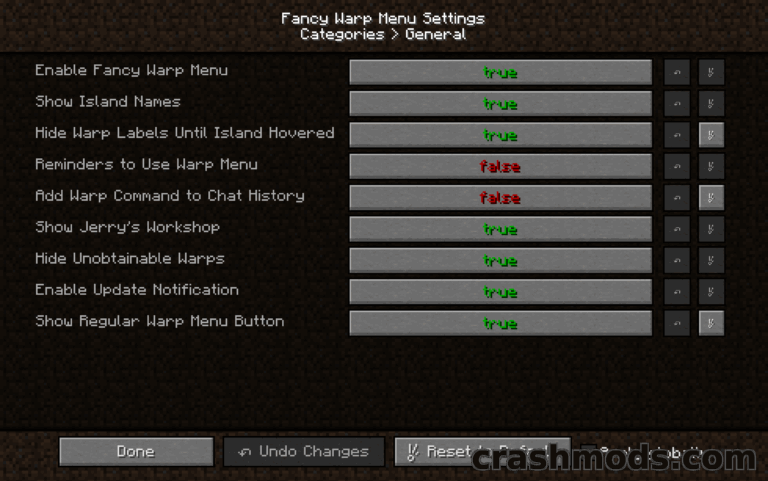
The mod has to be present on both the client and the server, and Puzzles Lib is required alongside it. Settings can be changed in game through the mod menu, or by editing the TOML files in the config folder. It also pairs well with furniture and decoration mods that bring their own fence styles, and it belongs to a wider family of diagonal block mods covering windows and walls.

✅ Description reviewed by the CrashMods Team

Changelog

V2.4.0 — First release.
Frequently asked questions6 questions

Diagonal Fences – which game and version is it for?

This mod was made for Minecraft (game version: 26.2). The mod's own version: V2.4.0. After a major game update, older mods may stop working — check the version before installing.

Diagonal Fences – how do I install it?

Install the mod loader that matches the mod's Minecraft version (Forge or Fabric), then put the .jar file in the .minecraft/mods folder.

Is the download safe?

We checked the file with VirusTotal: none of the 64 antivirus engines flagged it. The full report opens from the "Verified" badge on the mod's page.

How big is the download?

The mod's file size is about 125.2 KB.

Diagonal Fences – who made it?

The mod's original creator: Fuzs.

Is the mod free?

Yes, downloading from CrashMods is free; registration is not required.

Download Get the latest version of this mod and enjoy!

Mod version: V2.4.0 Minecraft 26.2 2 months ago 125.2 KB
Diagonal Fences – Fences That Connect on the Diagonals V2.4.0 125.2 KB Minecraft Download File

The file is on ModsDrop, our own storage.

  • Scannedwith VirusTotal
  • EU serversFast & reliable
  • Free downloadNo registration needed
  • Latest versionAlways up to date

More Minecraft Utility mods

Uploaded by

Tabornok3
Tabornok3 LITE
  • 2,191 mod
  • 1 follower
  • 3,280 download
  • Registered 4 months ago

Community screenshots

Screenshots from players using this mod. Add yours — images only (JPG, PNG, WebP).

No community screenshots yet — be the first!

Leave a comment

Stay in the loop

Get the latest mods & updates in your inbox.

✓ Thanks! We will keep you posted.

💬
New mods & updatesBe the first to know.
🛡️
Verified & safeQuality checked by our team.
🎁
Community perksEvents, contests & more.

© 2026 CrashMods — All rights reserved.
Safe & TrustedEvery mod is scanned and reviewed to ensure a safe experience.
SecureYour safety is our priority.