Features:
- Live clicks per second counter drawn over the game screen
- Four text modes: left clicks, right clicks, both, or fully custom
- Custom text of up to 999 characters with a placeholder for each click type
- Minecraft formatting codes work by typing & in place of the section sign
- Built-in color selector styled after the vanilla interface
- Rainbow mode changes the text color over time
- Background color with an alpha channel and a margin from 0 to 99
- Text scale from 10% to 400% with an optional text shadow
- Counter is dragged into place, with a live preview in the settings screen
- Settings open with the P key, which can be rebound, or the /cpsdisplay command
- Forge support for Minecraft 1.9.4
- Made by Dams4K
CPSDisplay, also known as CPS Mod, puts a live clicks per second readout straight onto your Minecraft screen. Left clicks and right clicks are handled separately, so you can see how fast you are actually clicking instead of guessing. The counter itself is just a piece of text drawn over the game, and it can be moved by holding a click on it and dragging it wherever you want.
Customization is where the mod goes further than a plain counter. Four text modes cover left clicks, right clicks, both at once, or a completely custom line of up to 999 characters, in which one placeholder stands for left clicks and another for right clicks. Standard Minecraft formatting codes work inside that custom text as long as you type an ampersand in place of the section sign, so colors and styles can be mixed into a single line.
The look of the counter is just as adjustable. A built-in color selector styled after the vanilla interface picks the text color, while rainbow mode changes that color over time. The background gets its own color with an alpha channel available and a margin between 0 and 99, the text scales anywhere from 10% to 400%, and the shadow can be switched on or off.
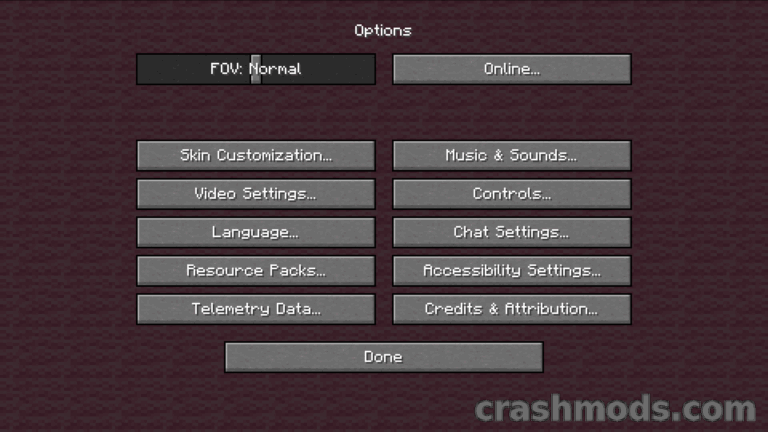
Everything is reached in game by pressing the P key, which can be rebound, or by running the /cpsdisplay command, and the settings screen cuts its own background out around the text so you can see exactly how the counter will look while playing. The default texts of the first three modes can be redefined through the mod’s language files, and resource packs can change the appearance of the interface.