Skip to content
Join our Discord for updates & support Discord

YUNG’s Menu Tweaks – Easier Menu Navigation with Custom Backgrounds V5.1

0 downloads
152.6 KB file size
0 comments
0 videos
Minecraft More Minecraft Mods Explore more high-quality Minecraft mods. Browse Mods

—/5, 0 ratings

Your rating

Creator: YUNGNICKYOUNG

File verified — safe
All 65 security engines found this file clean.
Last checked: 2026-09-06
Security report

Features:

  • Lightweight client-side mod for navigating the game’s menus
  • Right click a cycle button to go back to the previous option
  • Use the mouse scroll wheel to change slider options
  • Change the background of almost every options screen to any texture
  • Custom background option is disabled by default
  • Custom backgrounds can leave buttons invisible with some modded menu layouts
  • Should be compatible with any menu-changing mod, including ModMenu
  • Custom main menu screens made with FancyMenu sometimes ignore the custom background
  • The custom Video Settings menu added by Sodium may not support the new navigation features
  • Depends on YUNG’s API
  • NeoForge support for Minecraft 1.21.1
  • Made by YUNGNICKYOUNG

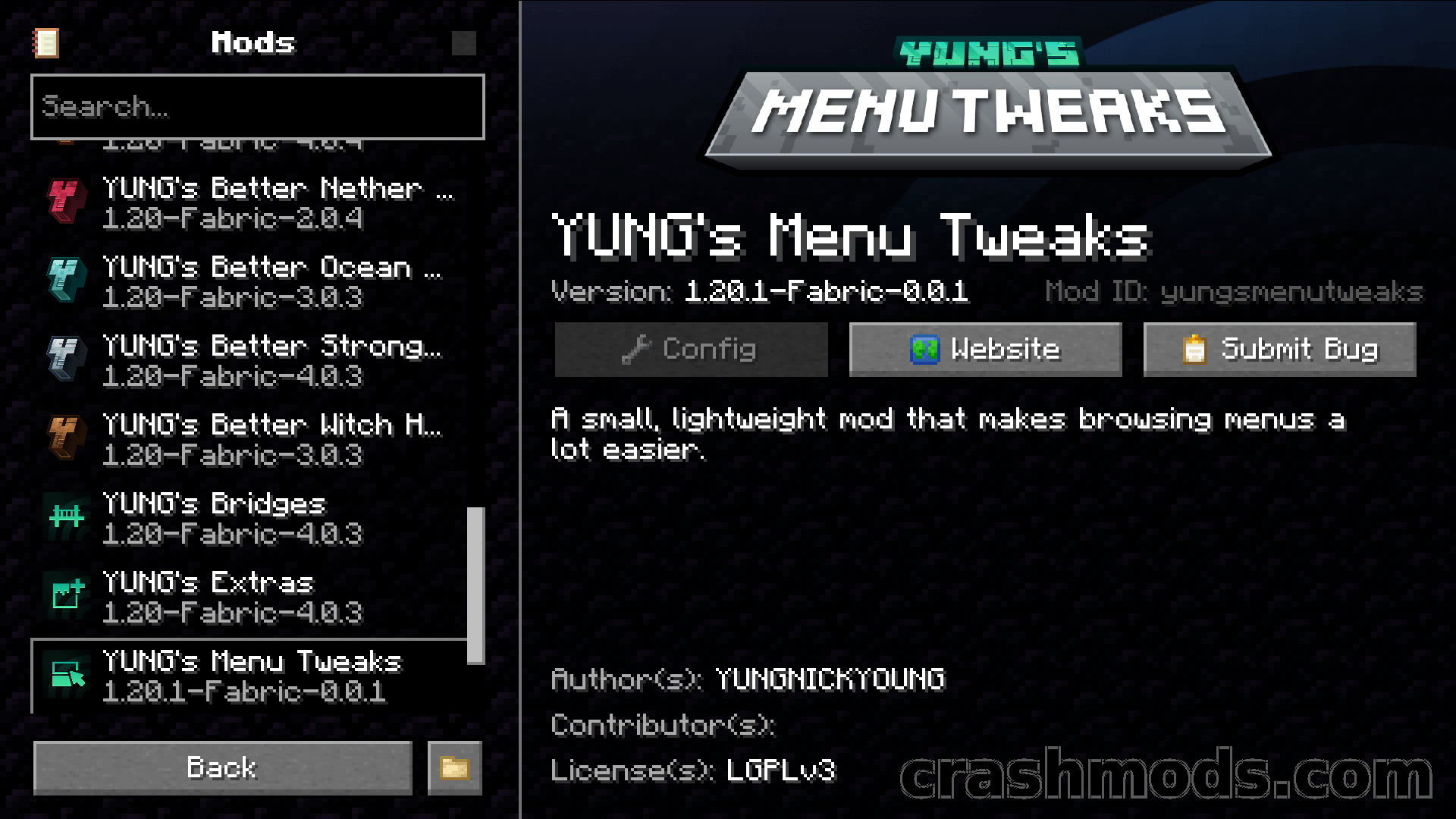
Minecraft’s option screens were never built for speed. Overshooting a cycle button means clicking all the way around again, sliders only respond to dragging, and every settings screen sits on the same dirt background. YUNG’s Menu Tweaks is a small client-side mod that addresses exactly those annoyances and little else.

Right clicking a cycle button steps back to the previous option, so a missed setting takes one click to undo instead of a full loop. Sliders react to the mouse scroll wheel, which makes fine adjustments much quicker than dragging. And almost every options screen can be given a different background texture, so the default dirt is no longer the only choice.

The custom background is switched off by default, because certain modded menu layouts end up with invisible buttons once it is enabled. Otherwise the mod is meant to sit alongside any menu-changing mod, ModMenu included. Two quirks are worth remembering: custom main menu screens built with FancyMenu sometimes will not work with the custom background, and the Video Settings screen that Sodium adds may not pick up the new navigation features. YUNG’s API is required.

✅ Description reviewed by the CrashMods Team

Changelog

V5.1 — First release.
Frequently asked questions6 questions

YUNG’s Menu Tweaks – which game and version is it for?

This mod was made for Minecraft (game version: 26.1.2). The mod's own version: V5.1. After a major game update, older mods may stop working — check the version before installing.

YUNG’s Menu Tweaks – how do I install it?

Install the mod loader that matches the mod's Minecraft version (Forge or Fabric), then put the .jar file in the .minecraft/mods folder.

Is the download safe?

We checked the file with VirusTotal: none of the 65 antivirus engines flagged it. The full report opens from the "Verified" badge on the mod's page.

How big is the download?

The mod's file size is about 152.6 KB.

YUNG’s Menu Tweaks – who made it?

The mod's original creator: YUNGNICKYOUNG.

Is the mod free?

Yes, downloading from CrashMods is free; registration is not required.

Download Get the latest version of this mod and enjoy!

Mod version: V5.1 Minecraft 26.1.2 2 months ago 152.6 KB
YUNG’s Menu Tweaks – Easier Menu Navigation with Custom Backgrounds V5.1 152.6 KB Minecraft Download File

The file is on ModsDrop, our own storage.

  • Scannedwith VirusTotal
  • EU serversFast & reliable
  • Free downloadNo registration needed
  • Latest versionAlways up to date

More Minecraft Utility mods

Uploaded by

Tabornok3
Tabornok3 LITE
  • 2,191 mod
  • 1 follower
  • 3,284 download
  • Registered 4 months ago

Community screenshots

Screenshots from players using this mod. Add yours — images only (JPG, PNG, WebP).

No community screenshots yet — be the first!

Leave a comment

Stay in the loop

Get the latest mods & updates in your inbox.

✓ Thanks! We will keep you posted.

💬
New mods & updatesBe the first to know.
🛡️
Verified & safeQuality checked by our team.
🎁
Community perksEvents, contests & more.

© 2026 CrashMods — All rights reserved.
Safe & TrustedEvery mod is scanned and reviewed to ensure a safe experience.
SecureYour safety is our priority.