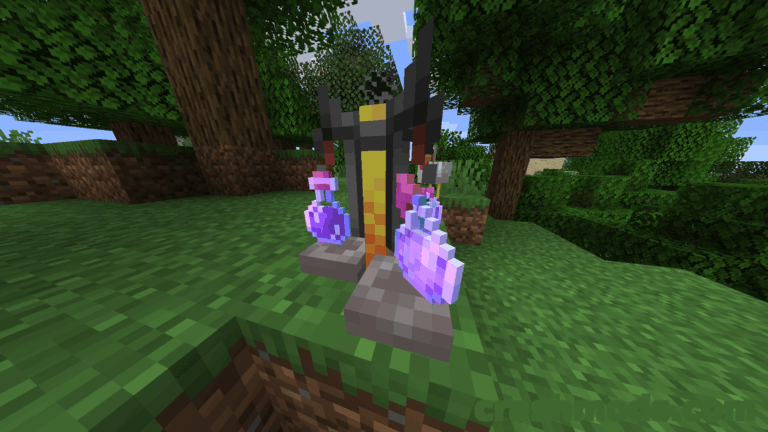
Features:
- Purely visual mod that leaves combat mechanics untouched
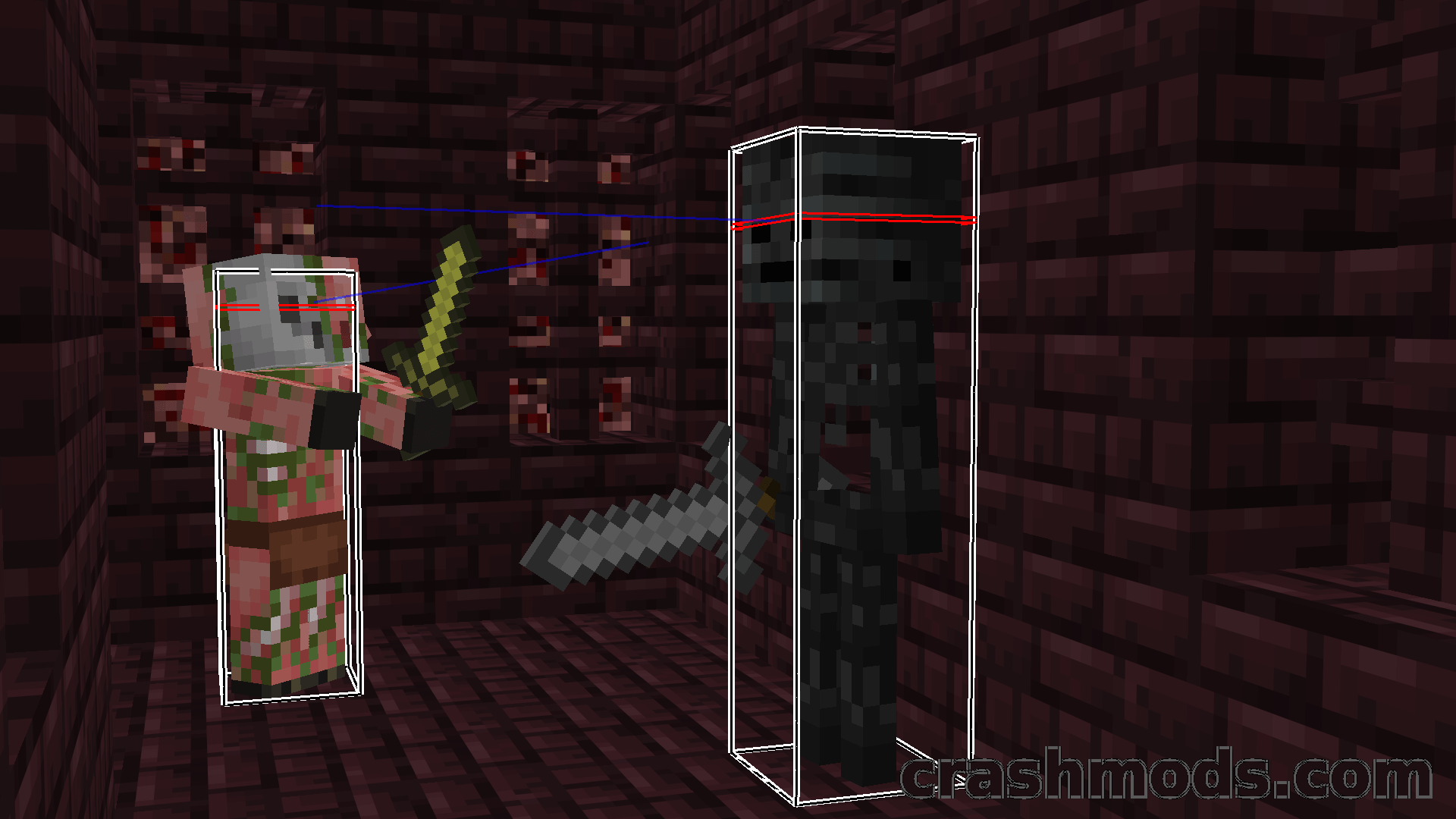
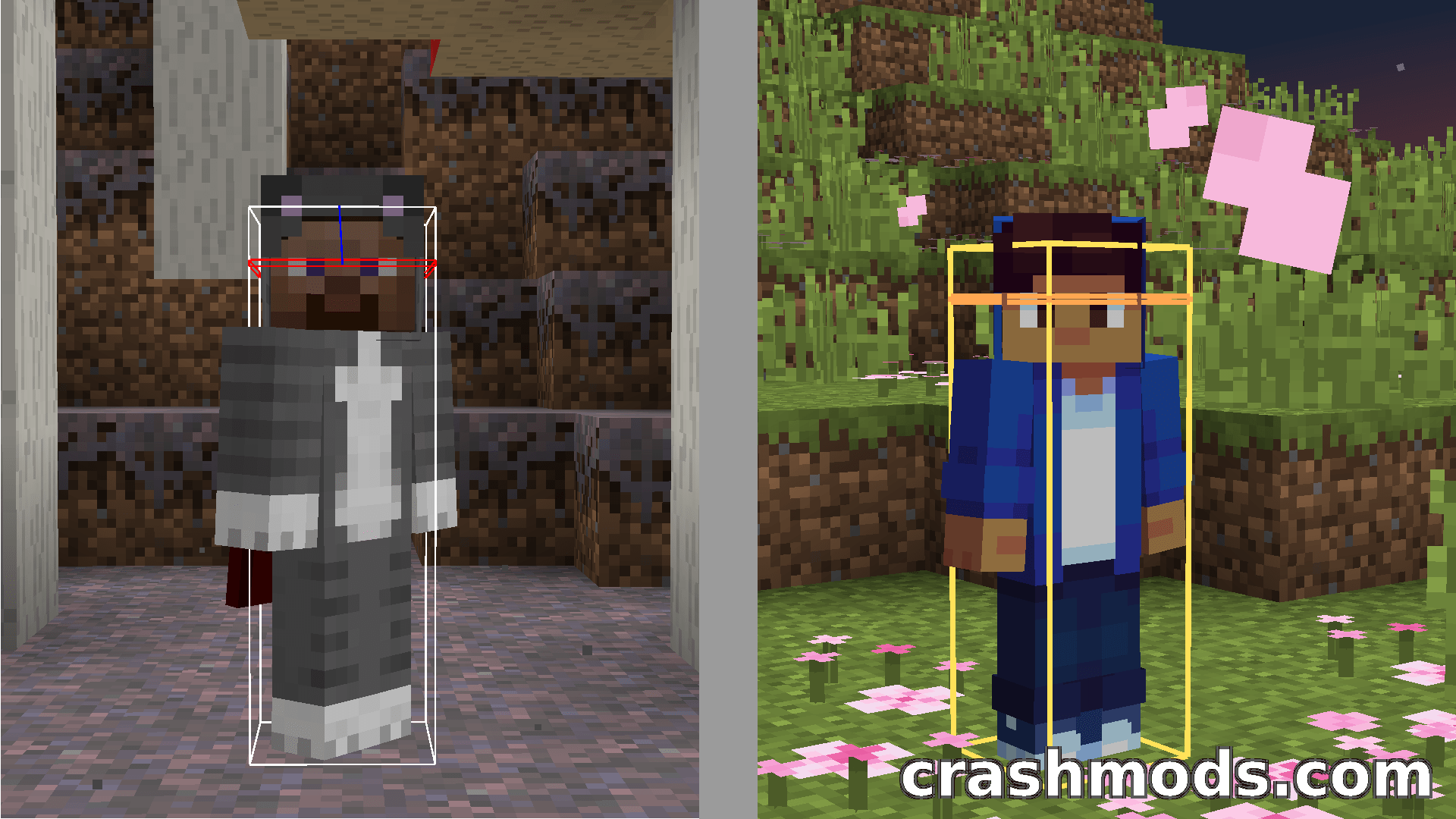
- The entire hitbox of the entity you are targeting changes color, red by default
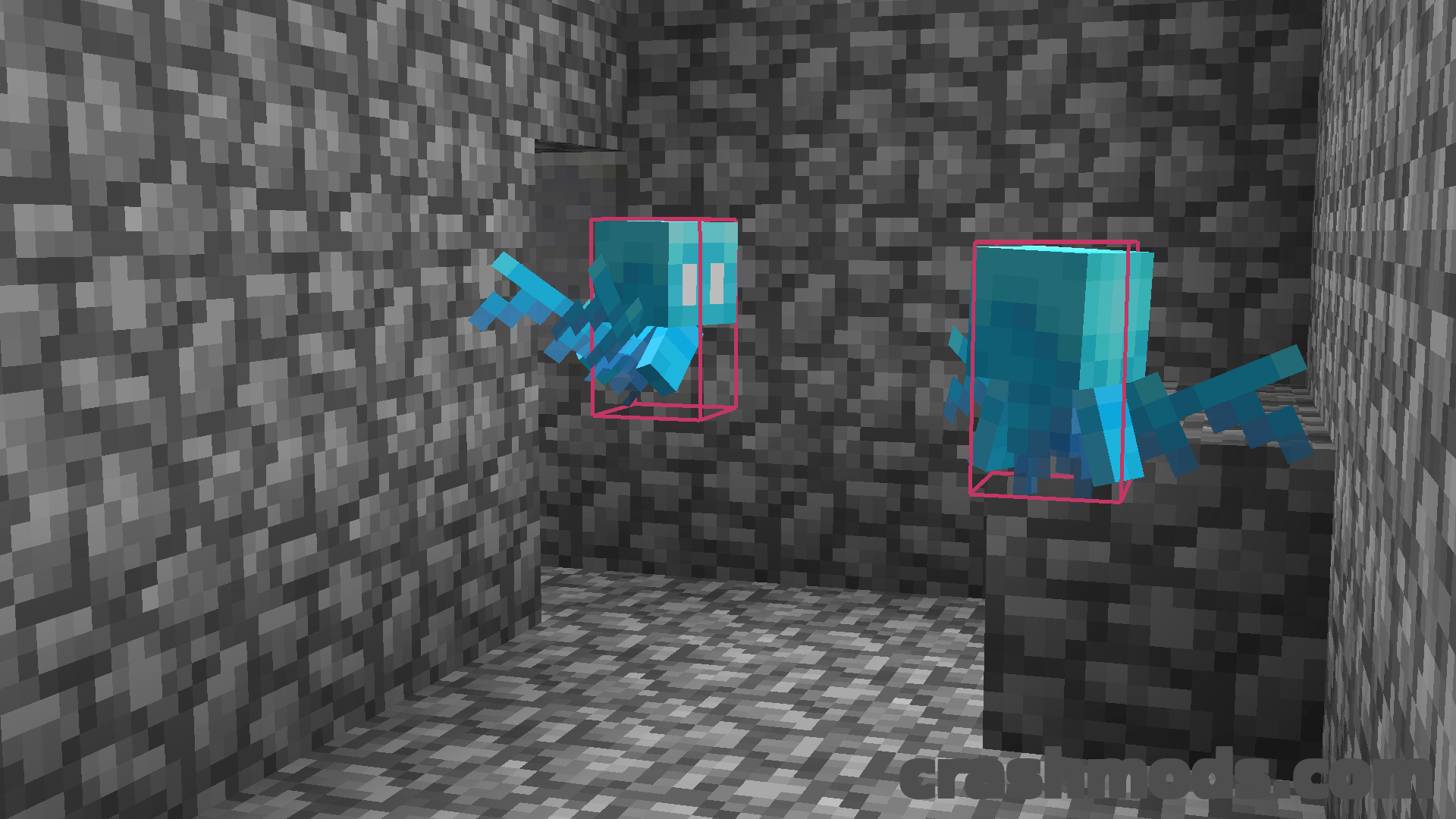
- Adjustable line width for debug hitboxes, since the vanilla lines are very thin
- Separate color setting for each hitbox component
- Every hitbox component can be toggled on or off individually
- Makes it obvious at a glance whether an enemy is within reach
- Builds on the game’s existing debug hitbox display rather than adding a new overlay
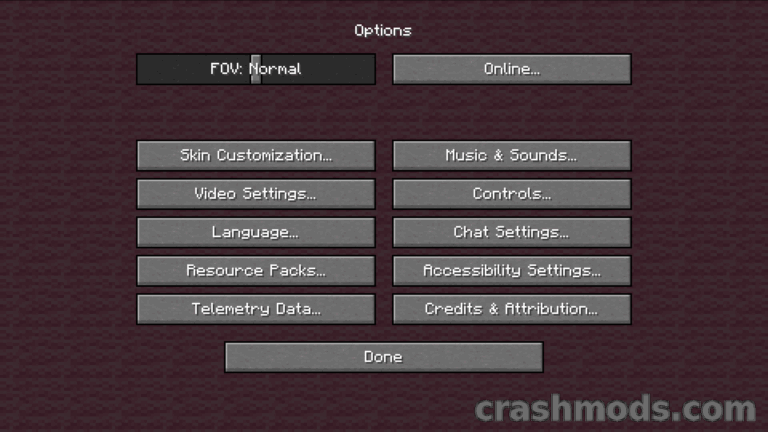
- Settings are changed on an in-game configuration screen
- Requires Fabric API
- Cloth Config and Mod Menu are needed for the configuration screen
- Fabric support for Minecraft 1.21.1
- Made by sootysplash
The debug hitbox view is genuinely useful in a fight, but Minecraft draws those outlines as hairline boxes in one flat color, so in a crowd it is hard to tell which mob the game thinks you are aiming at. Combat Hitboxes is a purely visual mod built around that single problem: the entity currently under your crosshair has its whole hitbox recolored, red by default, so the target you are about to swing at stands out from everything else on screen.
That also settles the question that normally means staring at the tiny attack indicator, namely whether the mob is actually inside your reach. With the targeted entity colored in, the change of color is the confirmation, and you can keep your attention on the fight rather than on the crosshair. Nothing about damage, cooldowns or hit detection is altered; the mod only changes how the existing boxes are drawn.
The rest of it is presentation control. Line width can be pushed well past the thin vanilla default, each part of the hitbox gets its own color, and any component you do not care about can be turned off completely so a busy scene stays readable. Everything is adjusted from an in-game settings screen, which needs Cloth Config and Mod Menu installed next to Fabric API.