Skip to content
Join our Discord for updates & support Discord

SkinsRestorer – Restore and Change Player Skins on Servers V1.9.3

—/5, 0 ratings

Your rating

Creator: SRTeam

File verified — safe
All 65 security engines found this file clean.
Last checked: 2026-07-27
Security report

Features:

  • Restores player skins on offline mode servers
  • Works for single servers and for whole networks
  • Players change their skin by typing a single command
  • Works in both offline mode and online mode
  • Runs on Bukkit, Spigot, Paper and Purpur servers
  • Supported on Velocity, BungeeCord and Waterfall proxies
  • Commands and permissions for server staff
  • Built for multiplayer servers
  • NeoForge support
  • For Minecraft 1.21.1

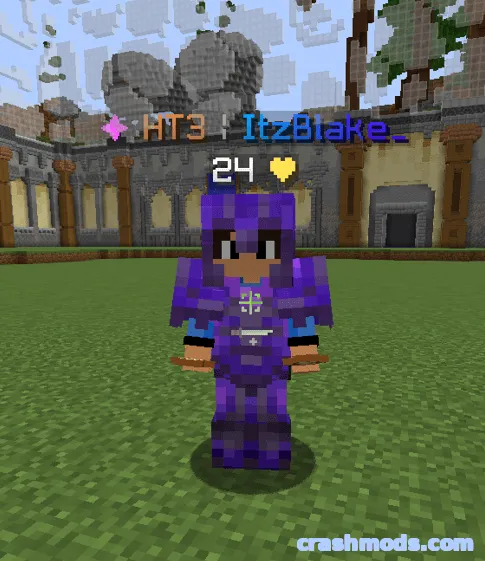
SkinsRestorer solves a familiar problem on offline mode Minecraft servers: players not getting their own skins. It restores skins for offline mode servers and for entire networks, so everyone shows up looking the way they should.

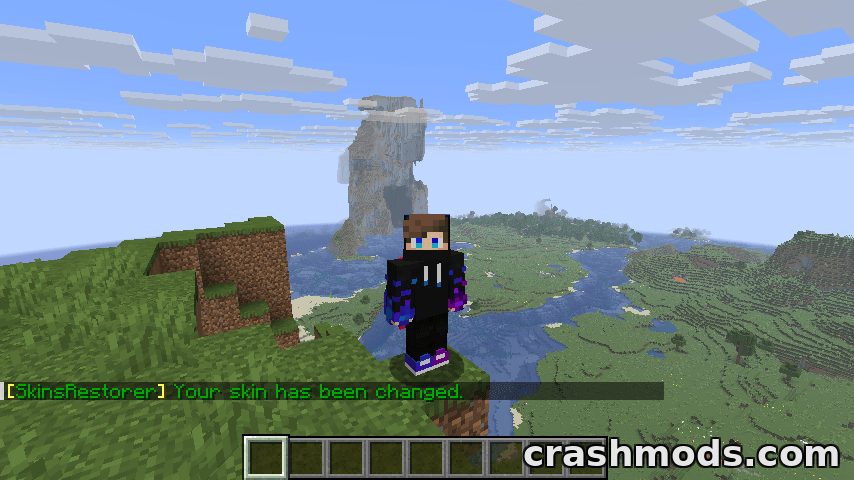
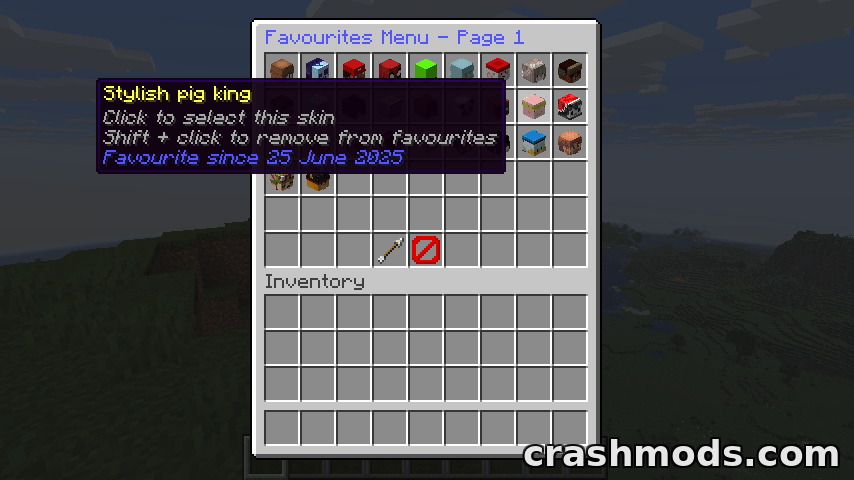
Changing a skin takes a single command typed in chat, so players can pick a new look themselves. A set of commands and permissions comes with it, which lets server staff decide who is allowed to use what.

It is built to fit the server stacks people already run rather than demanding a specific one. Bukkit, Spigot, Paper and Purpur are covered on the server side and Velocity, BungeeCord and Waterfall on the proxy side, and it works in offline mode as well as online mode.

✅ Description reviewed by the CrashMods Team

Changelog

V1.9.3 — First release.
Frequently asked questions6 questions

SkinsRestorer – which game and version is it for?

This mod was made for Minecraft (game version: 26.2). The mod's own version: V1.9.3. After a major game update, older mods may stop working — check the version before installing.

SkinsRestorer – how do I install it?

Install the mod loader that matches the mod's Minecraft version (Forge or Fabric), then put the .jar file in the .minecraft/mods folder.

Is the download safe?

We checked the file with VirusTotal: none of the 65 antivirus engines flagged it. The full report opens from the "Verified" badge on the mod's page.

How big is the download?

The mod's file size is about 6.5 MB.

SkinsRestorer – who made it?

The mod's original creator: SRTeam.

Is the mod free?

Yes, downloading from CrashMods is free; registration is not required.

Download Get the latest version of this mod and enjoy!

Mod version: V1.9.3 Minecraft 26.2 2 months ago 6.5 MB
SkinsRestorer – Restore and Change Player Skins on Servers V1.9.3 6.5 MB Minecraft Download File

The file is on ModsDrop, our own storage.

  • Scannedwith VirusTotal
  • EU serversFast & reliable
  • Free downloadNo registration needed
  • Latest versionAlways up to date

More Minecraft Utility mods

Uploaded by

Tabornok3
Tabornok3 LITE
  • 2,191 mod
  • 1 follower
  • 3,277 download
  • Registered 4 months ago

Community screenshots

Screenshots from players using this mod. Add yours — images only (JPG, PNG, WebP).

No community screenshots yet — be the first!

Leave a comment

Stay in the loop

Get the latest mods & updates in your inbox.

✓ Thanks! We will keep you posted.

💬
New mods & updatesBe the first to know.
🛡️
Verified & safeQuality checked by our team.
🎁
Community perksEvents, contests & more.

© 2026 CrashMods — All rights reserved.
Safe & TrustedEvery mod is scanned and reviewed to ensure a safe experience.
SecureYour safety is our priority.