Skip to content
Join our Discord for updates & support Discord

Home / Games / Minecraft

MC Optimization

845 mods

Browse trending picks and fresh uploads for Minecraft—the grid below jumps straight into the catalog.

Filters
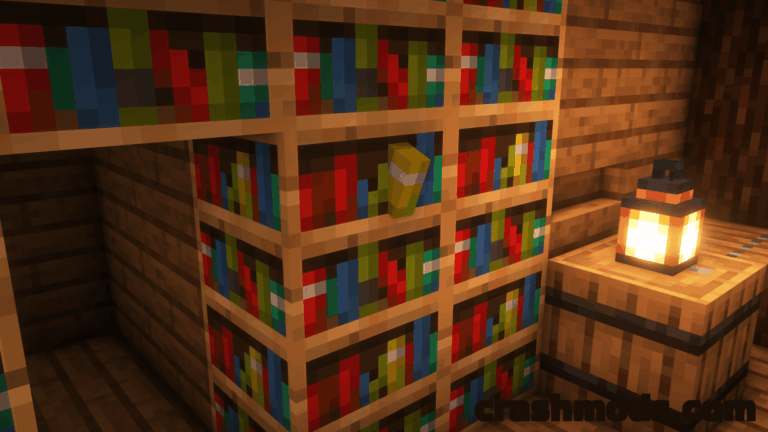
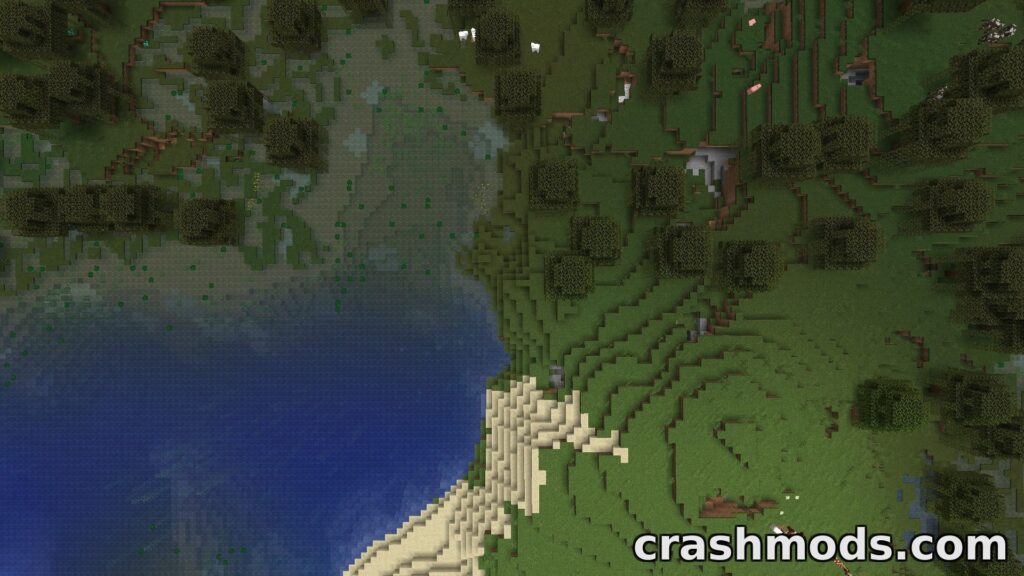
Better Biome Reblend – Smooth Biome Color Blending Minecraft mod screenshot

Better Biome Reblend is a client-side Minecraft 1.21.11 mod for NeoForge that brings smooth, sRGB-correct biome color transitions without the usual performance cost of biome blending.

  • Optimization
  • Client Side
  • Biome Blend
  • Performance
  • Bug Fix
  • Color Transitions
  • sRGB Colors
  • Grass Colors
  • Water Colors
  • Leaves Colors
  • Sodium Compatible
  • NeoForge
  • 1.21.11
  • Modpack Friendly

Tabornok3 by Tabornok3 Rank:LITETOP

Minecraft Optimization · Mod version: V7.6.9 · Version: 1.21.11

View mod
Updated 1 month ago Views 4 views Downloads 0 Likes 0 Dislikes 0 Comments 0
File Size: 384.2 KB
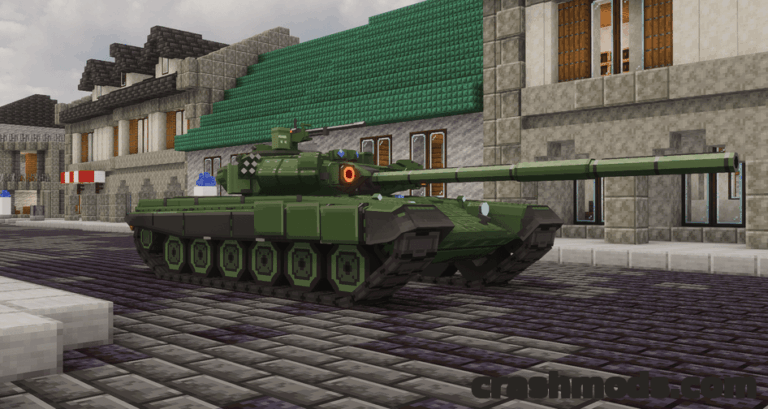
Tekkit Visuals (Classic) – Built-In Shaders with Shadows and Reflections Minecraft mod screenshot

Tekkit Visuals brings real-time shadows, waving foliage, water reflections and god rays to Minecraft 1.2.5, shipping one complete tuned shader pack and a live F6 menu with 17 shader options.

  • Shader Pack
  • Real-Time Shadows
  • Water Reflections
  • God Rays
  • Waving Foliage
  • Held Torch Light
  • Falling Leaves
  • 3D Grass
  • Visual Waterlogging
  • F6 Menu
  • Java Agent
  • Tekkit Classic
  • 1.2.5
  • OptiFine Required

Tabornok3 by Tabornok3 Rank:LITETOP

Minecraft Optimization · Mod version: V8.8.0 · Version: 1.2.5

View mod
Updated 1 month ago Views 6 views Downloads 0 Likes 0 Dislikes 0 Comments 0
File Size: 242.7 KB
Immersive Optimization – Entity Tick Scheduler for Doubling Server TPS Minecraft mod screenshot

Immersive Optimization is a lightweight entity tick scheduler that doubles your TPS by slowing entities down instead of switching their ticks off, so farms keep running. NeoForge build for Minecraft 1.21.1.

  • Entity Ticks
  • Tick Scheduler
  • TPS Boost
  • Lag Reduction
  • Block Entities
  • Lag Spikes
  • Dynamic Tick Rate
  • Server Load
  • Farms Keep Working
  • Config Commands
  • Entity Culling
  • Multiplayer Ready
  • NeoForge
  • 1.21.1

Tabornok3 by Tabornok3 Rank:LITETOP

Minecraft Optimization · Mod version: V2.9.9 · Version: 26.2

View mod
Updated 1 month ago Views 10 views Downloads 0 Likes 0 Dislikes 0 Comments 0
File Size: 56.5 KB
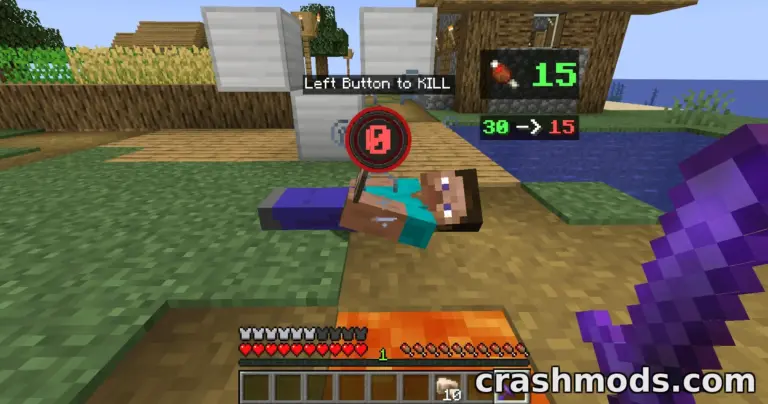
Fast Item Frames – Block-Based Frames for Less Lag and More Control Minecraft mod screenshot

Fast Item Frames rebuilds Minecraft item frames as blocks instead of entities for higher FPS in frame-heavy builds, and adds dyeing in millions of colors, invisible frames and honeycomb waxing.

  • Optimization
  • Item Frames
  • Block Based
  • FPS Boost
  • Less Lag
  • Dyeable Frames
  • Invisible Frames
  • Waxed Frames
  • Honeycomb
  • Piston Reactive
  • Name Hiding
  • World Conversion
  • NeoForge
  • 1.21.1

Tabornok3 by Tabornok3 Rank:LITETOP

Minecraft Optimization · Mod version: V1.1.6 · Version: 26.2

View mod
Updated 1 month ago Views 2 views Downloads 0 Likes 0 Dislikes 0 Comments 0
File Size: 97.4 KB
Sodium Dynamic Lights – Dynamic Lighting with Sodium and Embeddium Integration Minecraft mod screenshot

Sodium Dynamic Lights is a multiloader port of LambDynamicLights that brings moving light sources to Minecraft and puts its settings straight into the Sodium options. Fabric, 1.21.1, 0.94 MB.

  • Dynamic Lights
  • Moving Lights
  • Sodium Integration
  • Embeddium Support
  • Optimization
  • LambDynamicLights Port
  • Multiloader Port
  • Sodium Options
  • Light Sources
  • Visual Mod
  • Lightweight
  • Configurable
  • Fabric
  • 1.21.1

Tabornok3 by Tabornok3 Rank:LITETOP

Minecraft Optimization · Mod version: V1.5 · Version: 1.21.5

View mod
Updated 1 month ago Views 1 view Downloads 0 Likes 0 Dislikes 0 Comments 0
File Size: 958.7 KB
Iris Shaders – Modern Shader Pack Loader for OptiFine Packs Minecraft mod screenshot

Iris Shaders is an open-source shader pack loader for Minecraft that runs almost every existing OptiFine shader pack. This build targets Fabric on 1.21.1 and weighs only 2.66 MB.

  • Shaders
  • Shader Loader
  • OptiFine Packs
  • Graphics Mod
  • Optimization
  • Open Source
  • Pack Compatibility
  • Visual Mod
  • Rendering
  • Client Mod
  • Lightweight
  • Shader Support
  • Fabric
  • 1.21.1

Tabornok3 by Tabornok3 Rank:LITETOP

Minecraft Optimization · Mod version: V1 · Version: 26.1.2

View mod
Updated 1 month ago Views 2 views Downloads 1 Likes 0 Dislikes 0 Comments 0
File Size: 2.7 MB

Minecraft Mods and Community Downloads

Browse free Minecraft mods, community downloads and add-ons on CrashMods. This archive helps players discover new content, compare mod pages and find updated releases faster.

  • Explore fresh and popular Minecraft mods in one place.
  • Use categories and sorting tools to find the right download.
  • Check screenshots, descriptions and file information before downloading.

CrashMods is built for players who want a simple way to discover, browse and download community-made game mods.

Minecraft mods — vetting, installing, common questions

🛡️ How we vet the files

845 of the 845 Minecraft mods carry a finished clean VirusTotal verdict (100%).

  • Until the check finishes the upload stays hidden: nobody but you and the team can reach it.
  • The download button names the host before you leave the site — and one click reports anything that looks wrong.

💾 Installing a Minecraft mod

Follow the game’s standard mod-installation steps and read the mod description.

  1. Download the file from the mod page.
  2. Find the game’s mod folder (usually under Documents).
  3. Copy the file in, then enable the mod inside the game.

Browse all installation guides →

❓ Frequently asked questions

Are the Minecraft mods on CrashMods safe?

Every uploaded file is scanned with VirusTotal automatically BEFORE the mod goes public. Minecraft currently has 845 mods: 845 carry a finished clean verdict. The result is shown on each card, and you can report any mod that looks wrong.

How do I install a Minecraft mod?

Follow the game’s standard mod-installation steps and read the mod description. 1) Download the file from the mod page. 2) Find the game’s mod folder (usually under Documents). 3) Copy the file in, then enable the mod inside the game.

Are these mods free?

They are free to download — there is no paywall on the Minecraft catalogue and no sign-up required. A mod is only paid if its creator set a price, and that price is stated plainly on the card and the mod page.

How do I know which game version a mod fits?

Every Minecraft mod card states the game version it was built for, and the sidebar lets you filter by version. After a game update, filter to the newest version first.

Stay in the loop

Get the latest mods & updates in your inbox.

✓ Thanks! We will keep you posted.

💬
New mods & updatesBe the first to know.
🛡️
Verified & safeQuality checked by our team.
🎁
Community perksEvents, contests & more.

© 2026 CrashMods — All rights reserved.
Safe & TrustedEvery mod is scanned and reviewed to ensure a safe experience.
SecureYour safety is our priority.