Skip to content
Join our Discord for updates & support Discord

BiomeInfo – On-Screen Biome Name Display V4.2.5

—/5, 0 ratings

Your rating

Creator: bl4ckscor3

File verified — safe
All 60 security engines found this file clean.
Last checked: 2019-05-31
Security report

Features:

  • Shows the name of the biome the player is currently in
  • The text appears for 1.5 seconds after entering a new biome, then fades out
  • Display time can be extended, set to always on, or switched off completely
  • Top left corner by default, with position presets and full custom placement
  • Text color is set from a hexadecimal value, with scaling and alignment options
  • Text shadow, enabled by default
  • Not rendered while the F3 debug screen is open, and that behaviour is configurable
  • Compatible with other biome mods such as Biomes o’ Plenty
  • Client side only and does nothing when installed on a server
  • Forge loader support
  • For Minecraft 1.13.2
  • Made by bl4ckscor3

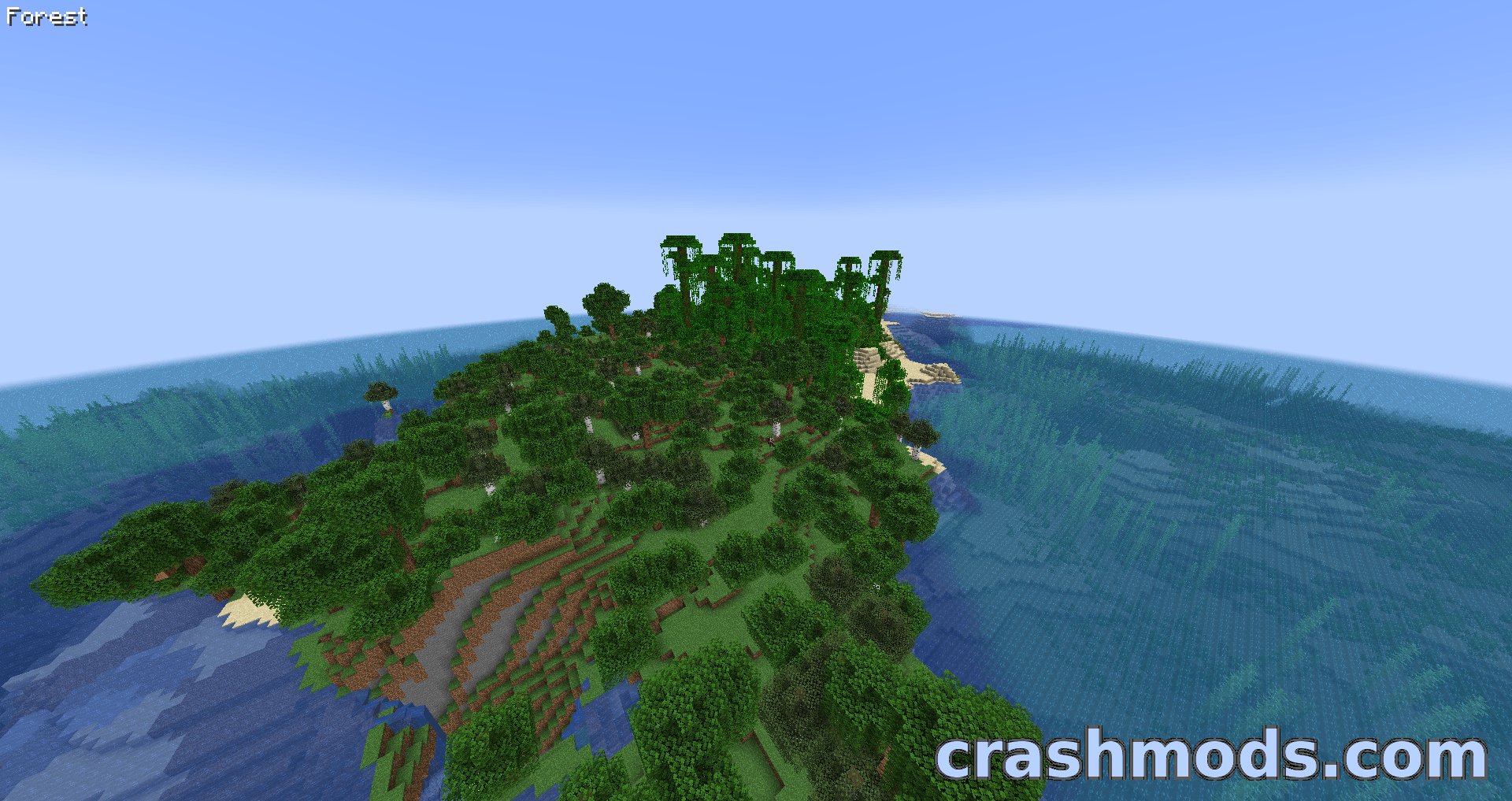
BiomeInfo answers one question and then gets out of the way: which biome am I standing in? Each time you enter a new one its name appears on screen for 1.5 seconds and then fades away, so the information is there without the screen being cluttered with everything else.

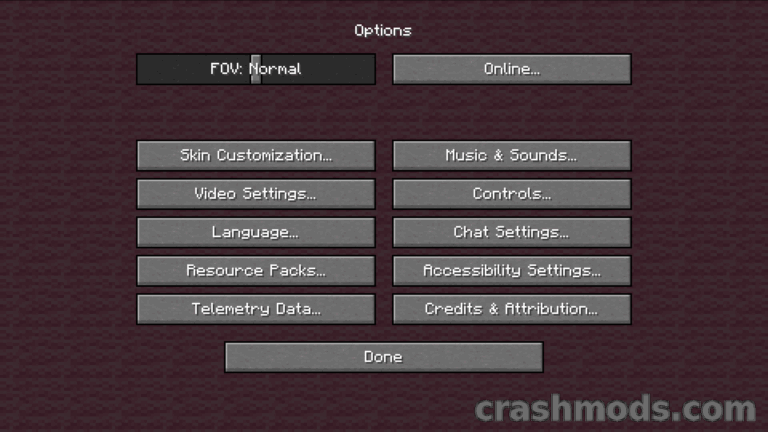
The display is adjustable through the configuration options. It sits in the top left corner by default, and position presets make it easy to move without fiddling with the settings by hand, while the color comes from a hexadecimal value. You can also scale the text, render it with a shadow, which is on by default, and change its alignment. The timer can be extended, made permanent, or the display turned off entirely.

Other biome mods work alongside it without trouble, so a biome pack such as Biomes o’ Plenty is covered as well. The text also steps aside while the F3 debug screen is open, and since this is a client side mod it does nothing at all when installed on a Minecraft server.


✅ Description reviewed by the CrashMods Team

Changelog

V4.2.5 — First release.
Frequently asked questions6 questions

BiomeInfo – which game and version is it for?

This mod was made for Minecraft (game version: 1.13.2). The mod's own version: V4.2.5. After a major game update, older mods may stop working — check the version before installing.

BiomeInfo – how do I install it?

Install the mod loader that matches the mod's Minecraft version (Forge or Fabric), then put the .jar file in the .minecraft/mods folder.

Is the download safe?

We checked the file with VirusTotal: none of the 60 antivirus engines flagged it. The full report opens from the "Verified" badge on the mod's page.

How big is the download?

The mod's file size is about 6.0 KB.

BiomeInfo – who made it?

The mod's original creator: bl4ckscor3.

Is the mod free?

Yes, downloading from CrashMods is free; registration is not required.

Download Get the latest version of this mod and enjoy!

Mod version: V4.2.5 Minecraft 1.13.2 2 months ago 6.0 KB
BiomeInfo – On-Screen Biome Name Display V4.2.5 6.0 KB Minecraft Download File

The file is on ModsDrop, our own storage.

  • Scannedwith VirusTotal
  • EU serversFast & reliable
  • Free downloadNo registration needed
  • Latest versionAlways up to date

More Minecraft Utility mods

Uploaded by

Tabornok3
Tabornok3 LITE
  • 2,191 mod
  • 1 follower
  • 3,368 download
  • Registered 4 months ago

Community screenshots

Screenshots from players using this mod. Add yours — images only (JPG, PNG, WebP).

No community screenshots yet — be the first!

Leave a comment

Stay in the loop

Get the latest mods & updates in your inbox.

✓ Thanks! We will keep you posted.

💬
New mods & updatesBe the first to know.
🛡️
Verified & safeQuality checked by our team.
🎁
Community perksEvents, contests & more.

© 2026 CrashMods — All rights reserved.
Safe & TrustedEvery mod is scanned and reviewed to ensure a safe experience.
SecureYour safety is our priority.