

Features:
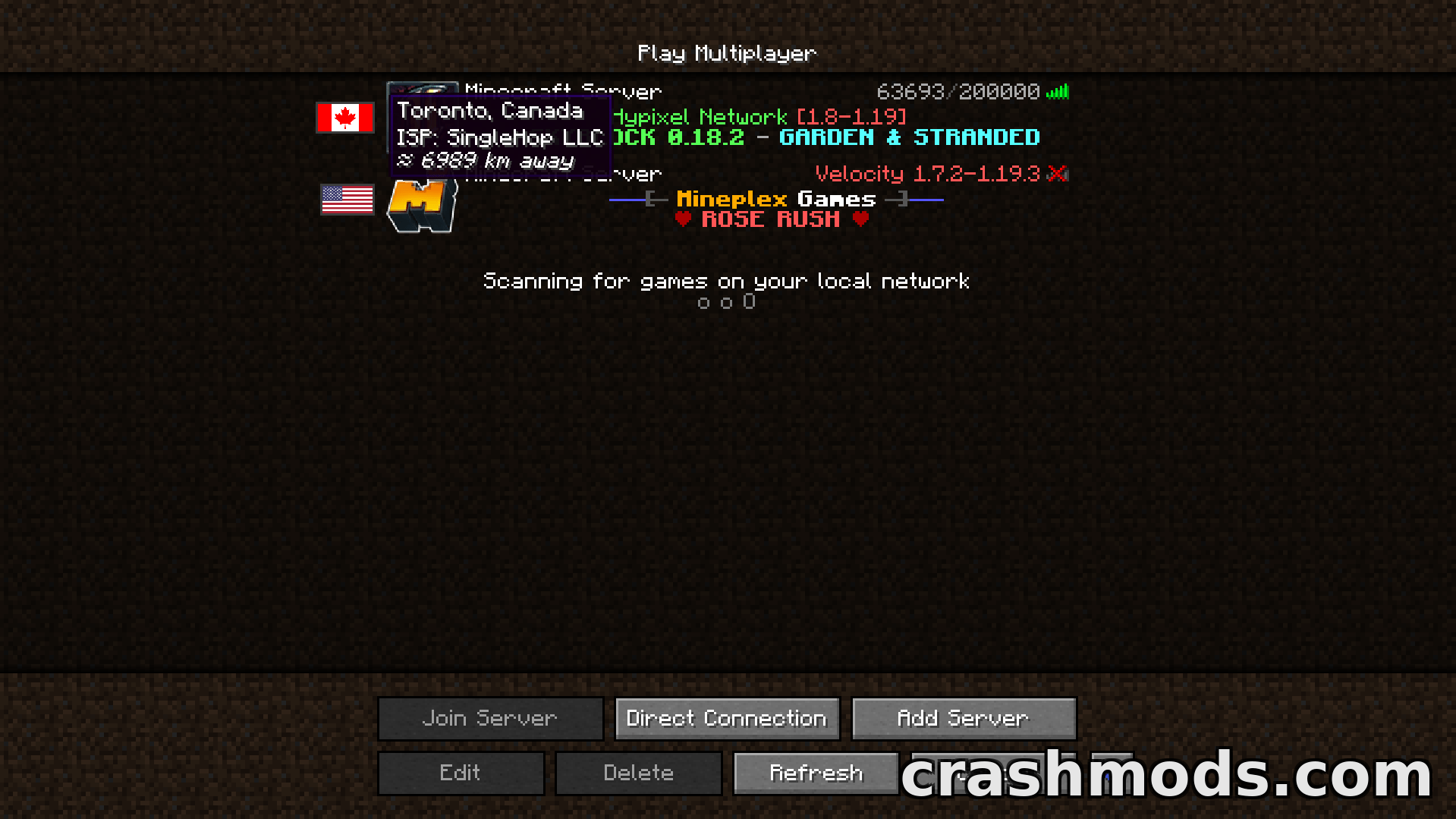
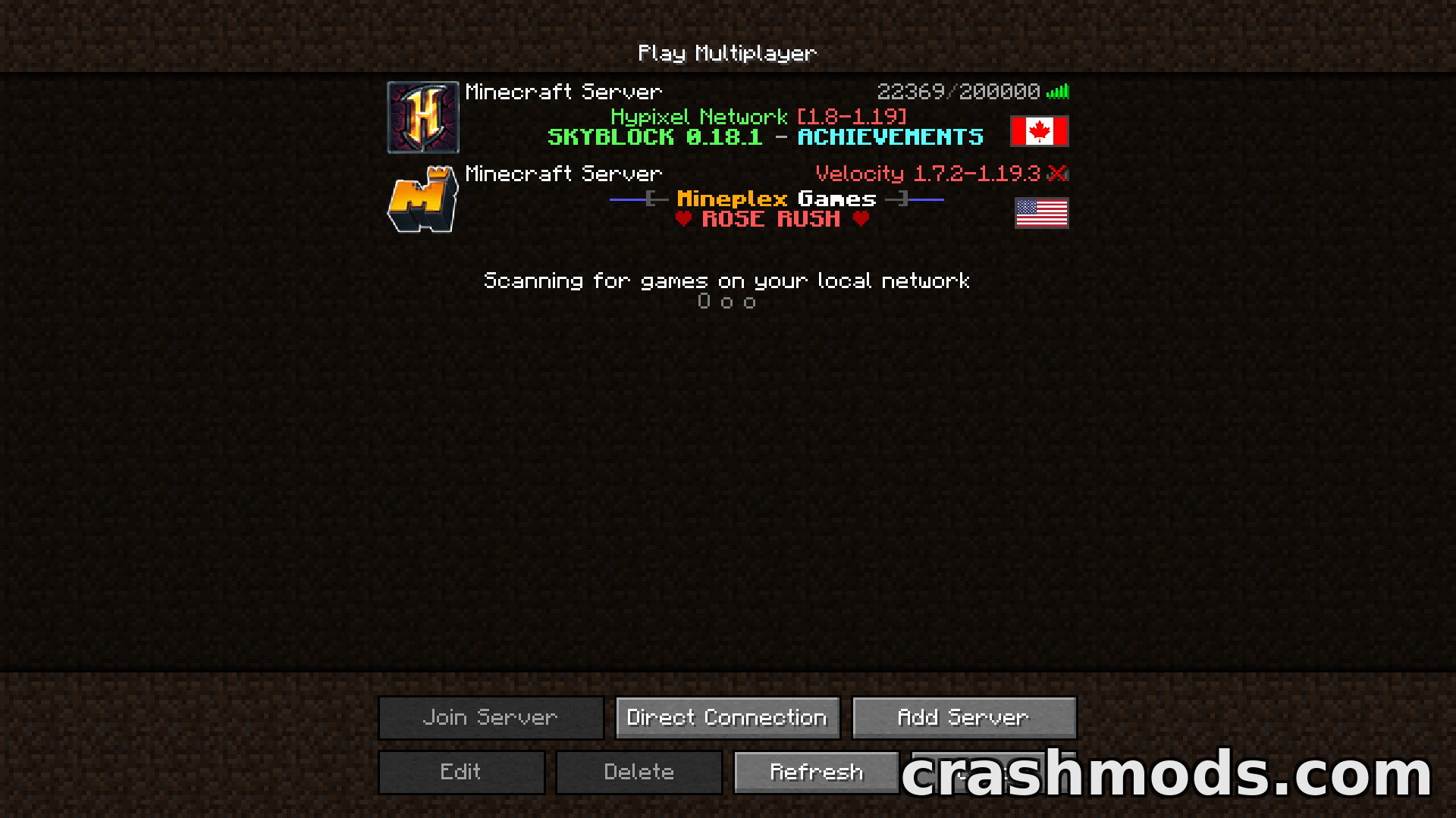
- Shows which country each server is located in, directly in the server list
- Country flag added to every server entry
- Displays your approximate distance to each server
- Some extra details shown for each server
- Built-in server map with a visual overview of your server locations
- Server Map button sits in the server list next to the other buttons
- The map button can be moved or removed in the config
- User-friendly settings screen when Cloth Config API is installed
- Location data from a free public IP geolocation service, limited to 45 requests per minute
- Flags are added to the Server Browser mod as well
- NeoForge support for Minecraft 1.21.1
- Made by Khajiitos
The vanilla multiplayer screen lists your servers by name and tells you nothing about where the machine behind each one actually sits. Server Country Flags closes that gap by drawing the host country’s flag beside every entry in your Minecraft server list, along with your approximate distance to it and a few extra details.
There is also a built-in server map. A Server Map button appears in the server list next to the existing buttons and opens a visual overview of where all your servers are situated, so you can identify your favourites at a glance. If the button is in the way, the config lets you move it or remove it entirely.
Settings are handled through a user-friendly screen when Cloth Config API is installed, opened from the Config button in the mod list. The location data comes from a free public IP geolocation service that allows up to 45 requests per minute, which is comfortably enough. Flags are also added to the Server Browser mod, making it easier to spot the server closest to you. This build is for Minecraft 1.21.1 on NeoForge.