Skip to content
Join our Discord for updates & support Discord

Chat Patches – Client-Side Chat Overhaul With Timestamps and History V2.4.5

—/5, 0 ratings

Your rating

Creator: OBro1961

File verified — safe
All 65 security engines found this file clean.
Last checked: 2026-09-02
Security report

Features:

  • Raises the maximum number of chat messages from 100 to 16384
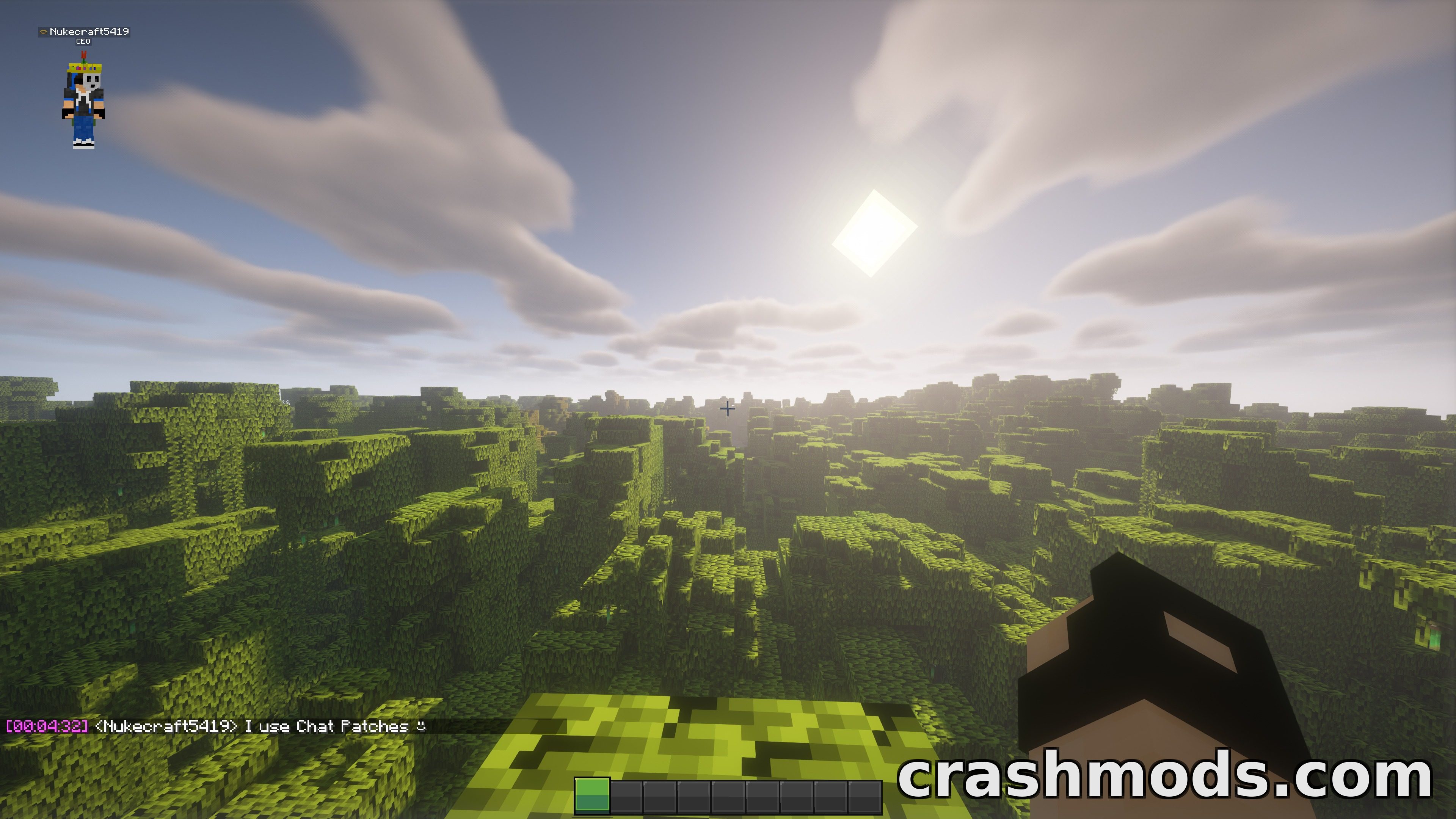
  • Timestamp in front of every message with a tooltip showing the complete date
  • Chat history and sent messages kept across all worlds and servers, with optional logging to restore them later
  • Vanilla player names can be reformatted, for example without the angle brackets
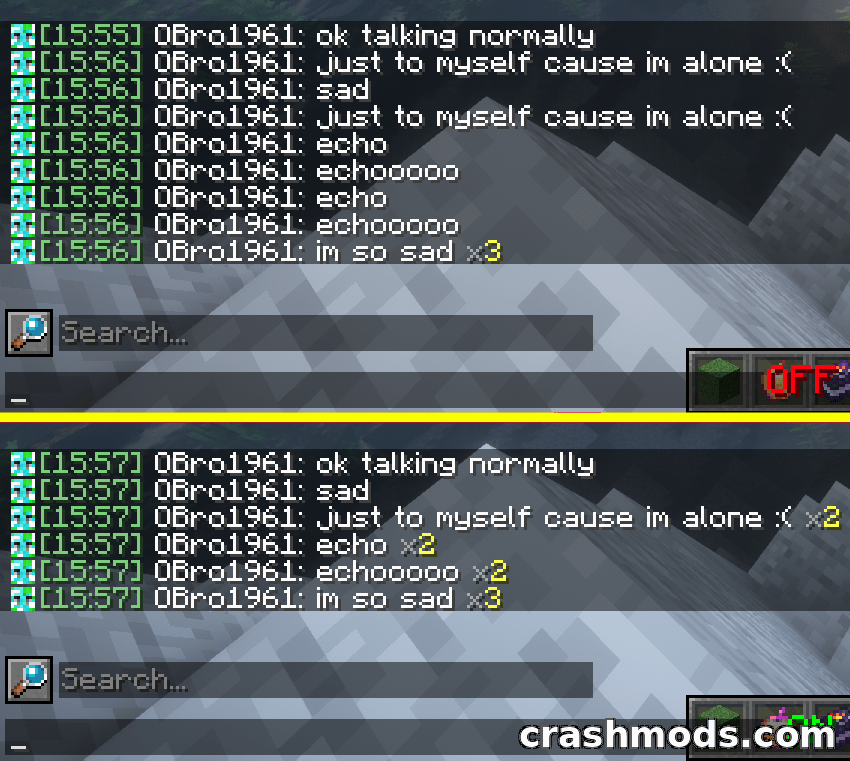
  • Duplicate message counter that keeps repeated spam under control
  • Chat hud shifted up by 10 pixels so it no longer overlaps the armor bar
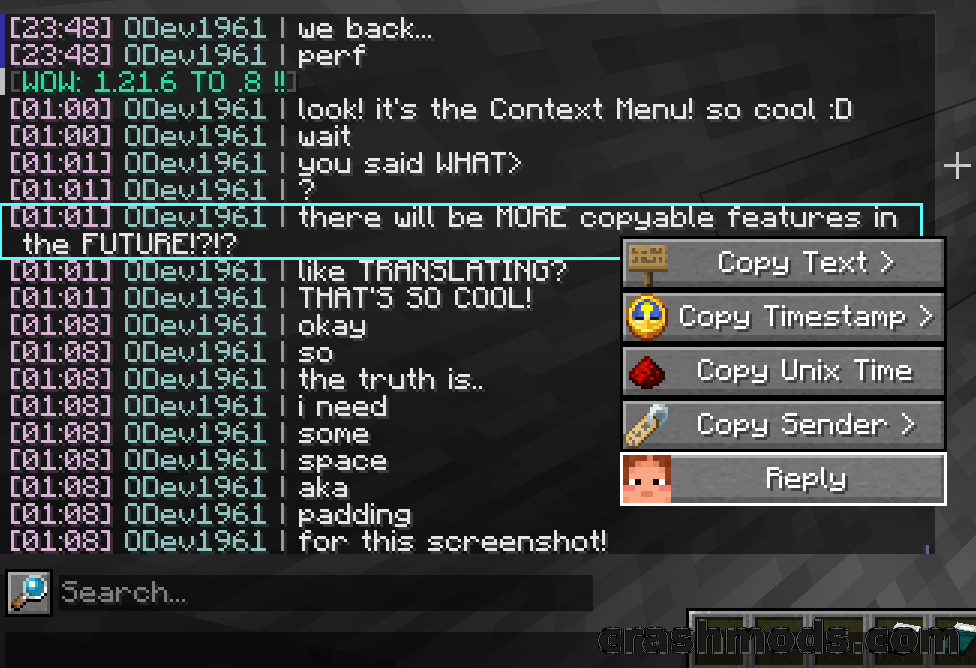
  • Copy menu for taking the text or specific data out of a chat message
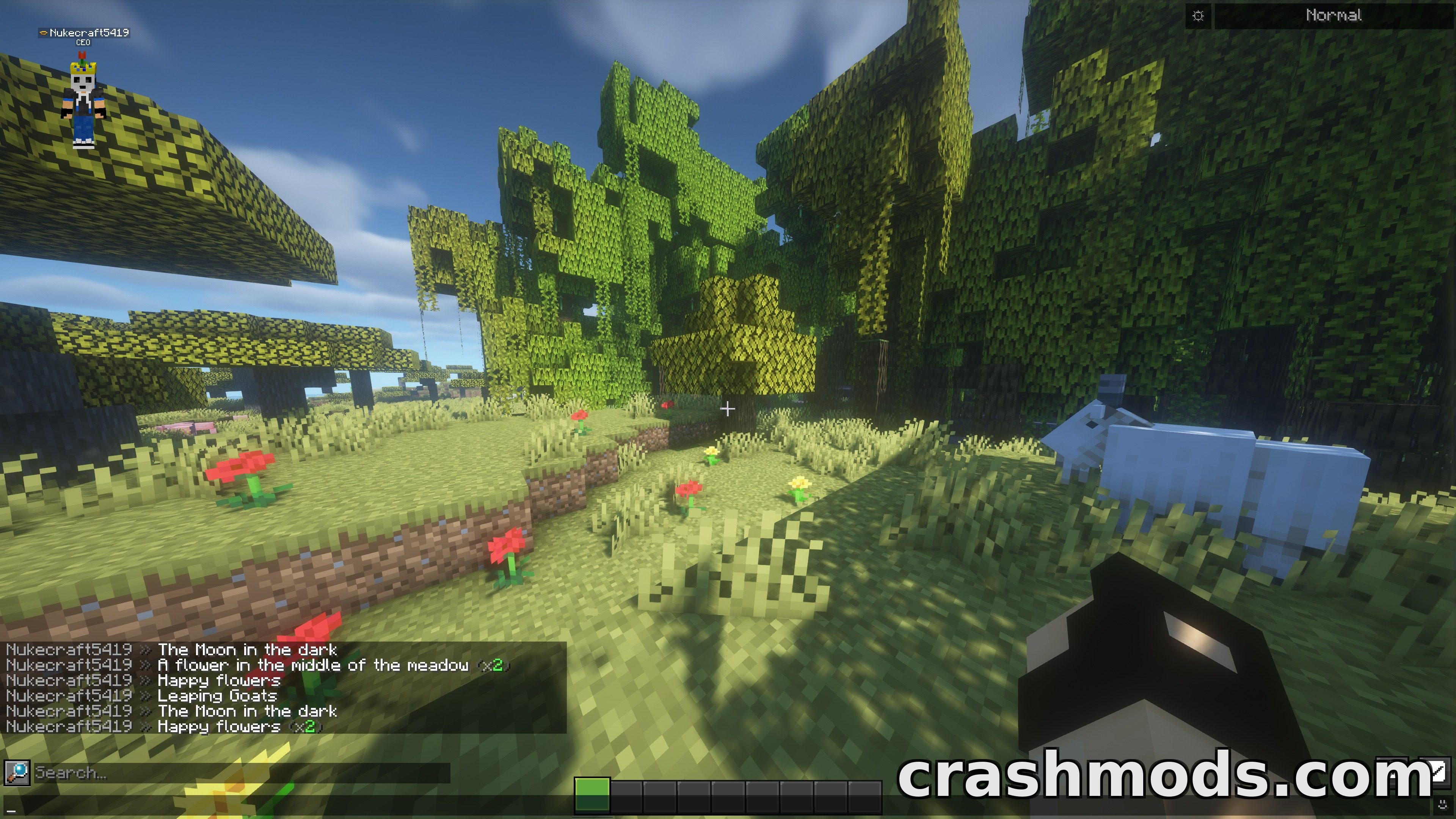
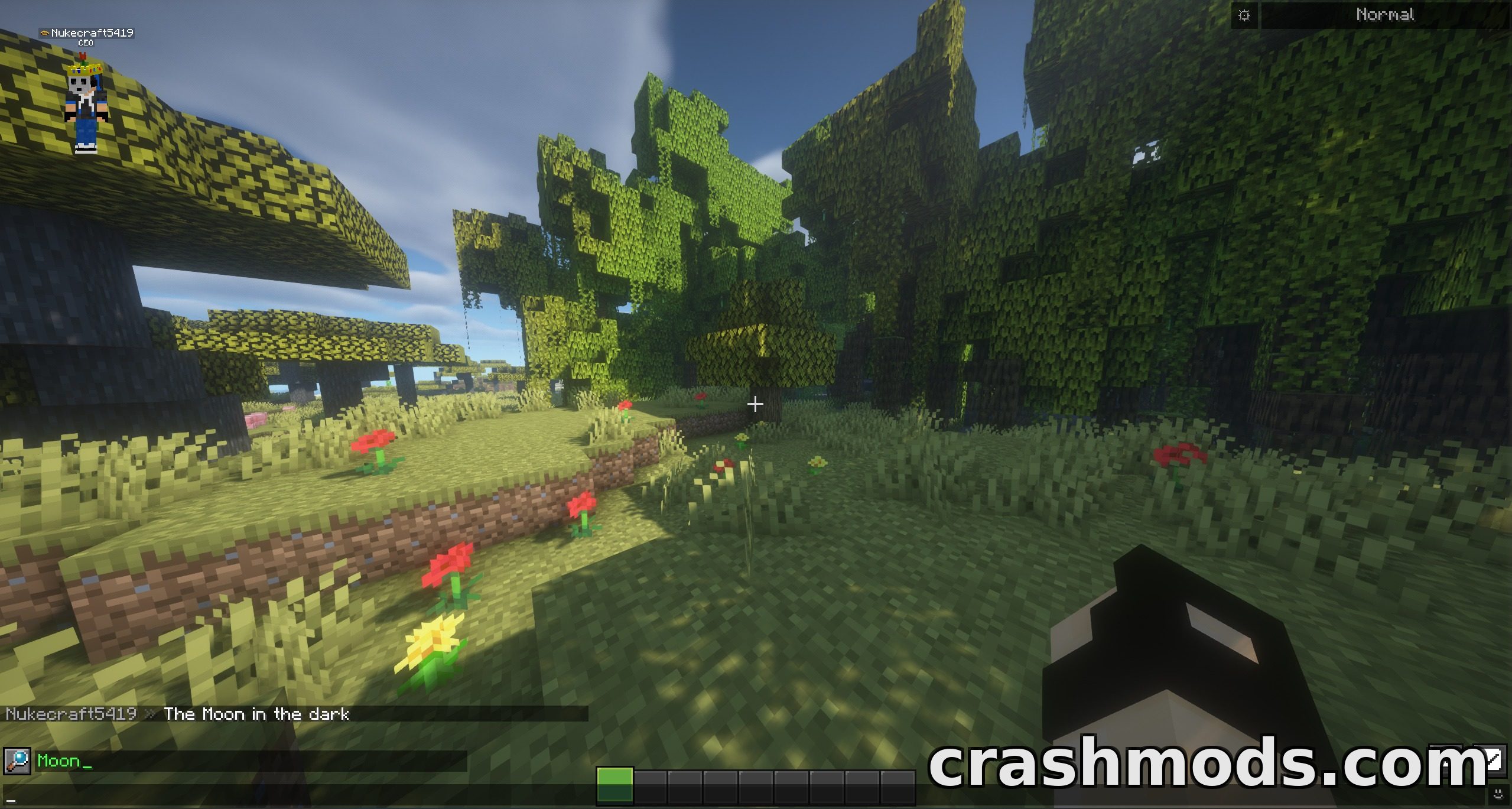
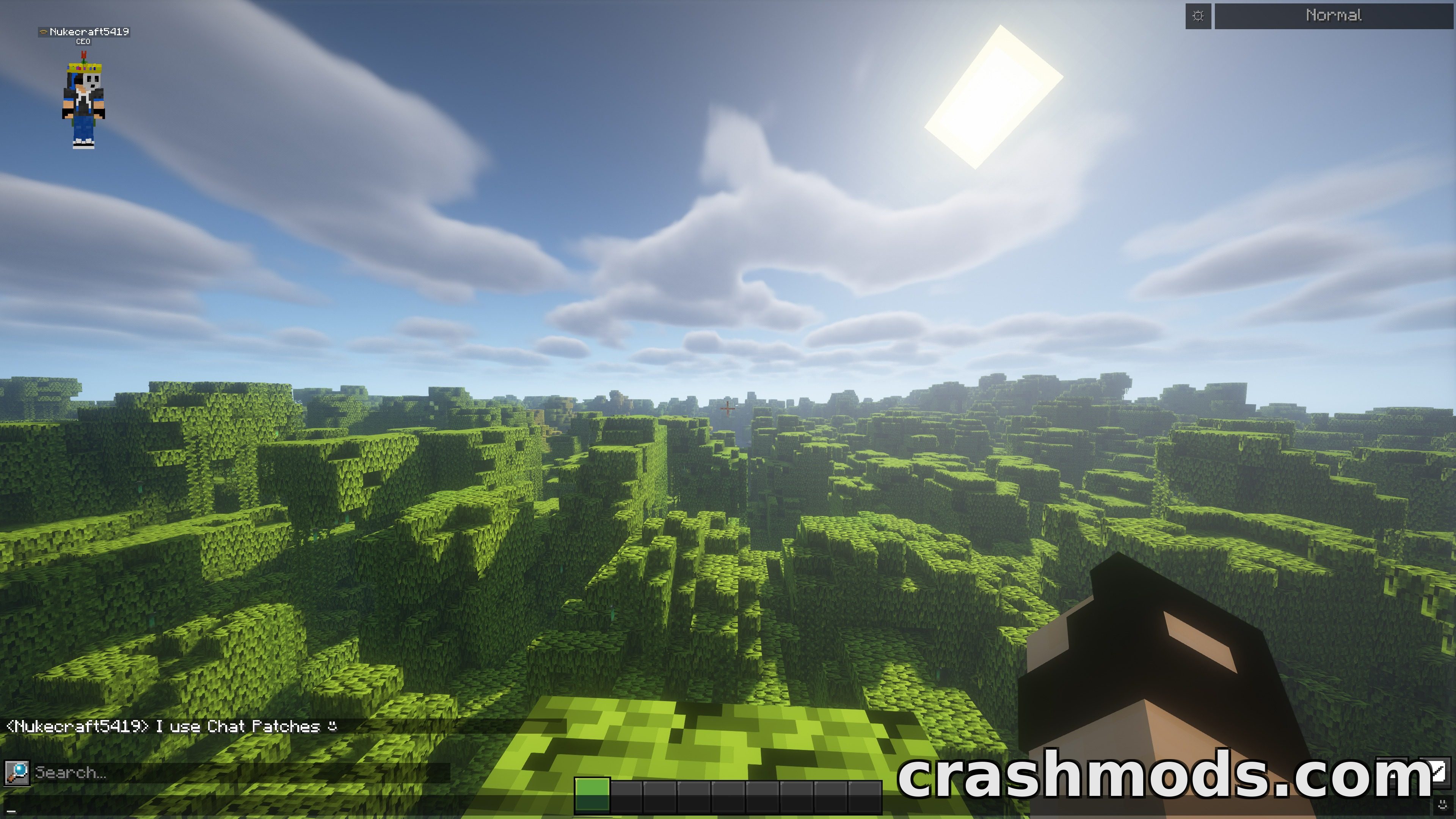
  • Search bar for looking through every message you have received
  • Client-side only, so servers do not need it, and every feature can be toggled
  • Requires Yet Another Config Lib and a config menu mod on newer versions
  • Fabric support for Minecraft 1.21.1
  • Made by OBro1961

Vanilla chat forgets almost everything the moment you leave. Chat Patches fixes that from the client side: the message buffer grows from 100 lines to 16384, and both your chat history and the messages you have sent carry across every world and server. Optional logging goes one step further and lets an entire conversation be restored in a future Minecraft session.

Every line gets a timestamp in front of it, formatted as hour, minute and second, with a tooltip that spells out the full date when you hover it. Repeated messages collapse behind a counter showing how many arrived in a row, vanilla player names can be rewritten to whatever style you prefer, and the chat hud sits ten pixels higher so it stops fighting with the armor bar for space.

Finding something again is just as straightforward. A search bar runs across everything you have received, and a dedicated menu copies the text or the underlying data from any message. Nothing is required on the server, and every single one of these features can be switched on or off individually, either through an in-game config menu or by editing the mod’s own configuration file directly.

✅ Description reviewed by the CrashMods Team

Changelog

V2.4.5 — First release.
Frequently asked questions6 questions

Chat Patches – which game and version is it for?

This mod was made for Minecraft (game version: 26.2). The mod's own version: V2.4.5. After a major game update, older mods may stop working — check the version before installing.

Chat Patches – how do I install it?

Install the mod loader that matches the mod's Minecraft version (Forge or Fabric), then put the .jar file in the .minecraft/mods folder.

Is the download safe?

We checked the file with VirusTotal: none of the 65 antivirus engines flagged it. The full report opens from the "Verified" badge on the mod's page.

How big is the download?

The mod's file size is about 1.4 MB.

Chat Patches – who made it?

The mod's original creator: OBro1961.

Is the mod free?

Yes, downloading from CrashMods is free; registration is not required.

Download Get the latest version of this mod and enjoy!

Mod version: V2.4.5 Minecraft 26.2 2 months ago 1.4 MB
Chat Patches – Client-Side Chat Overhaul With Timestamps and History V2.4.5 1.4 MB Minecraft Download File

The file is on ModsDrop, our own storage.

  • Scannedwith VirusTotal
  • EU serversFast & reliable
  • Free downloadNo registration needed
  • Latest versionAlways up to date

More Minecraft Utility mods

Uploaded by

Tabornok3
Tabornok3 LITE
  • 2,191 mod
  • 1 follower
  • 3,161 download
  • Registered 4 months ago

Community screenshots

Screenshots from players using this mod. Add yours — images only (JPG, PNG, WebP).

No community screenshots yet — be the first!

Leave a comment

Stay in the loop

Get the latest mods & updates in your inbox.

✓ Thanks! We will keep you posted.

💬
New mods & updatesBe the first to know.
🛡️
Verified & safeQuality checked by our team.
🎁
Community perksEvents, contests & more.

© 2026 CrashMods — All rights reserved.
Safe & TrustedEvery mod is scanned and reviewed to ensure a safe experience.
SecureYour safety is our priority.