Features:
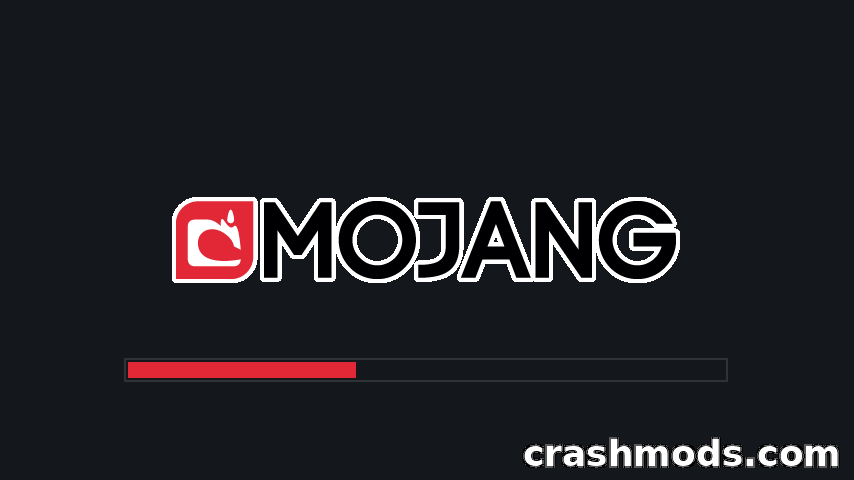
- Makes the default loading screen dark instead of bright
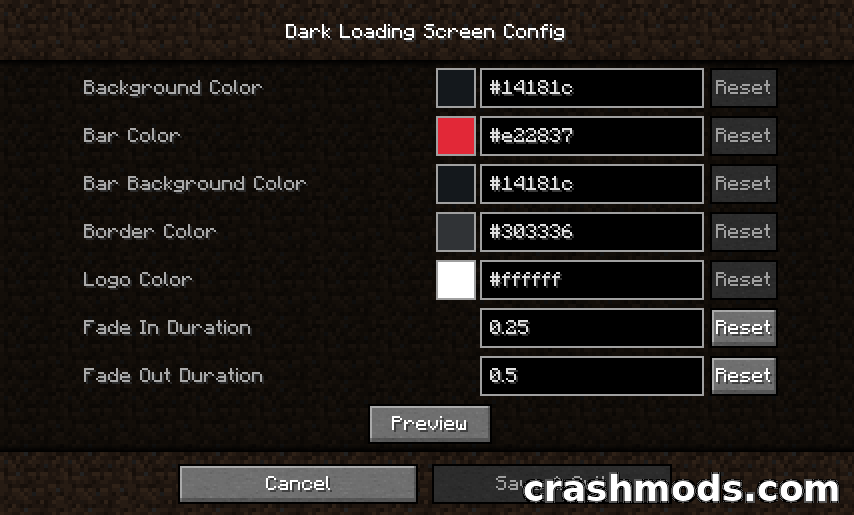
- Background, progress bar, bar background, border and logo colors are all configurable
- Fade-in and fade-out durations can be adjusted
- Colors can be edited in-game when Mod Menu and Cloth Config are installed
- Manual configuration through a small JSON file in the config folder
- Manual edits take effect after the game is restarted
- Defaults to a 14181c background with an e22837 progress bar and a white logo
- Default border color of 303336
- Community translations for a dozen languages
- Fabric and Quilt support
- For Minecraft 1.19.2
- Only about 0.05 MB in size
The default loading screen is a bright panel every time a world loads. Dark Loading Screen swaps it for a dark one, so moving between the menu and the world is a much softer transition.
None of the look is locked down. The background, the progress bar and its backing, the border and the logo each take their own color value, and the fade-in and fade-out timings can be tuned separately. With Mod Menu and Cloth Config installed the settings open directly in-game; without them the values live in a short JSON file in the config folder and apply the next time the game starts.
The mod is deliberately tiny at roughly fifty kilobytes and does one job, changing how the loading screen looks. Builds cover both Fabric and Quilt on Minecraft 1.19.2, and community translations mean the mod’s text is available in a dozen languages.