Skip to content
Join our Discord for updates & support Discord

Music Control – Skip, Replay and Fully Customise the Game Soundtrack V5.7.4

—/5, 0 ratings

Your rating

Creator: Pardys

File verified — safe
All 62 security engines found this file clean.
Last checked: 2026-05-10
Security report

Features:

  • Music panel opened with the M key
  • Previous and next track on the left and right arrow keys
  • Pause and resume playback with Right Shift
  • Music category volume raised or lowered with the up and down arrows
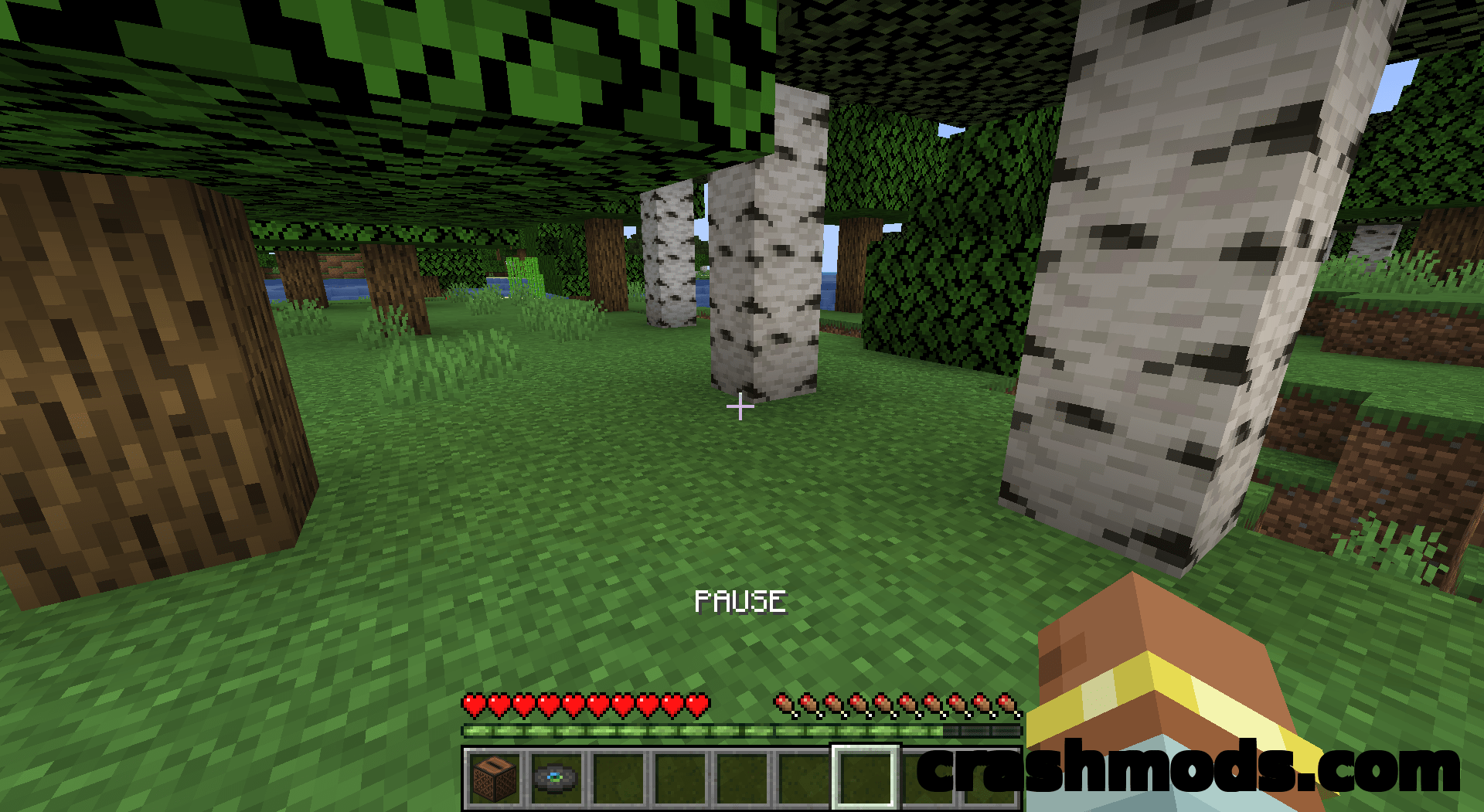
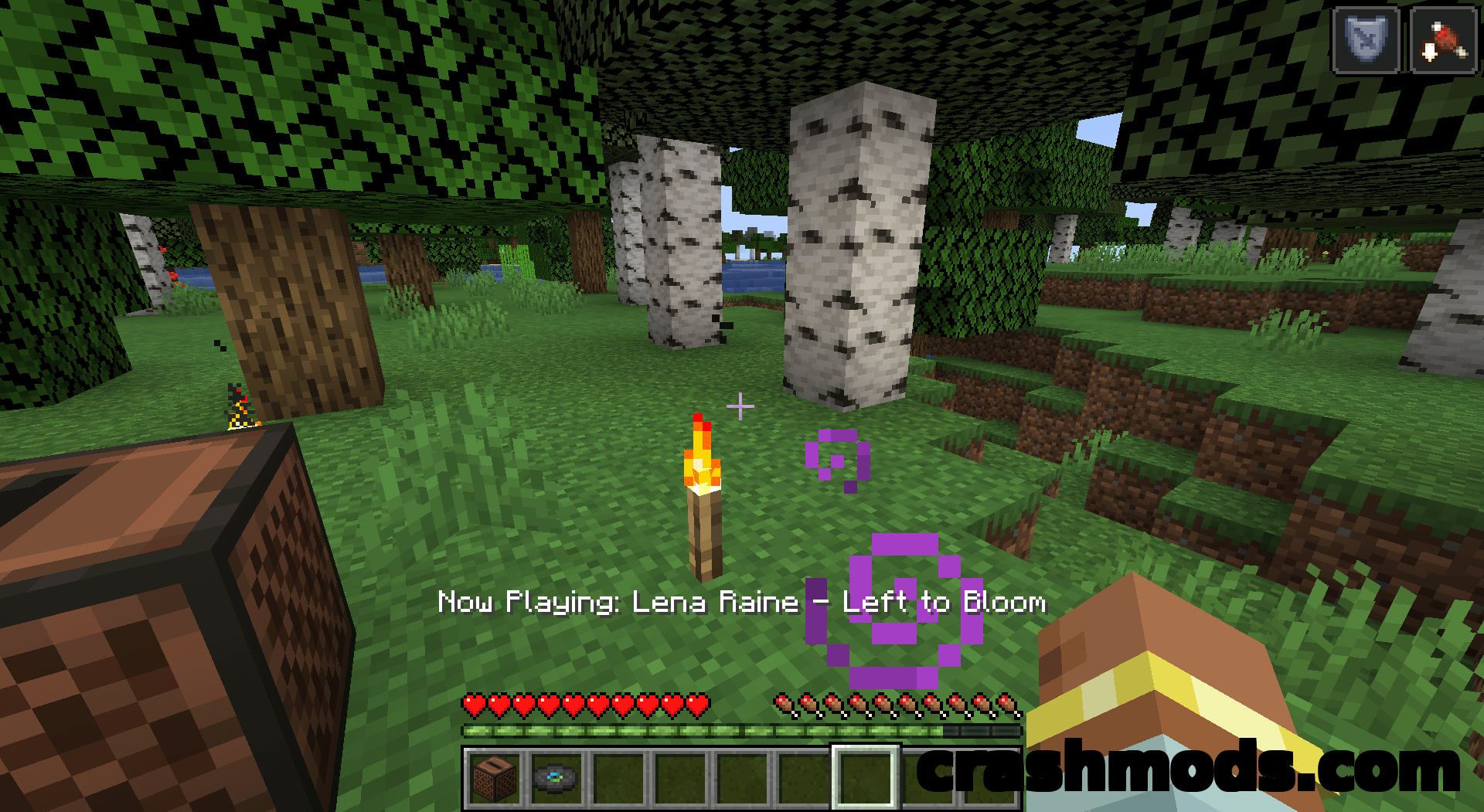
  • Right Ctrl displays the name of the track currently playing
  • Optional loop over the same track on a free keybind
  • Four player modes: default, disc, all and namespace
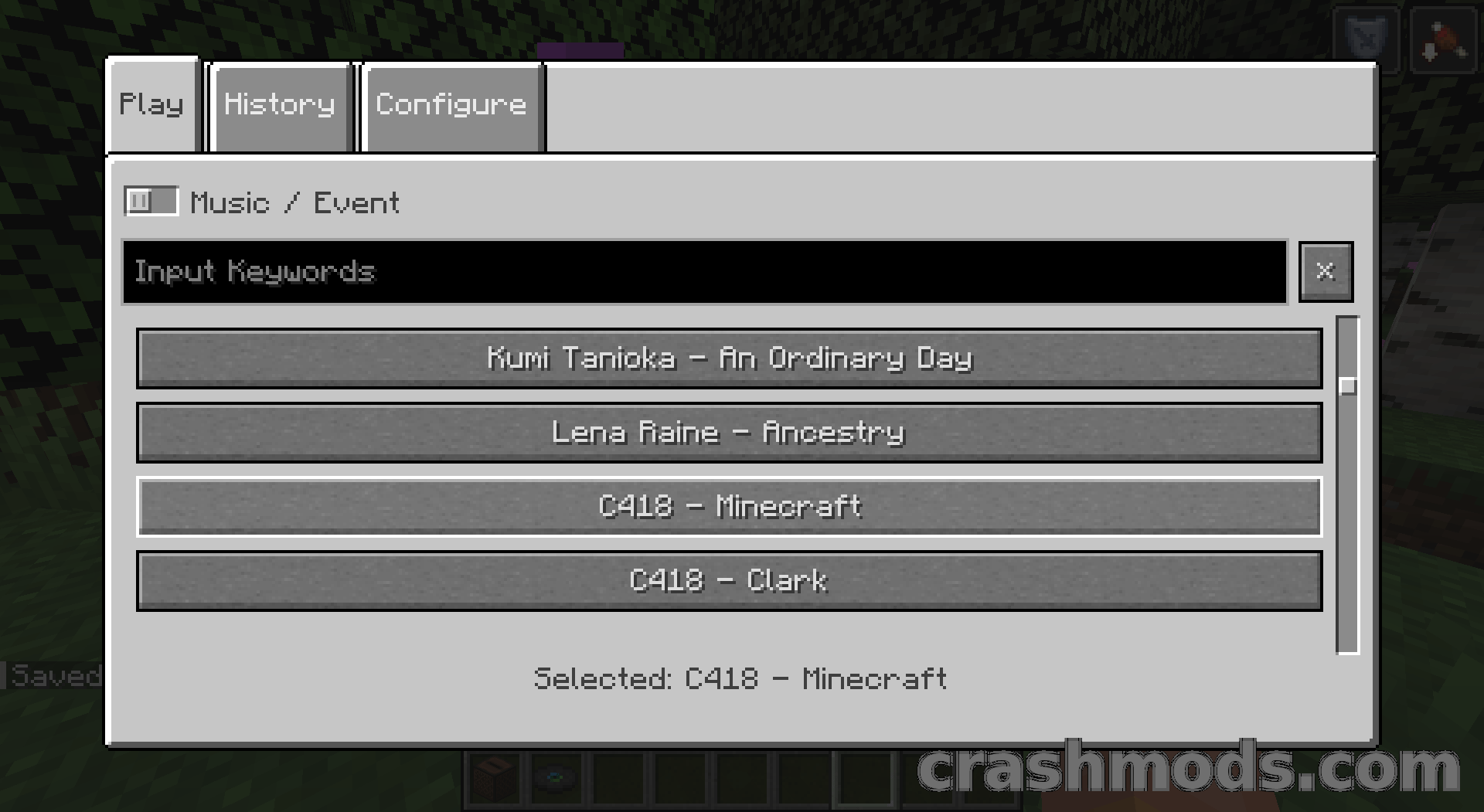
  • Play tab plays any chosen track or sound event on demand
  • History tab keeps recently heard tracks out of the random pool
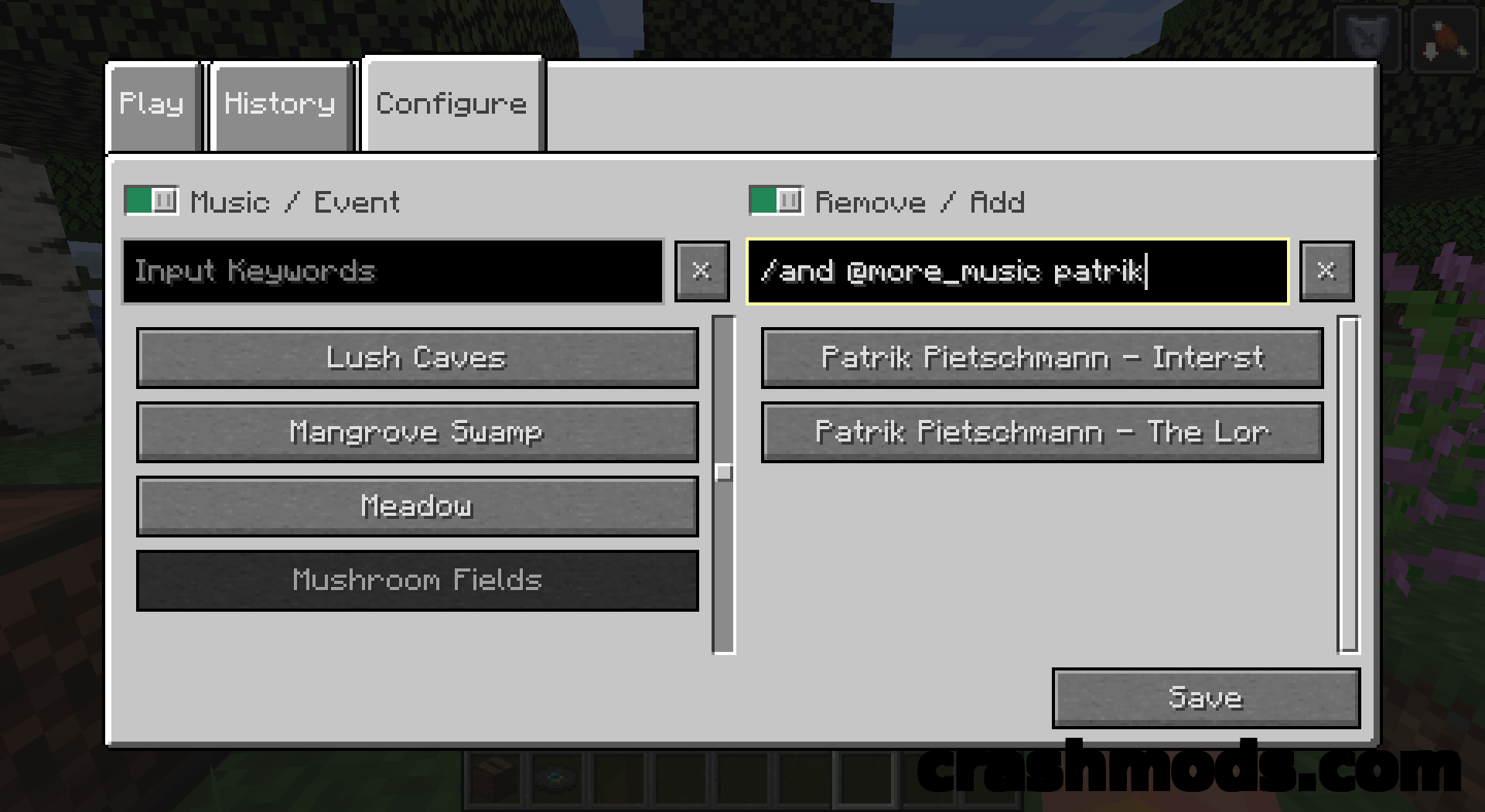
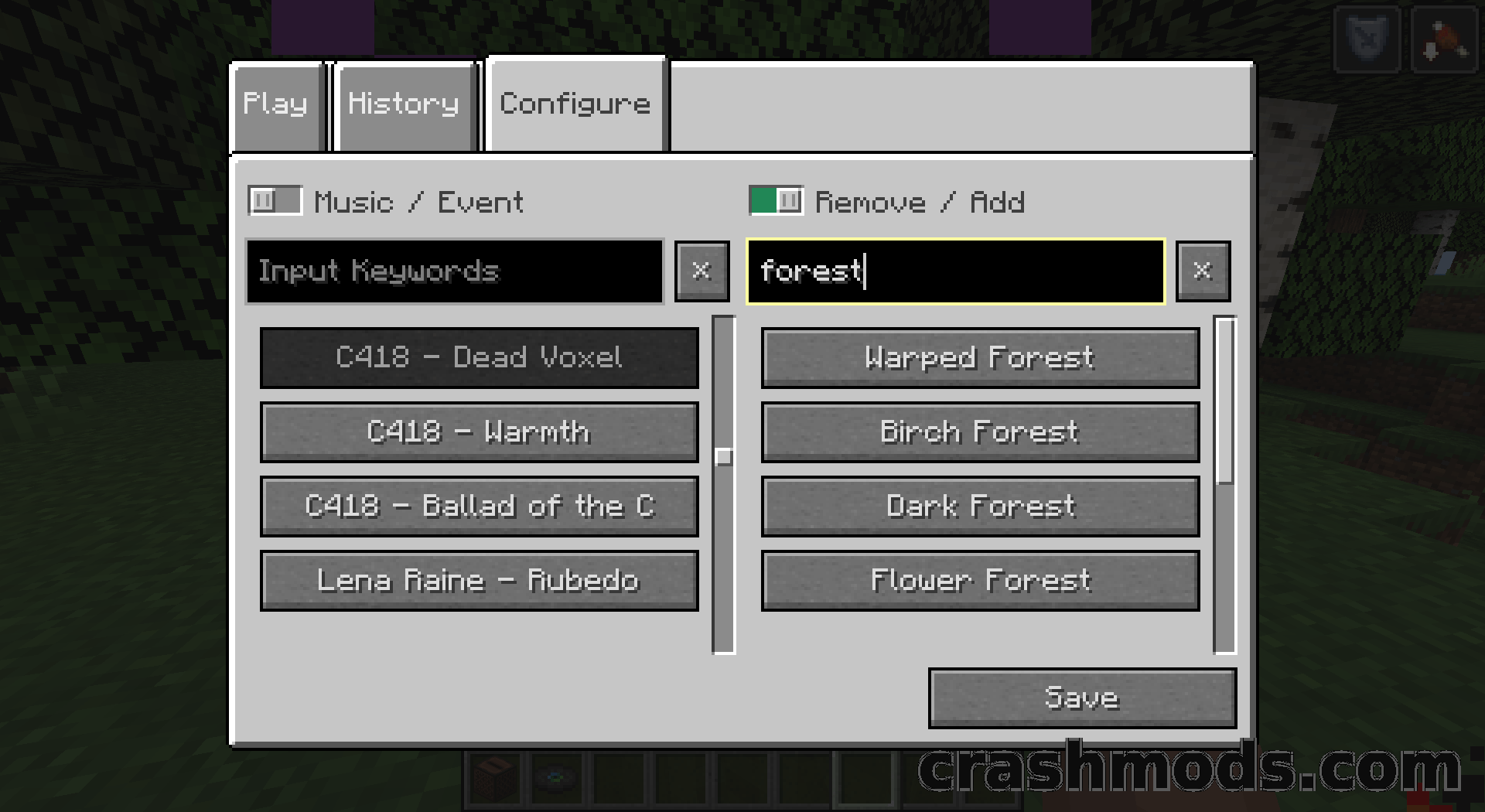
  • Configure tab links each track to the events it may play in
  • New sound events for every biome and dimension plus Raining, Thundering and Night
  • Client-side only, Fabric for Minecraft 1.21.1

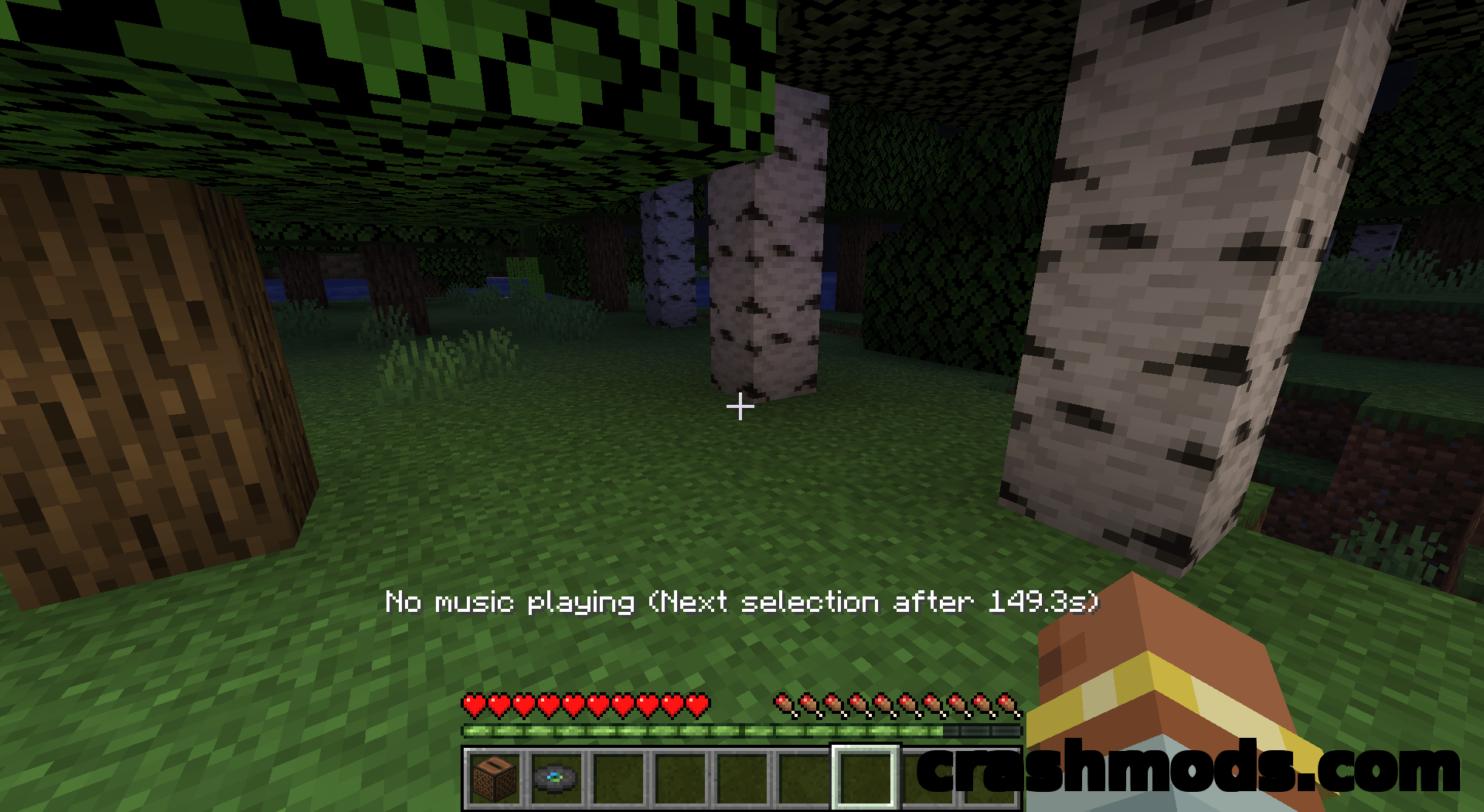
Minecraft plays its soundtrack on a schedule of its own: long silences between tracks, no way to hear a song again and no way to skip one that does not suit the moment. Music Control hands that schedule to the player, with a keybind for every part of playback and settings that can be switched on one by one.

The arrow keys jump to the previous or next track, Right Shift pauses and resumes, the up and down keys change music volume without opening the options screen, and Right Ctrl prints the name of whatever is playing. Page Up and Page Down switch music categories, so the game can be limited to music discs, to tracks added by resource packs and mods, or opened up to everything it knows. Every binding can be reassigned in the standard controls menu.

The music panel is where the deeper work happens. Its Play tab starts any chosen track or sound event as soon as the panel closes, its History tab remembers what has been heard and keeps those songs out of the random pool, and its Configure tab maps music to sound events in both directions with a filter box for fast navigation. New events cover every biome, including those of the End, whole dimensions and conditions such as rain, thunder and night. Dimension events can act as a fallback, play half the time, appear in proportion to how much music they hold or stay quiet for a deliberately silent world, while the miscellaneous ones choose between always, half the time and the same proportional option. Everything runs on the client, so no server installation is involved.

✅ Description reviewed by the CrashMods Team

Changelog

V5.7.4 — First release.
Frequently asked questions6 questions

Music Control – which game and version is it for?

This mod was made for Minecraft (game version: 1.21.1). The mod's own version: V5.7.4. After a major game update, older mods may stop working — check the version before installing.

Music Control – how do I install it?

Install the mod loader that matches the mod's Minecraft version (Forge or Fabric), then put the .jar file in the .minecraft/mods folder.

Is the download safe?

We checked the file with VirusTotal: none of the 62 antivirus engines flagged it. The full report opens from the "Verified" badge on the mod's page.

How big is the download?

The mod's file size is about 1.4 MB.

Music Control – who made it?

The mod's original creator: Pardys.

Is the mod free?

Yes, downloading from CrashMods is free; registration is not required.

Download Get the latest version of this mod and enjoy!

Mod version: V5.7.4 Minecraft 1.21.1 1 month ago 1.4 MB
Music Control – Skip, Replay and Fully Customise the Game Soundtrack V5.7.4 1.4 MB Minecraft Download File

The file is on ModsDrop, our own storage.

  • Scannedwith VirusTotal
  • EU serversFast & reliable
  • Free downloadNo registration needed
  • Latest versionAlways up to date

More Minecraft Utility mods

Uploaded by

Tabornok3
Tabornok3 LITE
  • 2,191 mod
  • 1 follower
  • 3,281 download
  • Registered 4 months ago

Community screenshots

Screenshots from players using this mod. Add yours — images only (JPG, PNG, WebP).

No community screenshots yet — be the first!

Leave a comment

Stay in the loop

Get the latest mods & updates in your inbox.

✓ Thanks! We will keep you posted.

💬
New mods & updatesBe the first to know.
🛡️
Verified & safeQuality checked by our team.
🎁
Community perksEvents, contests & more.

© 2026 CrashMods — All rights reserved.
Safe & TrustedEvery mod is scanned and reviewed to ensure a safe experience.
SecureYour safety is our priority.