Features:
- Creative paintbrush that copies a block material and paints it onto other blocks
- Painted blocks keep their own variant and properties instead of being replaced wholesale
- Painting looks for the matching block variant inside the material’s conquest family
- Paintknife tool changes the layer properties of a targeted block
- Primary click with the paintbrush copies the targeted block’s material onto the brush
- Secondary click with the paintbrush paints the selected material onto the targeted block
- Primary click with the paintknife lowers a block’s layer and secondary click raises it
- Holding Left Ctrl with the paintbrush selects a material in strict mode, so painted blocks become exact copies
- Holding Left Ctrl with the paintknife changes layers on the block adjacent to the targeted blockface
- Crouching shows the material currently selected on the paintbrush
- Compact 0.12 MB file size
- Fabric support for Minecraft 1.20.x, made by Ajcool_
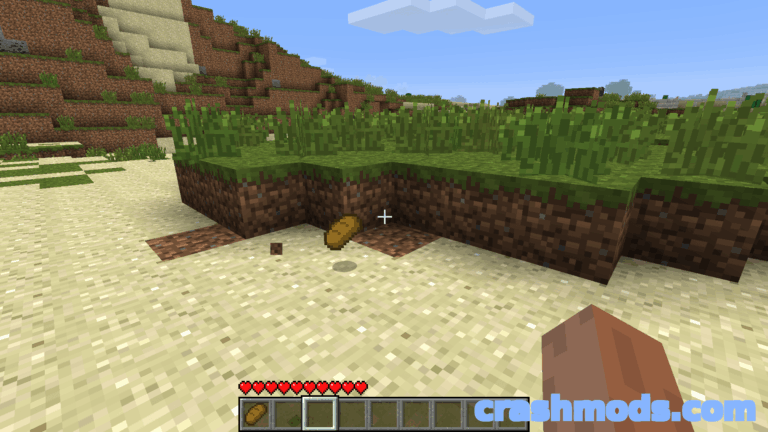
Conquest Reforged Paintbrush is a creative-mode building tool that solves a very specific problem: swapping the material of blocks you have already placed. Point the paintbrush at a block and a primary click copies that block’s material onto the brush; a secondary click paints the stored material onto whatever you are aiming at. The block being painted keeps its own variant and properties, and the mod looks for the matching variant inside the material’s conquest family, so the block keeps its shape and behaviour while the surface changes completely.
A second tool, the paintknife, deals with layer properties. A primary click decreases the layer of a targeted block and a secondary click increases it, which makes height adjustments on blocks with layer properties a matter of clicking rather than breaking and replacing. Holding Left Ctrl while using the paintknife shifts the edit to the block adjacent to the blockface you are aiming at, so awkward corners stay reachable.
Two smaller touches round out the workflow. Holding Left Ctrl with the paintbrush while picking a material selects it in strict mode, meaning every painted block becomes an exact copy rather than a family match, and crouching displays whichever material the brush is currently carrying. At around a tenth of a megabyte on Fabric for Minecraft 1.20.x, it is a lightweight addition to a builder’s toolkit that pays for itself the first time a large structure needs retexturing.