Features:
- A reworked take on the classic hurt camera toggle
- Turn the damage camera tilt off entirely
- Set the tilt intensity to any multiplier instead of a simple on-off switch
- Multipliers above 1 or below 0 are accepted, not just the usual range
- Option to bring back the older non-direction-based damage tilt
- The blinking animation of the health bar can be disabled
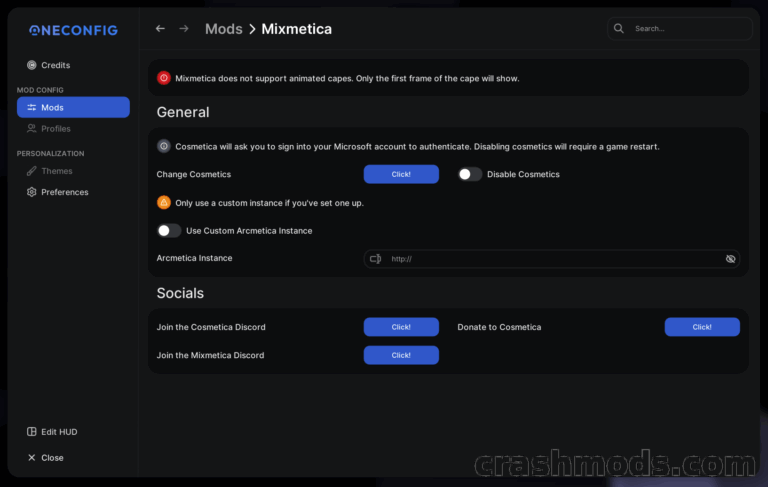
- Integrated config screen for changing the settings in game
- Keybinding to adjust the hurt camera without opening any menu
- Goes further than the vanilla Damage Tilt accessibility option added in 1.19.4
- Requires ukulib from version 1.3.3 onwards
- NeoForge support for Minecraft 1.21.1
- Made by uku
Taking a hit in Minecraft snaps the camera sideways, and for many players that lurch is more distracting than dramatic. BetterHurtCam is a revamped version of the old hurt camera toggle: rather than a plain on or off switch, it exposes the tilt as an intensity value you can dial in to whatever feels comfortable, right down to removing it completely.
The multiplier is not bound to the usual range either. Push it above 1 or drop it below 0 if the normal scale is not enough for you, or restore the older damage tilt that ignored the direction the hit came from. The blinking animation on the health bar can be switched off as well, which keeps the HUD calm during a long fight.
Since the 1.19.4 snapshots the game has shipped its own Damage Tilt accessibility option, so the mod is no longer strictly required — it stays worth having for the wider multiplier range, the older tilt behaviour and the health bar setting. Settings are changed on the integrated config screen or through a keybinding for on-the-fly tweaks, and ukulib needs to be installed alongside it.