Skip to content
Join our Discord for updates & support Discord

Chunks Fade In – Smooth Chunk Loading Animations V7.1

0 downloads
446.1 KB file size
0 comments
0 videos
Minecraft More Minecraft Mods Explore more high-quality Minecraft mods. Browse Mods

—/5, 0 ratings

Your rating

Creator: kerudion

File verified — safe
All 65 security engines found this file clean.
Last checked: 2026-09-06
Security report

Features:

  • Smooth fade-in animation for newly loaded chunks
  • Motion animations for chunk loading similar to Bedrock Edition
  • Curvature option that curves the world as if it were a spherical planet
  • Stops chunks from appearing right in front of the player out of nowhere
  • Works seamlessly with Sodium
  • Mostly compatible with Distant Horizons and Iris
  • Requires Sodium or Embeddium to run
  • Flexible configuration with Mod Menu support
  • Vanilla and OptiFine rendering are not supported
  • Fabric and Quilt support
  • For Minecraft 1.21.1
  • Made by kerudion

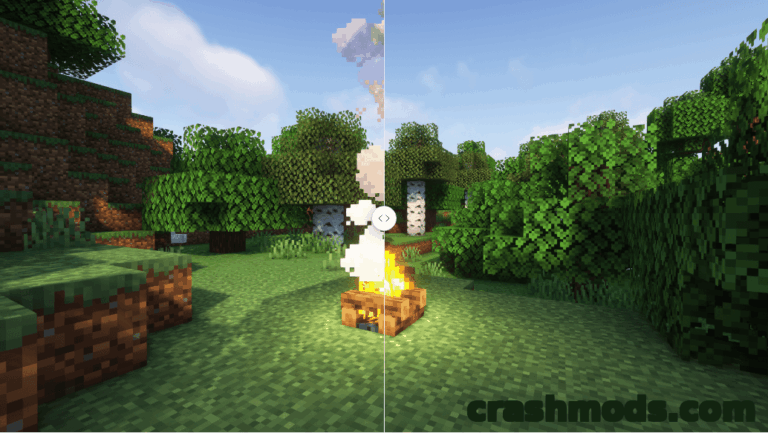
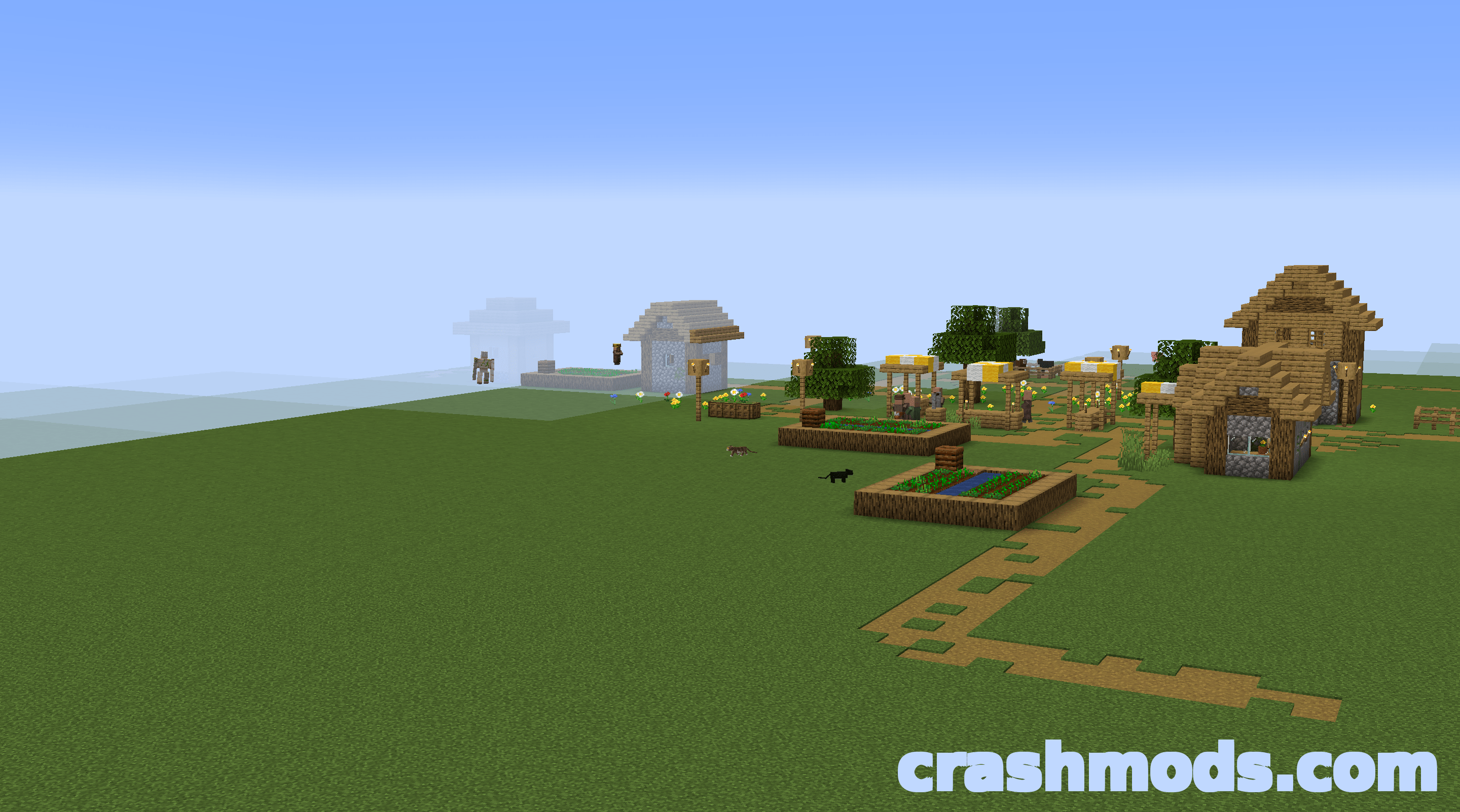
Chunks Fade In softens one of the most noticeable rough edges of Minecraft rendering: terrain snapping into existence at the edge of the render distance. New chunks fade in gently and can also slide into place with a motion animation, much like chunk loading works in Bedrock Edition, so the horizon builds itself up instead of popping in front of you.

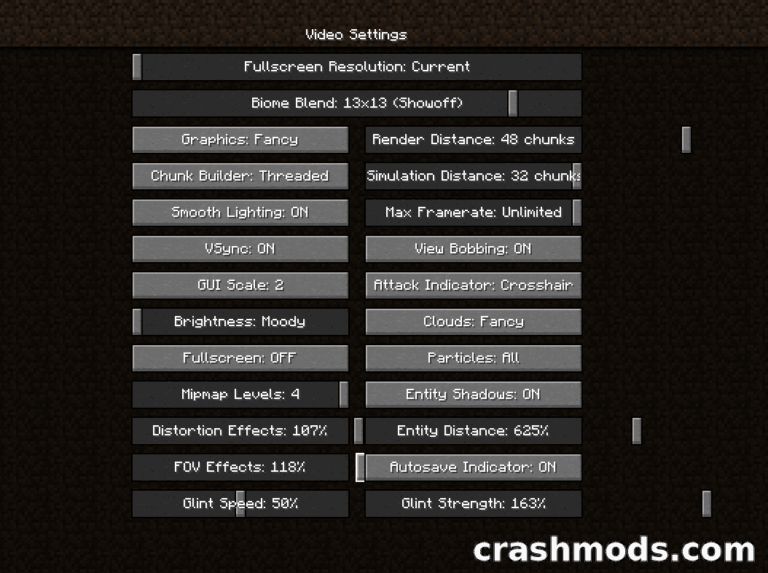
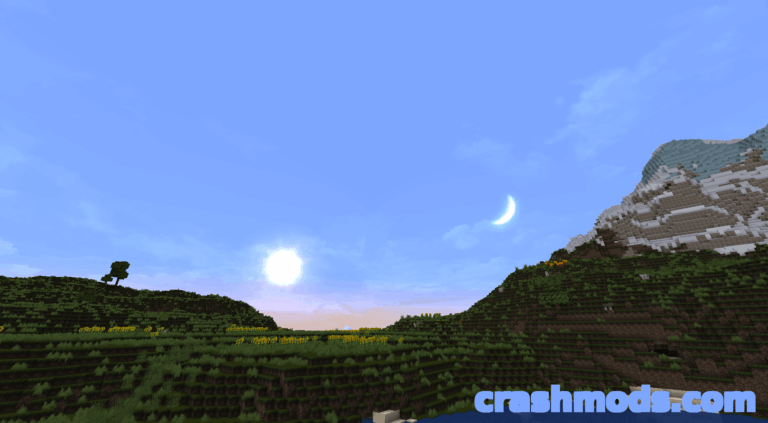
Beyond the animations there is a curvature option that bends the landscape downward toward the horizon, as if the world were a spherical planet. The animations and the curvature effect are adjusted from a flexible config screen with Mod Menu support, so the strength and style of the effect are up to you.

The mod is built around modern rendering, which means Sodium or Embeddium is required, while vanilla and OptiFine rendering are not supported. It runs seamlessly alongside Sodium and works mostly without issue together with Distant Horizons and Iris shaders. This build is for Minecraft 1.21.1 on Fabric and Quilt.

✅ Description reviewed by the CrashMods Team

Changelog

V7.1 — First release.
Frequently asked questions6 questions

Chunks Fade In – which game and version is it for?

This mod was made for Minecraft (game version: 26.1.2). The mod's own version: V7.1. After a major game update, older mods may stop working — check the version before installing.

Chunks Fade In – how do I install it?

Install the mod loader that matches the mod's Minecraft version (Forge or Fabric), then put the .jar file in the .minecraft/mods folder.

Is the download safe?

We checked the file with VirusTotal: none of the 65 antivirus engines flagged it. The full report opens from the "Verified" badge on the mod's page.

How big is the download?

The mod's file size is about 446.1 KB.

Chunks Fade In – who made it?

The mod's original creator: kerudion.

Is the mod free?

Yes, downloading from CrashMods is free; registration is not required.

Download Get the latest version of this mod and enjoy!

Mod version: V7.1 Minecraft 26.1.2 2 months ago 446.1 KB
Chunks Fade In – Smooth Chunk Loading Animations V7.1 446.1 KB Minecraft Download File

The file is on ModsDrop, our own storage.

  • Scannedwith VirusTotal
  • EU serversFast & reliable
  • Free downloadNo registration needed
  • Latest versionAlways up to date

More Minecraft Cursed mods

Uploaded by

Tabornok3
Tabornok3 LITE
  • 2,191 mod
  • 1 follower
  • 3,280 download
  • Registered 4 months ago

Community screenshots

Screenshots from players using this mod. Add yours — images only (JPG, PNG, WebP).

No community screenshots yet — be the first!

Leave a comment

Stay in the loop

Get the latest mods & updates in your inbox.

✓ Thanks! We will keep you posted.

💬
New mods & updatesBe the first to know.
🛡️
Verified & safeQuality checked by our team.
🎁
Community perksEvents, contests & more.

© 2026 CrashMods — All rights reserved.
Safe & TrustedEvery mod is scanned and reviewed to ensure a safe experience.
SecureYour safety is our priority.