Skip to content
Join our Discord for updates & support Discord

Rescale (Aspect Ratio) – Forced Stretched Resolution and View Model Editor V7.4.2

0 downloads
24.4 KB file size
0 comments
0 videos
Minecraft More Minecraft Mods Explore more high-quality Minecraft mods. Browse Mods

—/5, 0 ratings

Your rating

Creator: TCD1234

File verified — safe
All 65 security engines found this file clean.
Last checked: 2026-09-07
Security report

Features:

  • Forces a chosen aspect ratio on any monitor
  • 4:3, 5:4 and custom ratios are supported
  • Keeps your native resolution while the image is stretched
  • Player models look visibly wider on screen
  • Built-in view model editor for the hands
  • Position and scale of the hands are adjustable
  • Live editor opens with the Insert key in game
  • Arrow keys combined with Ctrl move and resize the hands
  • Holding Shift makes each adjustment faster
  • Requires Cloth Config API
  • NeoForge support for Minecraft 1.21.1
  • Made by TCD1234

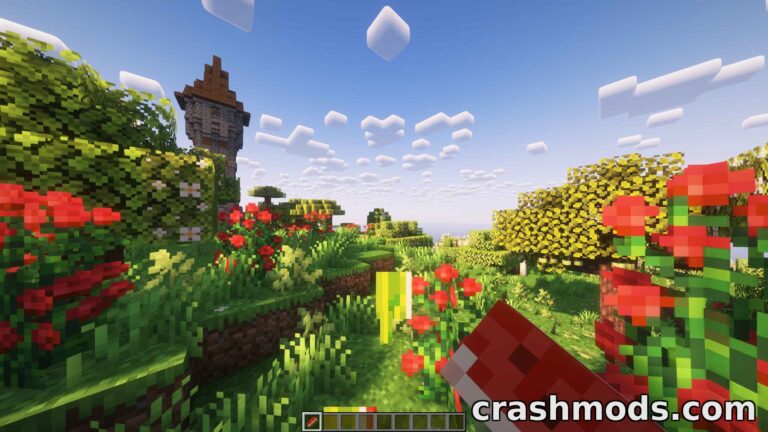
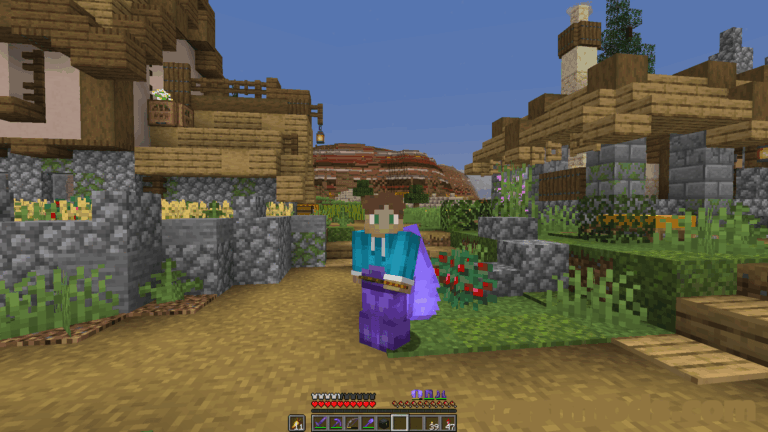
Stretched resolution has a distinctive look: the picture is squeezed into a narrower ratio and player models end up noticeably wider on screen. Rescale forces the aspect ratio you want, whether that is 4:3, 5:4 or a custom value, no matter what resolution your monitor is actually running at.

Stretching the screen comes with one visible side effect, because items held in your hands are distorted along with everything else. The mod answers that with a view model editor that lets you adjust the position and the scale of the hands until they look right again. The live editor is opened with the Insert key, arrow keys together with Ctrl handle moving and resizing, and holding Shift makes each step faster.

Everything else is set from the mod’s own config screen in the in-game mods menu, so the ratio and the hand adjustments stay in one place. Cloth Config API has to be installed alongside it, as it is a requirement of the mod.

✅ Description reviewed by the CrashMods Team

Changelog

V7.4.2 — First release.
Frequently asked questions6 questions

Rescale (Aspect Ratio) – which game and version is it for?

This mod was made for Minecraft (game version: 1.21.1). The mod's own version: V7.4.2. After a major game update, older mods may stop working — check the version before installing.

Rescale (Aspect Ratio) – how do I install it?

Install the mod loader that matches the mod's Minecraft version (Forge or Fabric), then put the .jar file in the .minecraft/mods folder.

Is the download safe?

We checked the file with VirusTotal: none of the 65 antivirus engines flagged it. The full report opens from the "Verified" badge on the mod's page.

How big is the download?

The mod's file size is about 24.4 KB.

Rescale (Aspect Ratio) – who made it?

The mod's original creator: TCD1234.

Is the mod free?

Yes, downloading from CrashMods is free; registration is not required.

Download Get the latest version of this mod and enjoy!

Mod version: V7.4.2 Minecraft 1.21.1 2 months ago 24.4 KB
Rescale (Aspect Ratio) – Forced Stretched Resolution and View Model Editor V7.4.2 24.4 KB Minecraft Download File

The file is on ModsDrop, our own storage.

  • Scannedwith VirusTotal
  • EU serversFast & reliable
  • Free downloadNo registration needed
  • Latest versionAlways up to date

More Minecraft Equipment mods

Uploaded by

Tabornok3
Tabornok3 LITE
  • 2,191 mod
  • 1 follower
  • 3,365 download
  • Registered 4 months ago

Community screenshots

Screenshots from players using this mod. Add yours — images only (JPG, PNG, WebP).

No community screenshots yet — be the first!

Leave a comment

Stay in the loop

Get the latest mods & updates in your inbox.

✓ Thanks! We will keep you posted.

💬
New mods & updatesBe the first to know.
🛡️
Verified & safeQuality checked by our team.
🎁
Community perksEvents, contests & more.

© 2026 CrashMods — All rights reserved.
Safe & TrustedEvery mod is scanned and reviewed to ensure a safe experience.
SecureYour safety is our priority.