Skip to content
Join our Discord for updates & support Discord

Vanilla Notebook – In-Game Notepad for Coordinates and Notes V9.1.3

0 downloads
60.3 KB file size
0 comments
0 videos
Minecraft More Minecraft Mods Explore more high-quality Minecraft mods. Browse Mods

—/5, 0 ratings

Your rating

Creator: Juniper

File verified — safe
All 65 security engines found this file clean.
Last checked: 2026-09-08
Security report

Features:

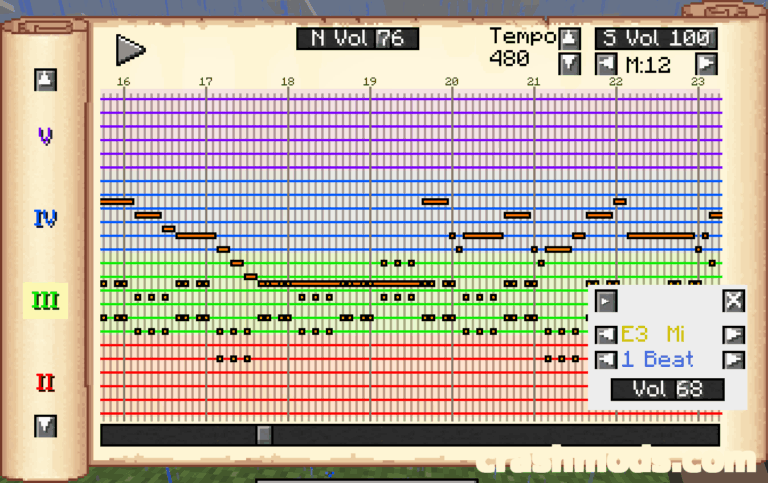
  • Adds a vanilla-styled notebook straight into the in-game GUI
  • Use it to note down coordinates or write notes
  • Behaves like an ordinary book with a couple of added features
  • Client-side mod that does not need to be installed on the server
  • Usable anywhere you play, in singleplayer worlds and on multiplayer servers
  • Requires the MLEM API library installed alongside it
  • Free to use in your own modpacks
  • Tiny 0.06 MB download
  • NeoForge support
  • For Minecraft 1.21.1
  • Made by Juniper

Vanilla Notebook puts a small, vanilla-styled book into the Minecraft interface, ready for whenever you need to write something down. It behaves like an ordinary in-game book with a couple of added features, but it lives in your menus rather than your inventory, so you can open it, jot down a coordinate or a quick note, and get straight back to playing.

Because the mod runs client-side, it does not have to be installed on the server. That makes it usable anywhere you play, whether you are exploring a singleplayer world or building with friends on a multiplayer server.

The notebook relies on the MLEM API library, which needs to be installed alongside it. The mod may also be used freely in your own modpacks, so it fits neatly into larger NeoForge 1.21.1 collections where a lightweight note-taking tool is genuinely useful.

✅ Description reviewed by the CrashMods Team

Changelog

V9.1.3 — First release.
Frequently asked questions6 questions

Vanilla Notebook – which game and version is it for?

This mod was made for Minecraft (game version: 1.21.1). The mod's own version: V9.1.3. After a major game update, older mods may stop working — check the version before installing.

Vanilla Notebook – how do I install it?

Install the mod loader that matches the mod's Minecraft version (Forge or Fabric), then put the .jar file in the .minecraft/mods folder.

Is the download safe?

We checked the file with VirusTotal: none of the 65 antivirus engines flagged it. The full report opens from the "Verified" badge on the mod's page.

How big is the download?

The mod's file size is about 60.3 KB.

Vanilla Notebook – who made it?

The mod's original creator: Juniper.

Is the mod free?

Yes, downloading from CrashMods is free; registration is not required.

Download Get the latest version of this mod and enjoy!

Mod version: V9.1.3 Minecraft 1.21.1 2 months ago 60.3 KB
Vanilla Notebook – In-Game Notepad for Coordinates and Notes V9.1.3 60.3 KB Minecraft Download File

The file is on ModsDrop, our own storage.

  • Scannedwith VirusTotal
  • EU serversFast & reliable
  • Free downloadNo registration needed
  • Latest versionAlways up to date

More Minecraft Game Mechanics mods

Uploaded by

RavenByte73
  • 2,574 mod
  • 1 follower
  • 5,345 download
  • Registered 4 months ago

Community screenshots

Screenshots from players using this mod. Add yours — images only (JPG, PNG, WebP).

No community screenshots yet — be the first!

Leave a comment