Skip to content
Join our Discord for updates & support Discord

Joy of Painting – Craft Canvases, Mix Colors and Hang Your Own Art V6.0.8

0 downloads
389.7 KB file size
0 comments
0 videos
Minecraft More Minecraft Mods Explore more high-quality Minecraft mods. Browse Mods

—/5, 0 ratings

Your rating

Creator: xerca

File verified — safe
All 65 security engines found this file clean.
Last checked: 2026-01-20
Security report

Features:

  • Craftable blank canvases and a mixing palette
  • Color mixing that follows the vanilla leather dyeing rules
  • All 16 million colors reachable through mixing
  • Four canvas sizes: 1 block, 1×2, 2×1 and 2×2
  • Multiple brush sizes, adjustable opacity and a color picker on full palettes
  • Undo mistakes with the CTRL+Z shortcut
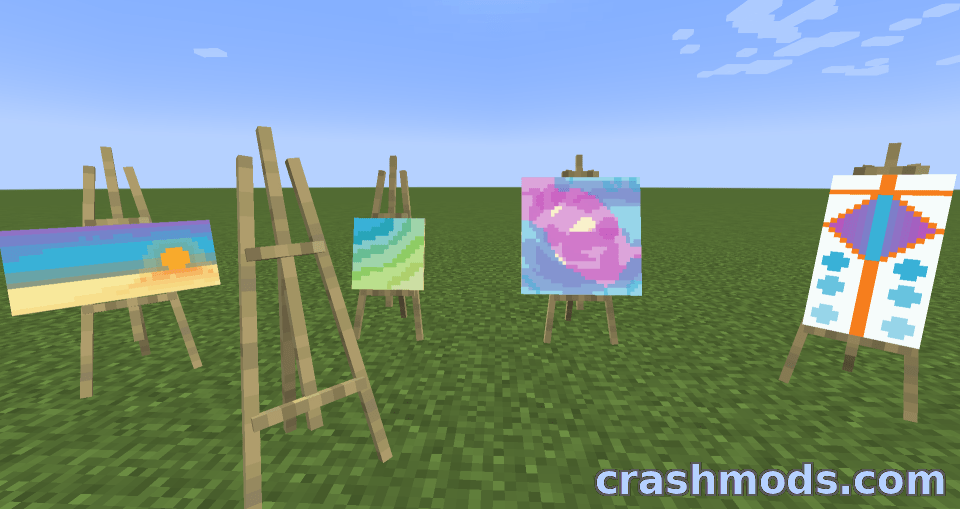
  • Easels you can place and paint on
  • Toggleable tooltips on the painting screen
  • Signed paintings can be named and copied with an empty canvas
  • Import and export paintings between worlds and servers with commands
  • Fabric support for Minecraft 1.19.2
  • Made by xerca

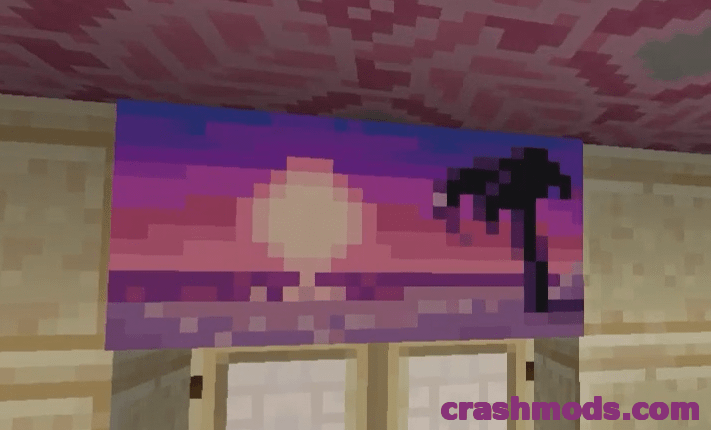
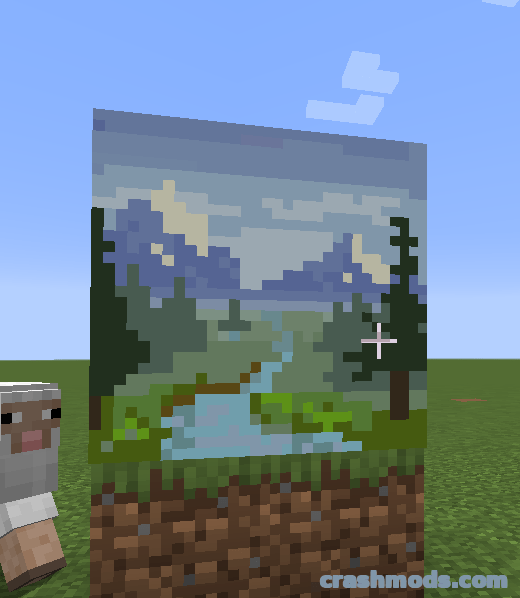
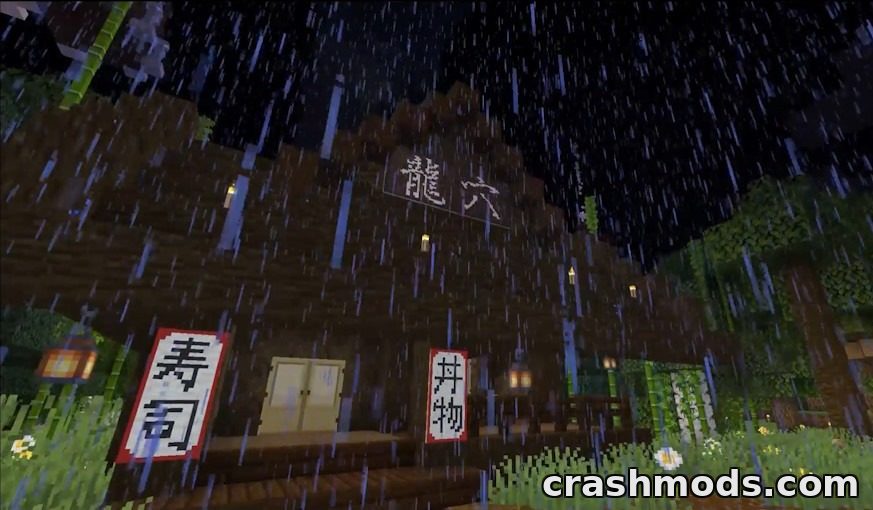
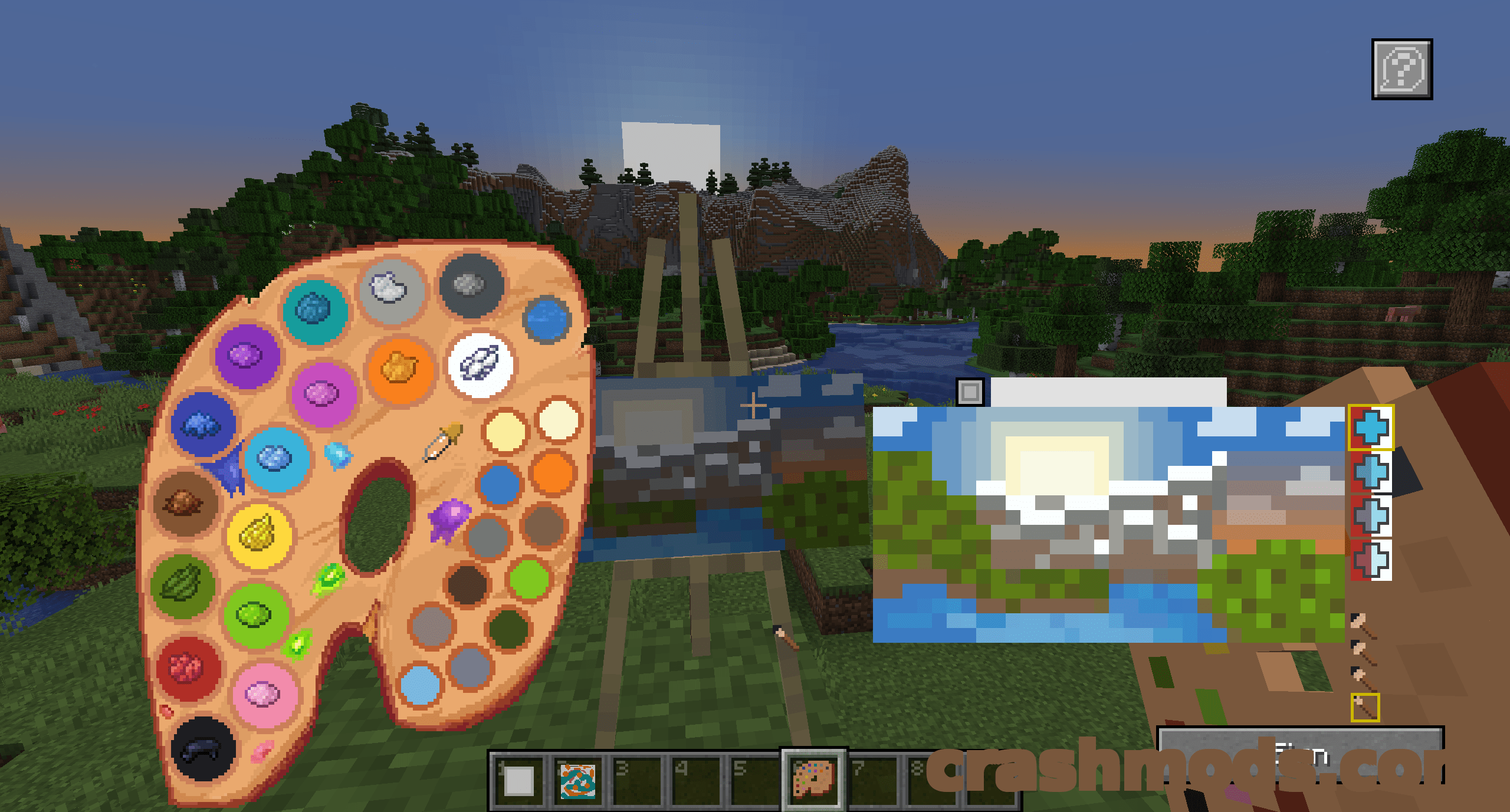
Joy of Painting turns the game into a small studio. Craft a blank canvas and a palette, hold one in each hand, and a painting screen opens where you can draw whatever you like, from careful landscapes to quick doodles and memes. Paintings stay visible in hand and in the inventory, and gentle brush sounds keep the whole thing pleasant to sit with.

Color mixing follows the same rules as vanilla leather armour dyeing, so filling the palette with dyes and blending shades feels familiar from the first try. All 16 million colors are reachable if you mix for them, brush size and opacity change with the mouse wheel, a picker pulls colors straight off a full palette, and CTRL+Z takes back mistakes. The canvas and palette panels can be dragged anywhere on screen so a reference object stays in view, and the tooltips can be switched off once the controls feel familiar.

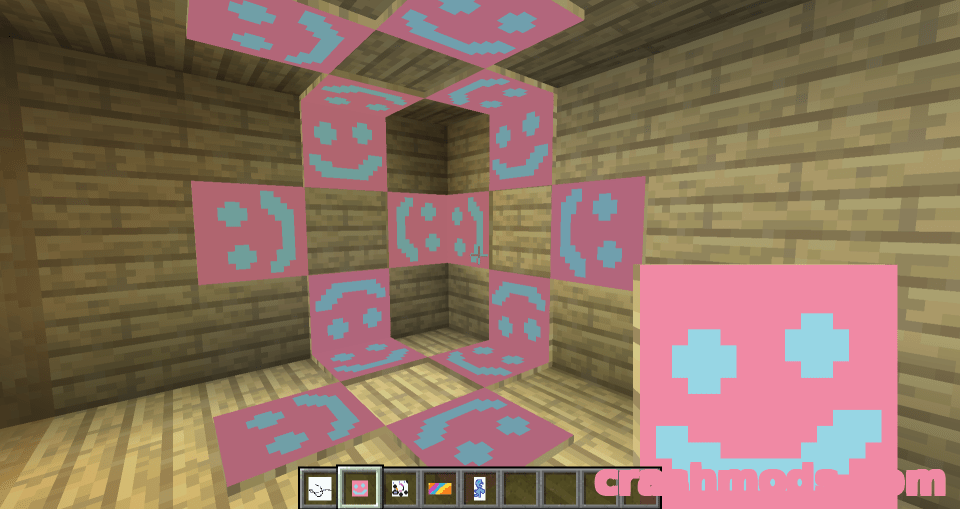
Canvases come in four sizes, from a single block up to 2×2, and finished work hangs on a wall like a vanilla painting, with the small ones also fitting on floors and ceilings. Right clicking with a canvas shows what is on it, and an easel lets you work on a canvas that is already placed in the world.

Signing a painting gives it a name and makes it unchangeable, after which it can be duplicated by crafting it together with an empty canvas of the same shape. Paintings can also be exported and loaded back in another world or on a server through simple commands, so a whole gallery travels with you. Fabric builds are available for Minecraft 1.19.2.

✅ Description reviewed by the CrashMods Team

Changelog

V6.0.8 — First release.
Frequently asked questions6 questions

Joy of Painting – which game and version is it for?

This mod was made for Minecraft (game version: 1.19.2). The mod's own version: V6.0.8. After a major game update, older mods may stop working — check the version before installing.

Joy of Painting – how do I install it?

Install the mod loader that matches the mod's Minecraft version (Forge or Fabric), then put the .jar file in the .minecraft/mods folder.

Is the download safe?

We checked the file with VirusTotal: none of the 65 antivirus engines flagged it. The full report opens from the "Verified" badge on the mod's page.

How big is the download?

The mod's file size is about 389.7 KB.

Joy of Painting – who made it?

The mod's original creator: xerca.

Is the mod free?

Yes, downloading from CrashMods is free; registration is not required.

Download Get the latest version of this mod and enjoy!

Mod version: V6.0.8 Minecraft 1.19.2 1 month ago 389.7 KB
Joy of Painting – Craft Canvases, Mix Colors and Hang Your Own Art V6.0.8 389.7 KB Minecraft Download File

The file is on ModsDrop, our own storage.

  • Scannedwith VirusTotal
  • EU serversFast & reliable
  • Free downloadNo registration needed
  • Latest versionAlways up to date

More Minecraft Game Mechanics mods

Uploaded by

Tabornok3
Tabornok3 LITE
  • 2,191 mod
  • 1 follower
  • 3,280 download
  • Registered 4 months ago

Community screenshots

Screenshots from players using this mod. Add yours — images only (JPG, PNG, WebP).

No community screenshots yet — be the first!

Leave a comment

Stay in the loop

Get the latest mods & updates in your inbox.

✓ Thanks! We will keep you posted.

💬
New mods & updatesBe the first to know.
🛡️
Verified & safeQuality checked by our team.
🎁
Community perksEvents, contests & more.

© 2026 CrashMods — All rights reserved.
Safe & TrustedEvery mod is scanned and reviewed to ensure a safe experience.
SecureYour safety is our priority.