Features:
- Place blocks underneath any block that still has space beneath it
- Works under chests, beds, signs, torches and upside-down stairs
- Right click a block face with a block to place an overlay
- Right click again with another item to replace the overlay quickly
- Left click an overlay to remove it
- Carpets, trapdoors, buttons, rails, slabs and pressure plates enabled by default
- Overlays are fake versions of the placed item and not block entities
- Configuration file for adding extra blocks or excluding existing ones
- Target blocks can be marked so they never receive an overlay
- Integration with Create, Jade and Flashback in some versions
- Forge support for Minecraft 1.12.2
- Made by Dooji
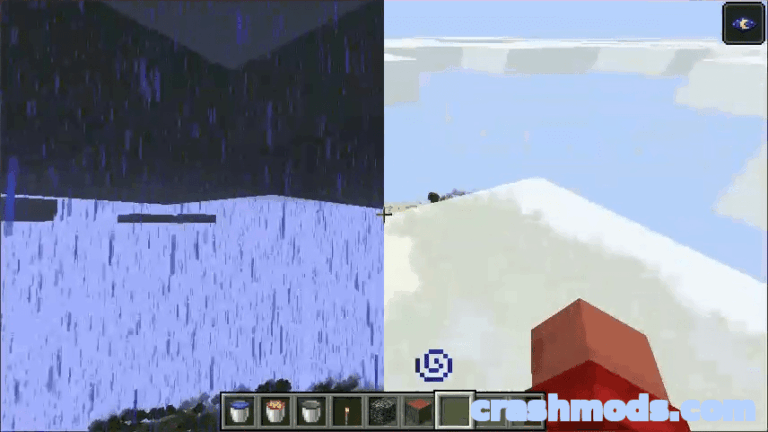
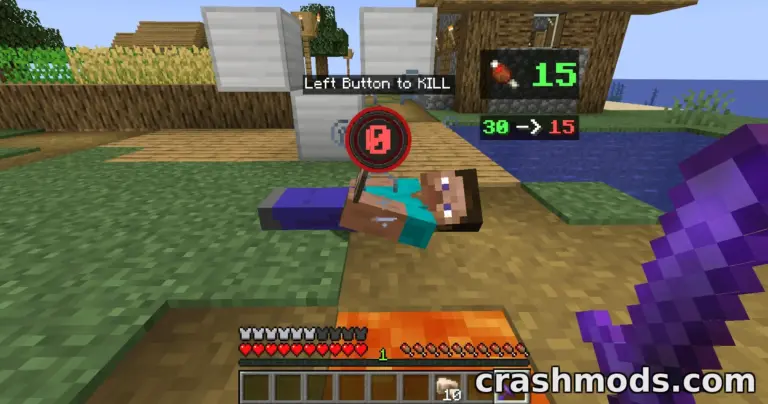
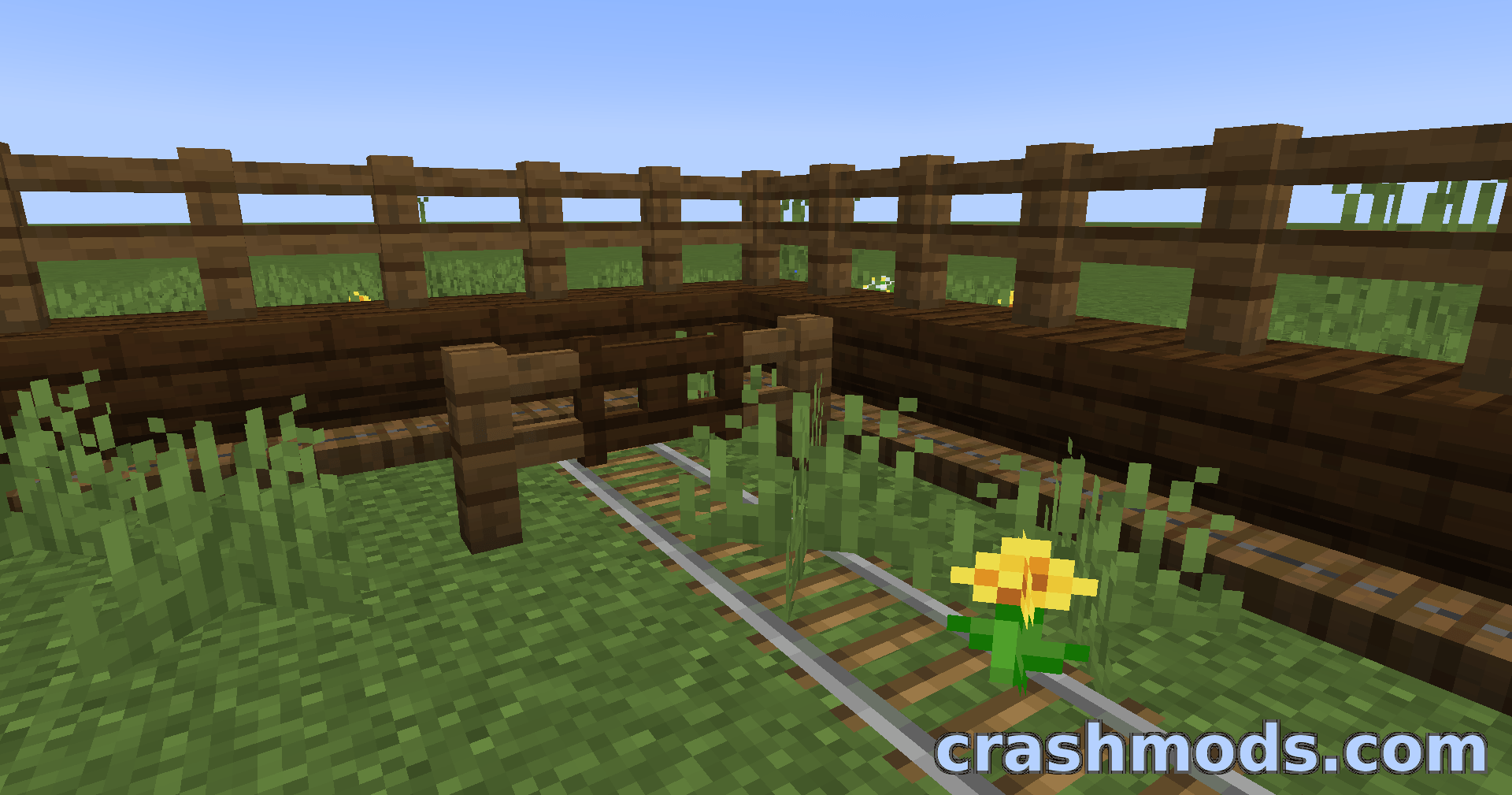
Underlay is a building and decoration mod that quietly breaks one of the oldest rules in Minecraft: that only one block can occupy a space. With it you can slide a carpet, a slab or a pressure plate underneath a chest, a bed, a sign, a torch or an upside-down stair, filling the gaps that an otherwise clean build leaves empty.
Placement is as simple as it gets. Right click a block face with the block you want to tuck in, right click again with a different item to replace it quickly, and left click to remove it. Everything works in Survival as well, so the same decorating is available in a world you actually play in.
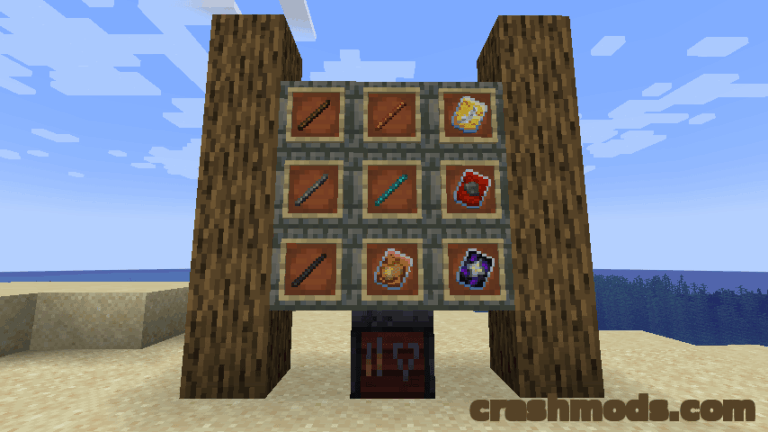
Carpets, trapdoors, buttons, rails, slabs and pressure plates work straight away, and a configuration file lets you widen or narrow that list. You can add extra blocks such as grass, exclude ones you never want turned into overlays, and mark target blocks that should never receive them at all. Overlays are fake versions of the item you place rather than block entities, which is what allows two things to share one block space, and some versions also add integration with Create, Jade and Flashback.