Features:
- Compact and aesthetic bulk storage that keeps frequent items within reach
- Click-based interaction instead of a traditional slotted inventory
- Clicking a drawer on the front of the block interacts with that drawer
- Right-click inserts the full stack held in hand
- Double right-click inserts every compatible stack from your inventory
- Left-click removes a single item from the drawer
- Shift and left-click removes a full stack
- Shift and right-click with an empty hand opens the drawer interface
- Interface shows exact item counts and manages applied upgrades
- Control scheme can be reversed in the mod config
- Forge support
- For Minecraft 1.19.2
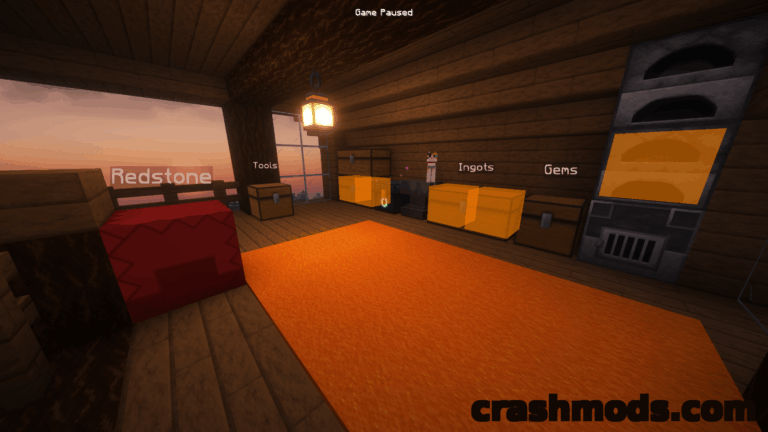
Storage Drawers is built around one idea: the items you reach for most often should stay within easy reach. It takes cues from Jabba and Bibliocraft and shapes them into a bulk storage system that is functional, compact and good looking at the same time, designed to sit alongside those mods rather than push them out.
These containers drop the traditional slotted inventory entirely. Everything runs through clicks on the drawer faces of the block: a right-click drops in the stack you are holding, a double right-click sweeps every compatible stack out of your inventory, a left-click takes one item back and shift plus left-click takes a whole stack.
Holding shift and right-clicking with an empty hand opens an interface with exact item counts and the upgrades applied to that block. The shift-click behaviour runs opposite to Jabba on purpose, since single items are usually what you want out of a drawer, and anyone who prefers the familiar scheme can flip the controls back in the mod config.