Skip to content
Join our Discord for updates & support Discord

Universal Graves – Customisable Death Chests with Item and XP Recovery V3.2.4

0 downloads
752.1 KB file size
0 comments
0 videos
Minecraft More Minecraft Mods Explore more high-quality Minecraft mods. Browse Mods

—/5, 0 ratings

Your rating

Creator: Patbox

File verified — safe
All 65 security engines found this file clean.
Last checked: 2026-08-11
Security report

Features:

  • Creates a grave that stores your items and experience when you die
  • Protection timer keeps other players out, set to 900 seconds by default
  • Optional self-destruction timer that can drop the items when it expires
  • Death compass points you back to your grave
  • Click a grave to open its interface or shift-click with an empty hand for quick pickup
  • Remote unlocking, protection removal and breaking from the grave list
  • Teleport to a grave with a configurable cost and waiting time
  • Commands to list your own graves and to view or modify other players’ graves
  • Configurable experience storage, world and area blacklists and custom grave models
  • Fabric and Quilt support
  • For Minecraft 1.21.1
  • Made by Patbox

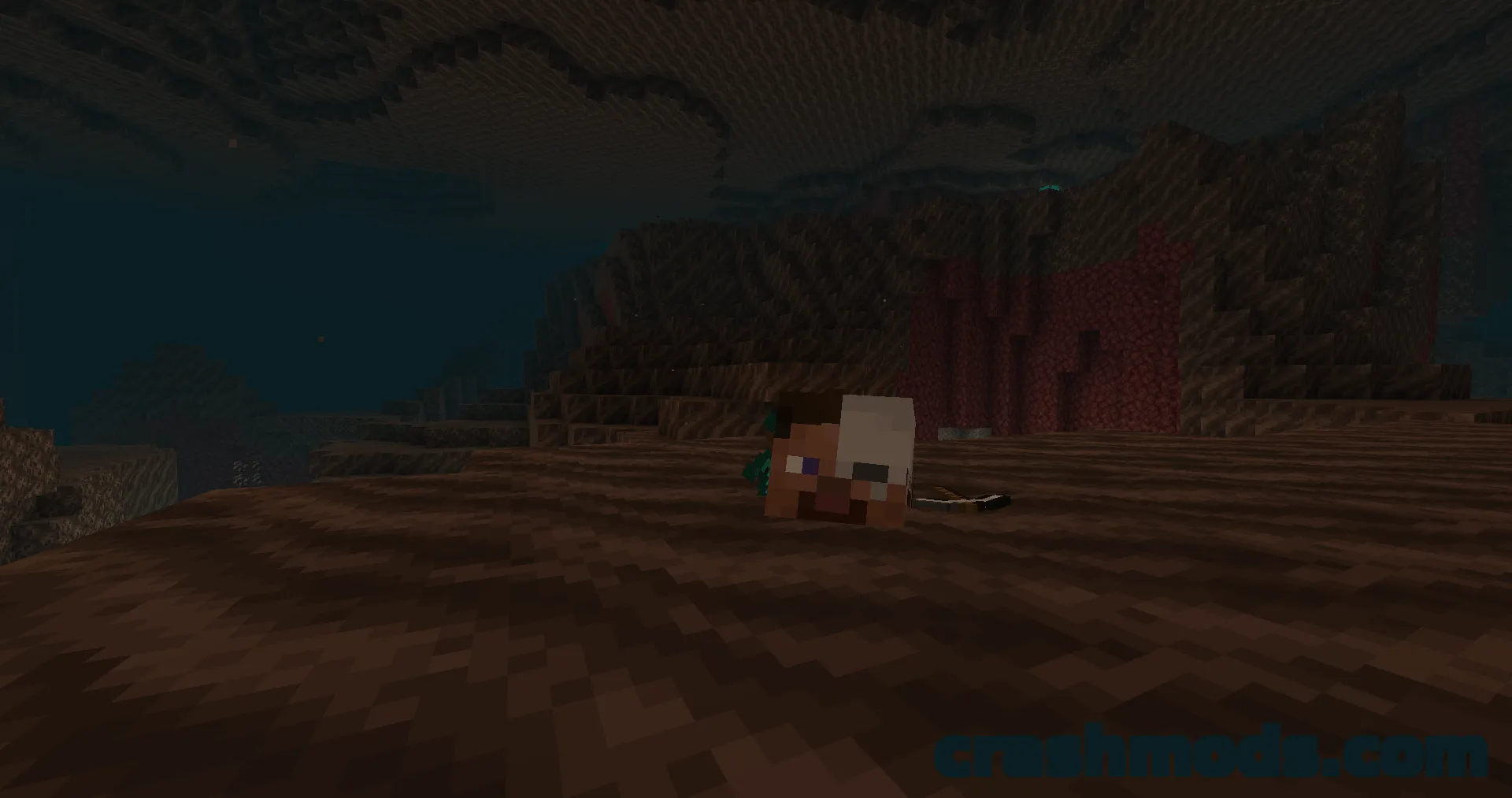
Dying deep in a cave or in the middle of a fight usually means a frantic sprint back before the loot is gone. Universal Graves replaces that scramble with a grave that appears where you fell, holding your inventory and your experience until you return. Other players are locked out for a protection window that runs for 900 seconds by default, so a death out in the open on a shared server does not turn into a free-for-all.

Recovering a grave is quick. A death compass points toward it, clicking the grave opens its interface, and shift-clicking with an empty hand pulls everything back in one move. The graves command lists what you have left behind, so you can unlock, unprotect, break or teleport to a grave from that list, while permission nodes and configurable costs let server owners decide exactly how forgiving death should be.

Almost every part of the mod is adjustable in its config: how long a grave stays protected, whether it self-destructs and drops its contents, how much experience is kept and in which mode, which worlds, areas, damage types or claimed regions never create a grave at all, and what the grave itself looks like through model files kept in the config folder. It runs on the server alone, with the client only needed for custom grave models, which makes it a straightforward addition to an existing Minecraft 1.21.1 world.

✅ Description reviewed by the CrashMods Team

Changelog

V3.2.4 — First release.
Frequently asked questions6 questions

Universal Graves – which game and version is it for?

This mod was made for Minecraft (game version: 26.2). The mod's own version: V3.2.4. After a major game update, older mods may stop working — check the version before installing.

Universal Graves – how do I install it?

Install the mod loader that matches the mod's Minecraft version (Forge or Fabric), then put the .jar file in the .minecraft/mods folder.

Is the download safe?

We checked the file with VirusTotal: none of the 65 antivirus engines flagged it. The full report opens from the "Verified" badge on the mod's page.

How big is the download?

The mod's file size is about 752.1 KB.

Universal Graves – who made it?

The mod's original creator: Patbox.

Is the mod free?

Yes, downloading from CrashMods is free; registration is not required.

Download Get the latest version of this mod and enjoy!

Mod version: V3.2.4 Minecraft 26.2 2 months ago 752.1 KB
Universal Graves – Customisable Death Chests with Item and XP Recovery V3.2.4 752.1 KB Minecraft Download File

The file is on ModsDrop, our own storage.

  • Scannedwith VirusTotal
  • EU serversFast & reliable
  • Free downloadNo registration needed
  • Latest versionAlways up to date

More Minecraft Storage mods

Uploaded by

Tabornok3
Tabornok3 LITE
  • 2,191 mod
  • 1 follower
  • 3,167 download
  • Registered 4 months ago

Community screenshots

Screenshots from players using this mod. Add yours — images only (JPG, PNG, WebP).

No community screenshots yet — be the first!

Leave a comment

Stay in the loop

Get the latest mods & updates in your inbox.

✓ Thanks! We will keep you posted.

💬
New mods & updatesBe the first to know.
🛡️
Verified & safeQuality checked by our team.
🎁
Community perksEvents, contests & more.

© 2026 CrashMods — All rights reserved.
Safe & TrustedEvery mod is scanned and reviewed to ensure a safe experience.
SecureYour safety is our priority.