Features:
- Insert and extract items directly from storage items without placing them in the world
- Browse the full contents of a box in its item tooltip
- Pick any stored item with the scroll wheel or the arrow keys instead of only the last one inserted
- Extra details are shown for the item that is currently selected
- Click items onto a box or a box onto a slot for fast transfers
- Drag across several inventory slots to insert or extract in bulk
- Hold Control (Command on Mac) to move single items instead of full stacks
- Optional bundle style fill bars show how full a box is at a glance
- Visual hints show whether a held item fits and whether matching items are already inside
- Ender chests are supported and data packs can add modded storage items
- Must be installed on both the client and the server and requires Puzzles Lib
- NeoForge support for Minecraft 1.21.1
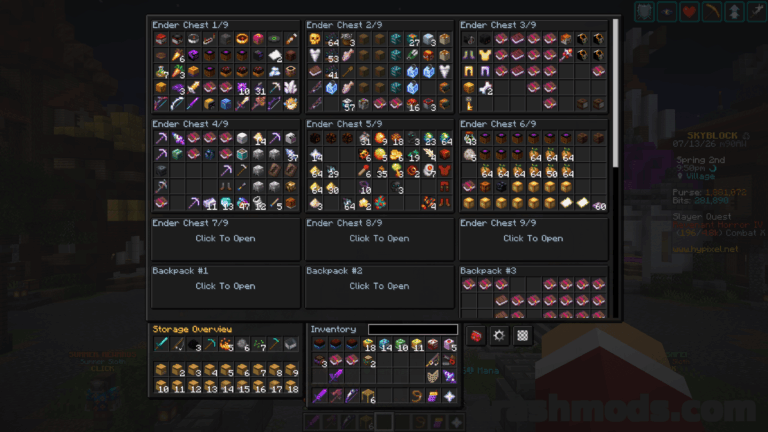
Easy Shulker Boxes rethinks portable storage by making a shulker box fully usable while it is still sitting in your inventory. There is no need to place it on the ground, open it, empty it and pick it up again – items go in and come out with plain clicks, and the whole content list is visible right in the tooltip, so you always know which box holds what.
The interaction model borrows from the way modern bundles work. Scrolling the mouse wheel or pressing the arrow keys walks through the stored stacks so you can pull out exactly the one you need, additional information is shown for whichever item is currently selected, and dragging across several inventory slots moves items in or out in bulk. Holding Control, or Command on Mac, switches to single item transfers when you want precise control over the amount.
Optional fill bars in the bundle style show how much room is left, and compatibility hints tell you at a glance whether the item in hand can be inserted or is already stored inside. Ender chests are covered as well, and support for backpacks and containers from other mods can be added through data packs. Interactions, controls, tooltip behavior and the visual extras are all configurable. Because this adds real inventory interactions rather than tooltips alone, it belongs on both the client and the server.