Features:
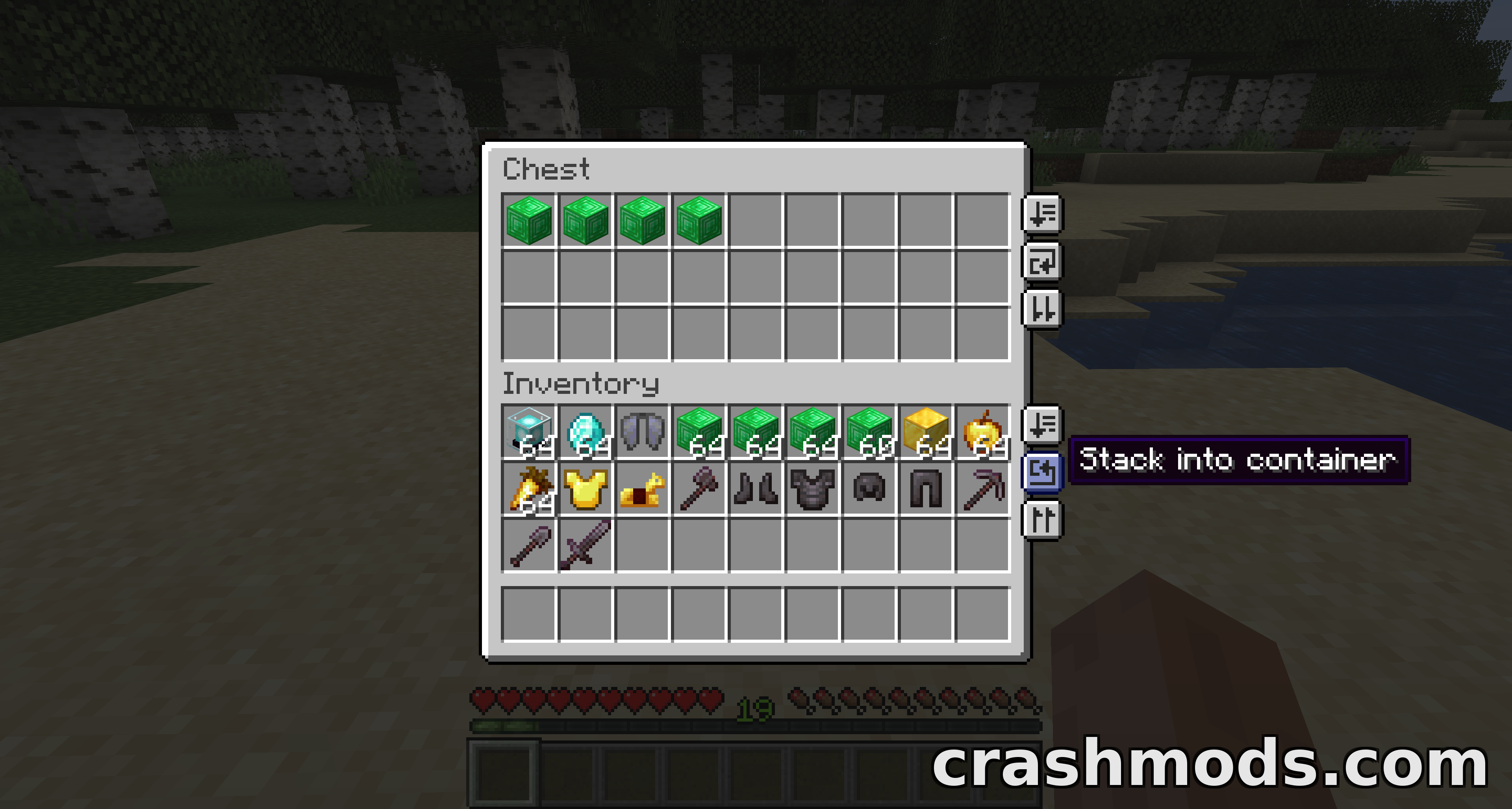
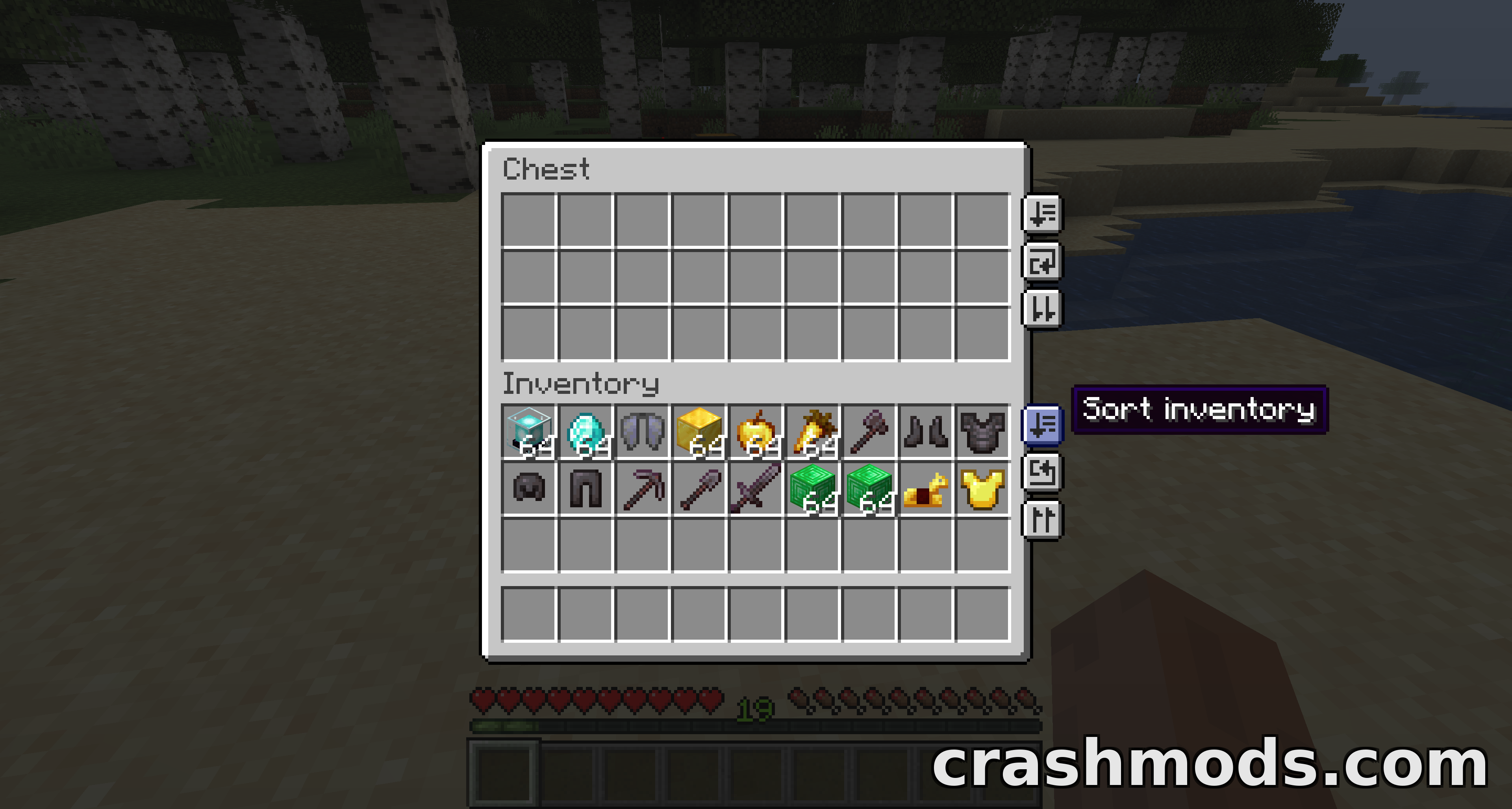
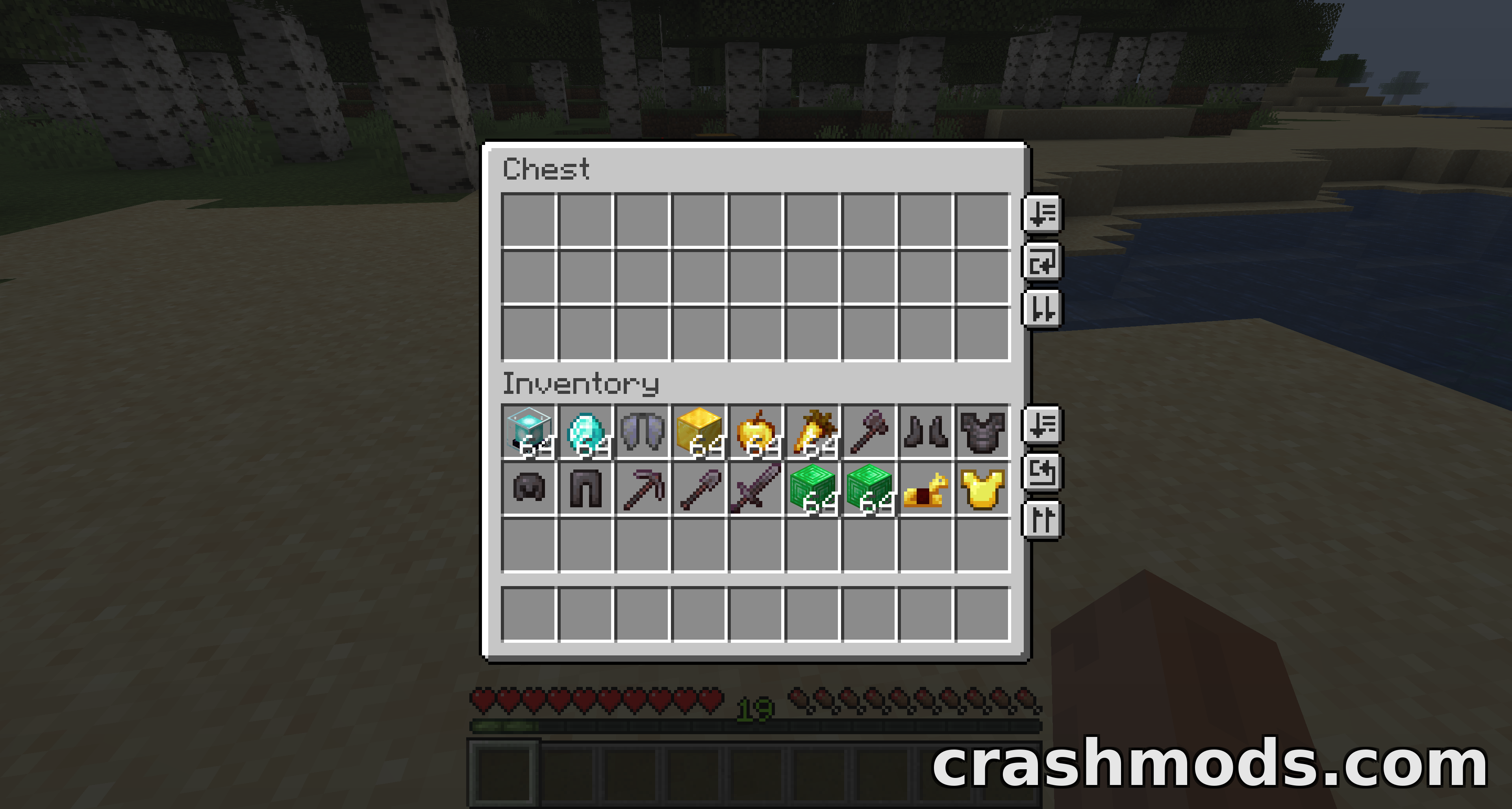
- One-click alphabetical or creative-menu sort for your inventory and any container large enough for the buttons
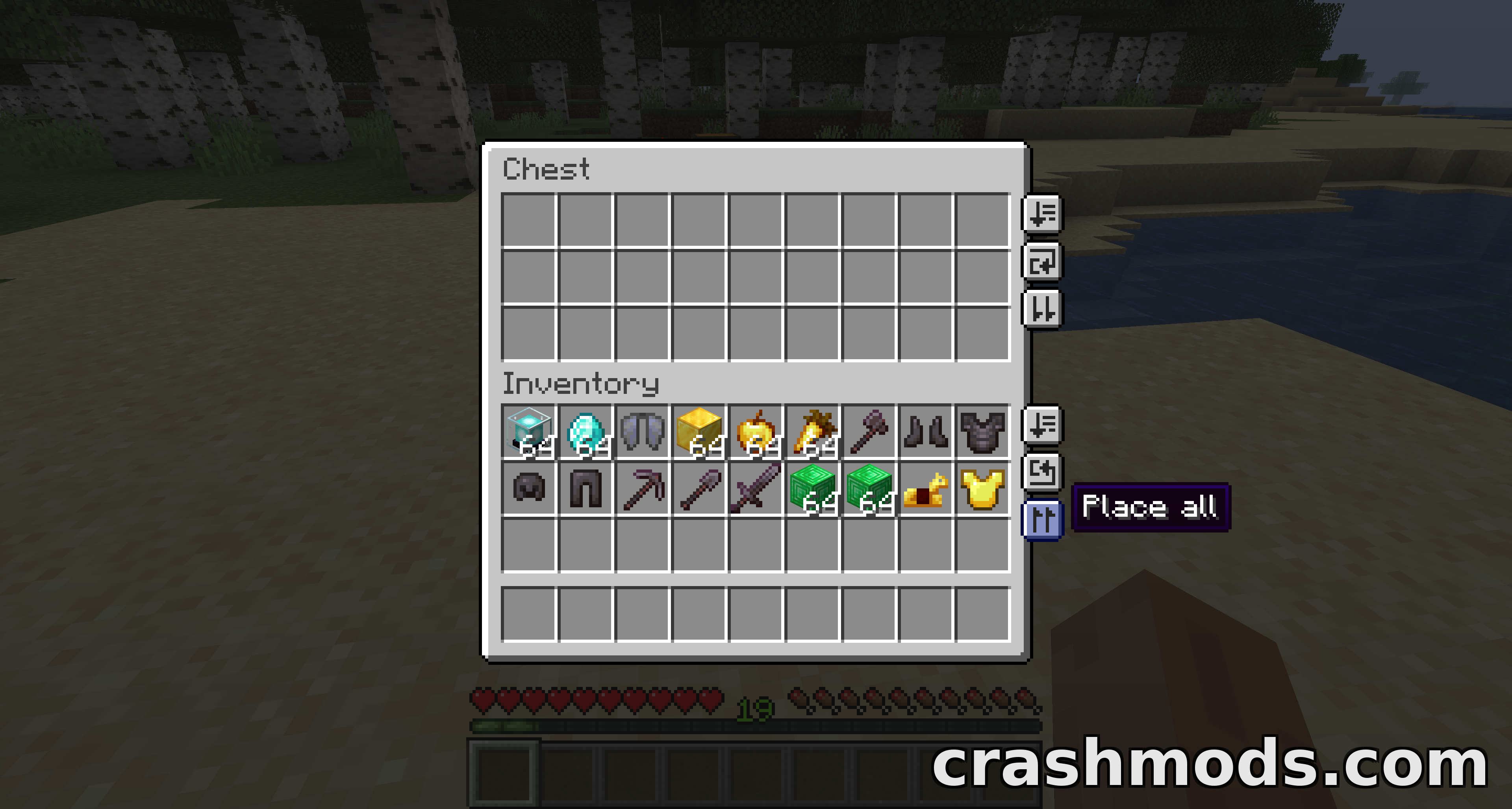
- Transfer-all buttons that place or take an entire inventory in a single click
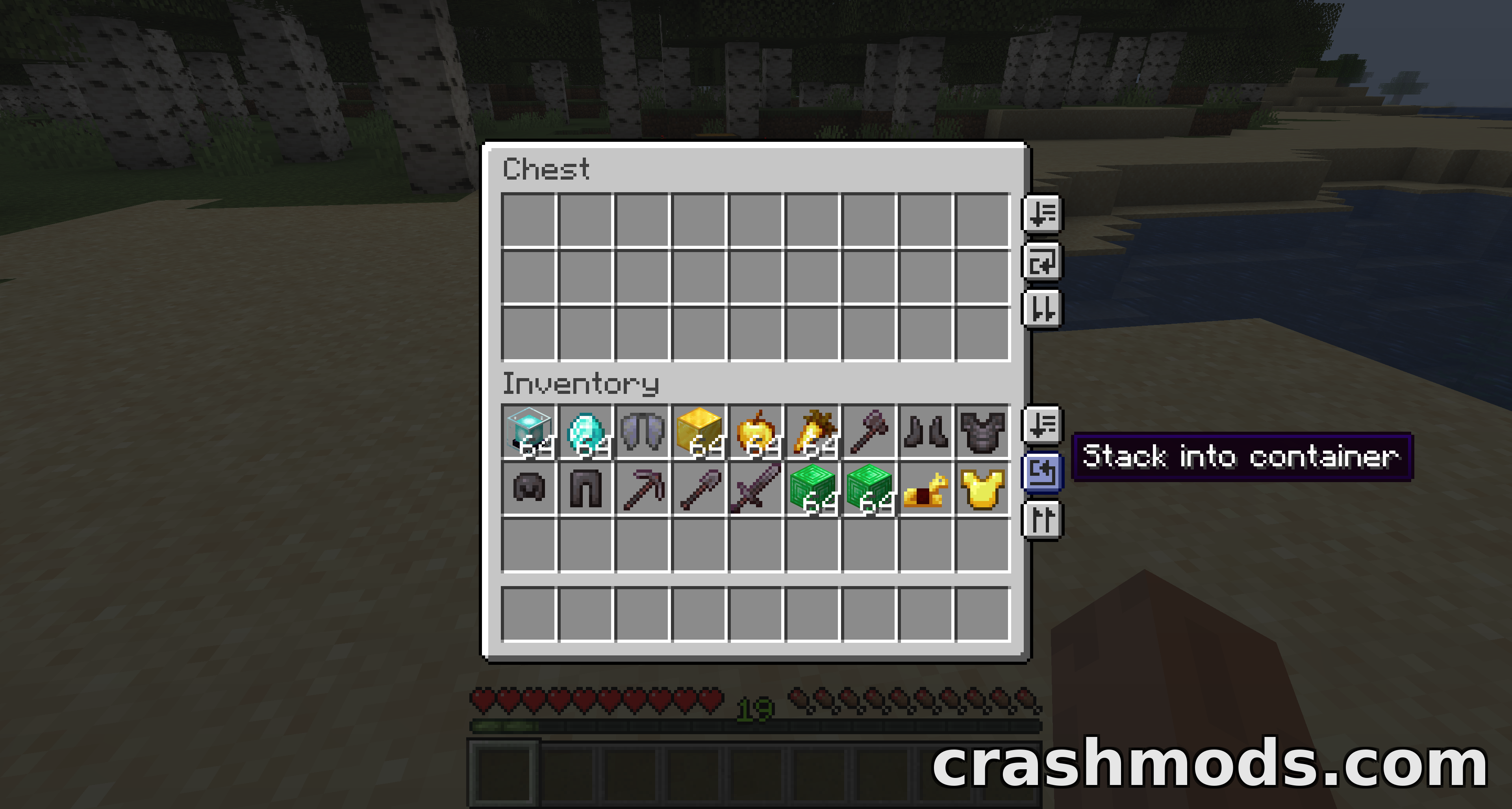
- Auto-stack tops up matching stacks already in a container without disturbing the rest
- Sorting skips your hotbar, and transfers skip the hotbar and equipped items
- Lock slots with Ctrl or Cmd click so sort, stack and transfer skip them
- Locked slots are remembered per world and per server, and stay reserved when empty
- Hotbar swapping: hold a key and scroll a whole main-inventory row into your hotbar
- Low-durability action-bar alert with an anvil ping at 10% and 5% by default
- Optional auto-replace swaps in a matching item right before one breaks
- Variant grouping keeps wool colours, plank types and similar families together
- Drag-and-drop button position editor for individual screens or as a global default
- Fabric and Quilt support for Minecraft 1.21.1, made by Roundaround
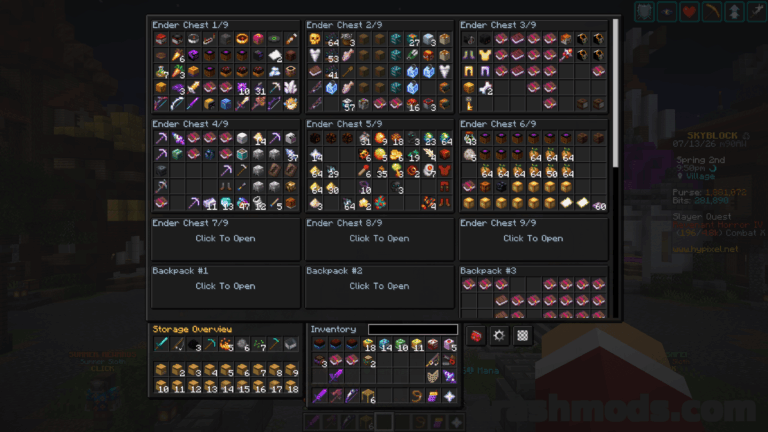
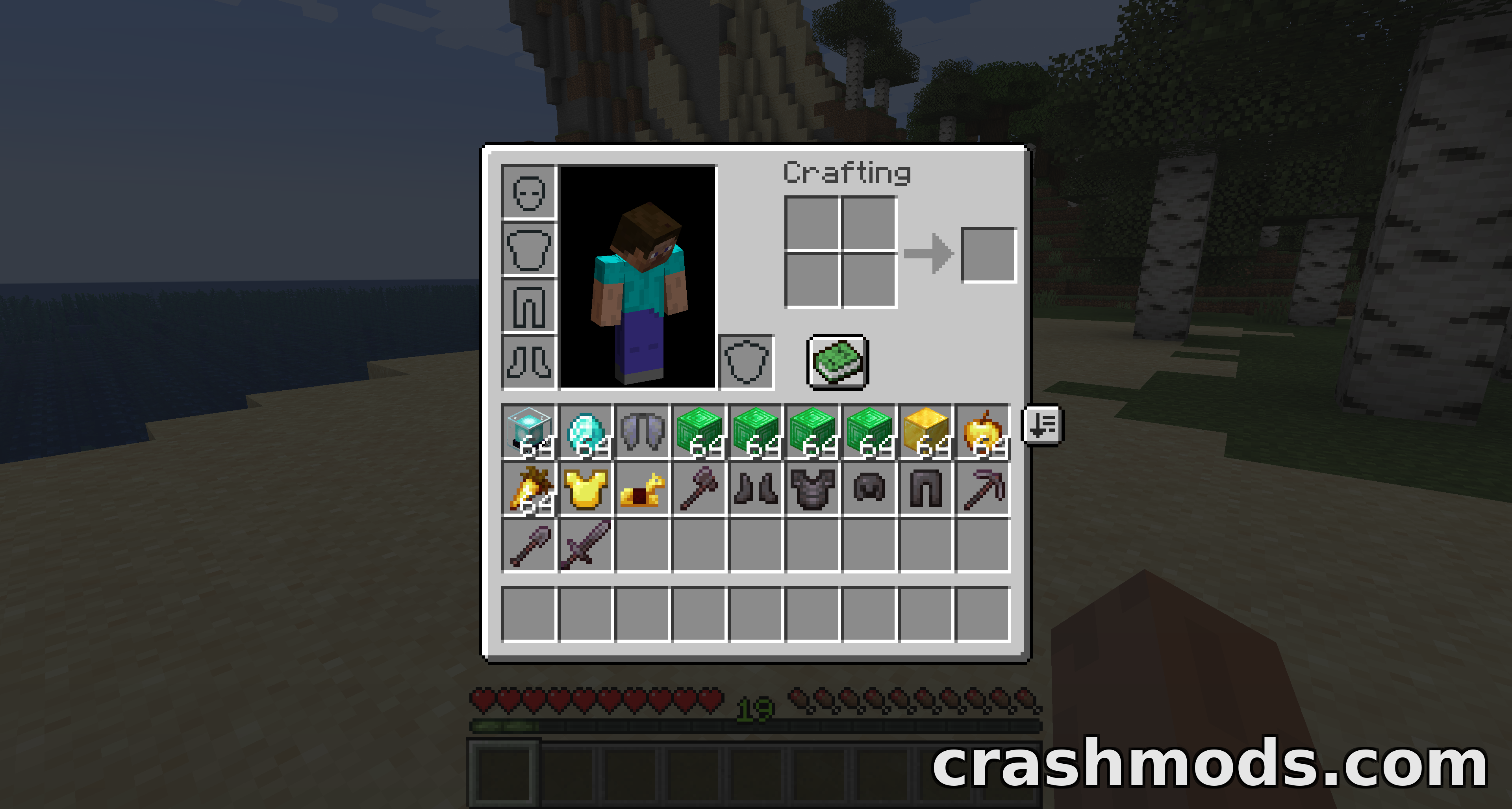
Vanilla inventory work in Minecraft means dragging stacks around one at a time. Inventory Management puts a compact row of buttons on your own inventory and on every container large enough to fit them, so a cluttered storage block can be tidied with a single click. Sorting runs alphabetically by default or follows the creative-menu order if you prefer, and it always leaves your hotbar untouched.
The transfer buttons move a whole inventory at once, either dumping your items into the container or pulling everything back out, and they step around your hotbar and equipped gear. Auto-stack is the gentler option: it only tops up stacks that already exist on the other side, so a sorted container keeps its layout. Slots you never want disturbed can be locked with Ctrl or Cmd and a click, after which sorting, stacking and transferring all skip them, and an empty locked slot stays reserved. Those locks are stored separately for each single-player save and each multiplayer server.
Two extras round the mod out. Hotbar swapping lets you hold a key and scroll to trade any row of your main inventory with the hotbar, giving you a second and third bar of items within thumb’s reach, with a small marker showing which row is currently out. The durability options watch your hands and all four armour slots, firing an action-bar warning with an anvil ping when gear drops past a threshold, and can optionally swap in a spare tool just before the old one breaks.
Nothing is forced on you. Each feature has its own switch in the config file, which can also be edited in game through a mod menu with hover descriptions on every option, and the buttons themselves can be dragged into place per screen so they never collide with another mod’s interface. It works in single player with a client-side install, and in multiplayer with the mod on both the client and the server.