Features:
- Client-side item memory that works on multiplayer servers and Realms
- Press Y to search for a specific item stack
- The grave key opens the main tracking interface
- Highlights search results and shows container names in the world
- Container name display can be turned off in the Memory Bank settings
- Search bar with filters for narrowing down long item lists
- Recipe viewer integration with REI, JEI and EMI
- Jade and WTHIT show the contents of the container you are looking at
- Litematica quick search buttons and material list entries
- Fabric support, requires Fabric API and Cloth Config
- For Minecraft 1.16.5
- Made by JackFred
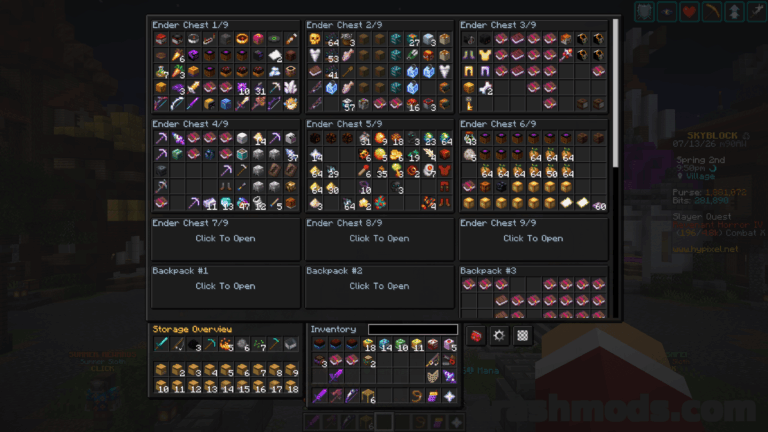
Chest Tracker keeps a client-side record of what you put into chests and other containers, so a large storage room no longer means opening every block to find a single stack. Because that record is stored on your own client, it works the same way on multiplayer servers and Realms, where server-side tools are usually not an option.
Two keybinds cover everyday use. Y searches for a given item stack straight away, while the grave key opens the main interface, where a search bar and its filters help narrow a long list down to what you actually need. Clicking an item there searches for it in your current dimension, matching results are highlighted, and an inventory button gives the same access from a spot you can move to suit your layout.
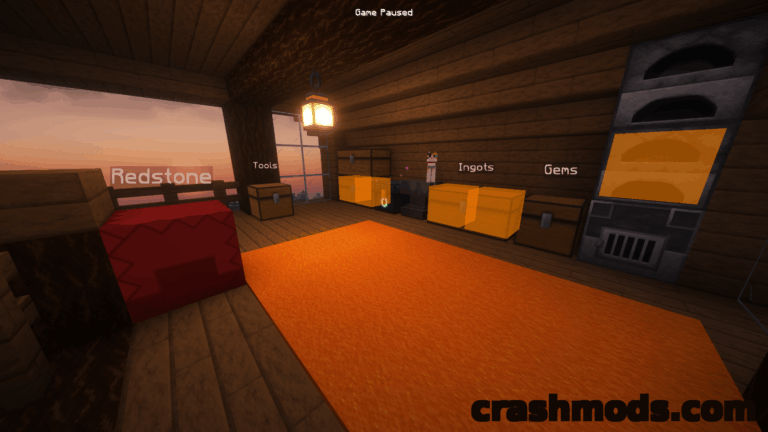
Custom container names are drawn above the blocks themselves, which keeps a labelled storage hall readable at a glance; that display can be switched off in the Memory Bank settings if you prefer a clean view. The mod also plugs into tools you may already run: recipe viewers such as REI, JEI and EMI gain a search route, Jade and WTHIT can show what the container in front of you holds, Shulker Box Tooltip reveals Ender Chest contents, and Litematica gets quick search buttons plus the option to add Ender Chest and nearby containers to a material list. Hypixel Skyblock private islands and Hypixel SMP get their own dedicated handling.