
Features:
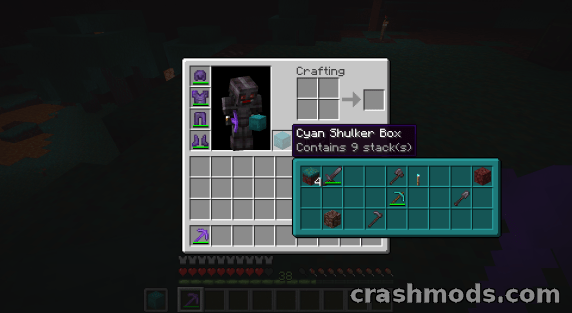
- Hold shift while hovering a shulker box to see a preview of its contents
- Compact preview lists the stored items at a glance
- Full preview on alt and shift shows every stack in its correct slot
- Preview window color follows the color of the shulker box and can be disabled
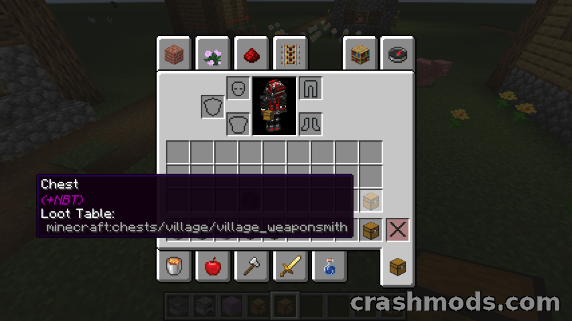
- Also previews chests barrels furnaces and other containers obtained in creative mode
- Works with most modded containers as well
- Optional loot table name in the tooltip, turned off by default
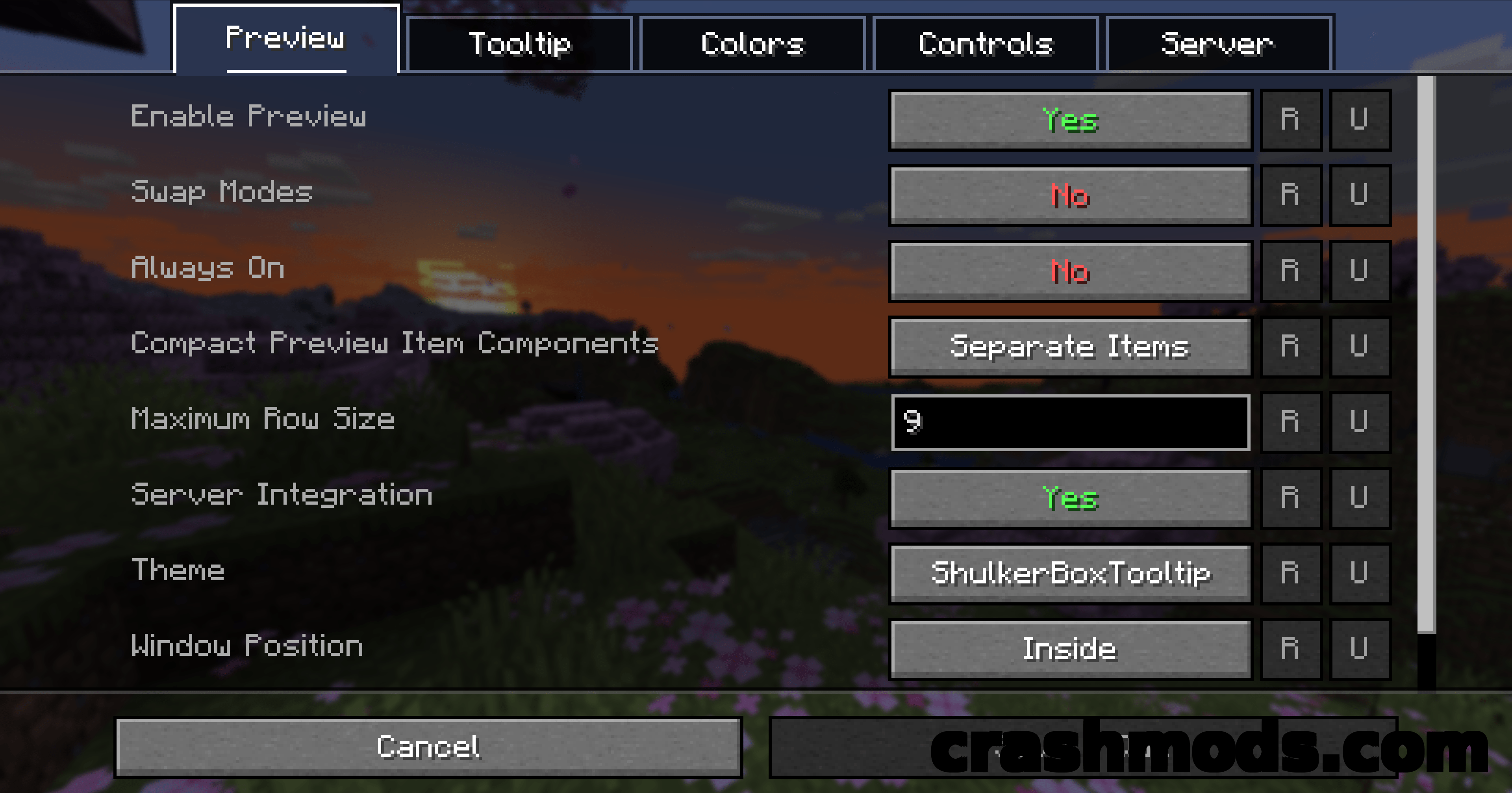
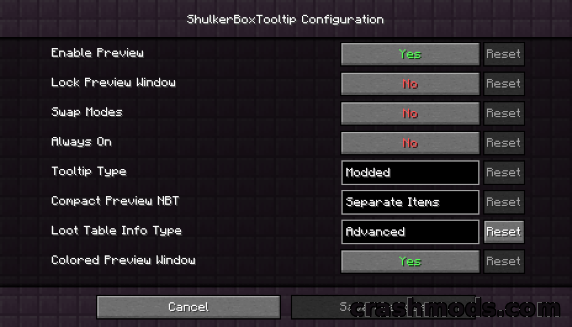
- Most aspects of the mod can be configured from the in game config menu
- Settings are stored in a config file inside the config folder
- Optional server side install adds extras such as ender chest preview
- NeoForge support for Minecraft 1.21.1
- Made by MisterPeModder
Sorting shulker boxes usually means placing them down one after another just to remember what went where. Shulker Box Tooltip removes that step: hover a box in your inventory, hold shift, and a preview window shows what is inside without ever putting the box on the ground.
There are two levels of detail. The compact preview gives a quick list of the contents, while alt and shift together open the full preview, where each contained stack sits in the slot it actually occupies. The color of the preview window follows the color of the box, which makes a wall of storage far easier to read at a glance, and that coloring can be turned off in the config.
The preview is not limited to shulker boxes. Chests, barrels, furnaces and similar containers obtained in creative mode show their contents too, and most containers added by other mods are handled as well. An optional line can reveal the loot table name of an item, which is off by default. Nearly everything can be tuned from the in game config menu, and installing the mod on the server as well is optional but adds extras such as ender chest preview.