Skip to content
Join our Discord for updates & support Discord

PVP ZeroX – Combat Shader with Player Highlighting and Motion Blur V9.8.8

0 downloads
53.9 KB file size
0 comments
0 videos
Minecraft More Minecraft Mods Explore more high-quality Minecraft mods. Browse Mods

—/5, 0 ratings

Your rating

Creator: LoLip_p

File verified — safe
All 63 security engines found this file clean.
Last checked: 2026-09-13
Security report

Features:

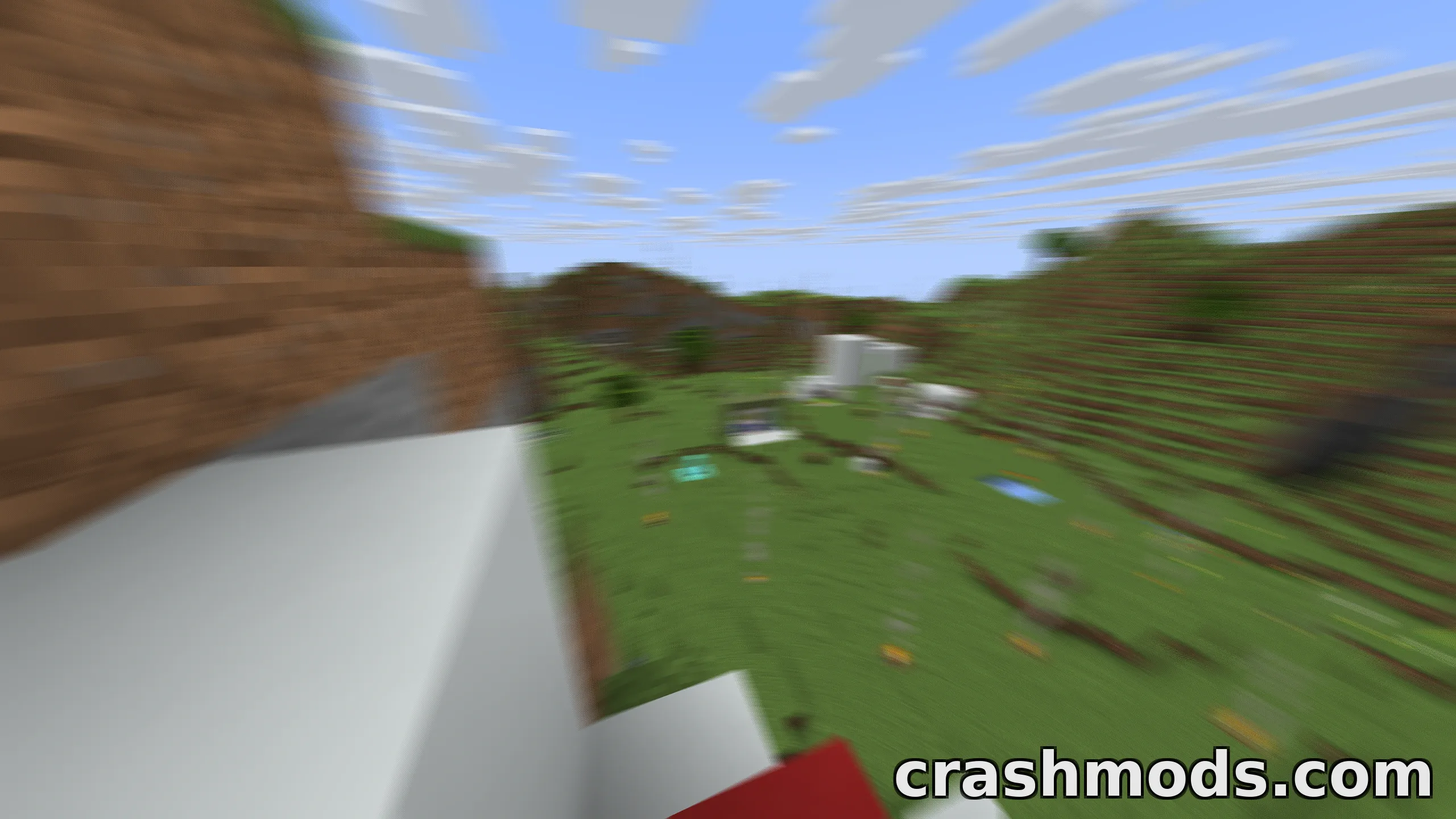
  • Motion blur for smoother-looking movement
  • TAA that removes flickering and puts more information in the frame
  • Full lighting brightness
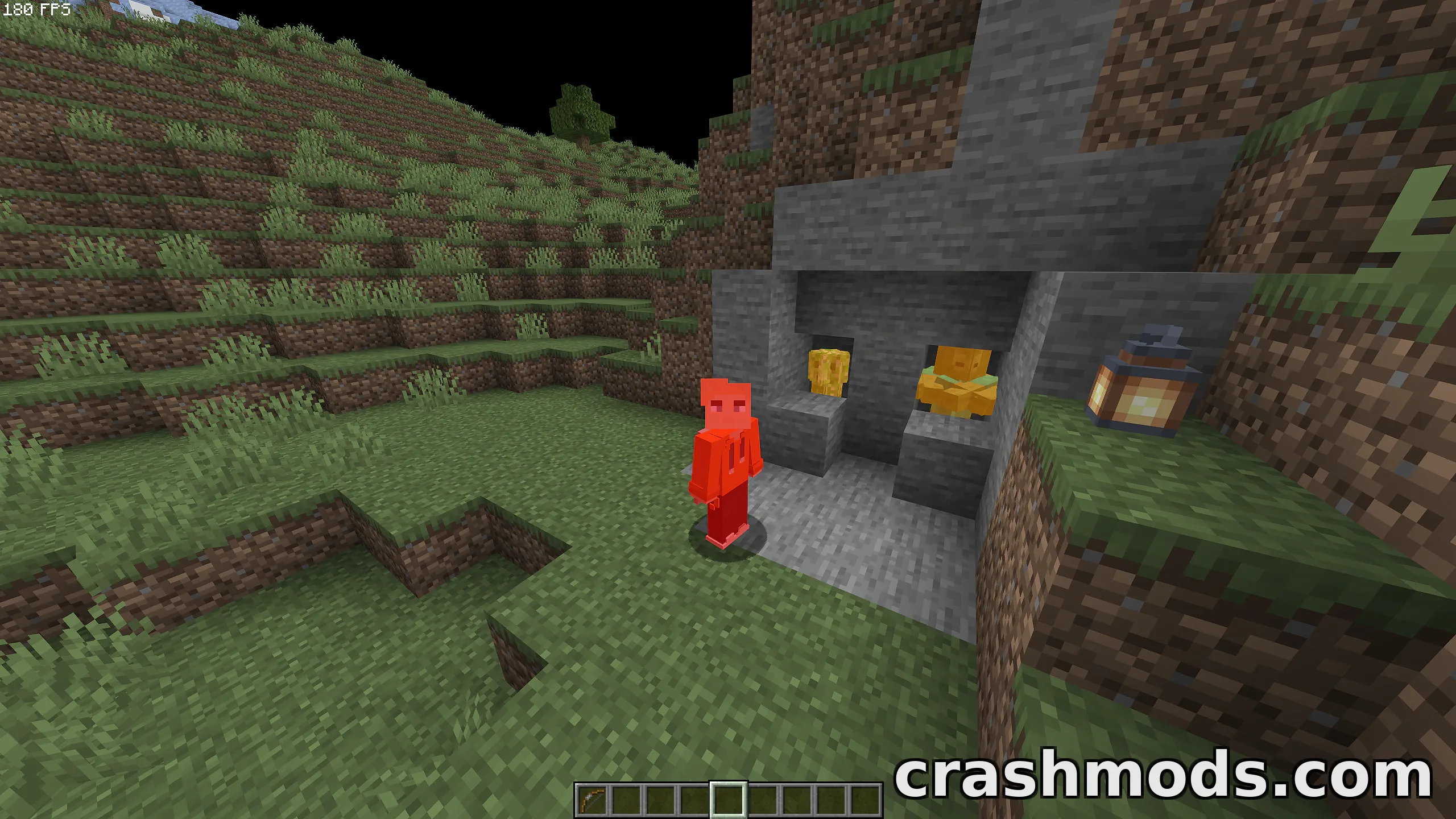
  • Bright color highlighting of players and mobs
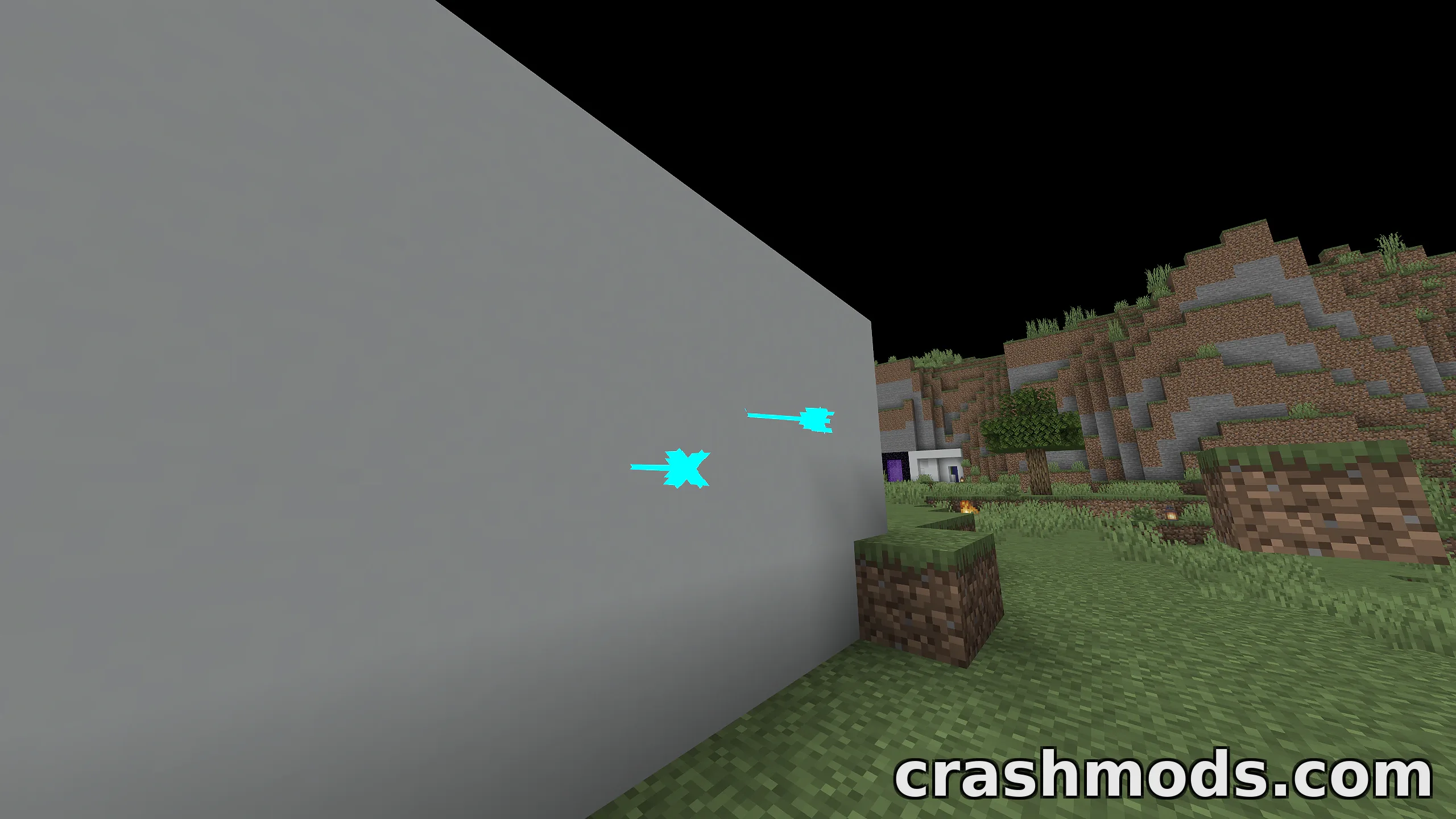
  • Arrow highlighting
  • Option to turn particles off
  • Sharpness adjustment for a clearer image
  • Reduced terrain saturation so the landscape stays out of the way
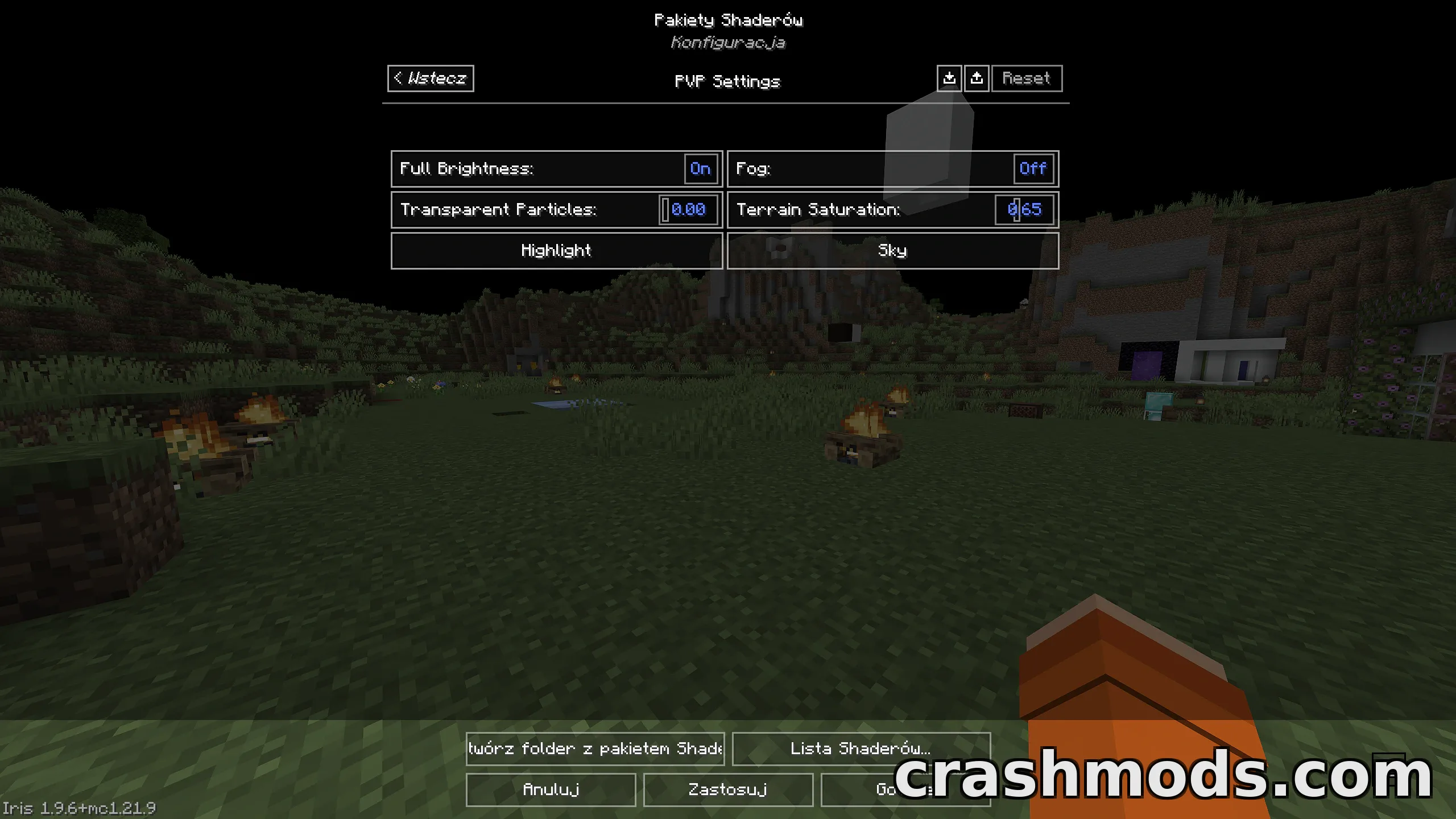
  • Every setting can be adjusted, enabled or disabled, with 3 presets
  • Works with Iris and OptiFine
  • For Minecraft 26.2
  • Made by LoLip_p

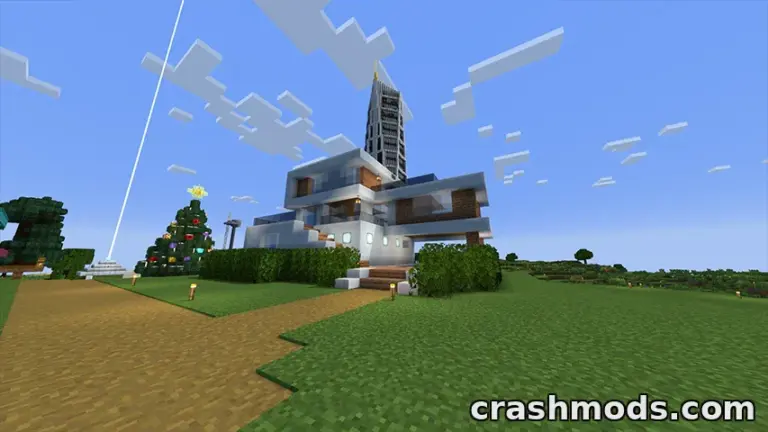
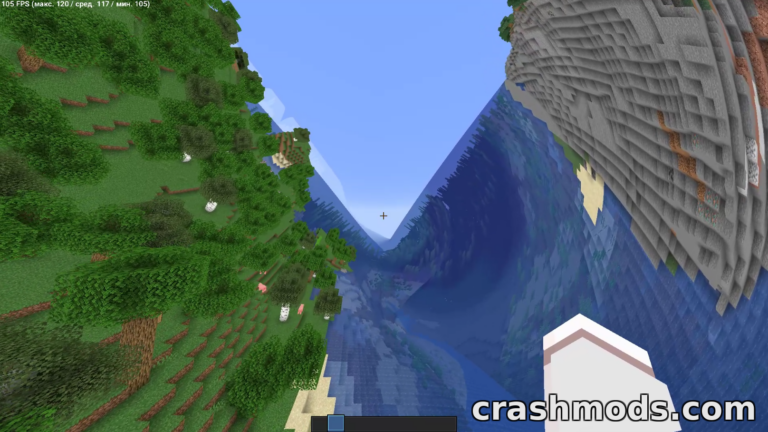
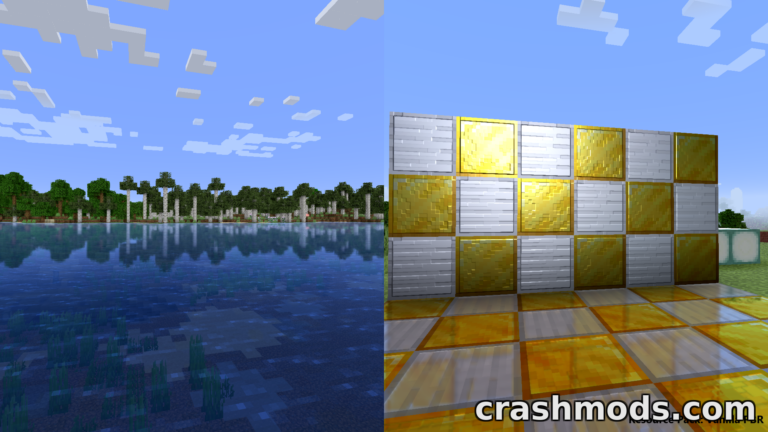
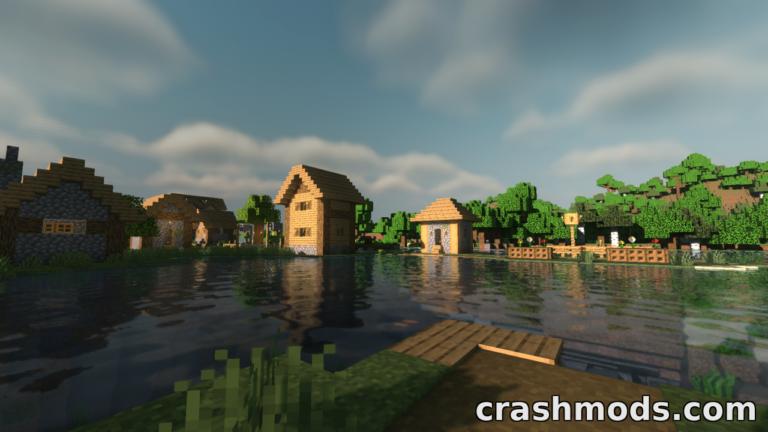
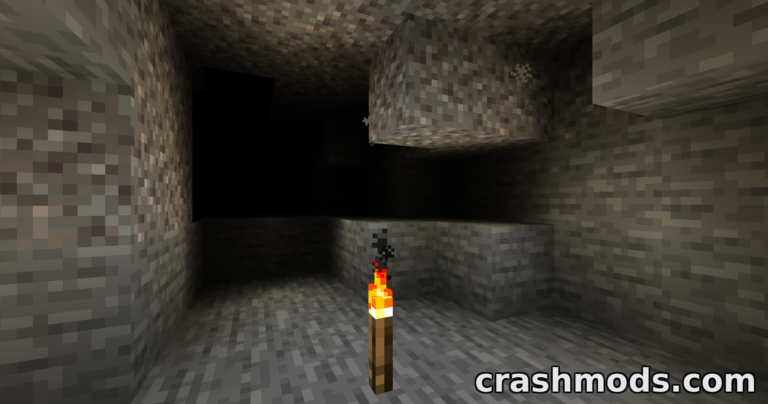
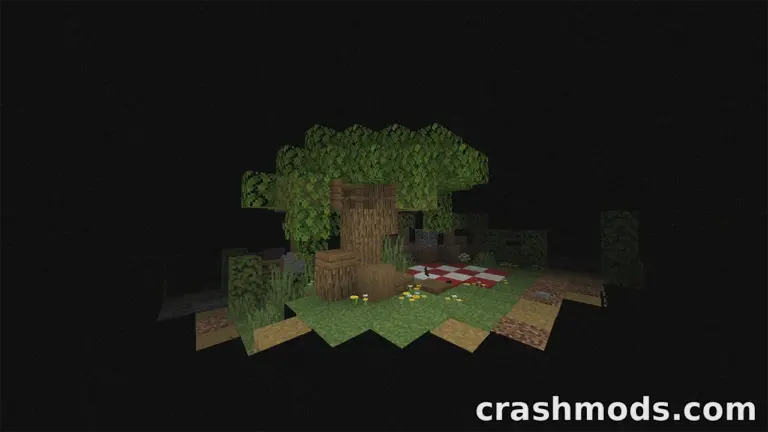
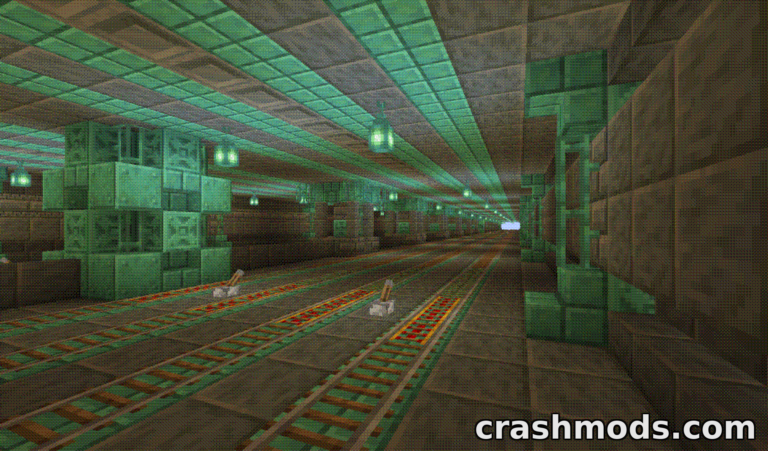
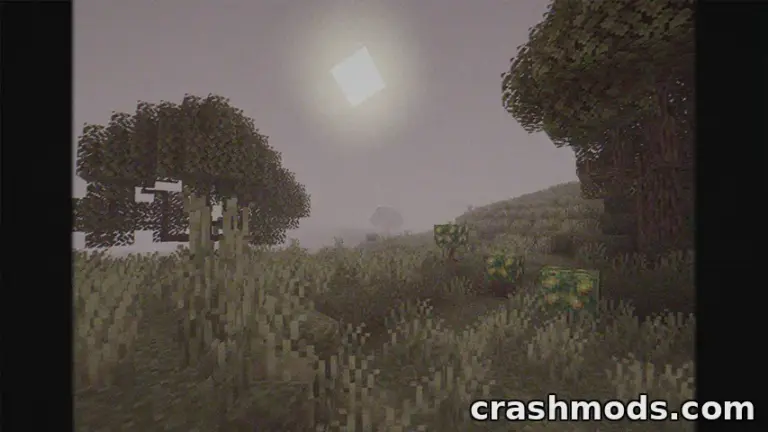
PVP ZeroX is a shader pack made for one job: helping you see what matters in PVP fights. It changes the picture so players, mobs and arrows are easy to spot, while terrain colors are toned down so the landscape does not pull your attention away from the fight.

Players and mobs get bright color highlights, and arrows get their own highlight too, so they are easier to track. Lighting is set to full brightness and terrain saturation is lowered to keep the landscape calm. You can also turn particles off and use the sharpness setting to make the image crisper.

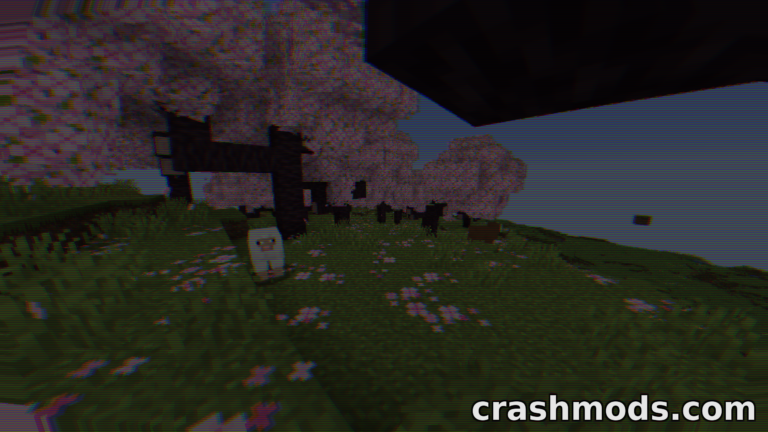
The pack also adds motion blur to make the game feel smoother, plus TAA to remove flickering and put more information in the frame. Every effect can be adjusted, turned on or turned off, and three presets give you a quick starting point for your own taste. It works with both Iris and OptiFine and supports Minecraft 26.2.

✅ Description reviewed by the CrashMods Team

Changelog

V9.8.8 — First release.
Frequently asked questions6 questions

PVP ZeroX – which game and version is it for?

This mod was made for Minecraft (game version: 26.2). The mod's own version: V9.8.8. After a major game update, older mods may stop working — check the version before installing.

PVP ZeroX – how do I install it?

Install the mod loader that matches the mod's Minecraft version (Forge or Fabric), then put the .jar file in the .minecraft/mods folder.

Is the download safe?

We checked the file with VirusTotal: none of the 63 antivirus engines flagged it. The full report opens from the "Verified" badge on the mod's page.

How big is the download?

The mod's file size is about 53.9 KB.

PVP ZeroX – who made it?

The mod's original creator: LoLip_p.

Is the mod free?

Yes, downloading from CrashMods is free; registration is not required.

What’s inside the package?98 files · 88.7 KB unpackedConfig & text 5Other files 93Show filesHide files

Folders, file names and sizes, read from the downloadable archive.

Package
  • en_US.lang2.2 KB
  • ru_RU.lang2.7 KB
  • dither.glsl690 B
  • jitter.glsl448 B
  • composite.fsh2.7 KB
  • composite.vsh143 B
  • composite1.fsh2.6 KB
  • composite1.vsh143 B
  • composite2.fsh1.6 KB
  • composite2.vsh152 B
  • composite.fsh2.7 KB
  • composite.vsh143 B
  • composite1.fsh2.6 KB
  • composite1.vsh143 B
1–20 / 351 / 2

Download Get the latest version of this mod and enjoy!

Mod version: V9.8.8 Minecraft 26.2 2 months ago 53.9 KB
PVP ZeroX – Combat Shader with Player Highlighting and Motion Blur V9.8.8 53.9 KB Minecraft Download File

The file is on ModsDrop, our own storage.

  • Scannedwith VirusTotal
  • EU serversFast & reliable
  • Free downloadNo registration needed
  • Latest versionAlways up to date

More Minecraft Shaders mods

Uploaded by

RavenByte73
  • 3,126 mod
  • 1 follower
  • 12,598 download
  • Registered 5 months ago

Community screenshots

Screenshots from players using this mod. Add yours — images only (JPG, PNG, WebP).

No community screenshots yet — be the first!

Leave a comment