Skip to content
Join our Discord for updates & support Discord

Crusher – Pixelation and Color Reduction Shader with Dithering V9.4.2

0 downloads
13.3 KB file size
0 comments
0 videos
Minecraft More Minecraft Mods Explore more high-quality Minecraft mods. Browse Mods

—/5, 0 ratings

Your rating

Creator: hexahedron1

File verified — safe
All 64 security engines found this file clean.
Last checked: 2026-04-12
Security report

Features:

  • Reduces the number of colors shown on screen
  • Limits each color channel to a set number of values plus black
  • Switch between RGB and HSV color reduction modes
  • Optional 4×4 Bayer matrix dithering for smoother-looking colors
  • Pixel effect that enlarges pixels and lowers the resolution
  • Every function can be toggled on or off independently
  • Anti-flicker option that averages colors inside large pixels
  • Corruption mode with heavy flashing lights (not for photosensitive players)
  • Works with Iris and OptiFine
  • For Minecraft 1.21.11
  • Made by hexahedron1

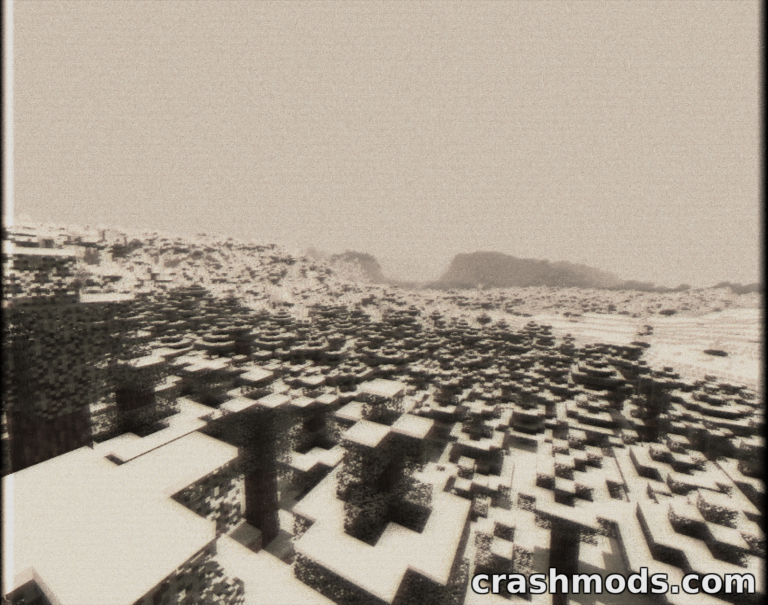
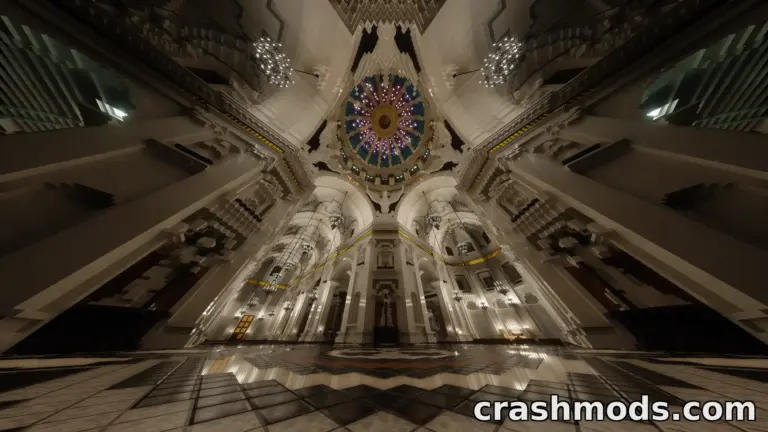
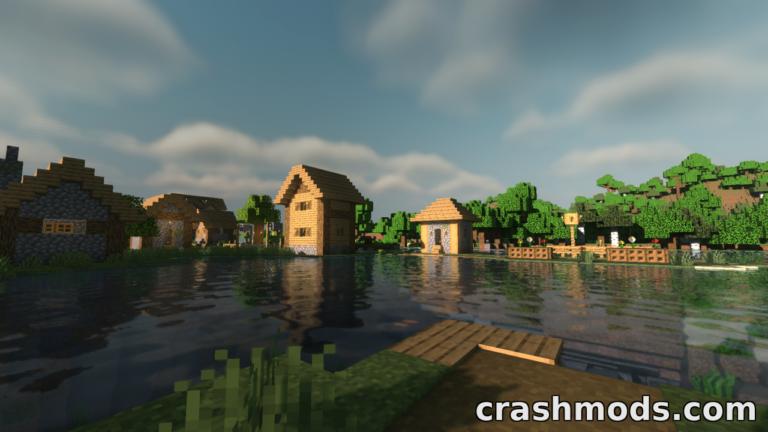
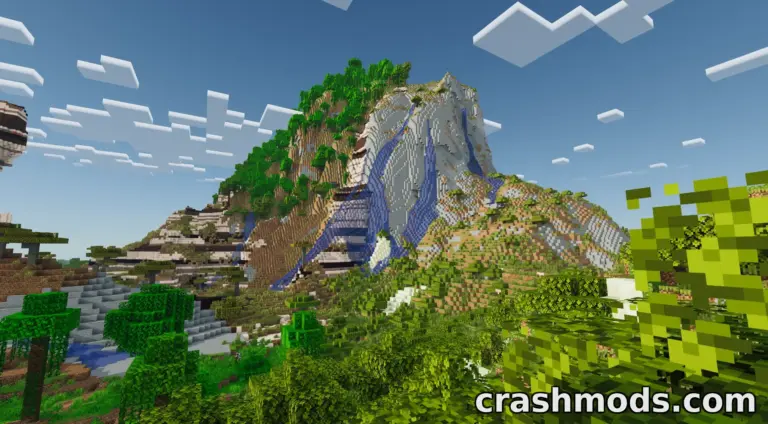
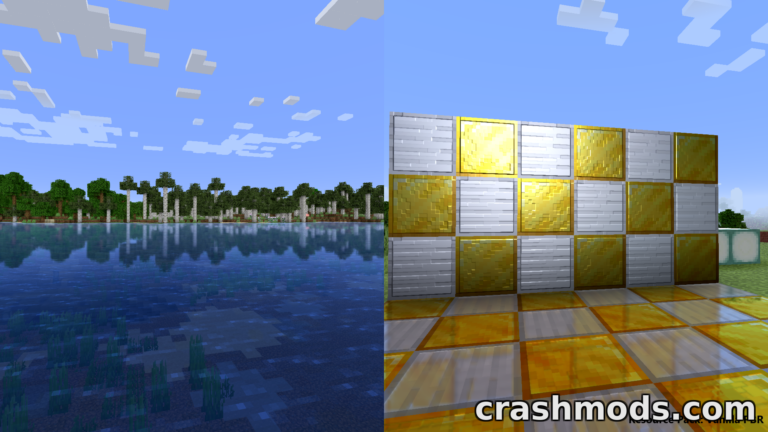
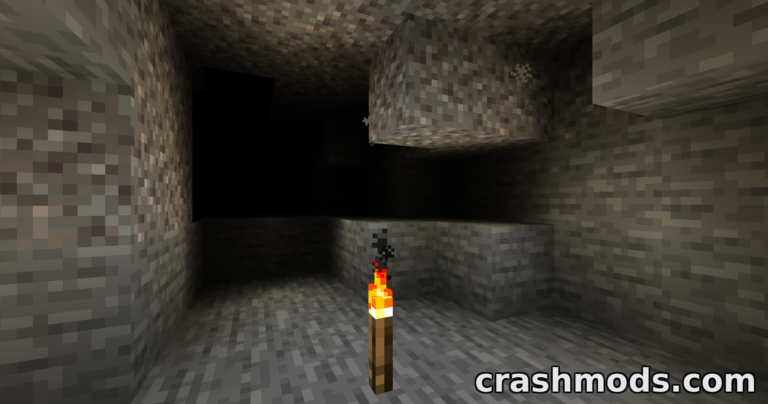
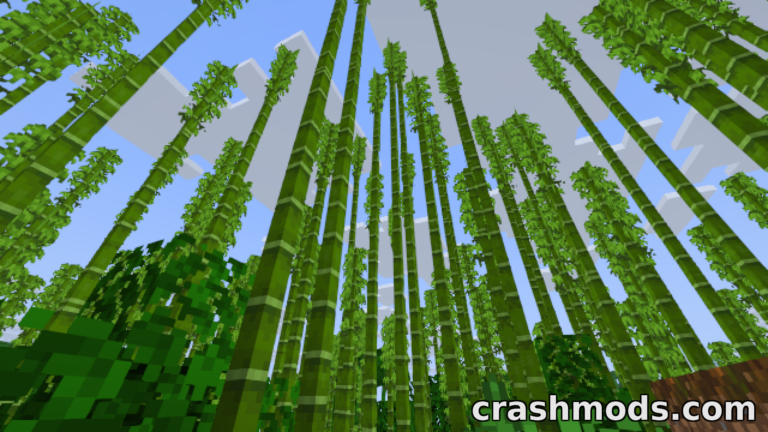
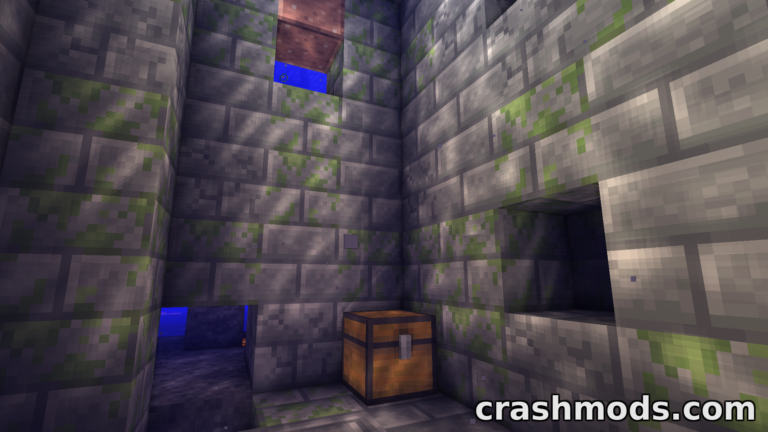
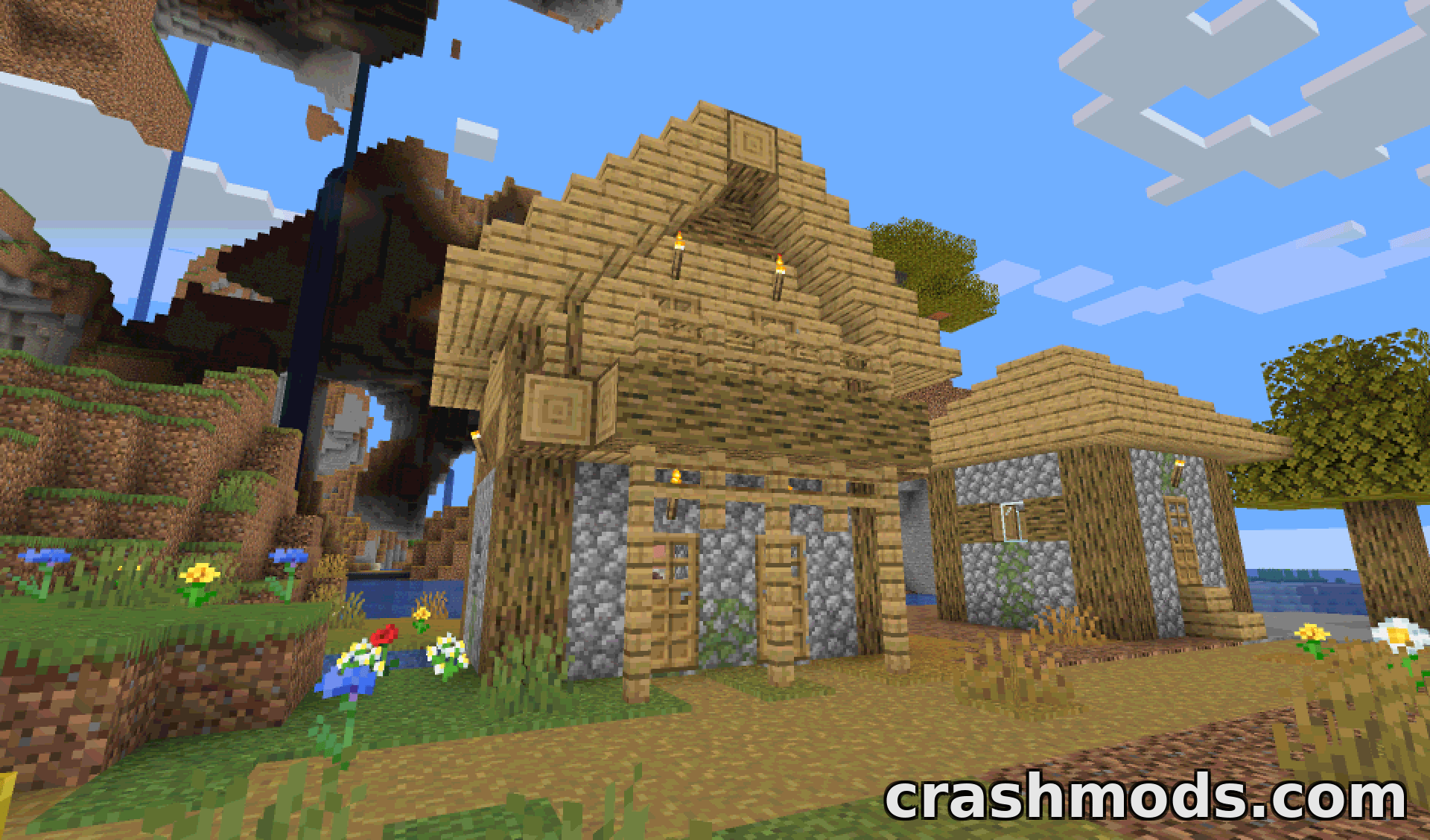
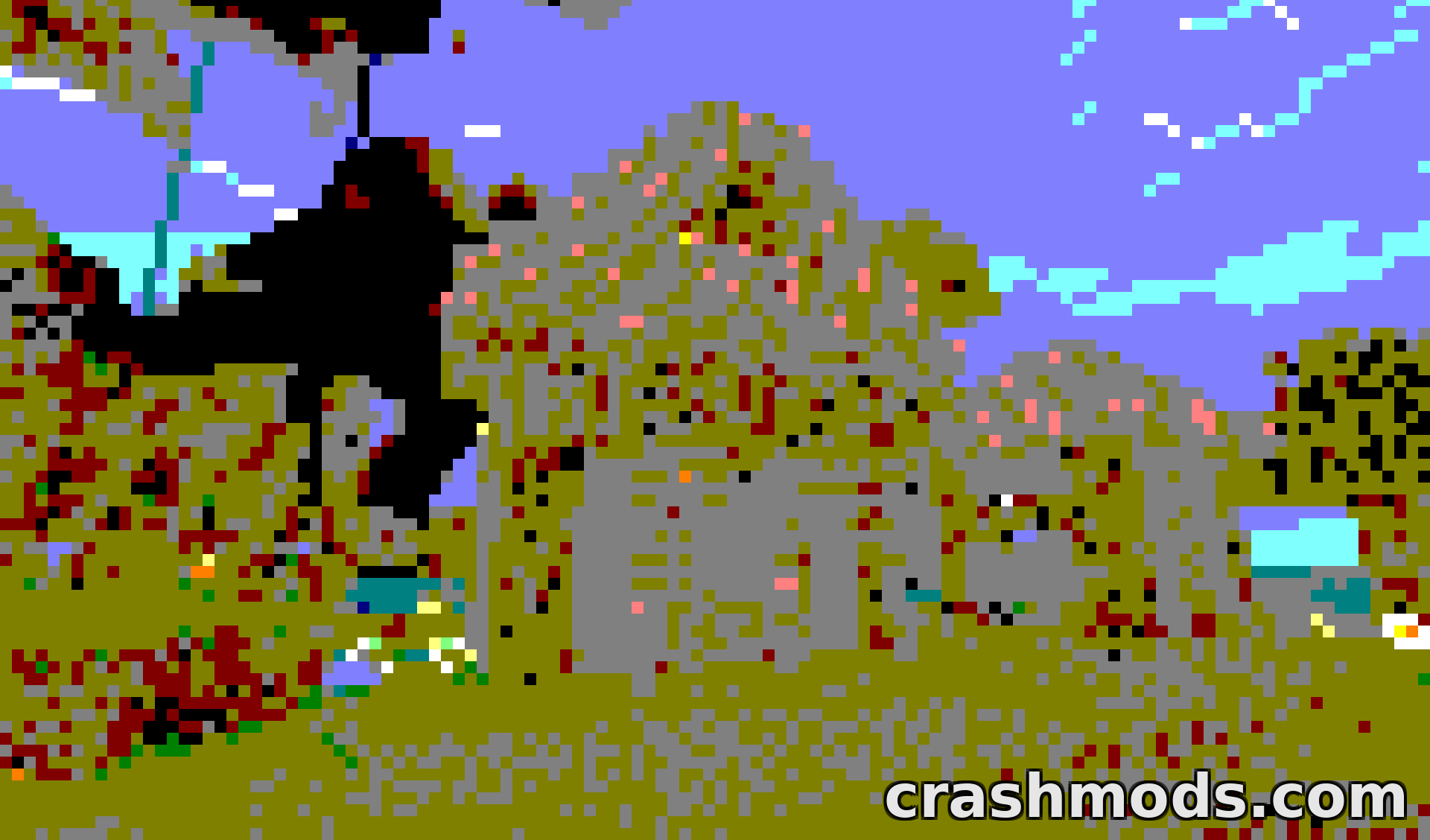
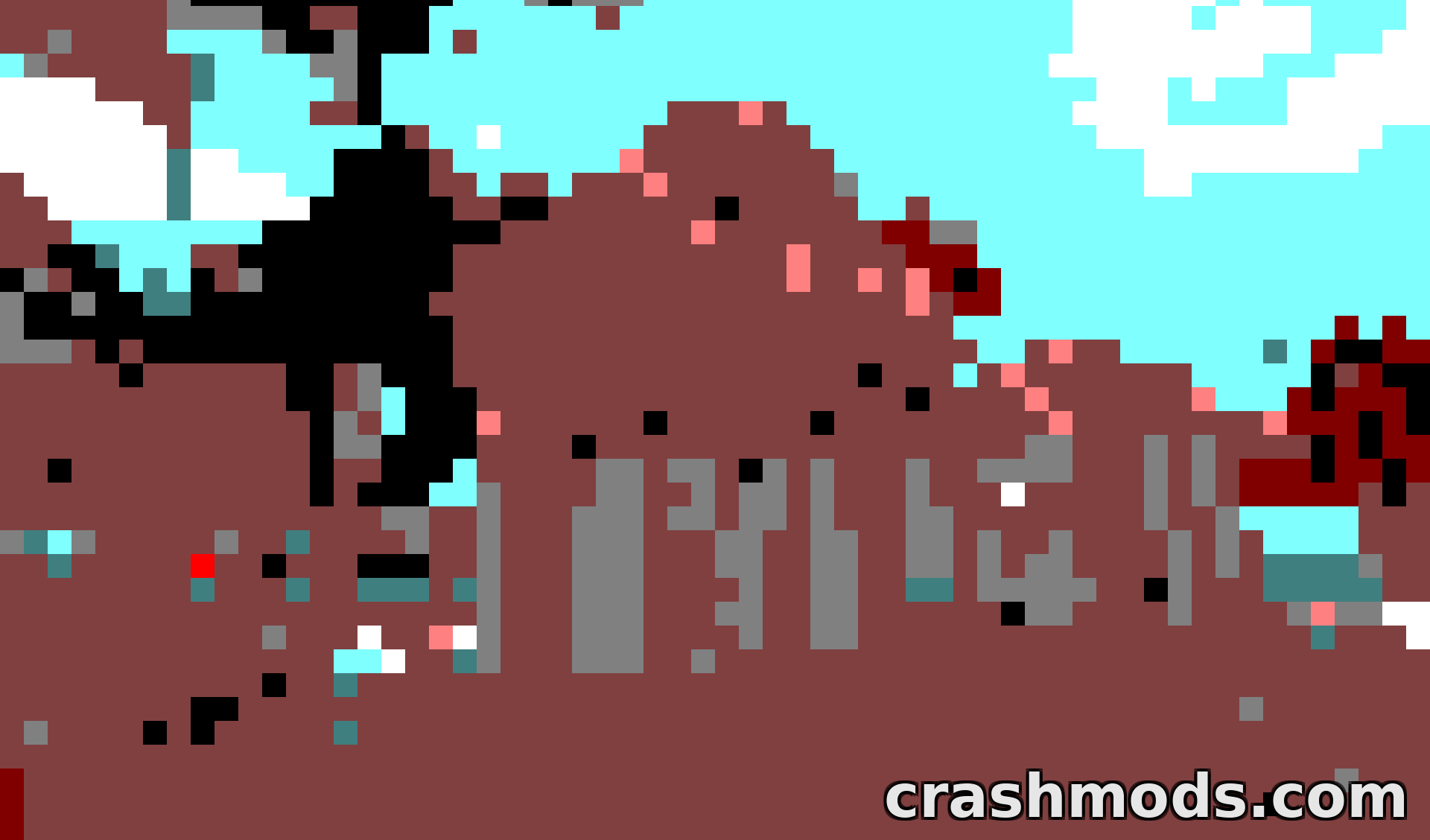
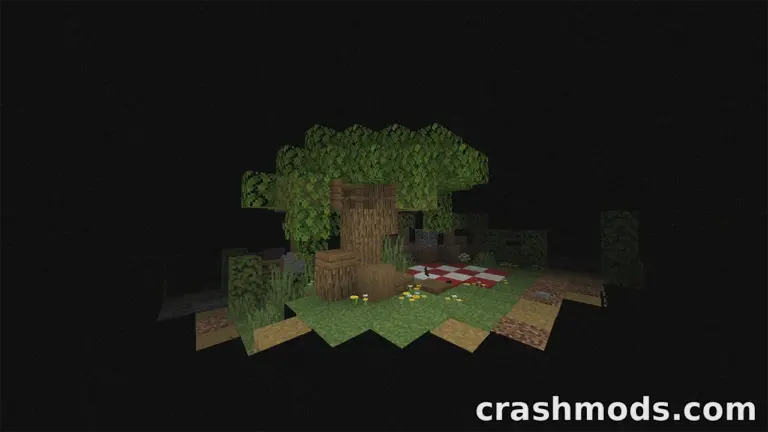
Crusher takes the opposite approach to most shader packs: instead of adding detail, it strips the picture down. It can limit how many colors appear on screen and shrink the resolution of the image, and each of these functions can be switched on or off on its own, so you can combine them the way you like.

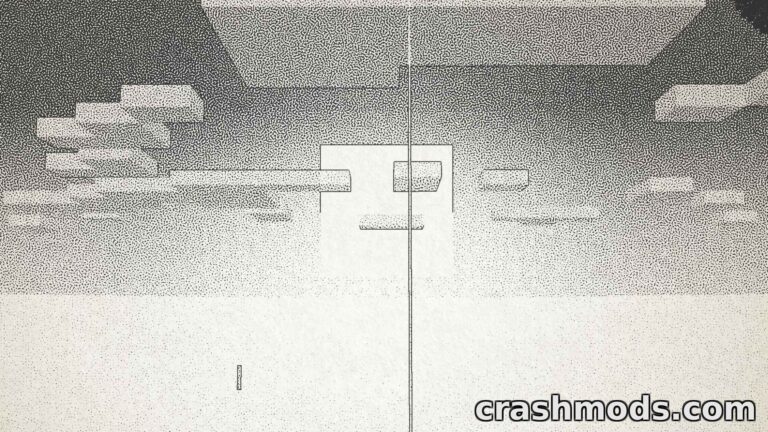
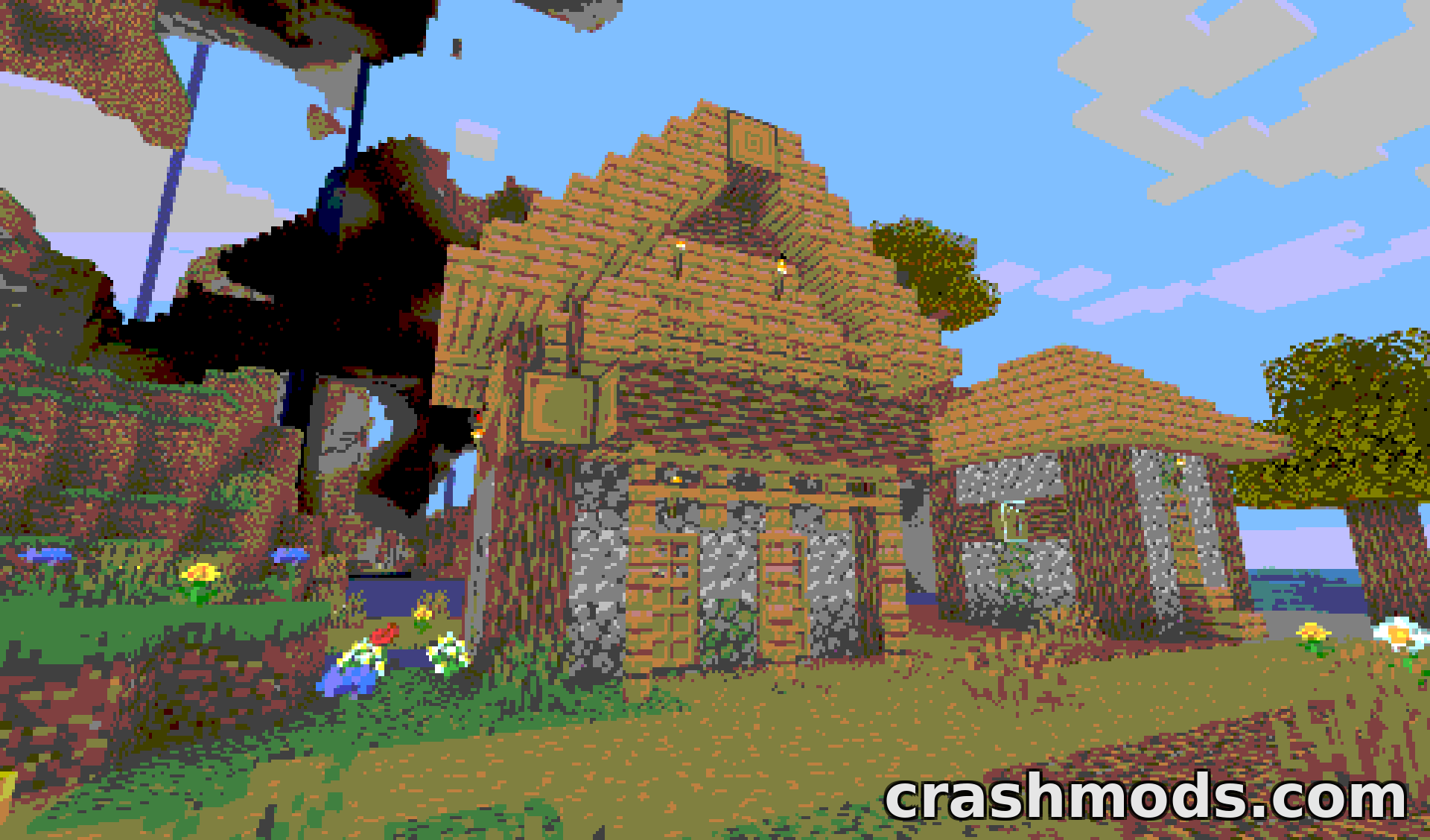
The color reduction caps every channel at a chosen number of values plus black. With the color amount set to 2, for example, a channel is restricted to 0, 127 or 255. You can pick whether colors are reduced in RGB or HSV mode, and an optional 4×4 Bayer matrix dithering pass makes the limited palette look much smoother, at the cost of more flickering. The dithering follows both the color count and the pixel size.

The pixel effect enlarges pixels, and each large pixel takes the color of its top left pixel instead of blending the colors underneath. Larger pixel sizes may cause flickering on distant objects. The anti-flicker option reduces this by averaging the colors inside each large pixel, although it may lower performance.

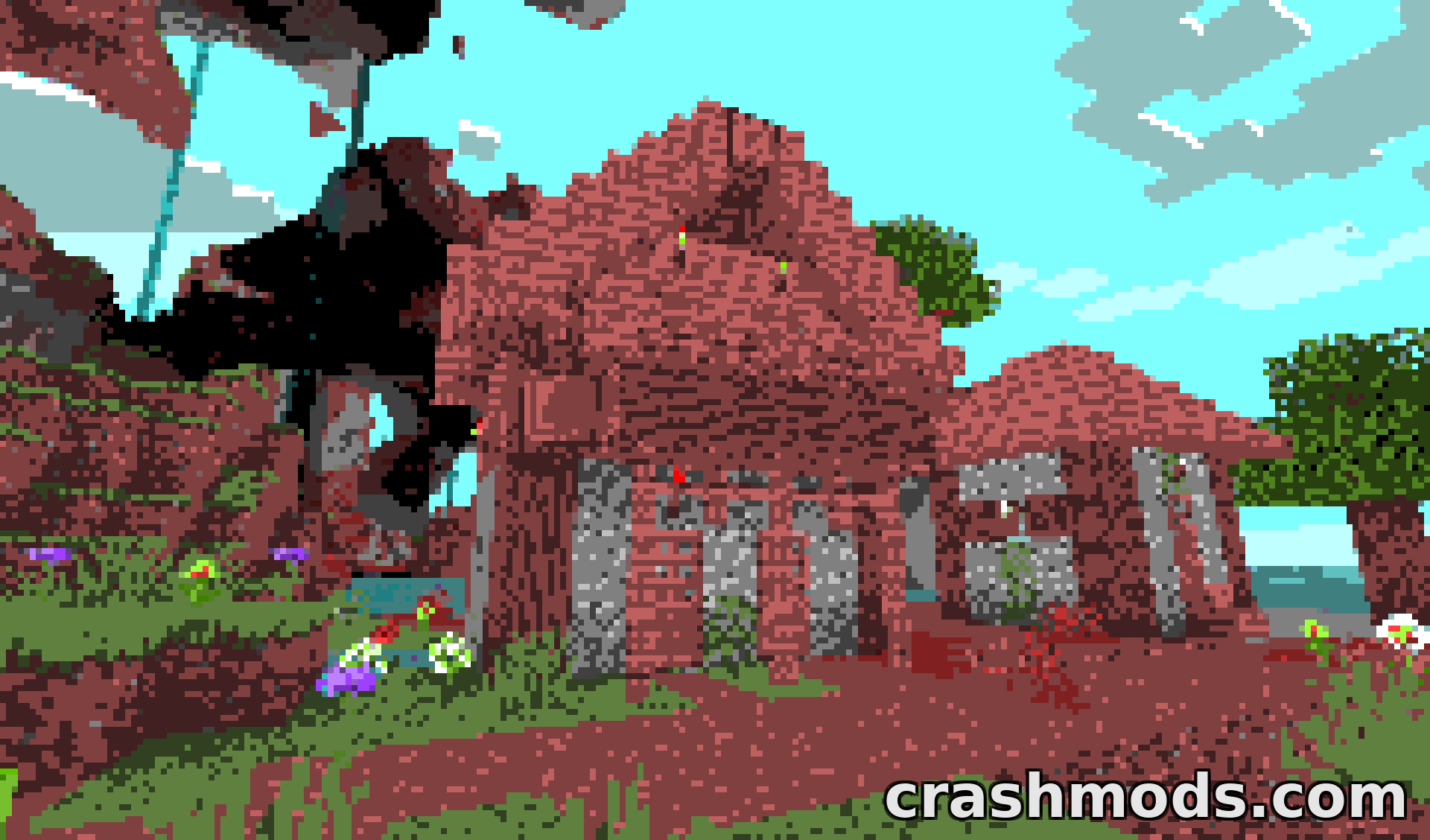
For something truly chaotic, the corruption mode makes the game look as though the universe itself is being switched off. It began as a failed attempt at the anti-flicker feature and was later kept as a separate option. It produces a lot of flashing lights, so photosensitive players should not use it.

✅ Description reviewed by the CrashMods Team

Changelog

V9.4.2 — First release.
Frequently asked questions6 questions

Crusher – which game and version is it for?

This mod was made for Minecraft (game version: 1.21.11). The mod's own version: V9.4.2. After a major game update, older mods may stop working — check the version before installing.

Crusher – how do I install it?

Install the mod loader that matches the mod's Minecraft version (Forge or Fabric), then put the .jar file in the .minecraft/mods folder.

Is the download safe?

We checked the file with VirusTotal: none of the 64 antivirus engines flagged it. The full report opens from the "Verified" badge on the mod's page.

How big is the download?

The mod's file size is about 13.3 KB.

Crusher – who made it?

The mod's original creator: hexahedron1.

Is the mod free?

Yes, downloading from CrashMods is free; registration is not required.

Download Get the latest version of this mod and enjoy!

Mod version: V9.4.2 Minecraft 1.21.11 2 months ago 13.3 KB
Crusher – Pixelation and Color Reduction Shader with Dithering V9.4.2 13.3 KB Minecraft Download File

The file is on ModsDrop, our own storage.

  • Scannedwith VirusTotal
  • EU serversFast & reliable
  • Free downloadNo registration needed
  • Latest versionAlways up to date

More Minecraft Shaders mods

Uploaded by

RavenByte73
  • 2,918 mod
  • 1 follower
  • 8,127 download
  • Registered 5 months ago

Community screenshots

Screenshots from players using this mod. Add yours — images only (JPG, PNG, WebP).

No community screenshots yet — be the first!

Leave a comment