Features:
- Toggleable orthographic view mode
- Every object renders at the same scale no matter how far away it is
- Client-side mod
- Config screen opens from the mod menu or a hotkey
- Separate X and Y camera scale settings
- Minimum and maximum view distance set the near and far frustum planes
- Fix camera option locks mouse rotation so you can still play normally
- Configurable fixed camera rotation and rotation speed
- Enabled state can be saved between client restarts
- Eight hotkeys for toggling, scaling, fixing and rotating the camera
- Fabric support for Minecraft 1.21.1
- Made by DimasKama
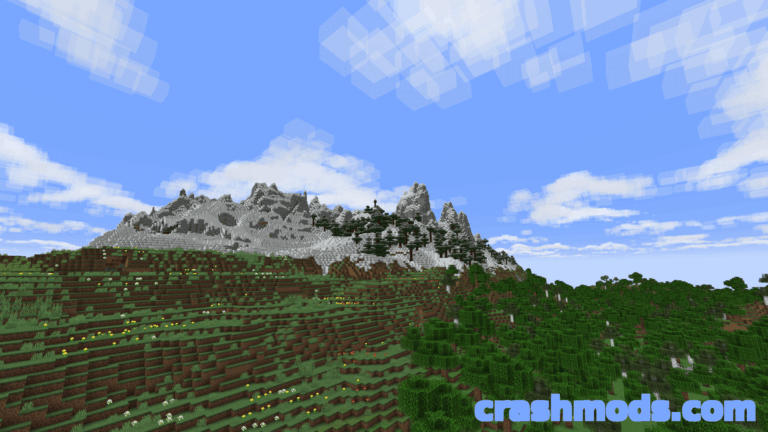
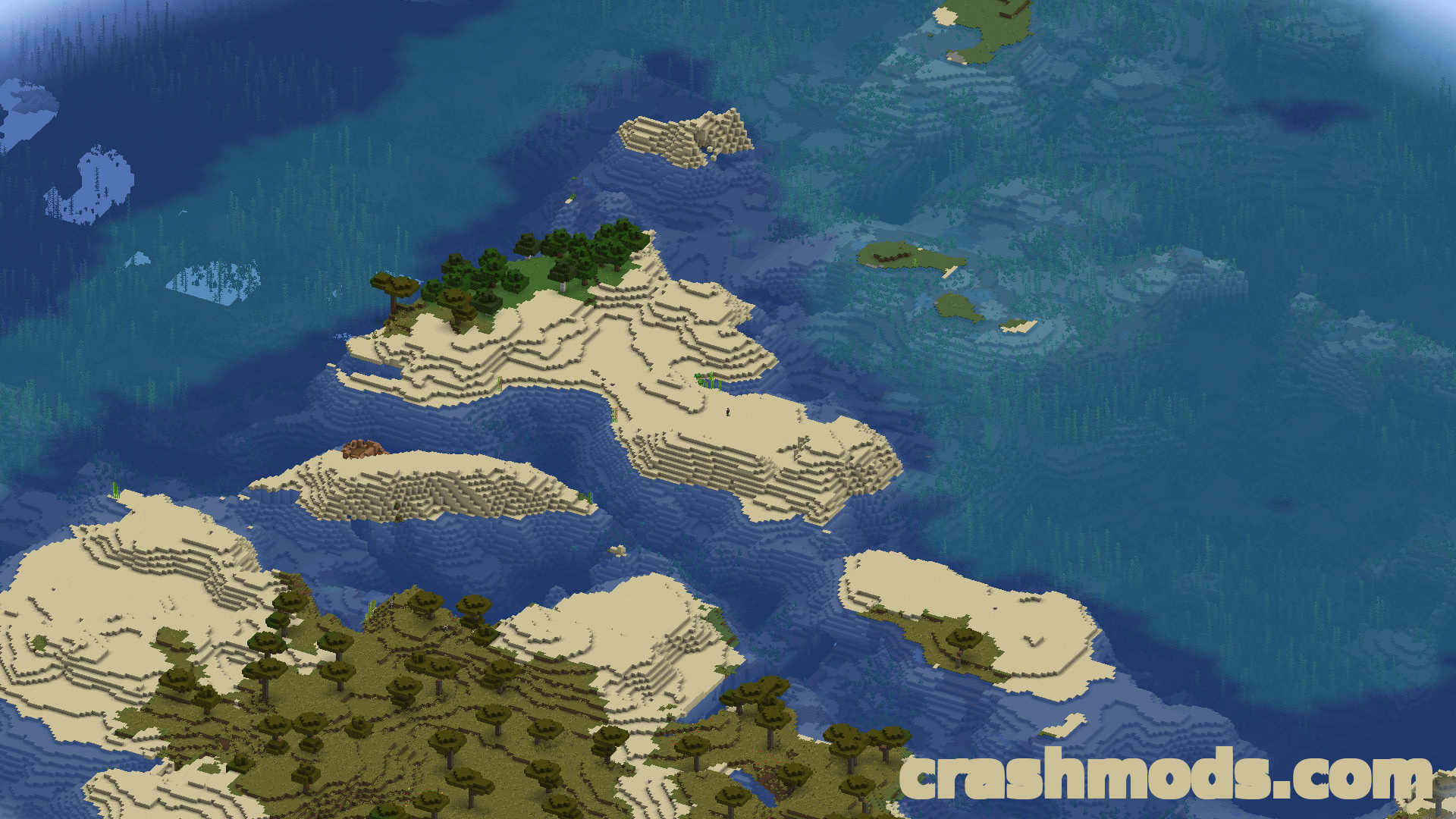
Minecraft draws its world with a perspective camera: objects far away appear smaller than the ones close to you, which is what gives the game its first-person feel. OrthoCamera adds the other option. In orthographic view every object is drawn at the same scale regardless of distance, and the whole world reads as a flat, uniform image instead of a receding one.
The mode is toggleable, so you can switch between the vanilla camera and the orthographic one whenever you like. A config screen, reachable from the mod menu or a dedicated hotkey, controls the details: the X and Y camera scale, the minimum and maximum view distance that position the near and far planes of the frustum, and whether the enabled state should be remembered between client restarts.
A fix camera setting locks mouse rotation, so the view stays at a chosen angle while you keep playing the game normally, and both the fixed rotation and the speed it turns at are configurable. In total there are eight hotkeys covering toggling the mode, increasing and decreasing the scale, fixing the camera and rotating it. Everything runs client-side on Fabric for Minecraft 1.21.1.
One compatibility note is worth knowing in advance. If you use Sodium, turn off Use Block Face Culling in the Performance tab, otherwise some block faces stop rendering at large scales. Nvidium force-enables that same Sodium feature, so it has to be disabled as well, and pressing F3 plus T afterwards applies the change.