Features:
- Toggles your own armor rendering with a keybind, V by default
- Shift plus the toggle key hides armor on all players at once
- Client-side only and does not change what other players see
- Player skins stay visible through armor
- Armor stays equipped, only its rendering is switched off
- Option to keep the elytra visible while armor is hidden
- Option to keep capes visible, enabled by default
- Players-only option so zombies, armor stands and other entities are left alone
- JSON configuration file stored in the config folder
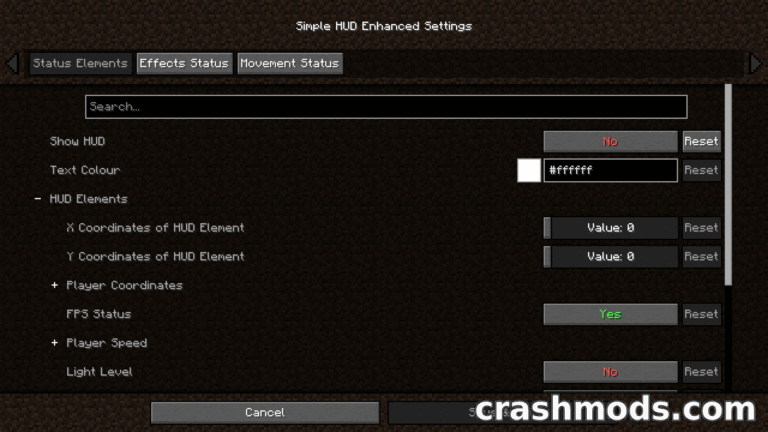
- Settings can also be edited through an in-game configuration screen
- Fabric loader support
- For Minecraft 1.15.2
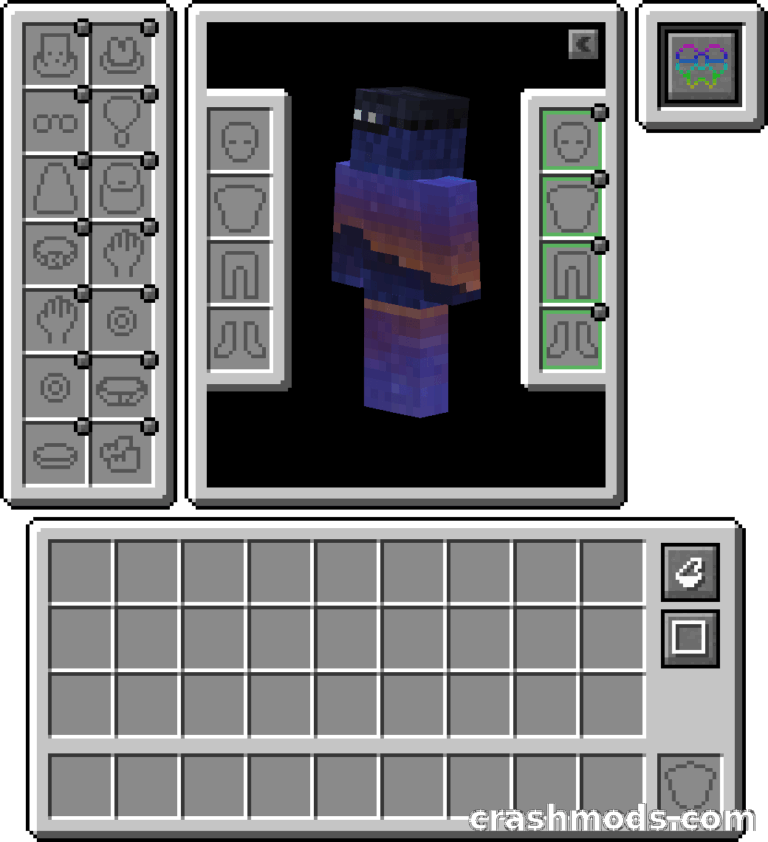
A Minecraft skin disappears the moment you put on a full set of armor, and Armor Visibility gives it back. One keypress, V by default, stops your armor from rendering, so the skin you picked stays on show while the gear itself stays equipped.
Holding shift with the same key extends the effect to everyone around you and hides armor on all players at once, so you see the skins of the people you play with instead of their gear. Because the mod is client-side only, nothing changes for other players and nothing has to be installed on the server.
A small JSON config file controls the details. Capes stay visible by default, the elytra can be kept visible as well, and a players-only switch decides whether armor rendering on other entities such as zombies and armor stands can be toggled too. The options can be edited in the file directly or from an in-game configuration screen.