

Features:
- Adds a Preview tab to the singleplayer world creation menu
- Generates a biome map for the selected seed straight away
- Optional structure sampling with a visibility toggle per structure type
- Optional colourised heightmap view
- Y-layer intersection view showing the blocks on the current layer
- Scrolling travels along the y axis so cave biomes become visible
- Click and drag to pan across the x and z axes
- Biome highlighting and persistent seed storage
- Experimental in-game preview for singleplayer worlds
- Adjustable chunk resolution and a CPU core limit in the settings
- Works with worldgen mods such as Terralith and Biomes O’ Plenty
- Forge support for Minecraft 1.21.1
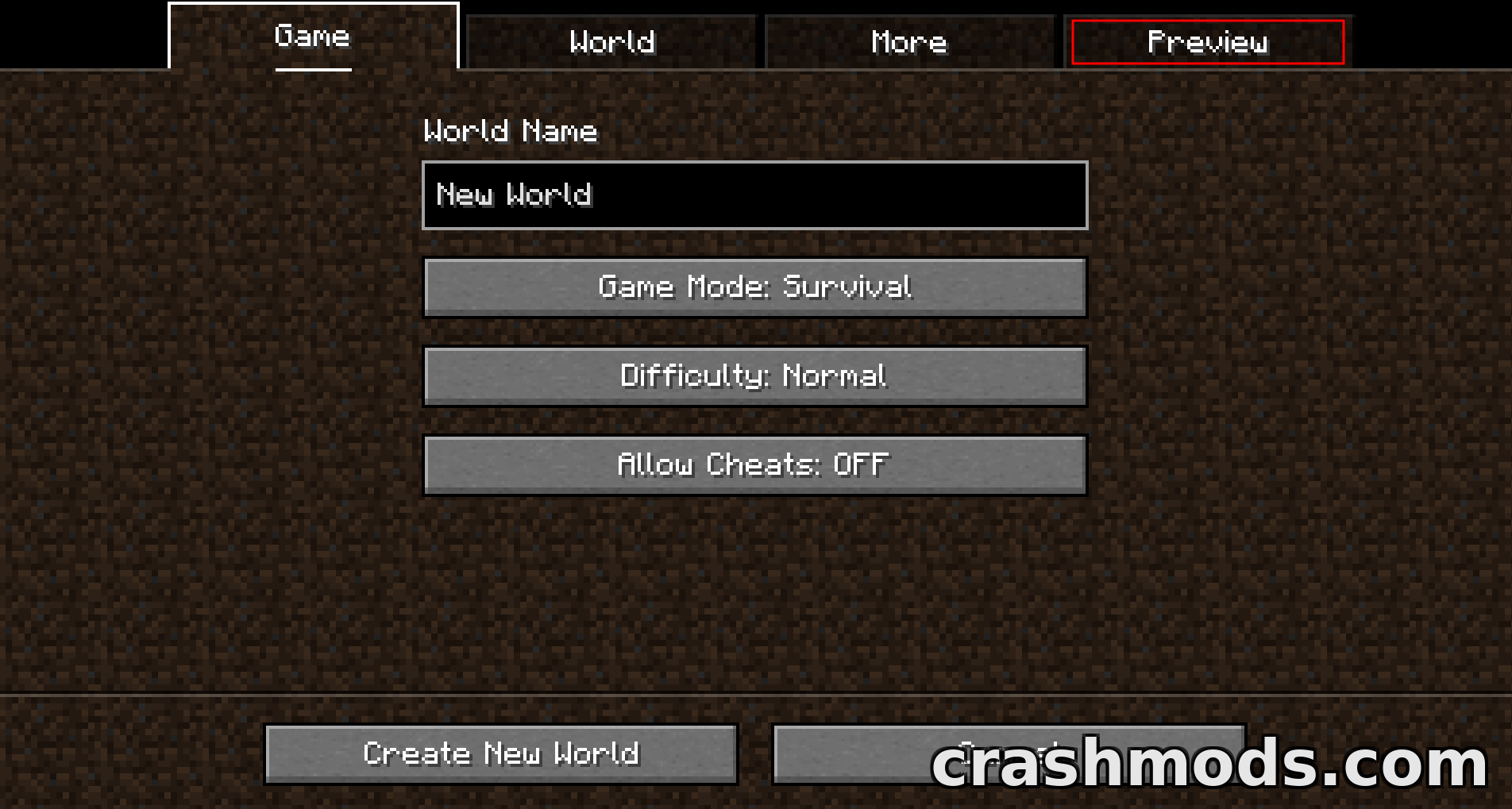
World Preview answers the question every seed hunter asks before pressing Create New World: what is actually out there? It adds a Preview tab to the singleplayer menu that renders a biome map of the current seed immediately, so a world’s layout can be judged without generating it, loading in and flying around to look.
Switch on structure sampling and the map marks where generated structures sit, with a toggle for each type when you are hunting one thing in particular. With height sampling enabled the preview can be flipped between the biome map and a colourised heightmap, and y-layer intersection sampling draws the blocks on the current layer with the layer below shown in a lighter shade. Dragging moves across the x and z axes, while scrolling travels up and down the y axis, which is how cave biomes are found.
The preview is deliberately adjustable. Chunk resolution, zoom and the number of CPU cores used for sampling all live in the settings menu behind the wrench button, seeds are kept between sessions, and individual biomes can be highlighted. It handles modded worldgen well, with Terralith and Biomes O’ Plenty among the tested combinations, and new biomes or structures can be registered through the datapack system. Since version 1.1.0 there is also experimental support for opening the preview from inside a singleplayer world.