Skip to content
Join our Discord for updates & support Discord

Health Indicators – Floating Health Bars Above Players and Mobs V2.2.7

—/5, 0 ratings

Your rating

Creator: AdyTech99

File verified — safe
All 64 security engines found this file clean.
Last checked: 2026-07-25
Security report

Features:

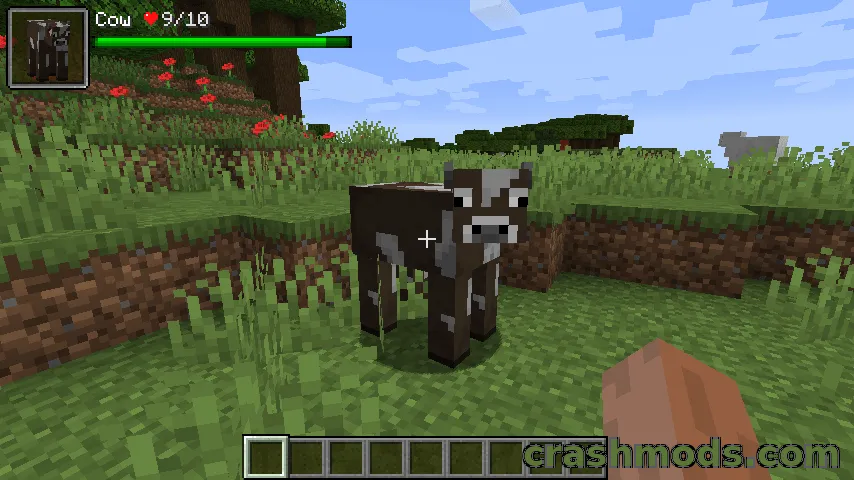
  • Floating health bar or numeric value above players and entities
  • Optional armor indicator alongside the health display
  • Filters by entity category (hostile, passive, players, self)
  • Filters by entity type or player name with a blacklist
  • Show only after hitting, damaging or looking at an entity
  • Distance-based visibility limit
  • Adjustable size, offset, text color and percentage-based health
  • Effect-aware textures for Poison, Wither, Absorption, Regeneration and Hardcore
  • Keybinds for toggling the indicator and nudging its offset
  • Every extra behaviour can be switched off in the config
  • NeoForge support for Minecraft 1.21.1
  • Made by AdyTech99

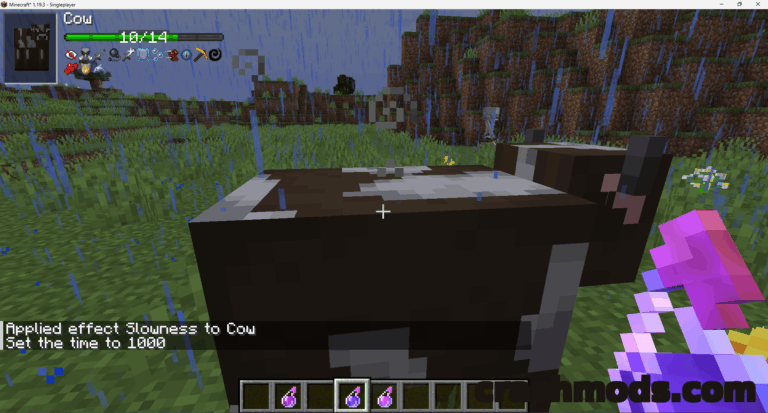
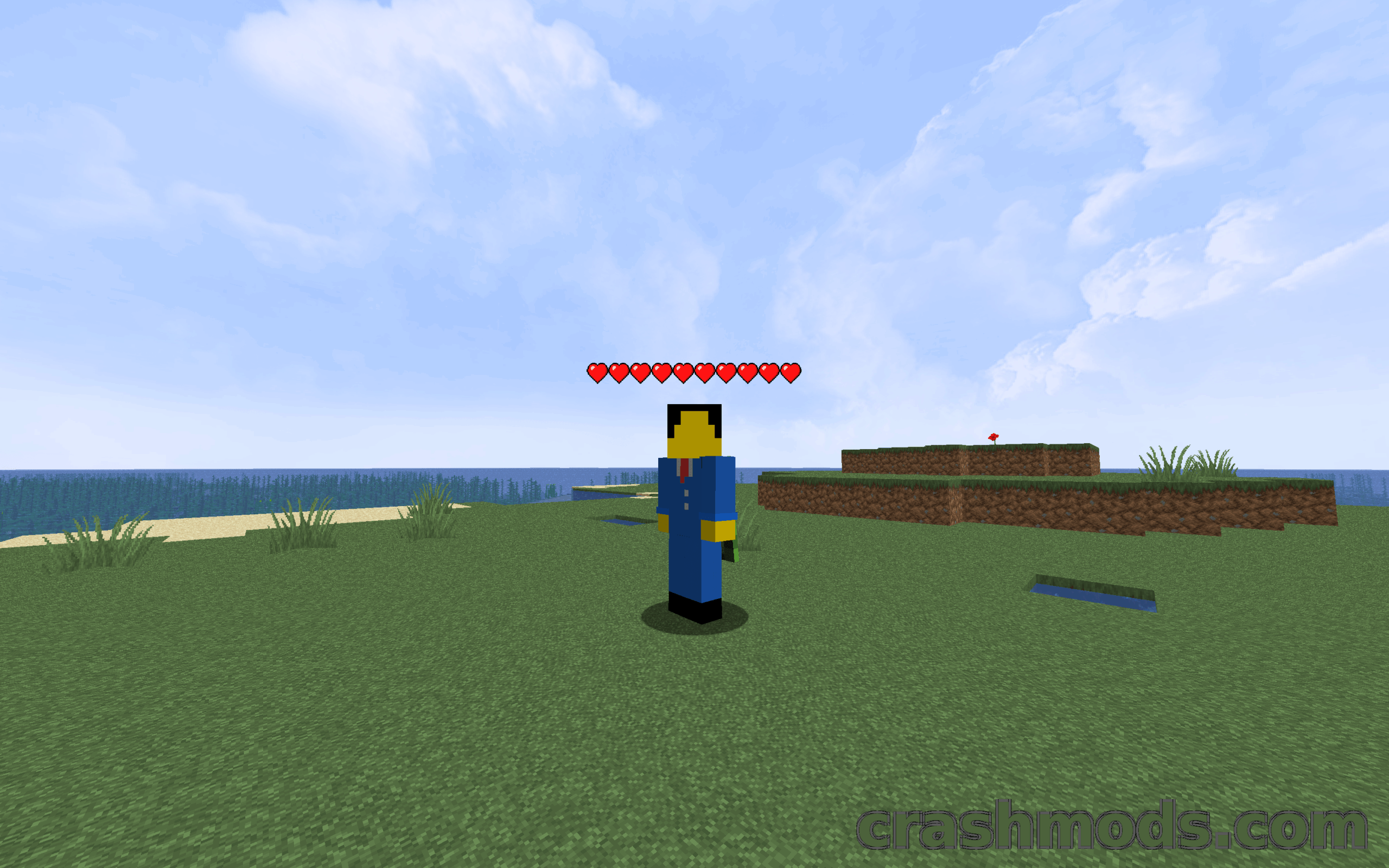
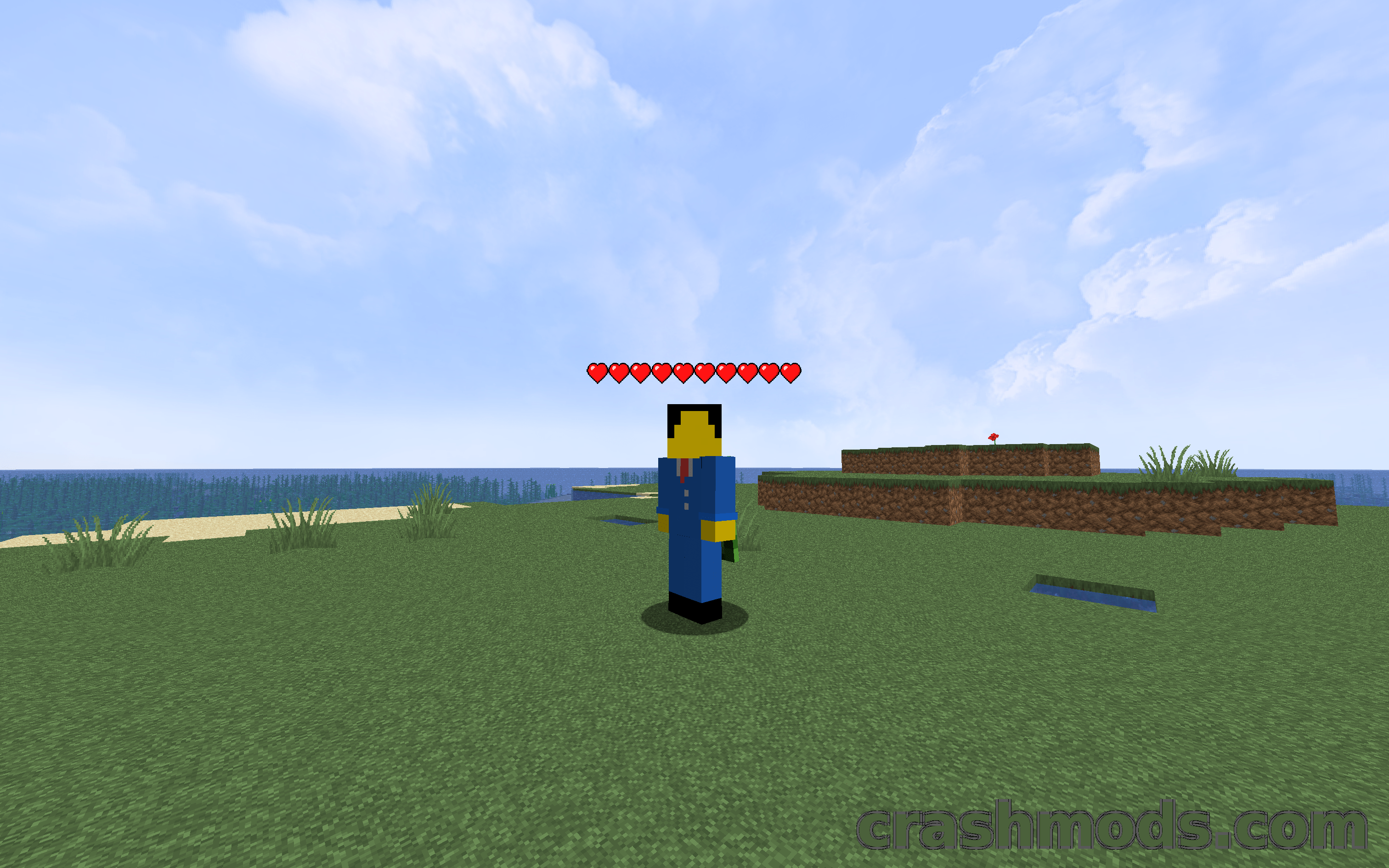
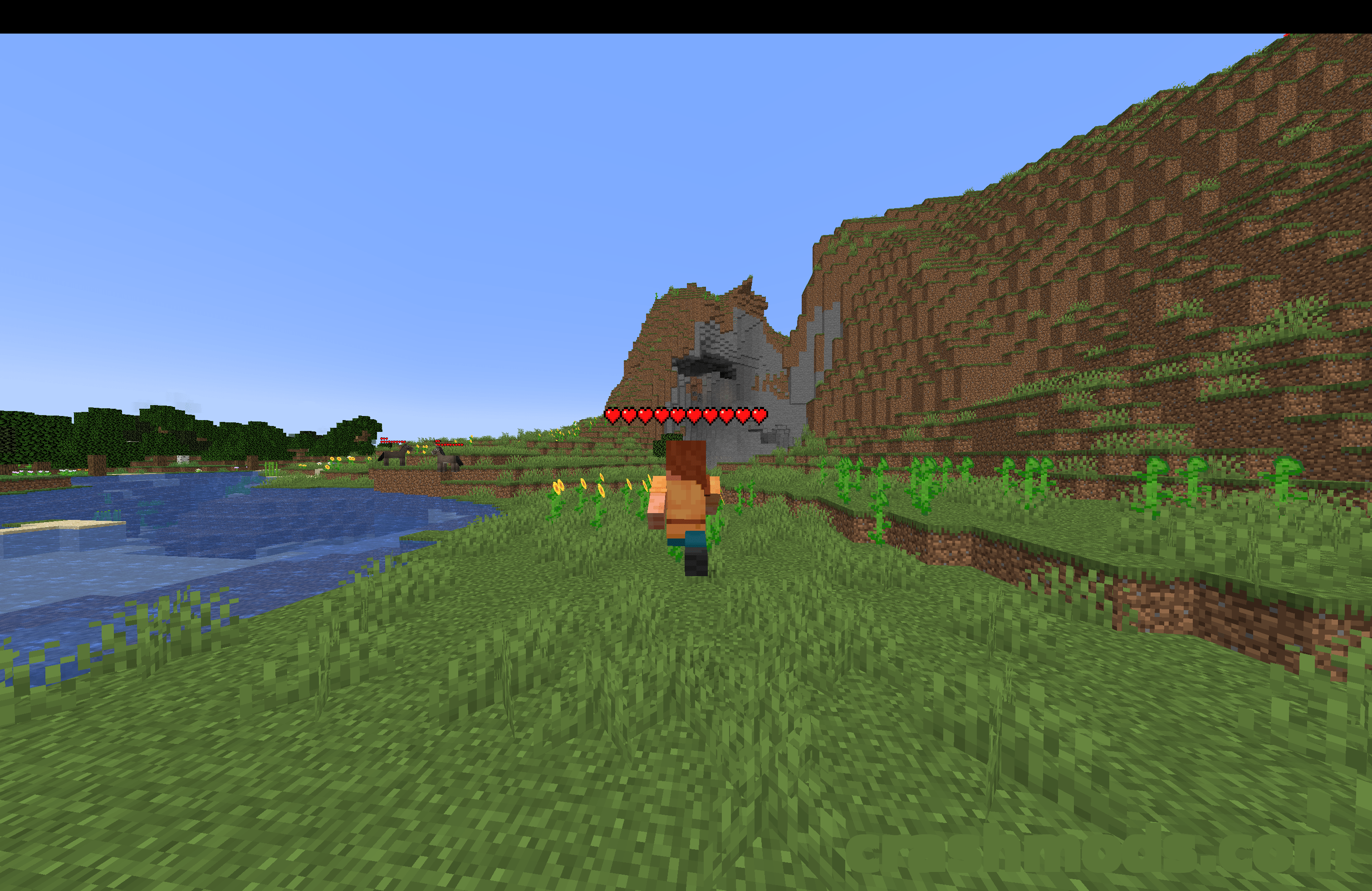
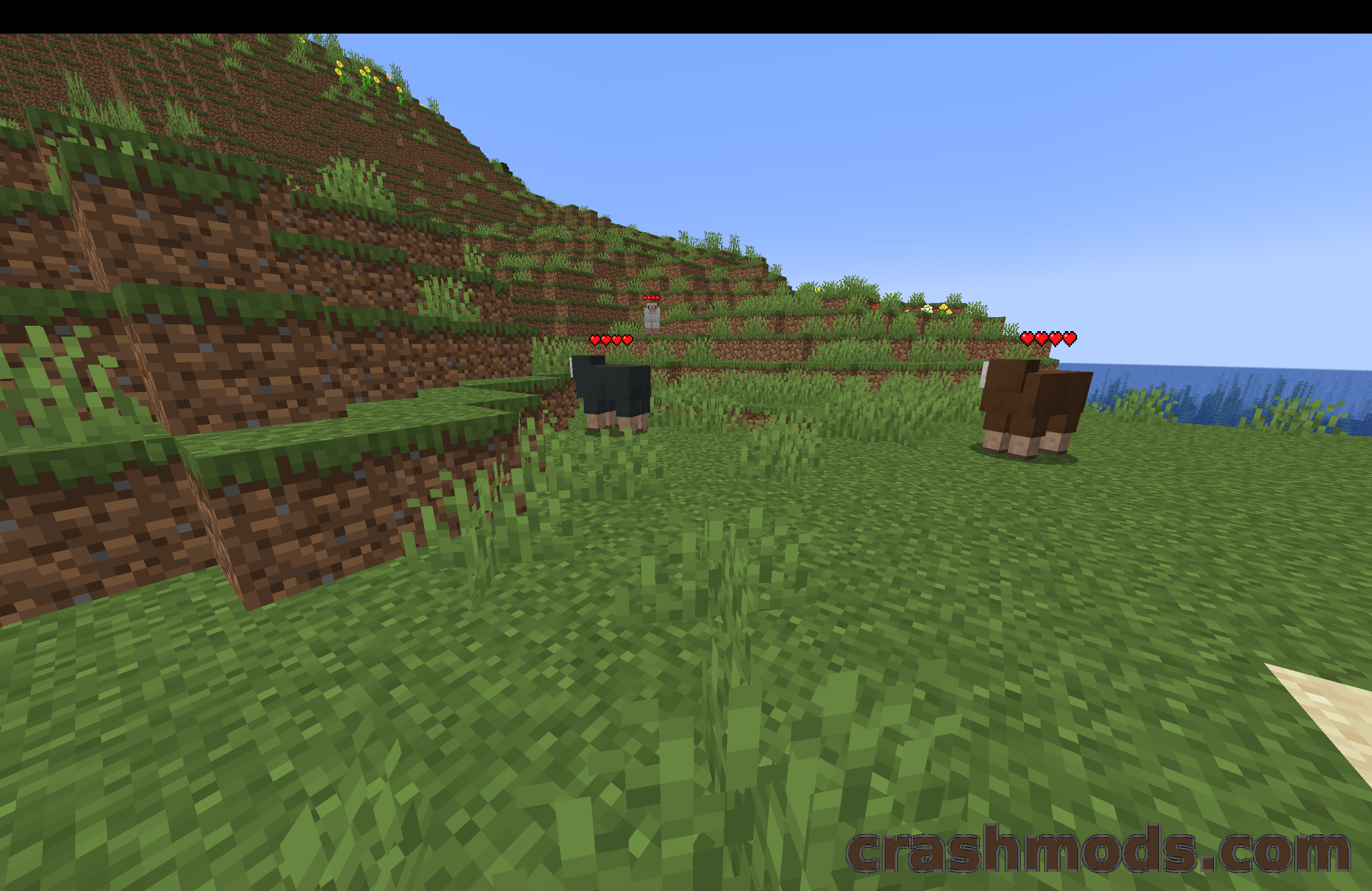
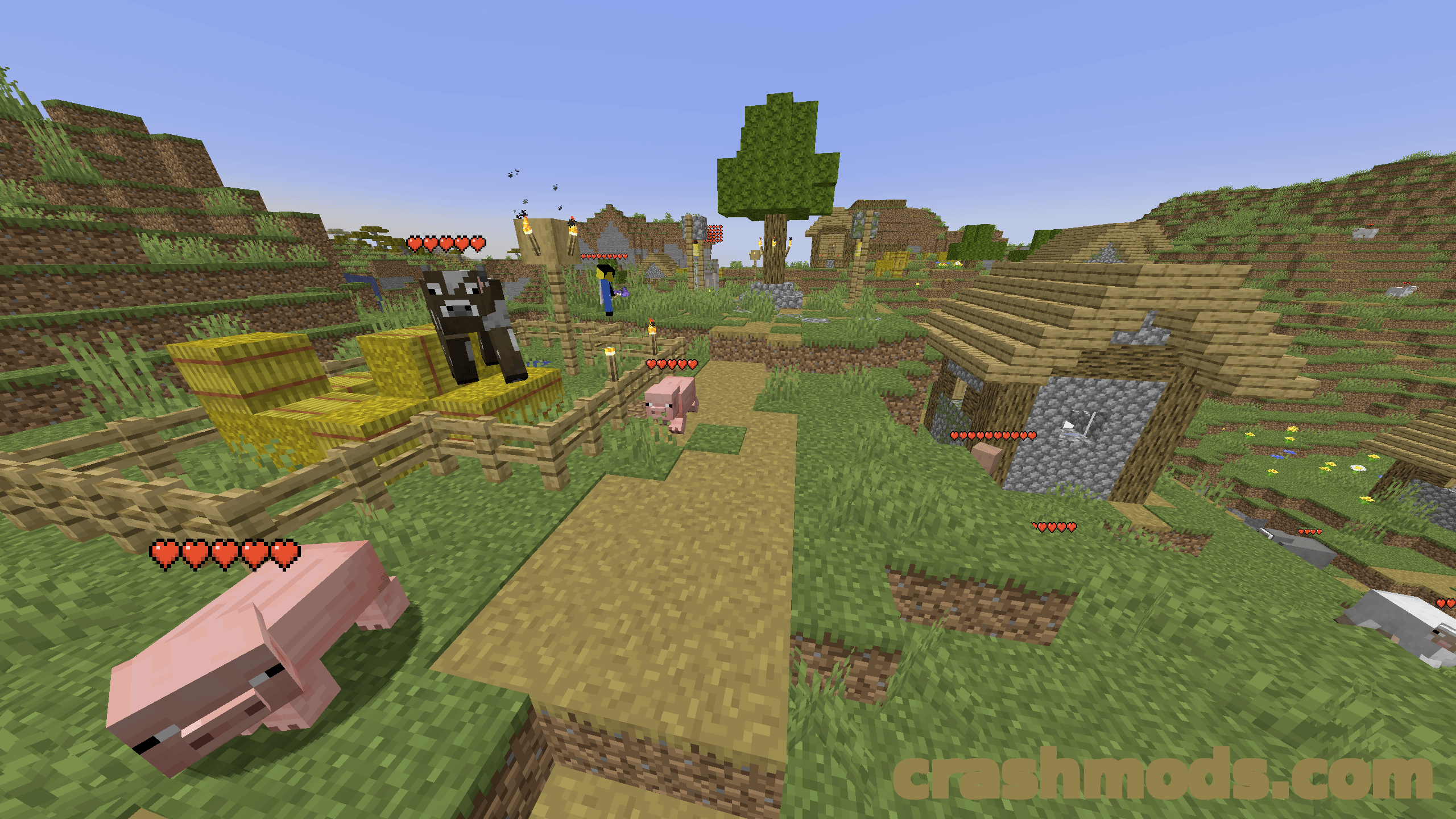
Working out how much damage a mob has actually taken usually comes down to guesswork. Health Indicators puts the answer directly above the entity, drawing a floating health bar, or a plain number if you prefer, over players and mobs so every fight becomes readable at a glance.

The filtering is where the mod earns its place in a modpack. Indicators can be limited by entity category such as hostile, passive, players or self, by a specific entity type, or by player name, and you can require that an entity has been attacked, has taken damage, or is being looked at before its bar shows up at all. A distance limit stops far-off crowds from cluttering the screen, and a blacklist hides indicators for anything you never want to see.

Presentation is just as adjustable. Size, vertical offset, text color, hearts versus numbers and percentage-based health are all config options, and the indicator reacts to status effects the way vanilla hearts do: green under Poison, black under Wither, separate yellow hearts for Absorption, a vibration during Regeneration and dedicated Hardcore textures. Keybinds cover enabling the indicator, raising or lowering the offset, overriding the filters and opening the config, and anything you dislike can be turned off.

✅ Description reviewed by the CrashMods Team

Changelog

V2.2.7 — First release.
Frequently asked questions6 questions

Health Indicators – which game and version is it for?

This mod was made for Minecraft (game version: 26.1.2). The mod's own version: V2.2.7. After a major game update, older mods may stop working — check the version before installing.

Health Indicators – how do I install it?

Install the mod loader that matches the mod's Minecraft version (Forge or Fabric), then put the .jar file in the .minecraft/mods folder.

Is the download safe?

We checked the file with VirusTotal: none of the 64 antivirus engines flagged it. The full report opens from the "Verified" badge on the mod's page.

How big is the download?

The mod's file size is about 9.3 KB.

Health Indicators – who made it?

The mod's original creator: AdyTech99.

Is the mod free?

Yes, downloading from CrashMods is free; registration is not required.

Download Get the latest version of this mod and enjoy!

Mod version: V2.2.7 Minecraft 26.1.2 2 months ago 9.3 KB
Health Indicators – Floating Health Bars Above Players and Mobs V2.2.7 9.3 KB Minecraft Download File

The file is on ModsDrop, our own storage.

  • Scannedwith VirusTotal
  • EU serversFast & reliable
  • Free downloadNo registration needed
  • Latest versionAlways up to date

More Minecraft Mobs mods

Uploaded by

Tabornok3
Tabornok3 LITE
  • 2,191 mod
  • 1 follower
  • 3,166 download
  • Registered 4 months ago

Community screenshots

Screenshots from players using this mod. Add yours — images only (JPG, PNG, WebP).

No community screenshots yet — be the first!

Leave a comment

Stay in the loop

Get the latest mods & updates in your inbox.

✓ Thanks! We will keep you posted.

💬
New mods & updatesBe the first to know.
🛡️
Verified & safeQuality checked by our team.
🎁
Community perksEvents, contests & more.

© 2026 CrashMods — All rights reserved.
Safe & TrustedEvery mod is scanned and reviewed to ensure a safe experience.
SecureYour safety is our priority.