Skip to content
Join our Discord for updates & support Discord

EnhancedVisuals – Immersive Screen Effects and HUD Overlays V1.1

—/5, 0 ratings

Your rating

Creator: creativemd

File verified — safe
All 63 security engines found this file clean.
Last checked: 2026-09-04
Security report

Features:

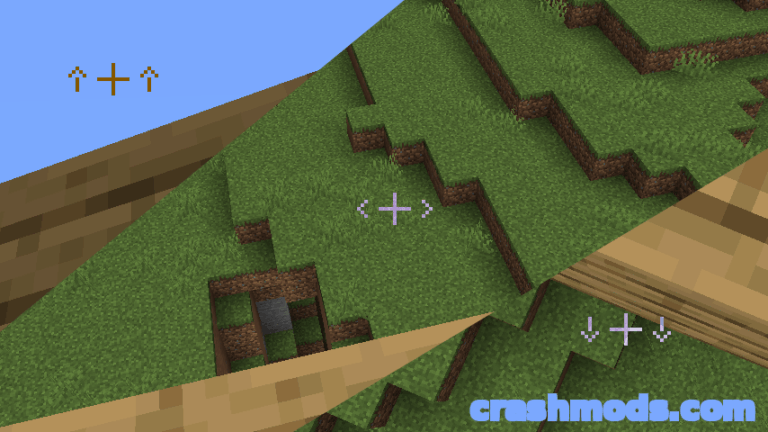
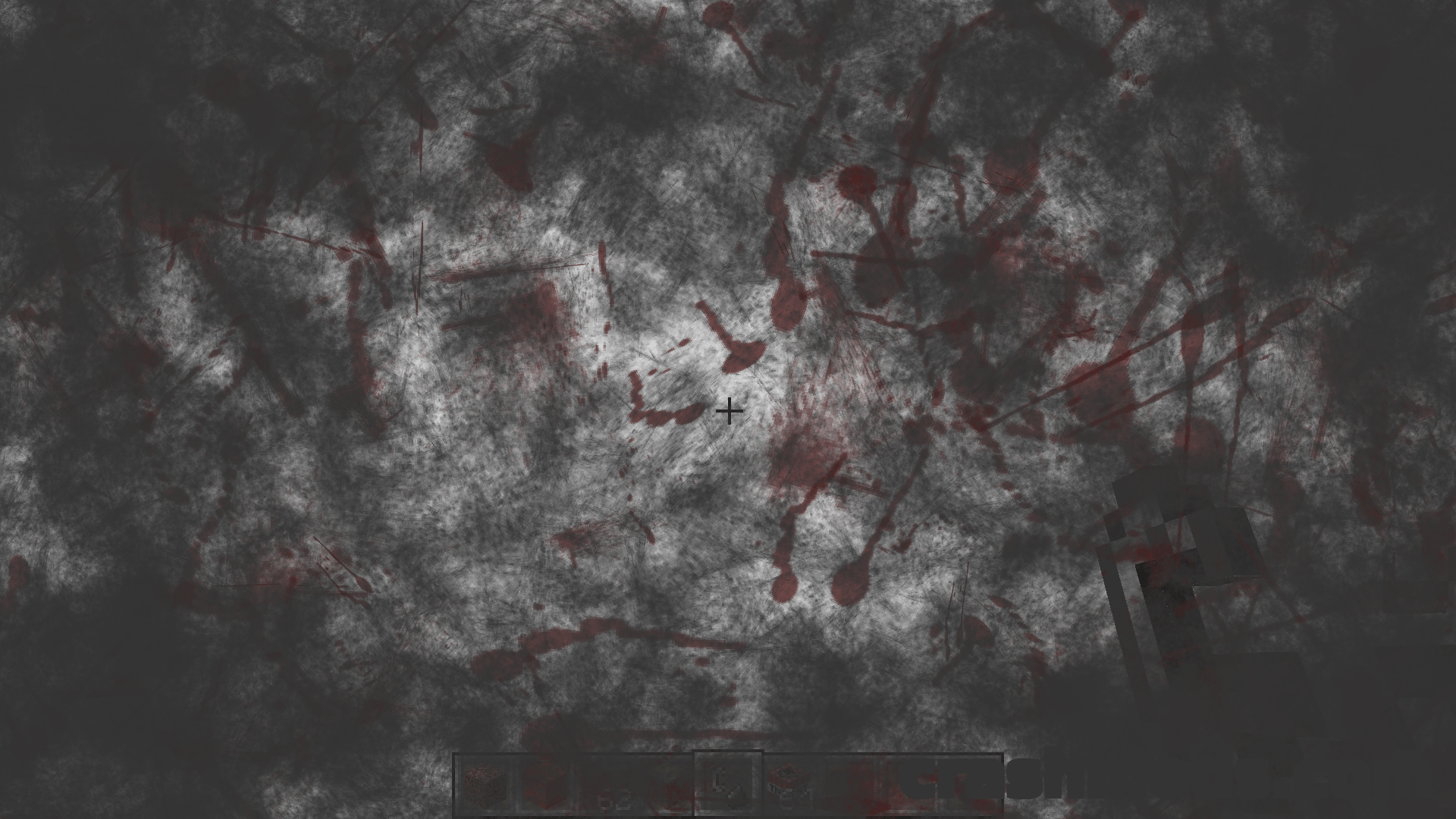
  • Adds visual effects to the game HUD
  • Built for a more immersive experience
  • Effects appear on screen while you play
  • Resource packs can change how the effects look
  • A dedicated pixelated resource pack exists for the mod
  • Separate addon adds ToughAsNails and SimpleDifficulty support
  • Works alongside Optifine with Fast Render turned off
  • Anisotropic Filtering and Antialiasing also need to be off with Optifine
  • 4.51 MB download
  • Forge support
  • For Minecraft 1.21.1
  • Made by creativemd

EnhancedVisuals is built around a simple idea: what happens to your character should be visible on the screen in front of you, not only in a health bar. It adds effects to the Minecraft HUD so the game feels more physical and more immersive while you play.

The look of those effects is not fixed. Resource packs can restyle them, and a pixelated pack made specifically for the mod shows how far that can go. A separate addon also adds support for ToughAsNails and SimpleDifficulty.

If you run Optifine alongside the mod, a few of its settings have to be switched off first, namely Fast Render, Anisotropic Filtering and Antialiasing. Leave them on and the screen can turn black while an effect is active. This build is for Minecraft 1.21.1 on Forge and comes in at 4.51 MB.

✅ Description reviewed by the CrashMods Team

Changelog

V1.1 — First release.
Frequently asked questions6 questions

EnhancedVisuals – which game and version is it for?

This mod was made for Minecraft (game version: 1.20.1). The mod's own version: V1.1. After a major game update, older mods may stop working — check the version before installing.

EnhancedVisuals – how do I install it?

Install the mod loader that matches the mod's Minecraft version (Forge or Fabric), then put the .jar file in the .minecraft/mods folder.

Is the download safe?

We checked the file with VirusTotal: none of the 63 antivirus engines flagged it. The full report opens from the "Verified" badge on the mod's page.

How big is the download?

The mod's file size is about 4.5 MB.

EnhancedVisuals – who made it?

The mod's original creator: creativemd.

Is the mod free?

Yes, downloading from CrashMods is free; registration is not required.

Download Get the latest version of this mod and enjoy!

Mod version: V1.1 Minecraft 1.20.1 2 months ago 4.5 MB
EnhancedVisuals – Immersive Screen Effects and HUD Overlays V1.1 4.5 MB Minecraft Download File

The file is on ModsDrop, our own storage.

  • Scannedwith VirusTotal
  • EU serversFast & reliable
  • Free downloadNo registration needed
  • Latest versionAlways up to date

More Minecraft Adventure mods

Uploaded by

Tabornok3
Tabornok3 LITE
  • 2,191 mod
  • 1 follower
  • 3,280 download
  • Registered 4 months ago

Community screenshots

Screenshots from players using this mod. Add yours — images only (JPG, PNG, WebP).

No community screenshots yet — be the first!

Leave a comment

Stay in the loop

Get the latest mods & updates in your inbox.

✓ Thanks! We will keep you posted.

💬
New mods & updatesBe the first to know.
🛡️
Verified & safeQuality checked by our team.
🎁
Community perksEvents, contests & more.

© 2026 CrashMods — All rights reserved.
Safe & TrustedEvery mod is scanned and reviewed to ensure a safe experience.
SecureYour safety is our priority.