Skip to content
Join our Discord for updates & support Discord

Keep Some Inventory – Keep Your Gear and Drop Only Resources on Death V5.3.1

0 downloads
107.9 KB file size
0 comments
0 videos
Minecraft More Minecraft Mods Explore more high-quality Minecraft mods. Browse Mods

—/5, 0 ratings

Your rating

Creator: PuckiSilver

File verified — safe
All 64 security engines found this file clean.
Last checked: 2025-10-27
Security report

Features:

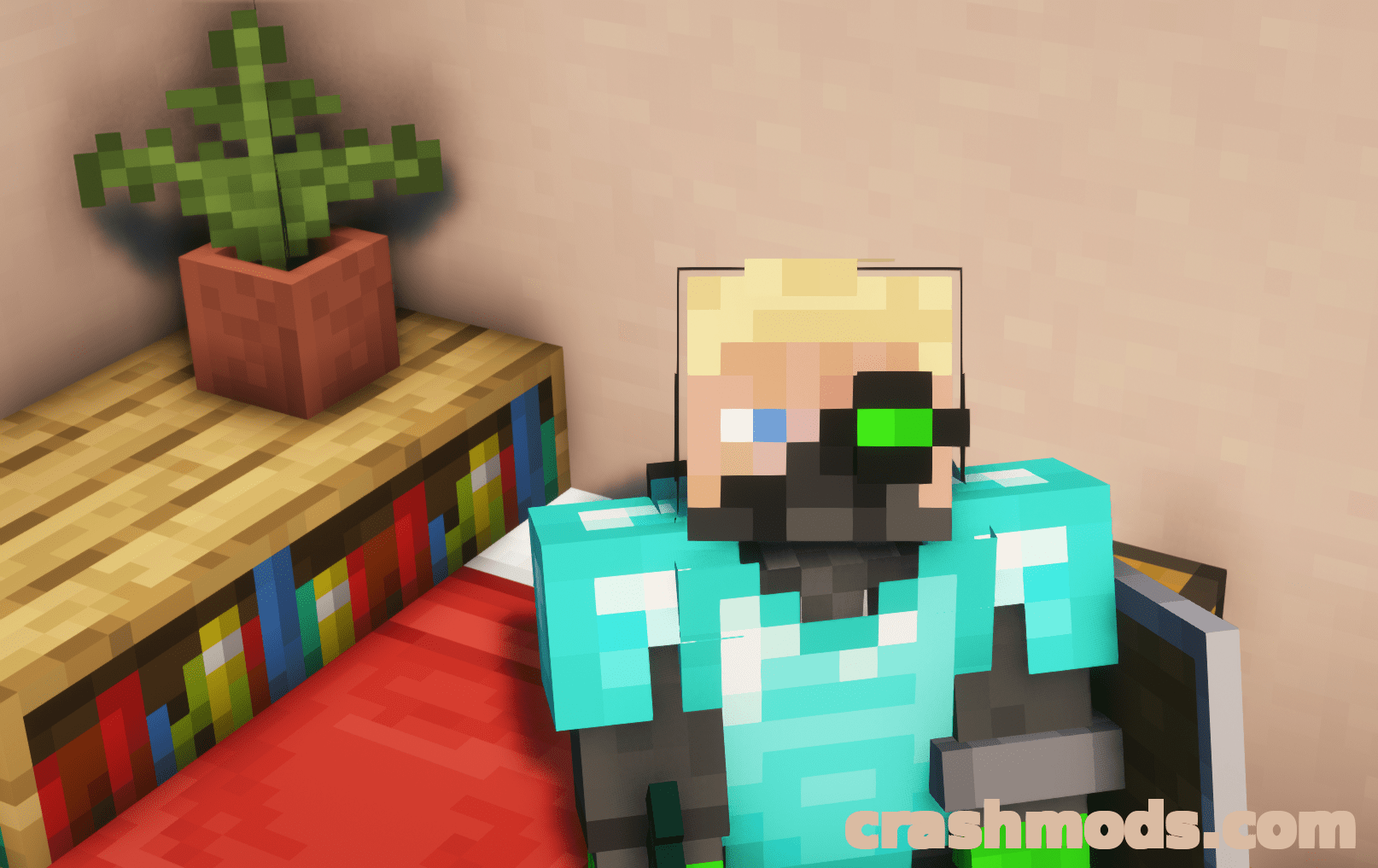
  • Keeps your weapons, tools and armor on you when you die while your resources still drop
  • Dropped items do not splatter and stay at the exact location where you died
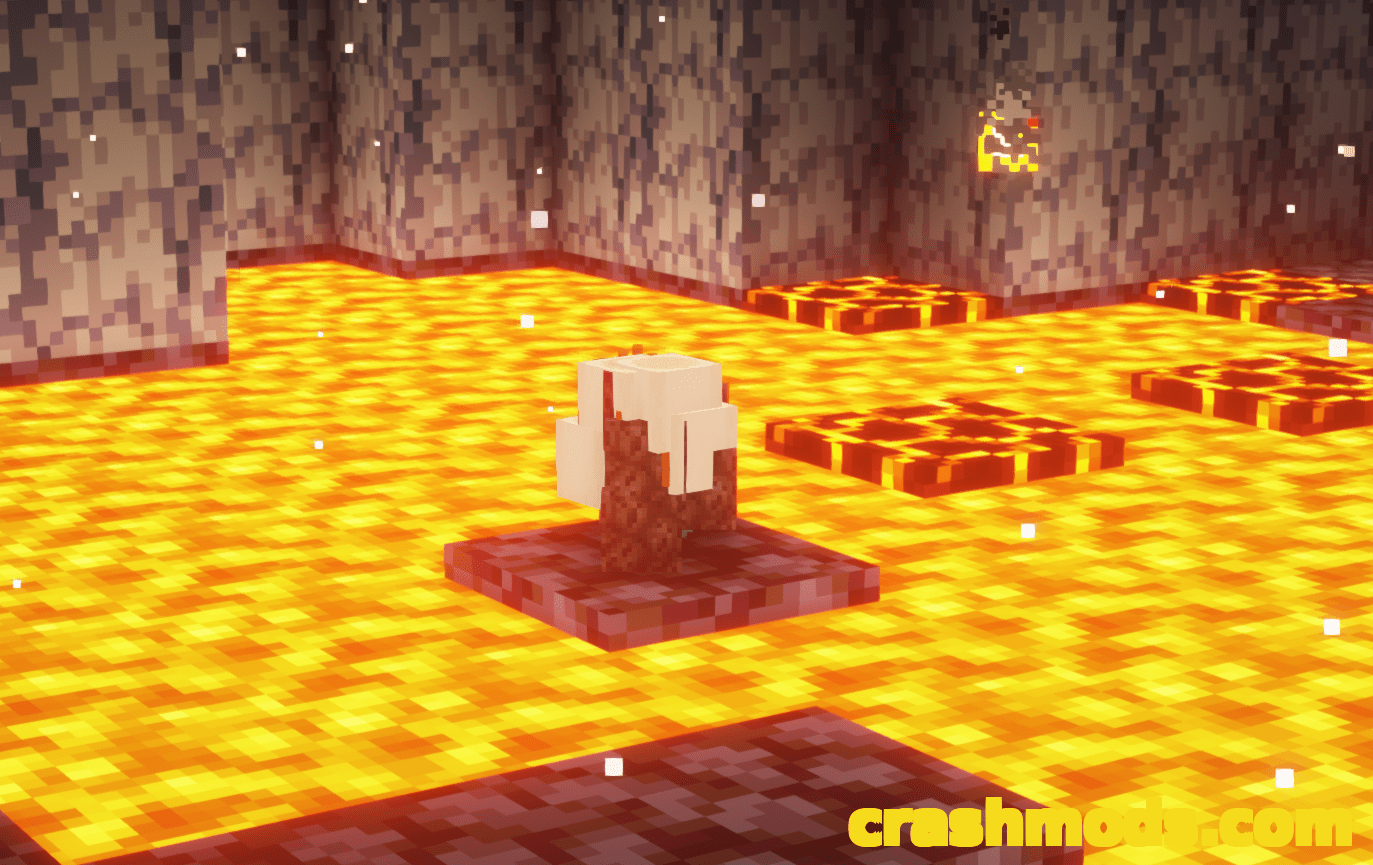
  • No items fly into lava or off of cliffs
  • All of your experience can be collected at the place of your death
  • Experience is not limited to about seven levels as in vanilla
  • Items and experience despawn after ten minutes instead of five
  • The items that get dropped on death can be changed in the pack item tag
  • Built on vanilla item tags and the common tag convention used by mod loaders, so it may be compatible with mods
  • Works on CraftBukkit based servers with the keepInventory gamerule set in every world
  • Most likely will not work together with grave packs or packs that change items on death
  • Data pack for Minecraft 1.15.2
  • Made by PuckiSilver

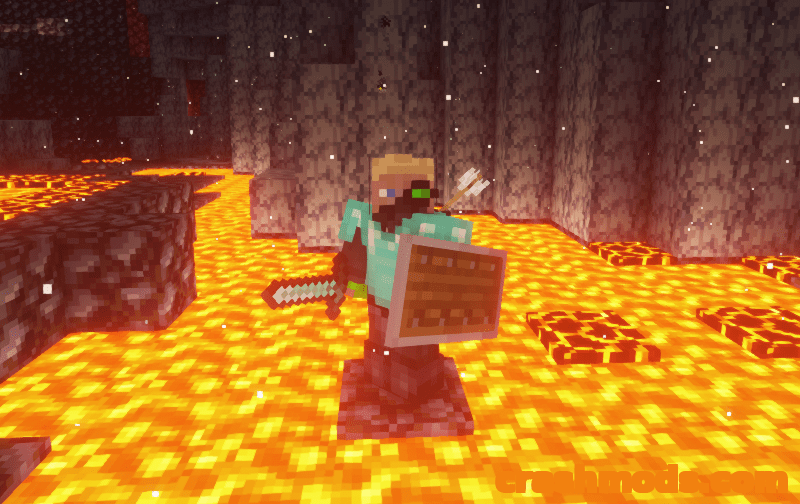
Turning on the keepInventory gamerule takes the sting out of a bad death, but it also takes the risk out of dangerous places. Keep Some Inventory splits the difference: you respawn still wearing your armor and carrying the weapons and tools you spent hours farming, crafting and enchanting, while the resources you were hauling stay behind for you to recover.

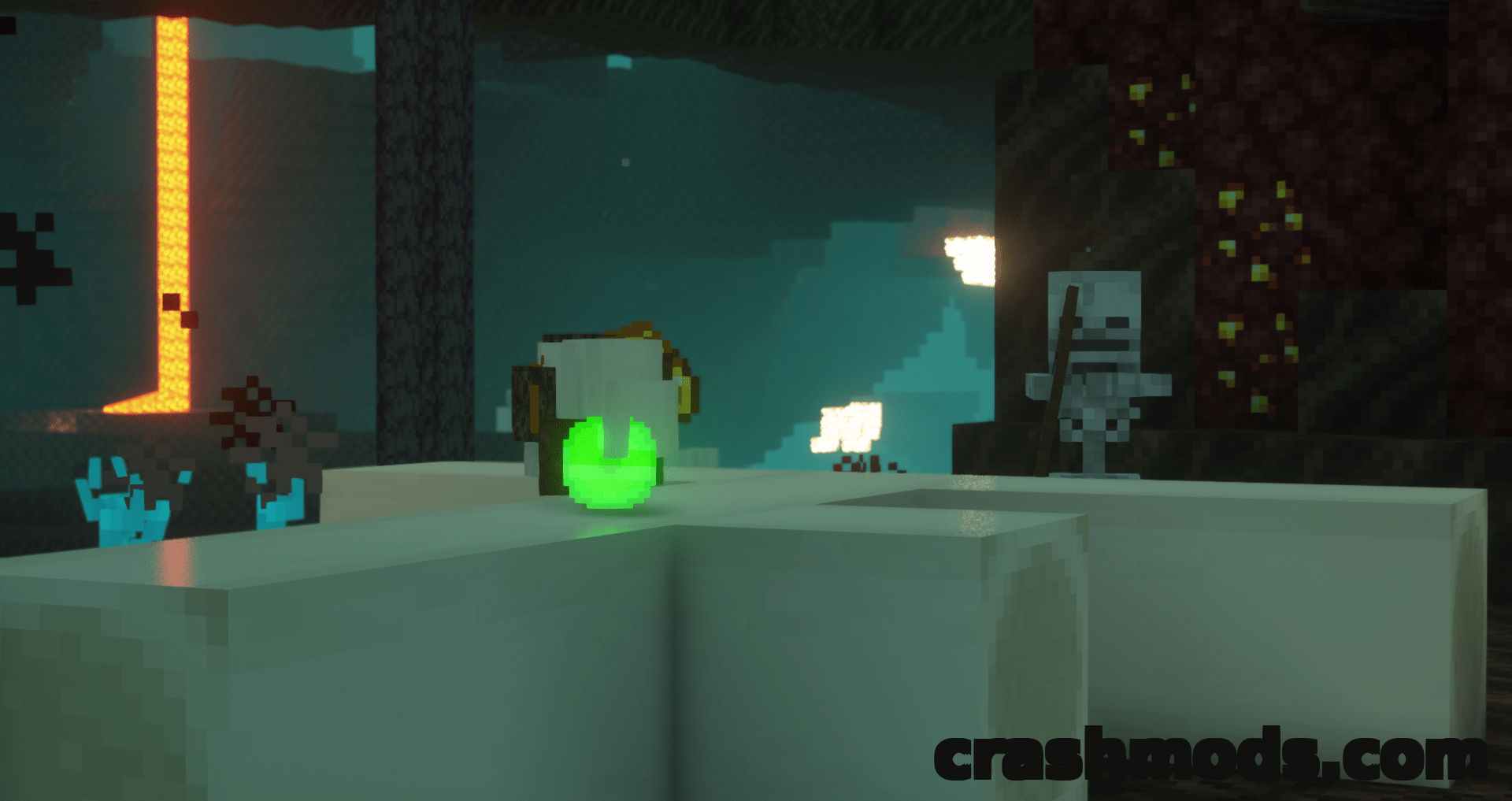
The drop itself is far kinder than vanilla Minecraft. Everything stays at the exact location you died at rather than splattering, so no items fly into lava or off of cliffs, and all of your experience waits there instead of the usual handful of levels. That pile also stays put for ten minutes rather than five, which is a realistic window for a run back across dangerous ground.

Which items count as equipment and which count as resources is decided by an item tag inside the pack that you can edit yourself. It builds on vanilla item tags and on the common tag convention used by mod loaders, which may make it compatible with modded items, although that is not guaranteed. On CraftBukkit based servers it works once the keepInventory gamerule is set in each world, since the Nether and the End count as separate worlds there. Grave packs and anything else that changes items on death are the likely conflict.

✅ Description reviewed by the CrashMods Team

Changelog

V5.3.1 — First release.
Frequently asked questions6 questions

Keep Some Inventory – which game and version is it for?

This mod was made for Minecraft (game version: 1.15.2). The mod's own version: V5.3.1. After a major game update, older mods may stop working — check the version before installing.

Keep Some Inventory – how do I install it?

Install the mod loader that matches the mod's Minecraft version (Forge or Fabric), then put the .jar file in the .minecraft/mods folder.

Is the download safe?

We checked the file with VirusTotal: none of the 64 antivirus engines flagged it. The full report opens from the "Verified" badge on the mod's page.

How big is the download?

The mod's file size is about 107.9 KB.

Keep Some Inventory – who made it?

The mod's original creator: PuckiSilver.

Is the mod free?

Yes, downloading from CrashMods is free; registration is not required.

Download Get the latest version of this mod and enjoy!

Mod version: V5.3.1 Minecraft 1.15.2 2 months ago 107.9 KB
Keep Some Inventory – Keep Your Gear and Drop Only Resources on Death V5.3.1 107.9 KB Minecraft Download File

The file is on ModsDrop, our own storage.

  • Scannedwith VirusTotal
  • EU serversFast & reliable
  • Free downloadNo registration needed
  • Latest versionAlways up to date

More Minecraft Adventure mods

Uploaded by

Tabornok3
Tabornok3 LITE
  • 2,191 mod
  • 1 follower
  • 3,472 download
  • Registered 4 months ago

Community screenshots

Screenshots from players using this mod. Add yours — images only (JPG, PNG, WebP).

No community screenshots yet — be the first!

Leave a comment

Stay in the loop

Get the latest mods & updates in your inbox.

✓ Thanks! We will keep you posted.

💬
New mods & updatesBe the first to know.
🛡️
Verified & safeQuality checked by our team.
🎁
Community perksEvents, contests & more.

© 2026 CrashMods — All rights reserved.
Safe & TrustedEvery mod is scanned and reviewed to ensure a safe experience.
SecureYour safety is our priority.