Skip to content
Join our Discord for updates & support Discord

Tinkers’ Construct – Modular Tools Smeltery and Molten Metal Crafting V5.9.1

0 downloads
17.4 MB file size
0 comments
0 videos
Minecraft More Minecraft Mods Explore more high-quality Minecraft mods. Browse Mods

—/5, 0 ratings

Your rating

Creator: KnightMiner

File verified — safe
All 53 security engines found this file clean.
Last checked: 2025-12-19
Security report

Features:

  • Build tools from separate parts in a wide variety of materials
  • Keep modifying tools until they turn into something else
  • Tools never disappear and can be renamed and changed at will
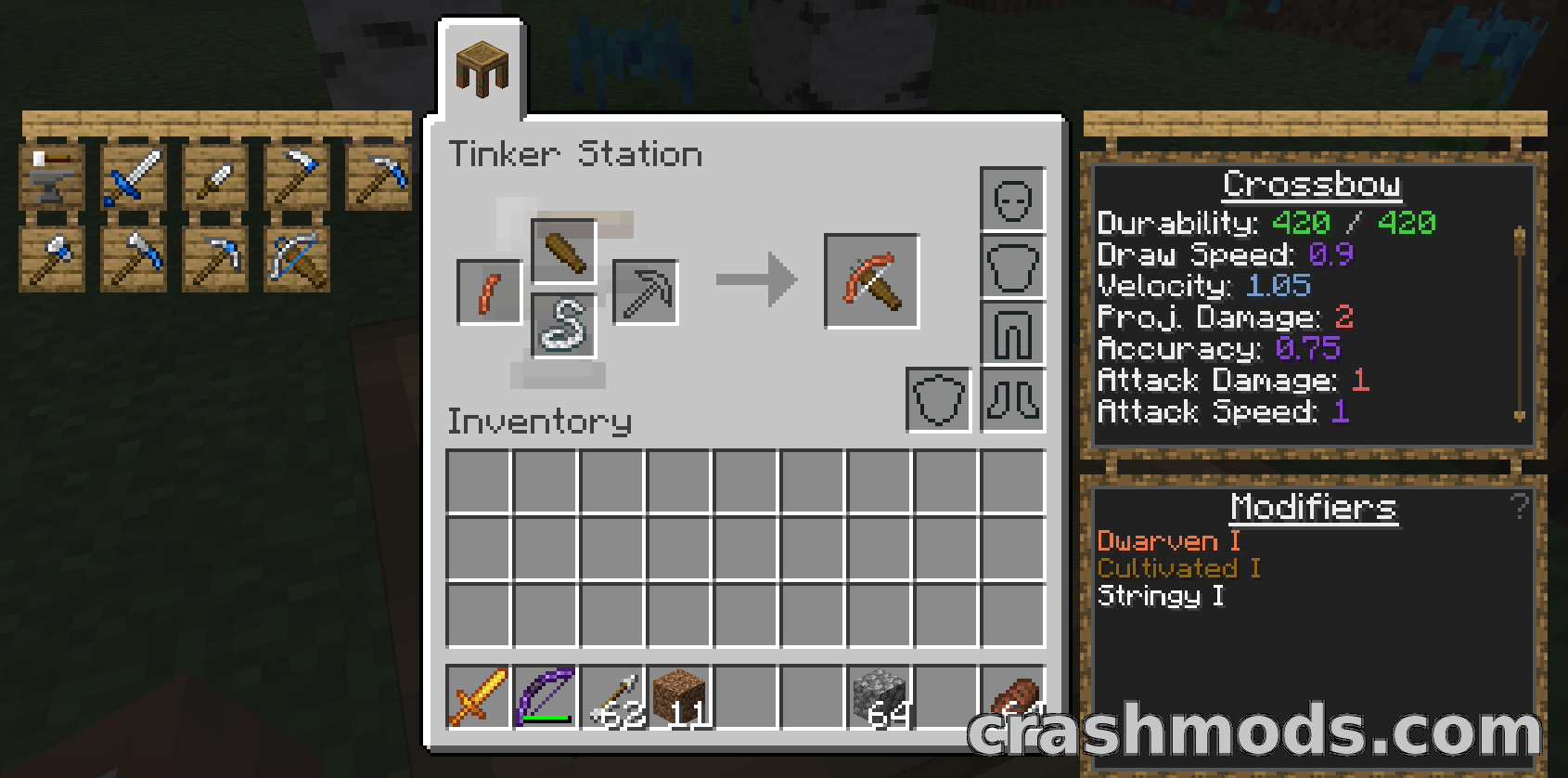
  • Part builders, tinker stations and modifier workstations for building and modifying tools
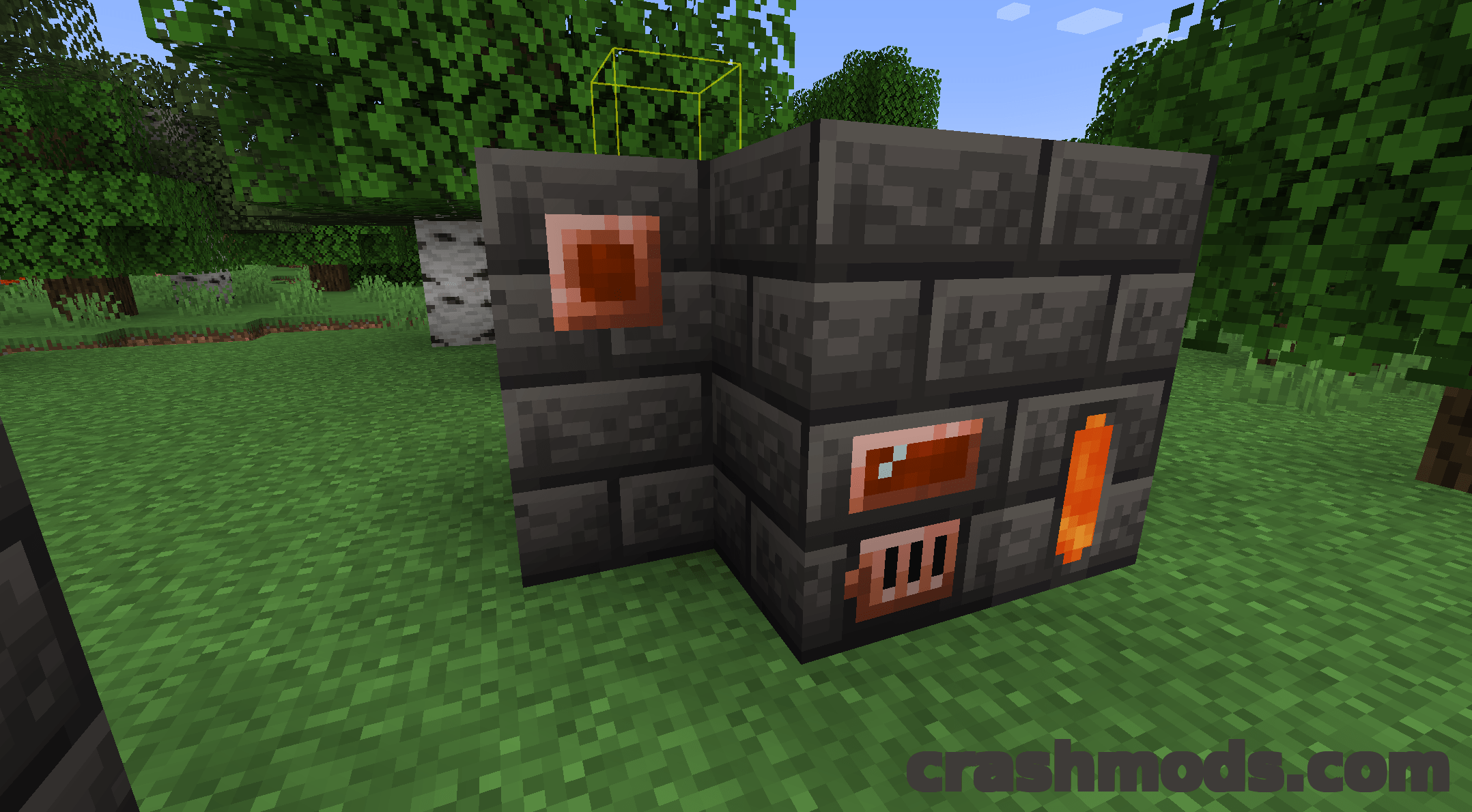
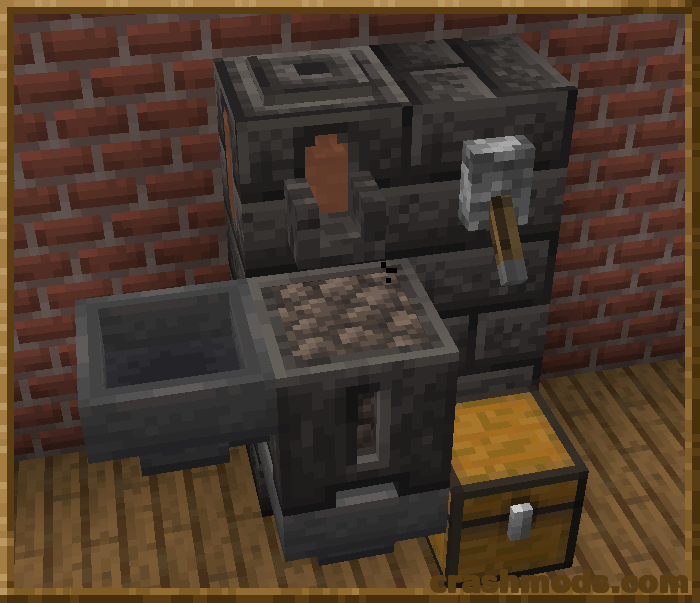
  • Melter, alloyer, smeltery and foundry for working with molten metals
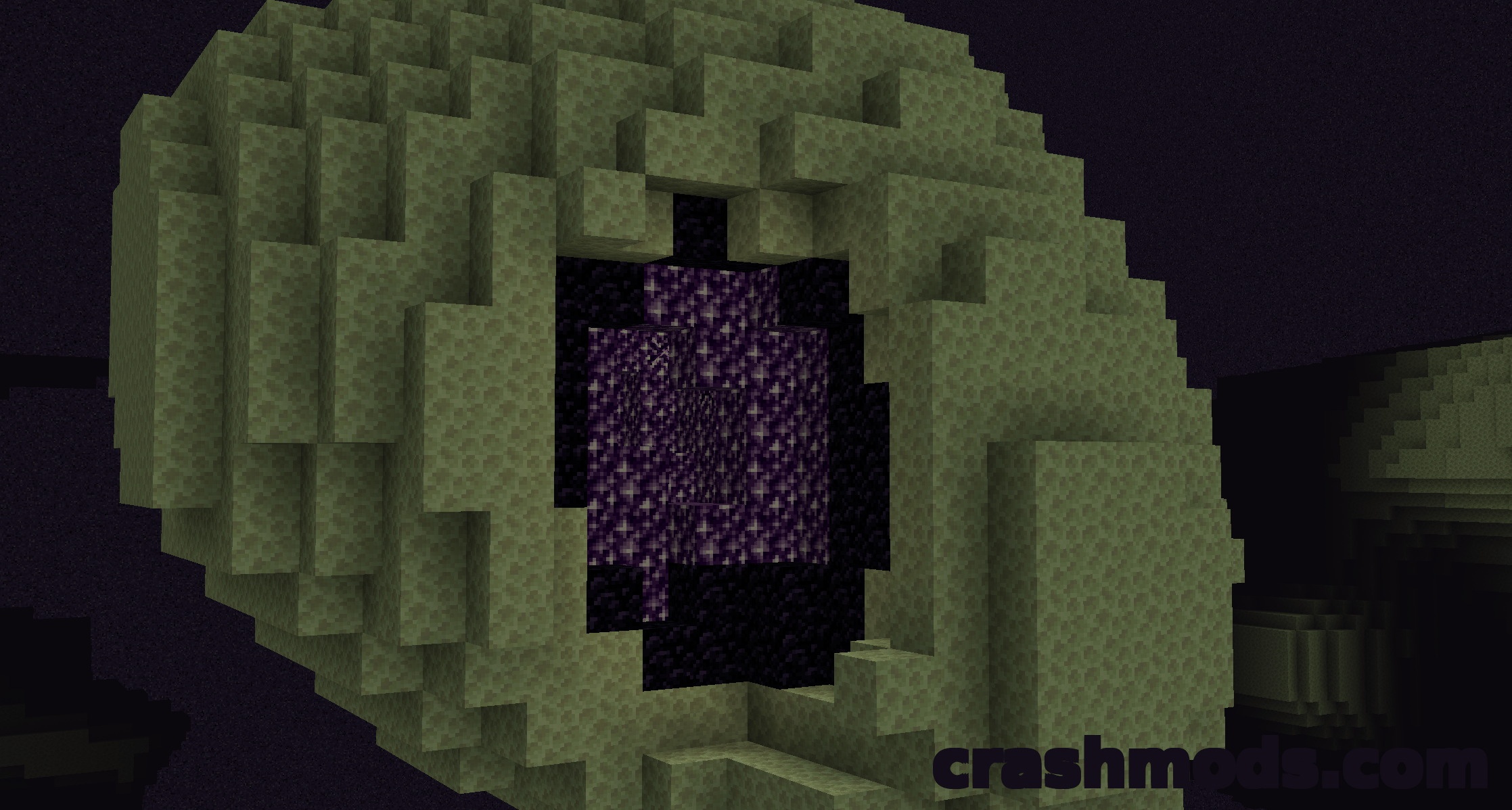
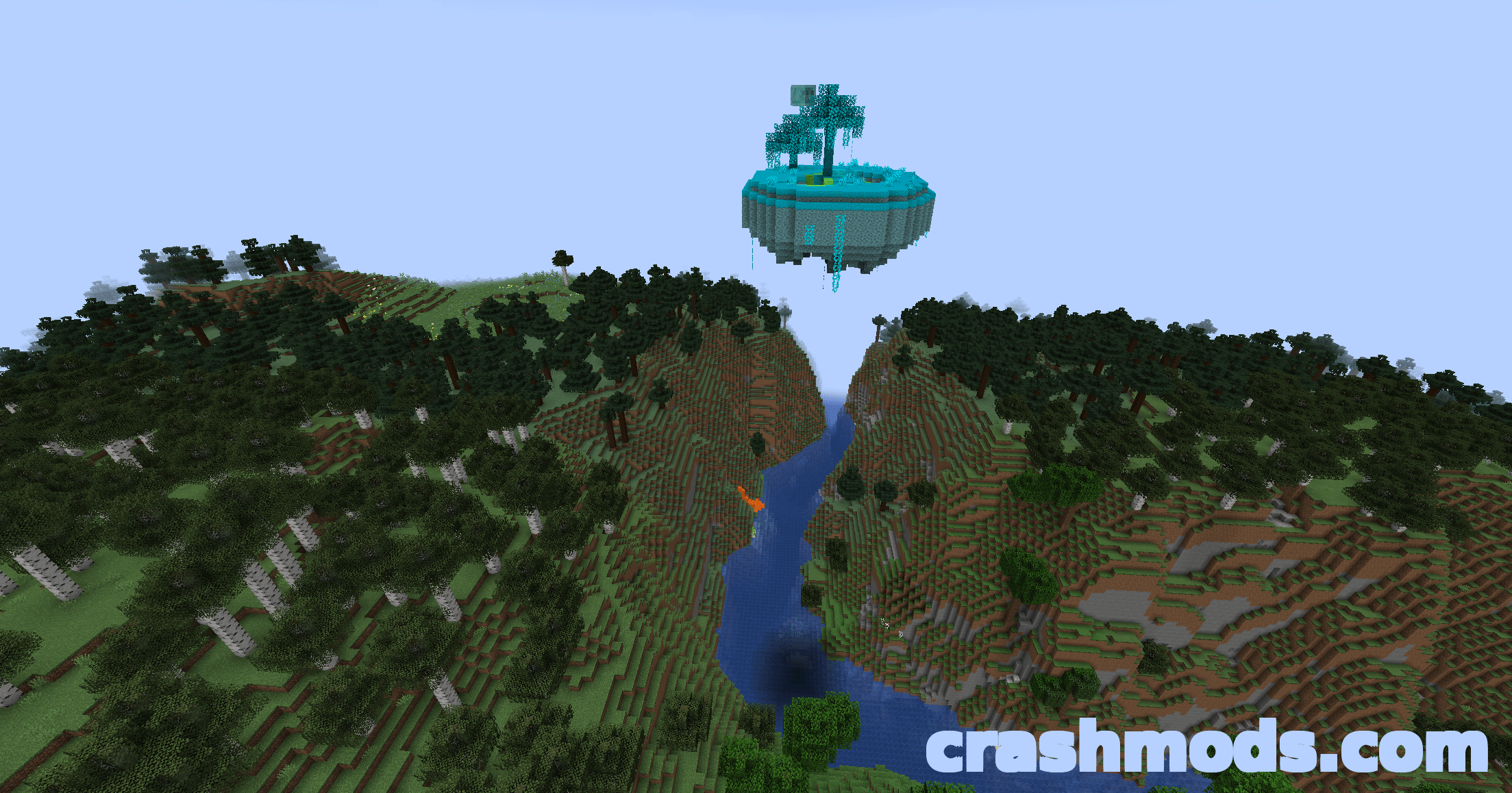
  • Slime islands generating in the overworld, the Nether and the End with four slime colours
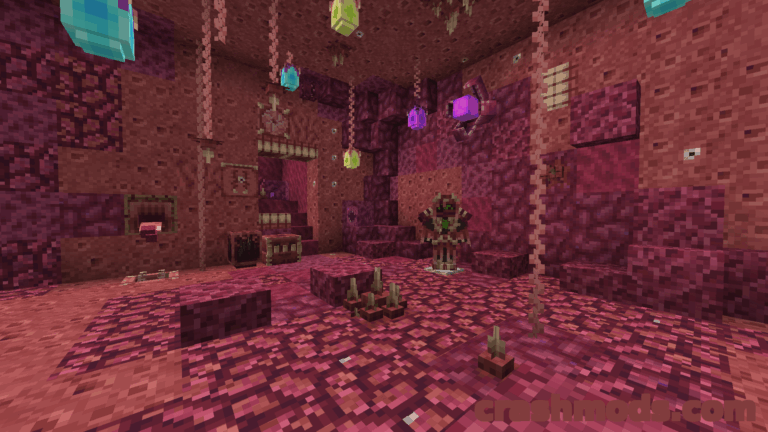
  • Slimy geodes spawning deep underground
  • Cobalt ore in the Nether
  • Craft Materials and You and follow the introduction steps to get started
  • Requires the Mantle library mod, with a recipe viewer such as Just Enough Items recommended
  • Forge support
  • For Minecraft 1.19.2

Tinkers’ Construct is the classic modular tool mod. Rather than crafting a finished tool in one piece, you assemble it from separate parts, choose the material that goes into each one, and then keep modifying the result until it becomes something else entirely. A tool made this way is yours for good: it never disappears, and you can rename and rework it as often as you like.

A full set of stations supports that workflow. Part builders, tinker stations and modifier workstations handle assembly and upgrades, while the melter, alloyer, smeltery and foundry cover everything molten, turning metal processing into a project of its own.

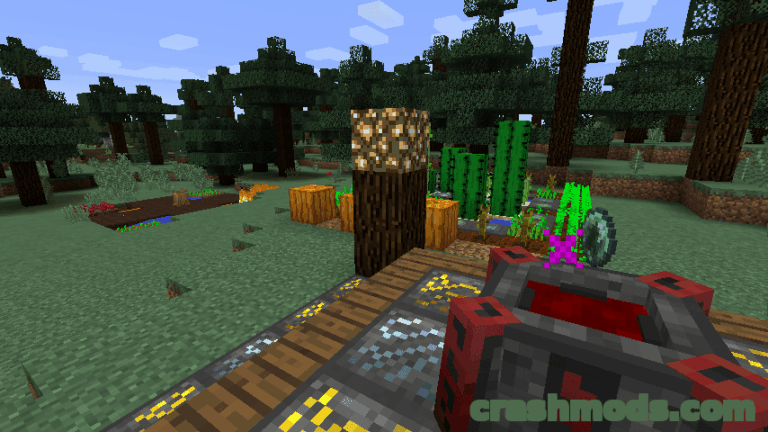
World generation changes as well. Slime islands generate as part of the overworld, the Nether and the End and open up four different slime colours, slimy geodes spawn deep underground, and cobalt ore appears in the Nether. New players should craft Materials and You first and work through the introduction steps from there.

✅ Description reviewed by the CrashMods Team

Changelog

V5.9.1 — First release.
Frequently asked questions6 questions

Tinkers’ Construct – which game and version is it for?

This mod was made for Minecraft (game version: 1.19.2). The mod's own version: V5.9.1. After a major game update, older mods may stop working — check the version before installing.

Tinkers’ Construct – how do I install it?

Install the mod loader that matches the mod's Minecraft version (Forge or Fabric), then put the .jar file in the .minecraft/mods folder.

Is the download safe?

We checked the file with VirusTotal: none of the 53 antivirus engines flagged it. The full report opens from the "Verified" badge on the mod's page.

How big is the download?

The mod's file size is about 17.4 MB.

Tinkers’ Construct – who made it?

The mod's original creator: KnightMiner.

Is the mod free?

Yes, downloading from CrashMods is free; registration is not required.

What’s inside the package?23,191 files · 22.2 MB unpackedScripts & code 1,980Textures 10,720Sounds 15Config & text 10,448Other files 28Show filesHide files

Folders, file names and sizes, read from the downloadable archive.

Only the first 6,000 of 23,191 files are listed — folder counts are partial.

Package
  • Credits.txt384 B
  • sounds.json5.6 KB
1–12 / 12

Download Get the latest version of this mod and enjoy!

Mod version: V5.9.1 Minecraft 1.19.2 2 months ago 17.4 MB
Tinkers’ Construct – Modular Tools Smeltery and Molten Metal Crafting V5.9.1 17.4 MB Minecraft Download File

The file is on ModsDrop, our own storage.

  • Scannedwith VirusTotal
  • EU serversFast & reliable
  • Free downloadNo registration needed
  • Latest versionAlways up to date

More Minecraft Magic mods

Uploaded by

RavenByte73
  • 3,270 mod
  • 2 follower
  • 16,277 download
  • Registered 5 months ago

Community screenshots

Screenshots from players using this mod. Add yours — images only (JPG, PNG, WebP).

No community screenshots yet — be the first!

Leave a comment