Skip to content
Join our Discord for updates & support Discord

Home / Games / Minecraft

Minecraft 1.7.10 mods

8 mods

Mods made for Minecraft 1.7.10 — every file is virus-scanned and free to download. Filter by category or sort by downloads below.

Browse trending picks and fresh uploads for Minecraft—the grid below jumps straight into the catalog.

Filters
Active filters: 1.7.10 Clear all
ModernMarkings – Industrial Floor Markings and Hazard Stripes Minecraft mod screenshot

ModernMarkings adds a set of industrial and modern floor markings to Minecraft, complete with hazard stripes and OSHA compliant tooltips. The 1.7.10 Forge build uses Chisel for its recipes.

  • Floor Markings
  • Industrial Decor
  • Hazard Stripes
  • OSHA Tooltips
  • Decoration Mod
  • Chisel Recipes
  • Modern Blocks
  • Realistic Details
  • Forge
  • 1.7.10
  • 1.12.2 Port
  • Chinese Translation
  • Lightweight
  • Multiplayer Ready

RavenByte73 by RavenByte73 Rank:LITETOP

Minecraft Furniture and Decorations · Mod version: V3.9.0 · Version: 1.7.10

View Mod
Updated 2mo ago Views 8 Downloads 0 Likes 0 Dislikes 0 Comments 0
File Size: 95.1 KB
Pickle Tweaks – Crafting Grid Tool Repair, Paxels and Watering Cans Minecraft mod screenshot

Pickle Tweaks adds vanilla-plus tools and quality-of-life tweaks to Minecraft: crafting grid tool repair, paxels, sickles, scythes, watering cans and an item magnet, each toggleable in the config. Forge, 1.7.10.

  • Food
  • Tool Repair
  • Paxels
  • Sickles
  • Scythes
  • Watering Cans
  • Crop Harvesting
  • Item Magnet
  • Night Vision
  • Emerald Tools
  • Tooltips
  • Configurable
  • Forge
  • 1.7.10

RavenByte73 by RavenByte73 Rank:LITETOP

Minecraft Food · Mod version: V3.5.5 · Version: 1.7.10

View Mod
Updated 2mo ago Views 8 Downloads 0 Likes 0 Dislikes 0 Comments 0
File Size: 127.5 KB
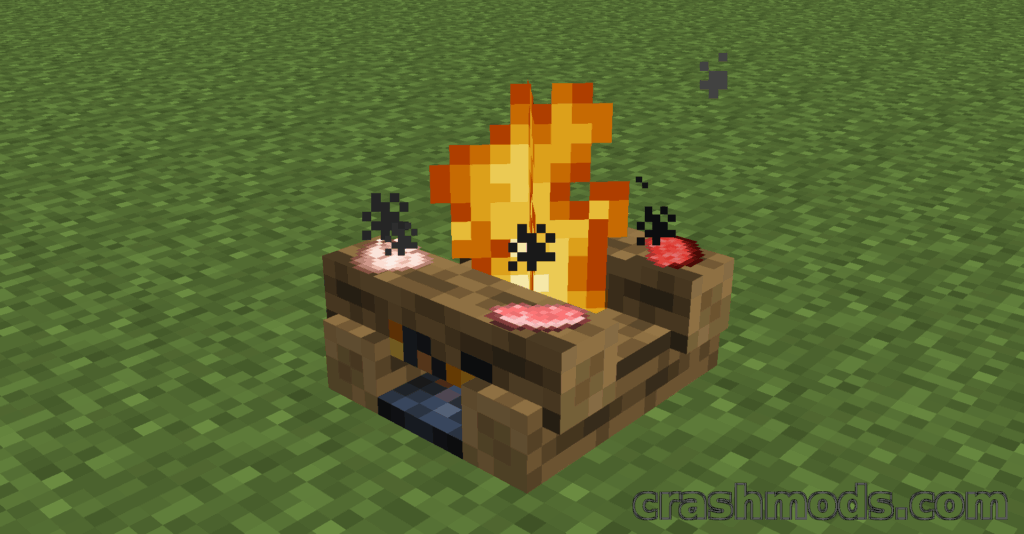
Campfire Backport – Cooking Campfires and Soul Campfires for 1.7.10 Minecraft mod screenshot

Campfire Backport brings campfires and soul campfires from modern Minecraft back to 1.7.10, with food cooking, signal fires, mob damage and a deep config aimed at modpack makers. Forge, 1.7.10.

  • Food
  • Campfires
  • Soul Campfires
  • Cooking
  • Signal Fires
  • Hay Bale
  • Charcoal Drop
  • Soul Sand
  • Flint and Steel
  • Fire Aspect
  • Colored Smoke
  • Configurable
  • Forge
  • 1.7.10

RavenByte73 by RavenByte73 Rank:LITETOP

Minecraft Food · Mod version: V2.9.8 · Version: 1.7.10

View Mod
Updated 2mo ago Views 14 Downloads 0 Likes 0 Dislikes 0 Comments 0
File Size: 3.9 MB
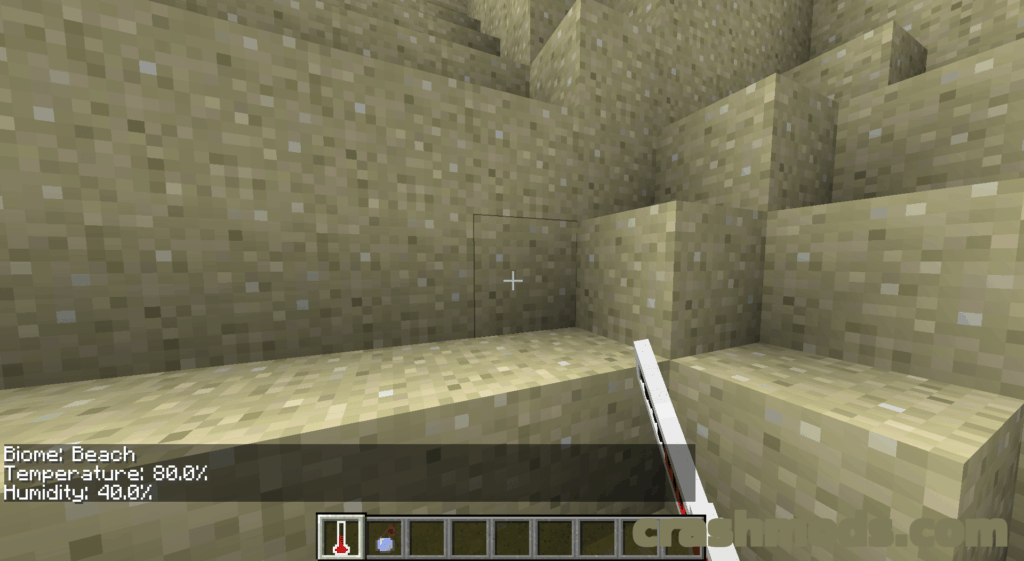
Biome Stats – Biome Thermometer Showing Temperature and Humidity Minecraft mod screenshot

Biome Stats adds a single item, the Biome Thermometer, which reports the name, temperature and humidity of the biome you are standing in. A tiny Forge mod for Minecraft 1.7.10.

  • Adventure
  • Biome Thermometer
  • Biome Names
  • Temperature
  • Humidity
  • Rainfall Value
  • Right Click
  • Single Item
  • Ore Dictionary
  • Glass Panes
  • Archival Release
  • Lightweight
  • Forge
  • 1.7.10

RavenByte73 by RavenByte73 Rank:LITETOP

Minecraft Adventure · Mod version: V2.3.5 · Version: 1.7.10

View Mod
Updated 2mo ago Views 5 Downloads 0 Likes 0 Dislikes 0 Comments 0
File Size: 12.1 KB
Forgotten Relics Unofficial – Thaumcraft 4 and Botania Relics for Mid and Endgame Minecraft mod screenshot

Forgotten Relics Unofficial is a Thaumcraft 4 addon that bridges Botania's content into a set of powerful relics for mid- and endgame Minecraft. Runs on Forge for 1.7.10 and needs both parent mods installed.

  • Magic
  • Thaumcraft 4
  • Botania
  • Relics
  • Artifacts
  • Combat Items
  • Utility Items
  • Midgame
  • Endgame
  • Addon
  • Unofficial Build
  • Bug Fixes
  • Forge
  • 1.7.10

RavenByte73 by RavenByte73 Rank:LITETOP

Minecraft Magic · Mod version: V1.3.1 · Version: 1.7.10

View Mod
Updated 2mo ago Views 24 Downloads 0 Likes 0 Dislikes 0 Comments 0
File Size: 827.7 KB
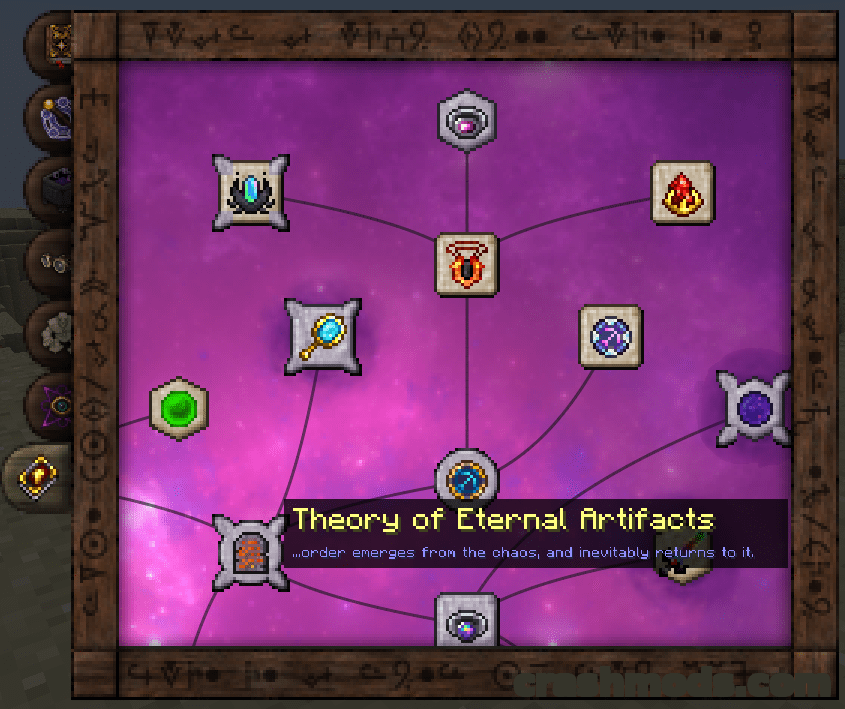
Thaumcraft 4 Tweaks – Scrollable Research UI and Performance Fixes Minecraft mod screenshot

An addon that smooths out Thaumcraft 4: mouse wheel scrolling in the research table and Thaumonomicon, a scalable book GUI, a focus crash fix and several arcane workbench lag fixes. Built for Forge on Minecraft 1.7.10.

  • Thaumcraft Addon
  • Magic Mod
  • Mouse Scrolling
  • Research Table
  • Thaumonomicon
  • GUI Scaling
  • Arcane Workbench
  • Performance Fix
  • Lag Reduction
  • Crash Fix
  • Configurable
  • Server Friendly
  • Forge
  • 1.7.10

RavenByte73 by RavenByte73 Rank:LITETOP

Minecraft Magic · Mod version: V6.8.0 · Version: 1.7.10

View Mod
Updated 2mo ago Views 7 Downloads 0 Likes 0 Dislikes 0 Comments 0
File Size: 379.4 KB
Et Futurum Requiem – Modern Content Backported to 1.7.10 Minecraft mod screenshot

Et Futurum Requiem backports blocks, mobs and mechanics from modern Minecraft into 1.7.10, from deepslate ores and amethyst geodes to netherite gear and shulkers. Everything it adds can be switched off in the config.

  • Backport Mod
  • Deepslate Ores
  • Amethyst Geodes
  • Netherite Gear
  • Blackstone
  • Cherry Wood
  • Bamboo Wood
  • Shulkers
  • Spectator Mode
  • Composter
  • CraftTweaker Support
  • Configurable
  • Forge
  • 1.7.10

RavenByte73 by RavenByte73 Rank:LITETOP

Minecraft World Generation · Mod version: V6.7.3 · Version: 1.7.10

View Mod
Updated 2mo ago Views 14 Downloads 0 Likes 0 Dislikes 0 Comments 0
File Size: 4.6 MB
Hbm’s Nuclear Tech Mod – Reactors, Missiles and Atomic Machinery Minecraft mod screenshot

Hbm's Nuclear Tech Mod fills Minecraft with reactors, nuclear bombs, missiles, turrets and processing machinery, plus hazards like radiation and flammable gasses. Forge build for 1.7.10.

  • Nuclear Tech
  • Reactors
  • RBMK
  • Chicago Pile
  • Fusion Power
  • Nuclear Bombs
  • Missiles
  • Turrets
  • Ore Processing
  • Oil Refining
  • Radiation
  • Dungeons
  • Forge
  • 1.7.10

RavenByte73 by RavenByte73 Rank:LITETOP

Minecraft Equipment · Mod version: V6.5.7 · Version: 1.7.10

View Mod
Updated 2mo ago Views 33 Downloads 0 Likes 0 Dislikes 0 Comments 0
File Size: 51.4 MB

Minecraft Mods and Community Downloads

Browse free Minecraft mods, community downloads and add-ons on CrashMods. This archive helps players discover new content, compare mod pages and find updated releases faster.

  • Explore fresh and popular Minecraft mods in one place.
  • Use categories and sorting tools to find the right download.
  • Check screenshots, descriptions and file information before downloading.

CrashMods is built for players who want a simple way to discover, browse and download community-made game mods.

Minecraft mods — vetting, installing, common questions

🛡️ How we vet the files

845 of the 845 Minecraft mods carry a finished clean VirusTotal verdict (100%).

  • Until the check finishes the upload stays hidden: nobody but you and the team can reach it.
  • The download button names the host before you leave the site — and one click reports anything that looks wrong.

💾 Installing a Minecraft mod

Minecraft mods need a mod loader, and the .jar files go into .minecraft\mods.

  1. Install Fabric or NeoForge for the Minecraft version the mod lists.
  2. Run the loader profile once from the Minecraft Launcher.
  3. Put the .jar into .minecraft\mods (do not unzip it), plus any required library such as Fabric API.
  4. Start the game with the loader profile selected.

Full Minecraft installation guide →

❓ Frequently asked questions

Are the Minecraft mods on CrashMods safe?

Uploaded files up to 650 MB are scanned with VirusTotal automatically BEFORE the mod goes public. Minecraft currently has 845 mods: 845 carry a finished clean verdict. The result is shown on each card, and you can report any mod that looks wrong.

How do I install a Minecraft mod?

Minecraft mods need a mod loader, and the .jar files go into .minecraft\mods. 1) Install Fabric or NeoForge for the Minecraft version the mod lists. 2) Run the loader profile once from the Minecraft Launcher. 3) Put the .jar into .minecraft\mods (do not unzip it), plus any required library such as Fabric API. 4) Start the game with the loader profile selected.

Are these mods free?

They are free to download — there is no paywall on the Minecraft catalogue and no sign-up required. A mod is only paid if its creator set a price, and that price is stated plainly on the card and the mod page.

How do I know which game version a mod fits?

Every Minecraft mod card states the game version it was built for, and the sidebar lets you filter by version. After a game update, filter to the newest version first.