
Skip to content
Join our Discord for updates & support Discord

Home / Games / Minecraft

Minecraft 1.2.5 mods

7 mods

Mods made for Minecraft 1.2.5 — every file is virus-scanned and free to download. Filter by category or sort by downloads below.

Browse trending picks and fresh uploads for Minecraft—the grid below jumps straight into the catalog.

Filters
Active filters: 1.2.5 Clear all
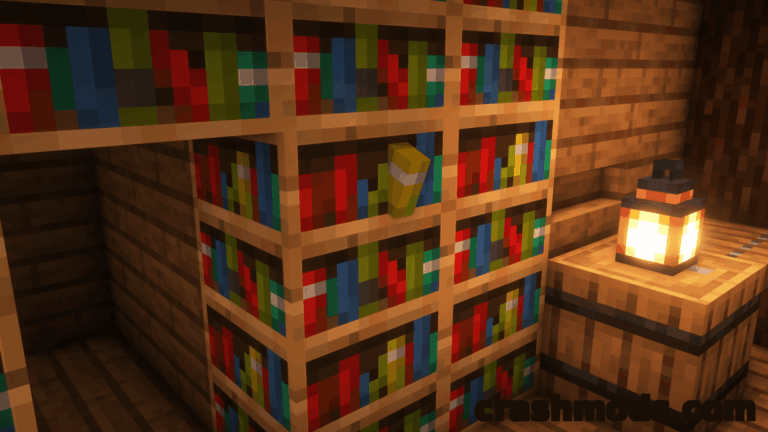
Tweaked Adventure – Bug Fixes and World Generation Tweaks for the Adventure Update Minecraft mod screenshot

Tweaked Adventure smooths out the Adventure Update with fixed breaking times, restored Beta 1.7 spawning and ore generation, cheaper recipes and a long list of world generation toggles. Runs on Minecraft 1.2.5 with Fabric and Ornithe.

  • World Generation
  • Adventure Update
  • Bug Fixes
  • Beta 1.7 Spawning
  • Hill Biomes
  • Biome Heights
  • Snowy Taigas
  • Cheaper Recipes
  • Stackable Signs
  • Combat Backport
  • Configurable
  • Fabric
  • 1.2.5
  • BlueStaggo

RavenByte73 by RavenByte73 Rank:LITETOP

Minecraft World Generation · Mod version: V8.9.6 · Version: 1.2.5

View Mod
Updated 2mo ago Views 11 Downloads 0 Likes 0 Dislikes 0 Comments 0
File Size: 125.4 KB
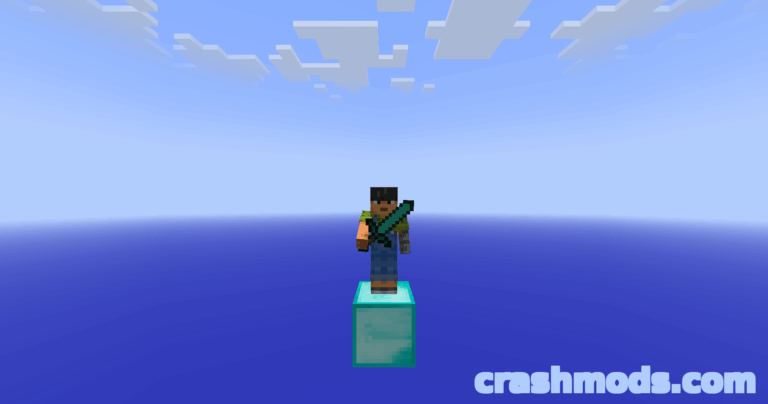
Tekkit Visuals (Classic) – Built-In Shaders with Shadows and Reflections Minecraft mod screenshot

Tekkit Visuals brings real-time shadows, waving foliage, water reflections and god rays to Minecraft 1.2.5, shipping one complete tuned shader pack and a live F6 menu with 17 shader options.

  • Shader Pack
  • Real-Time Shadows
  • Water Reflections
  • God Rays
  • Waving Foliage
  • Held Torch Light
  • Falling Leaves
  • 3D Grass
  • Visual Waterlogging
  • F6 Menu
  • Java Agent
  • Tekkit Classic
  • 1.2.5
  • OptiFine Required

RavenByte73 by RavenByte73 Rank:LITETOP

Minecraft Optimization · Mod version: V8.8.0 · Version: 1.2.5

View Mod
Updated 2mo ago Views 10 Downloads 0 Likes 0 Dislikes 0 Comments 0
File Size: 242.7 KB
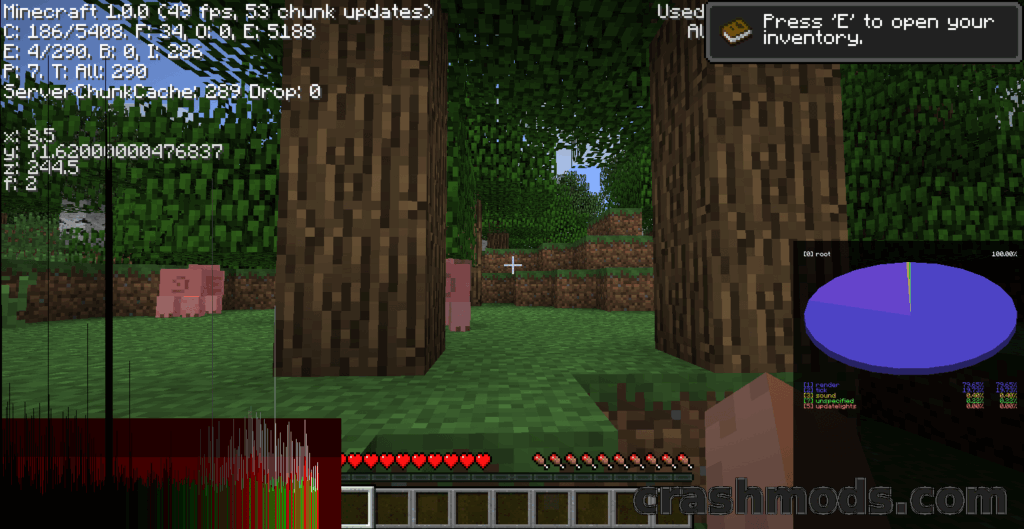
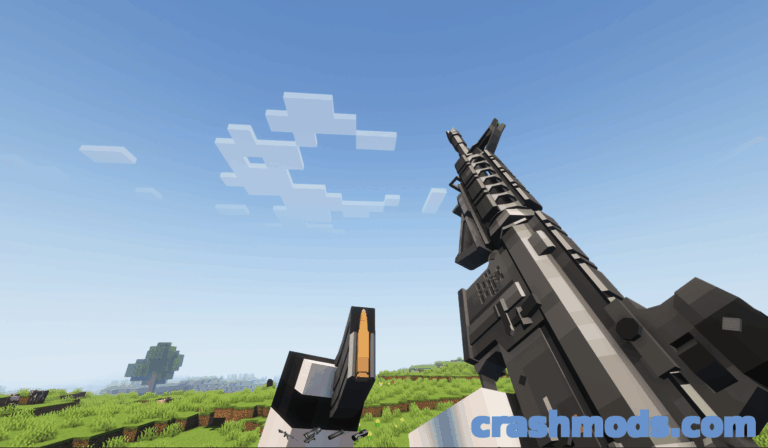
Seedless – Hide the World Seed in the Debug Screen Minecraft mod screenshot

Seedless is a lightweight utility that stops the world seed from being shown in the debug screen on Minecraft versions from Beta 1.8 up to 1.2.5, built on Ornithe intermediaries.

  • Seed Hider
  • Debug Screen
  • Hidden Seed
  • Ornithe Loader
  • Legacy Versions
  • Beta 1.8
  • 1.2.5
  • Client Side
  • Lightweight
  • Utility Mod
  • Cursed
  • Prism Instances
  • MultiMC
  • Tiny Download

RavenByte73 by RavenByte73 Rank:LITETOP

Minecraft Cursed · Mod version: V8.5.6 · Version: 1.2.5

View Mod
Updated 2mo ago Views 13 Downloads 0 Likes 0 Dislikes 0 Comments 0
File Size: 3.2 KB
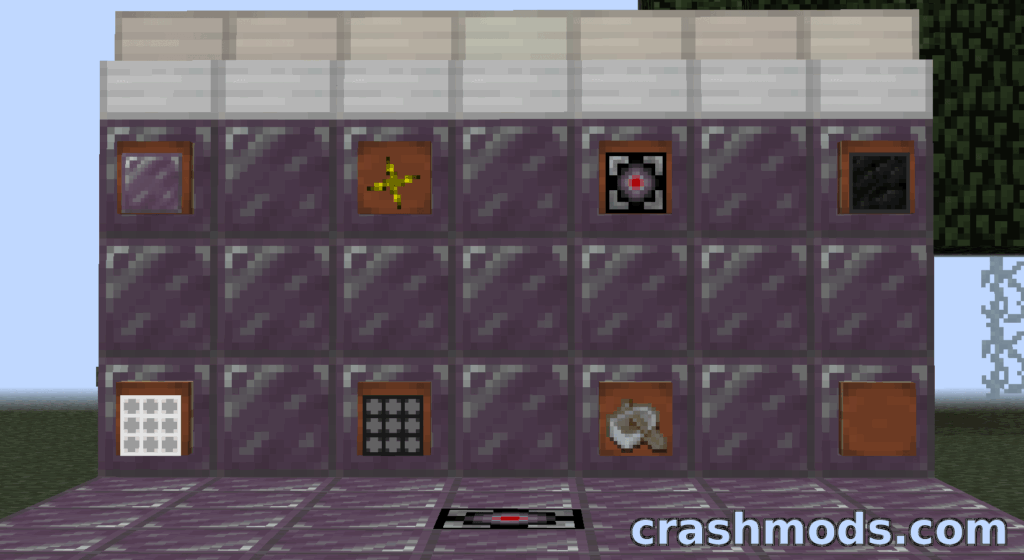
RetroRevisions – Beacons Item Frames and New Blocks Backported to 1.2.5 Minecraft mod screenshot

RetroRevisions backports beacons, item frames, daylight detectors and the Block of Netherite to Minecraft 1.2.5, and adds original blocks such as the smoking Chimney, Redstone Stairs and an unbreakable Iron Boat.

  • Backport
  • Beacon
  • Item Frames
  • Block of Netherite
  • Daylight Detector
  • Night Detector
  • Chimney
  • Lux Aeterna
  • Iron Boat
  • Redstone Stairs
  • Decoration
  • Forge
  • 1.2.5
  • Technology

RavenByte73 by RavenByte73 Rank:LITETOP

Minecraft Technology · Mod version: V8.3.8 · Version: 1.2.5

View Mod
Updated 2mo ago Views 6 Downloads 0 Likes 0 Dislikes 0 Comments 0
File Size: 44.6 KB
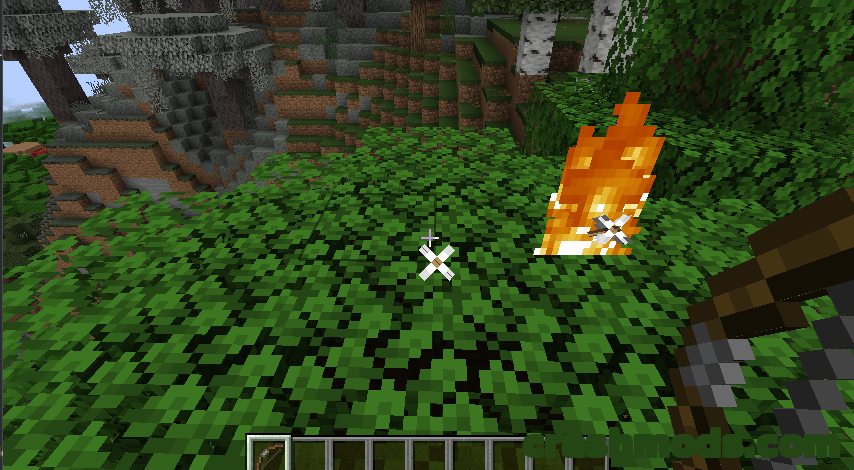
Primitive Flaming – Flaming Arrows With Flint and Steel in the Offhand Minecraft mod screenshot

Shoot flaming arrows in Minecraft without the Flame enchantment: hold a bow or crossbow in your main hand and a flint and steel in your offhand. Every ignited shot costs flint and steel durability.

  • Flaming Arrows
  • Bow
  • Crossbow
  • Flint and Steel
  • Offhand Item
  • No Enchantment
  • Durability Cost
  • Early Game
  • Combat
  • Main Hand
  • Equipment
  • Fabric
  • Fabric API
  • 1.2.5

RavenByte73 by RavenByte73 Rank:LITETOP

Minecraft Equipment · Mod version: V8.0.1 · Version: 1.2.5

View Mod
Updated 2mo ago Views 5 Downloads 0 Likes 0 Dislikes 0 Comments 0
File Size: 1.2 MB
Vista – Jar Mod Adding Stone Types, Biomes and Beta Villages Minecraft mod screenshot

Vista is a themeless jar mod for Minecraft 1.2.5 that mixes fresh content with quality of life changes, adding new stone types, extra biomes, beta villages, the Farlands and more world types.

  • Jar Mod
  • New Stone Types
  • Beta Villages
  • Farlands
  • More World Types
  • More Biomes
  • Piston Upgrades
  • Quality Of Life
  • World Generation
  • Vanilla Plus
  • Legacy Version
  • Lightweight
  • ModLoader
  • 1.2.5

RavenByte73 by RavenByte73 Rank:LITETOP

Minecraft Equipment · Mod version: V7.5.6 · Version: 1.2.5

View Mod
Updated 2mo ago Views 5 Downloads 0 Likes 0 Dislikes 0 Comments 0
File Size: 50.5 KB
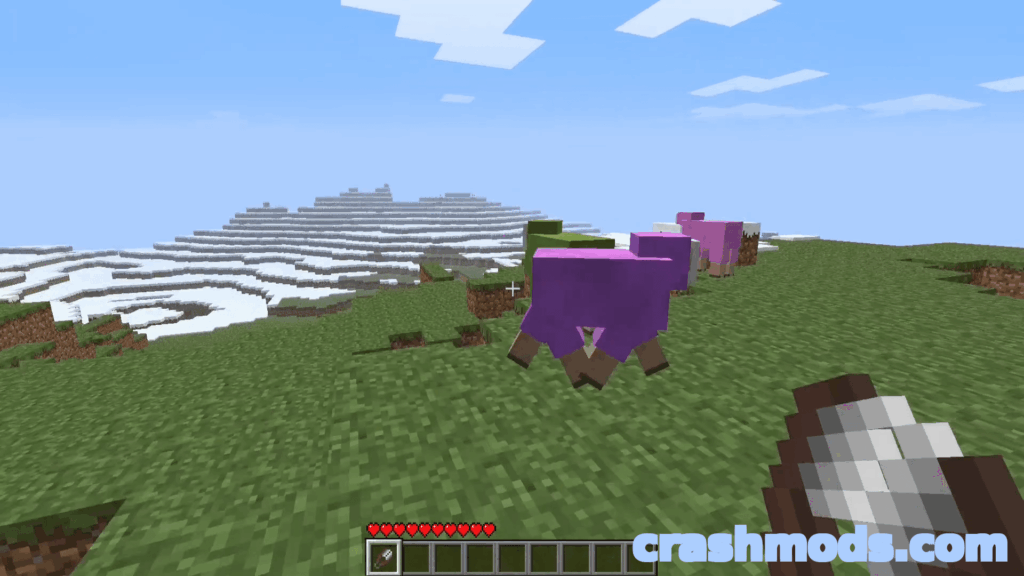
Colorful Spawning Sheep – Equal Spawn Rates for All 16 Wool Colors Minecraft mod screenshot

Colorful Spawning Sheep makes every one of the sixteen wool colors spawn at the same rate in Minecraft, and an alternative x2 Drops build raises shearing yields to between four and ten wool.

  • Mobs
  • Sheep Spawning
  • 16 Wool Colors
  • Equal Spawn Rates
  • Colored Sheep
  • Wool Farming
  • Shearing Drops
  • Double Drops
  • Rainbow Flock
  • Lightweight
  • Legacy Support
  • ModLoader
  • 1.2.5
  • poopiedoopie9002

RavenByte73 by RavenByte73 Rank:LITETOP

Minecraft Mobs · Mod version: V4.3.6 · Version: 1.2.5

View Mod
Updated 2mo ago Views 14 Downloads 0 Likes 0 Dislikes 0 Comments 0
File Size: 6.6 KB

Minecraft Mods and Community Downloads

Browse free Minecraft mods, community downloads and add-ons on CrashMods. This archive helps players discover new content, compare mod pages and find updated releases faster.

  • Explore fresh and popular Minecraft mods in one place.
  • Use categories and sorting tools to find the right download.
  • Check screenshots, descriptions and file information before downloading.

CrashMods is built for players who want a simple way to discover, browse and download community-made game mods.

Minecraft mods — vetting, installing, common questions

🛡️ How we vet the files

845 of the 845 Minecraft mods carry a finished clean VirusTotal verdict (100%).

  • Until the check finishes the upload stays hidden: nobody but you and the team can reach it.
  • The download button names the host before you leave the site — and one click reports anything that looks wrong.

💾 Installing a Minecraft mod

Minecraft mods need a mod loader, and the .jar files go into .minecraft\mods.

  1. Install Fabric or NeoForge for the Minecraft version the mod lists.
  2. Run the loader profile once from the Minecraft Launcher.
  3. Put the .jar into .minecraft\mods (do not unzip it), plus any required library such as Fabric API.
  4. Start the game with the loader profile selected.

Full Minecraft installation guide →

❓ Frequently asked questions

Are the Minecraft mods on CrashMods safe?

Uploaded files up to 650 MB are scanned with VirusTotal automatically BEFORE the mod goes public. Minecraft currently has 845 mods: 845 carry a finished clean verdict. The result is shown on each card, and you can report any mod that looks wrong.

How do I install a Minecraft mod?

Minecraft mods need a mod loader, and the .jar files go into .minecraft\mods. 1) Install Fabric or NeoForge for the Minecraft version the mod lists. 2) Run the loader profile once from the Minecraft Launcher. 3) Put the .jar into .minecraft\mods (do not unzip it), plus any required library such as Fabric API. 4) Start the game with the loader profile selected.

Are these mods free?

They are free to download — there is no paywall on the Minecraft catalogue and no sign-up required. A mod is only paid if its creator set a price, and that price is stated plainly on the card and the mod page.

How do I know which game version a mod fits?

Every Minecraft mod card states the game version it was built for, and the sidebar lets you filter by version. After a game update, filter to the newest version first.