Skip to content
Join our Discord for updates & support Discord

Sticky Feet – Stay on Moving Equipment Script V1.0

—/5, 0 ratings

Your rating

Creator: moji

File verified — safe
All 75 security engines found this file clean.
Last checked: 2026-11-13
Security report

Features:

  • Follows the translation and rotation of the vehicle part you're standing on
  • Keeps horizontal momentum when jumping or stepping off a moving platform
  • Choice of camera that follows turns or a free first-person camera
  • Automatically releases grip when swimming, flying, entering a vehicle, or if the equipment disappears
  • AI helpers ignore riders on their own equipment while still detecting pedestrians
  • Rebindable controls: Left Ctrl + G toggles grip, Left Ctrl + Left Shift + G toggles camera following
  • Grip and camera following are enabled by default when loading a map
  • Does not grant extra strength or increased carrying capacity
  • Recommended to use only one platform-grip script at a time
  • Mouse look works in both camera modes

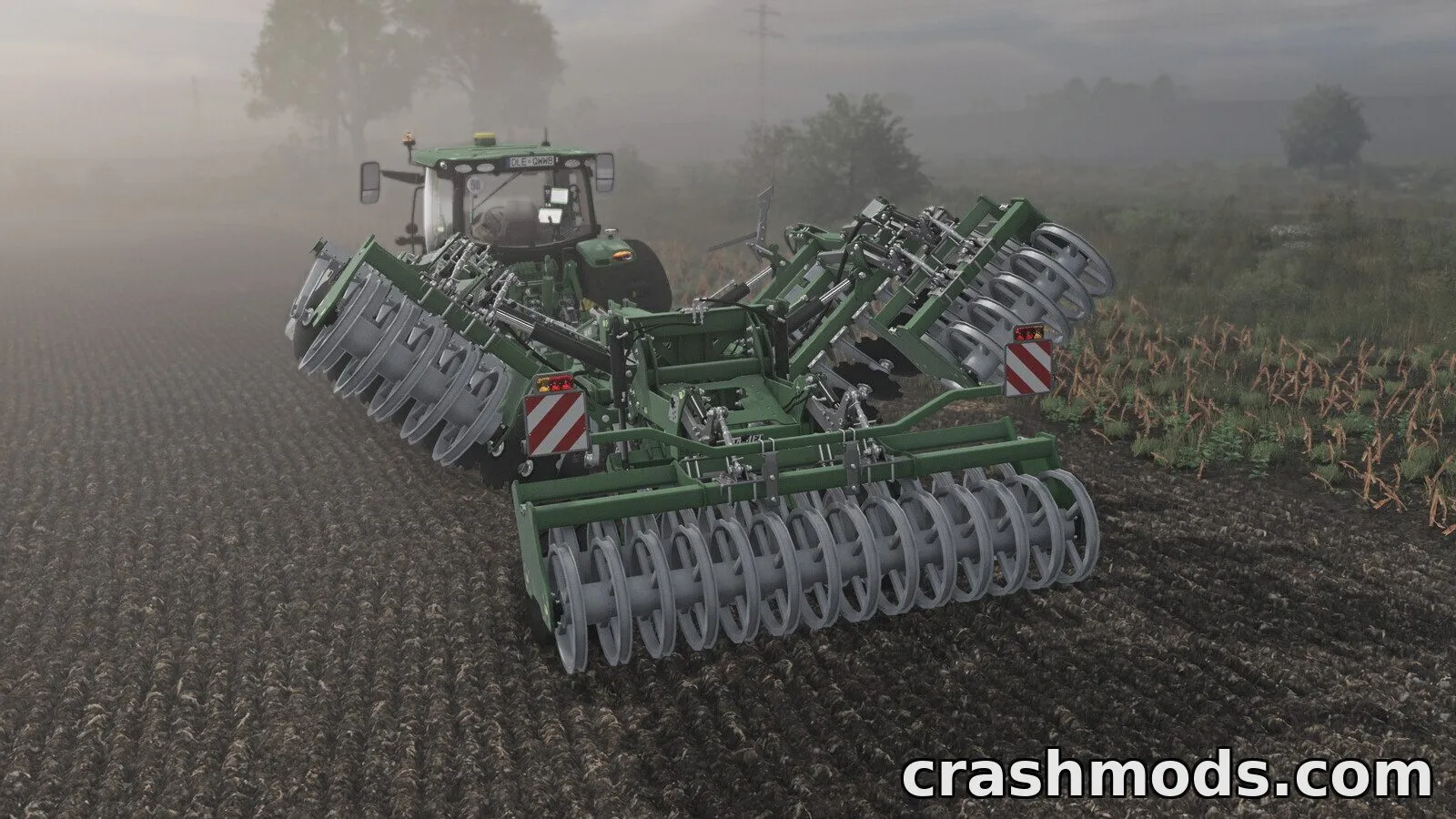
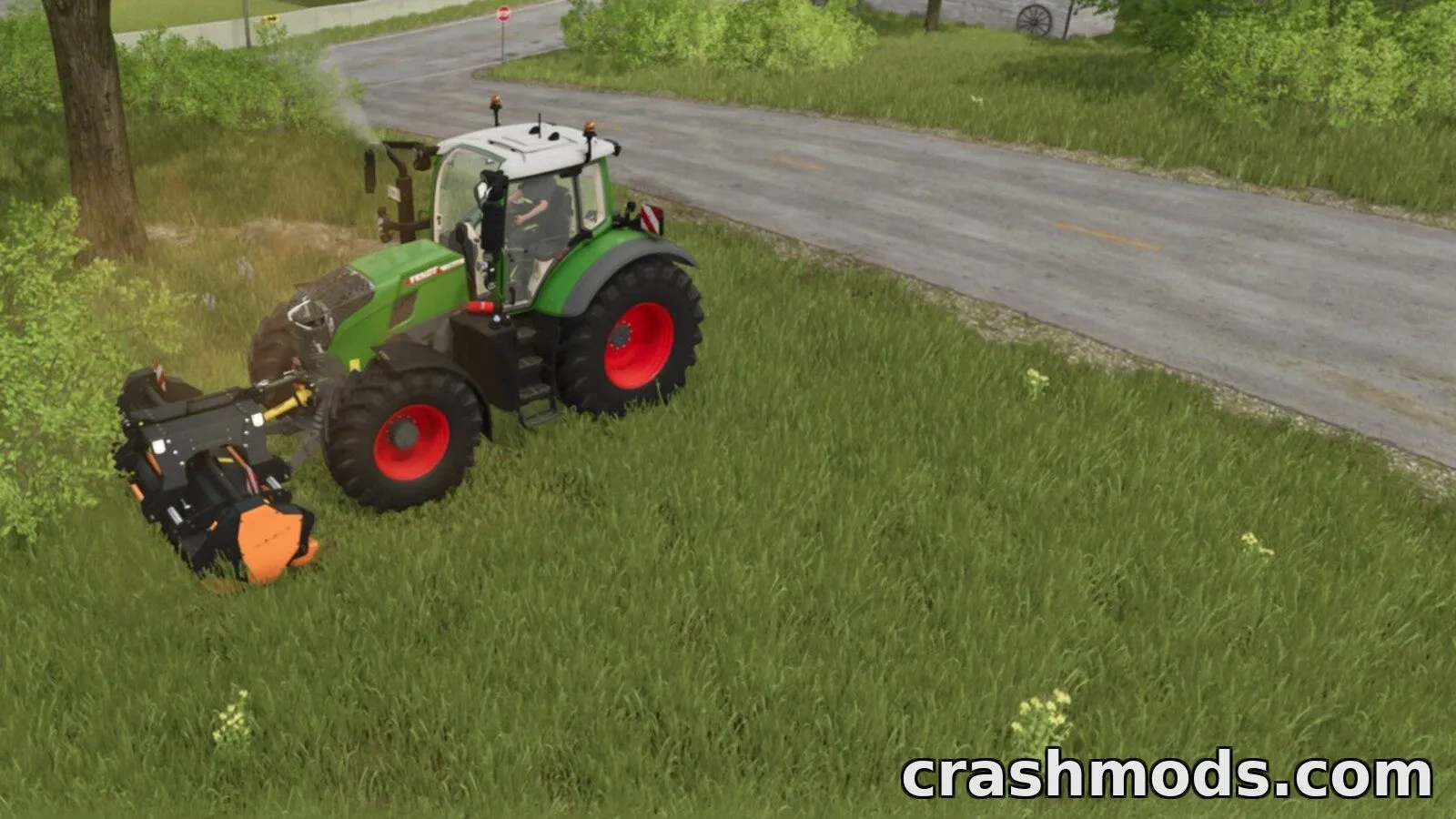
Sticky Feet is a script mod that changes how your character interacts with moving farm equipment. Instead of sliding off a trailer or implement deck as it turns or accelerates, your character stays planted, following the part's translation and rotation in real time.

The mod adds a simple grip toggle and a camera option so you can choose whether your view follows the equipment through turns or stays fixed on the world around you. Momentum carries over if you jump or step off while moving, and the grip releases automatically in situations like swimming, entering a vehicle, or flying, so you're never stuck unexpectedly. AI helpers are smart enough to ignore you as a rider on their own equipment while still reacting normally to other pedestrians.

This is aimed at players who like riding along on trailers, flatbeds or other equipment decks during fieldwork or transport, and who want that experience to feel stable rather than fighting physics. Settings reset each time a map loads, and only one platform-grip script should be active at a time for best results.

✅ Description reviewed by the CrashMods Team

Changelog

V1.0 — First release.
Frequently asked questions6 questions

Sticky Feet – which game and version is it for?

This mod was made for Farming Simulator 25 (game version: 1.25.x). The mod's own version: V1.0. After a major game update, older mods may stop working — check the version before installing.

Sticky Feet – how do I install it?

Copy the .zip file to the Documents/My Games/FarmingSimulator2025/mods folder, then enable it in the in-game mod list.

Detailed guide

Is the download safe?

We checked the file with VirusTotal: none of the 75 antivirus engines flagged it. The full report opens from the "Verified" badge on the mod's page.

How big is the download?

The mod's file size is about 93.4 KB.

Sticky Feet – who made it?

The mod's original creator: moji.

Is the mod free?

Yes, downloading from CrashMods is free; registration is not required.

What’s inside the package?3 files · 163.3 KB unpackedScripts & code 1Textures 1Config & text 1Show filesHide files

Folders, file names and sizes, read from the downloadable archive.

Scripts & code — names only, these files cannot be opened: StickyFeet.lua

Package
  • StickyFeet.lua17.4 KB
  • icon_StickyFeet.dds128.1 KB
  • modDesc.xml17.8 KB
1–4 / 4

Download Get the latest version of this mod and enjoy!

Mod version: V1.0 Farming Simulator 25 1.25.x 1 day ago 93.4 KB
Sticky Feet – Stay on Moving Equipment Script V1.0 93.4 KB Farming Simulator 25 Download File

The file is on ModsDrop, our own storage.

  • Scannedwith VirusTotal
  • EU serversFast & reliable
  • Free downloadNo registration needed
  • Latest versionAlways up to date

More Farming Simulator 25 Scripts and Tools mods

Uploaded by

Kiro_8036
Kiro_8036 LITE
  • 1,366 mod
  • 1 follower
  • 1,894 download
  • Registered 2 months ago

Community screenshots

Screenshots from players using this mod. Add yours — images only (JPG, PNG, WebP).

No community screenshots yet — be the first!

Leave a comment