

Features:
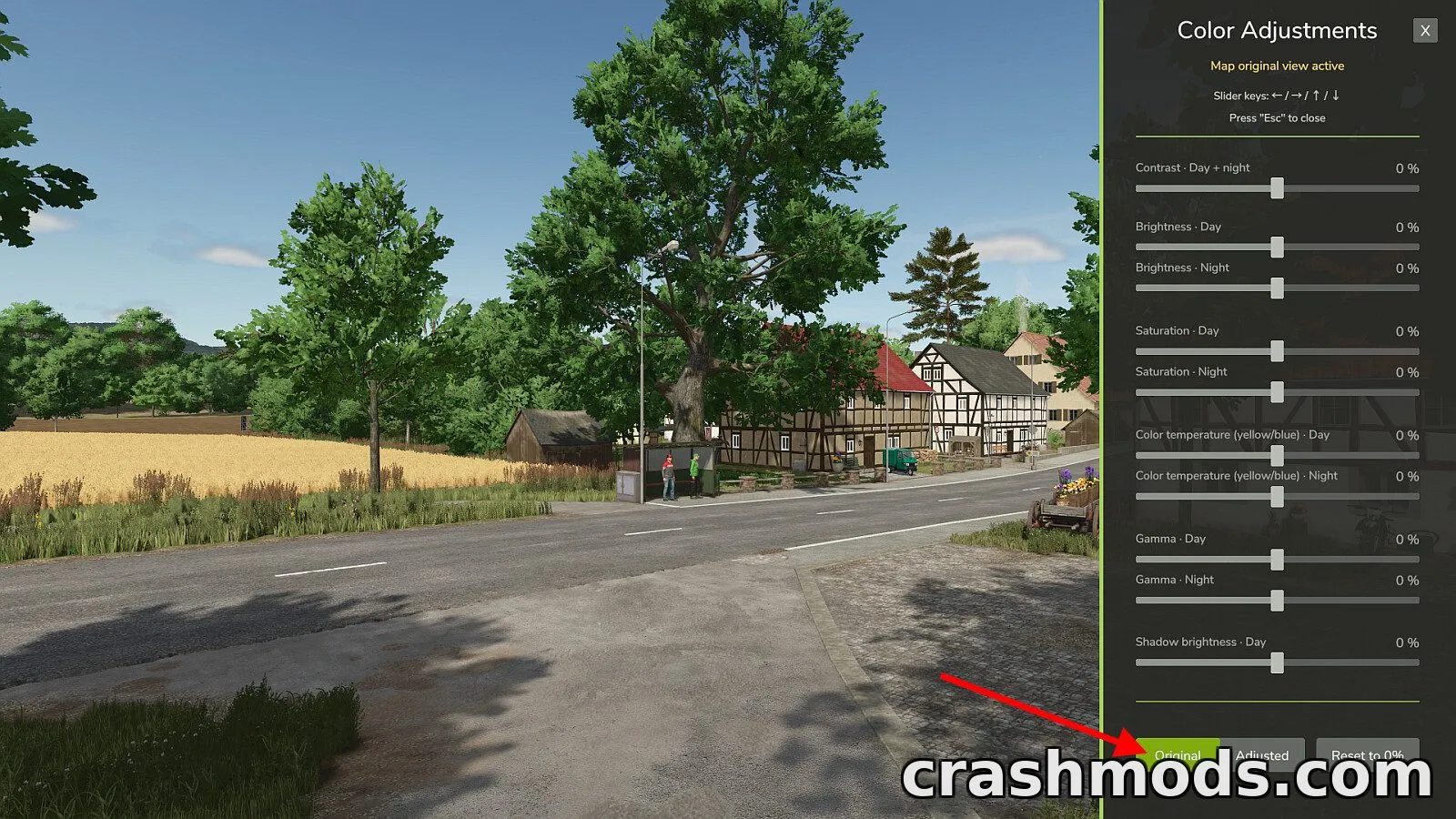
- Adjustable sliders for contrast, brightness, saturation, color temperature and gamma, each with day and night settings
- Extra shadow brightness slider that works during daytime only
- Sliders range from -100% to +100% in 1% steps, with 0% keeping the map's default look
- Settings are stored separately for each map and saved automatically
- Original/Adjusted comparison switch to preview changes against the map's default colors
- Reset to 0% button restores all sliders after confirmation
- Uses the game's own color grading system for smooth transitions between day and night
- No impact on frame rate and HUD colors remain unaffected
- Compatible with ReShade, NVIDIA Game Filter and DLSS 5 Neural Rendering
- In multiplayer, changes only affect your own view, not other players
- Default shortcut Right Shift + V opens the adjustment menu, and can be remapped in the control options
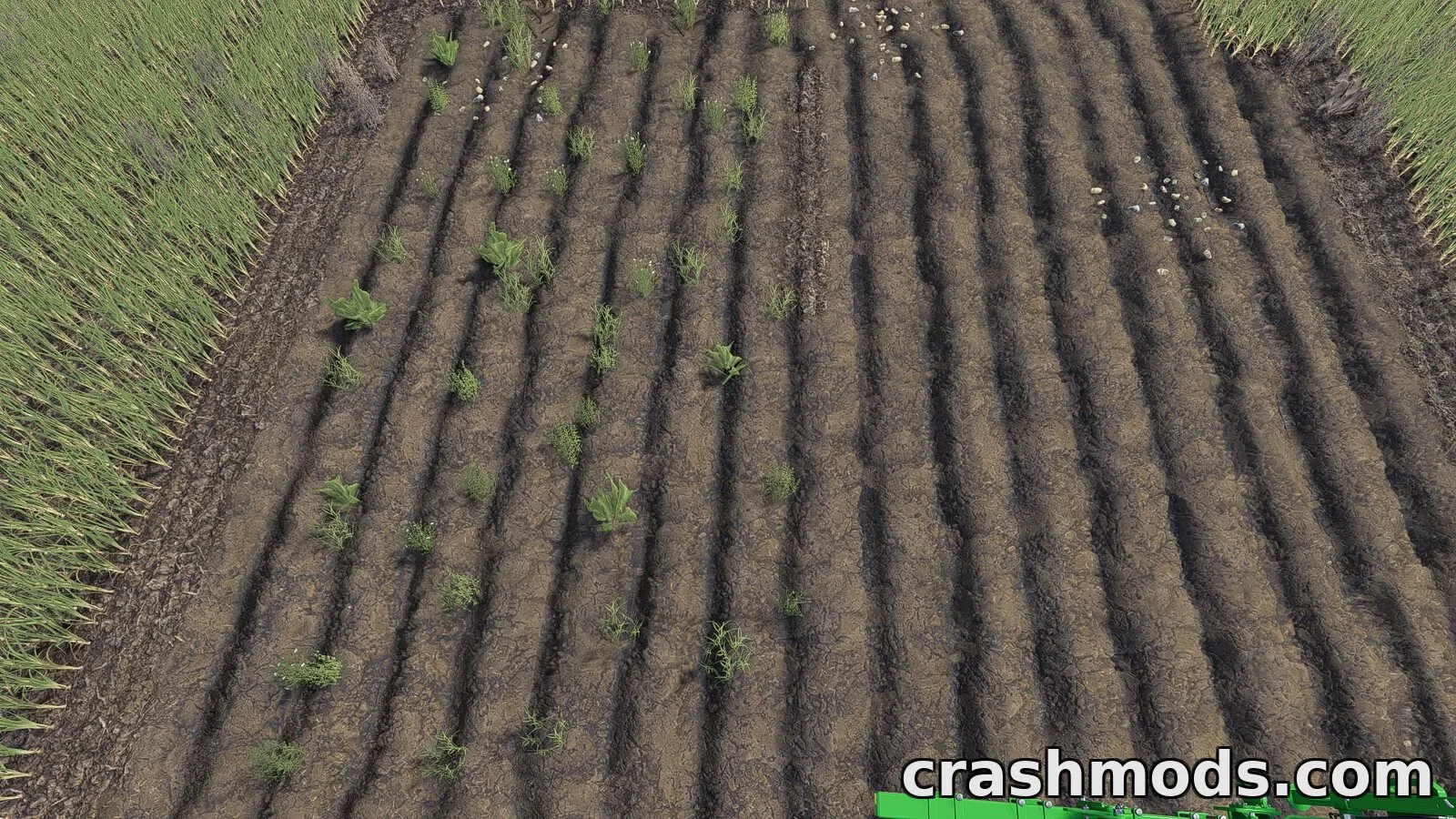
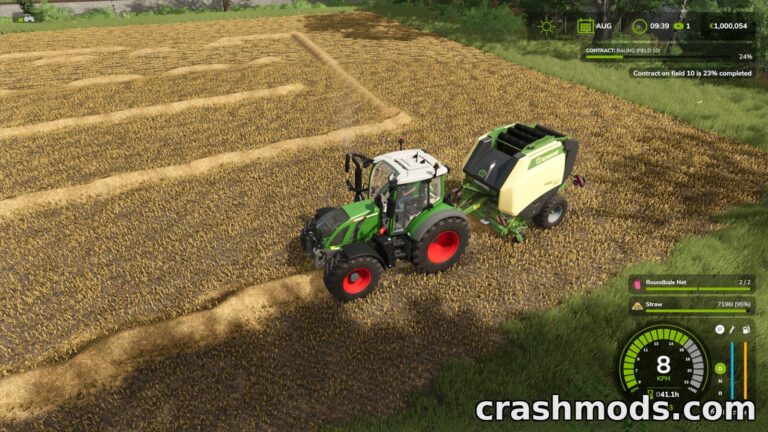
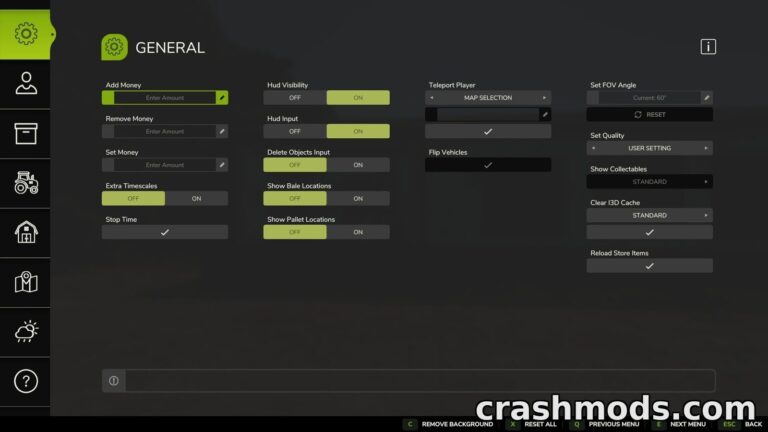
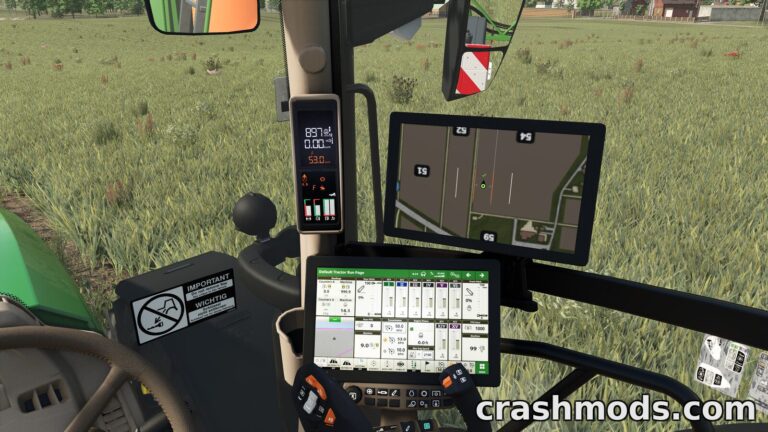
Color Adjustment is a small in-game tool that gives players direct control over the color grading of the map they are playing on. Instead of relying on external software, it adds a simple sidebar menu with sliders for contrast, brightness, saturation, color temperature and gamma, each split into day and night versions.
The tool taps directly into the game's built-in color grading system, so transitions between morning, day, evening and night stay smooth even when day and night settings differ a lot. A dedicated shadow brightness slider is also included for fine-tuning darker areas during daytime scenes.
Every map keeps its own saved settings, and a quick switch lets you compare the original look with your adjustments at any time. The mod works alongside ReShade, NVIDIA Game Filter and DLSS 5 Neural Rendering without affecting performance or HUD visibility, and in multiplayer sessions it only changes what you personally see.
This tool is a good fit for players who want more visual control over their maps without digging into external editing tools, offering an easy sidebar interface accessible through a customizable keyboard shortcut.