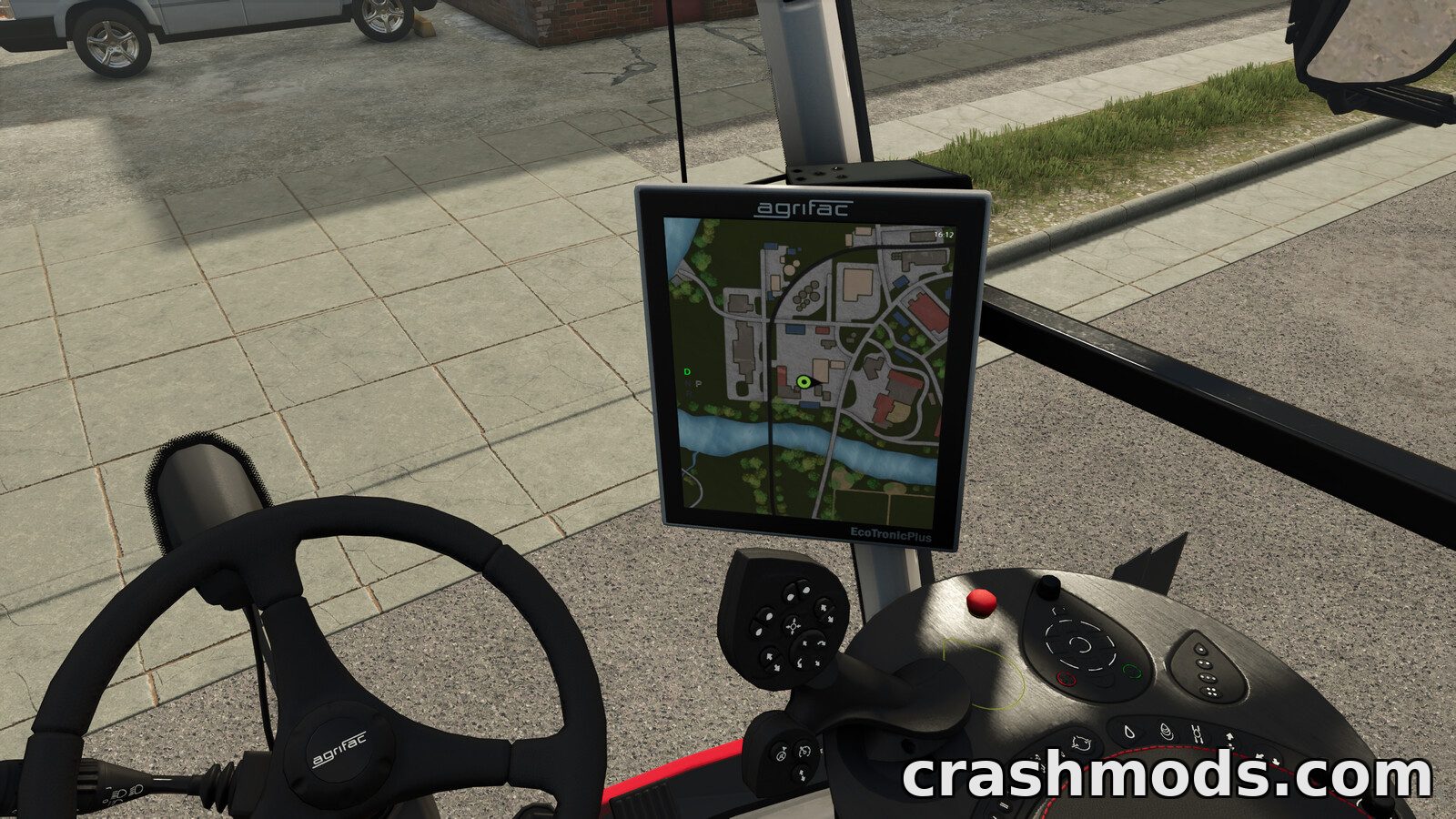
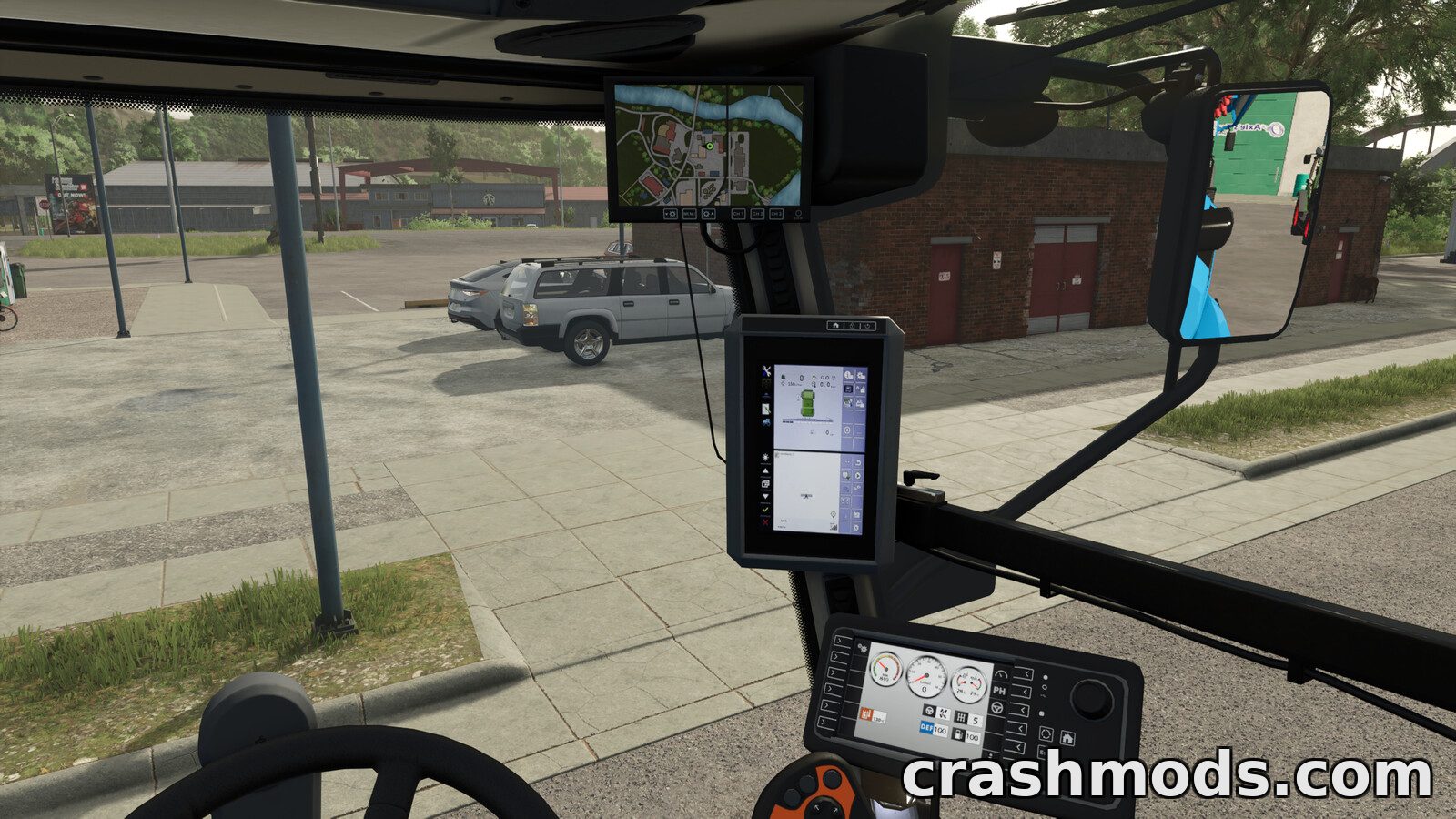
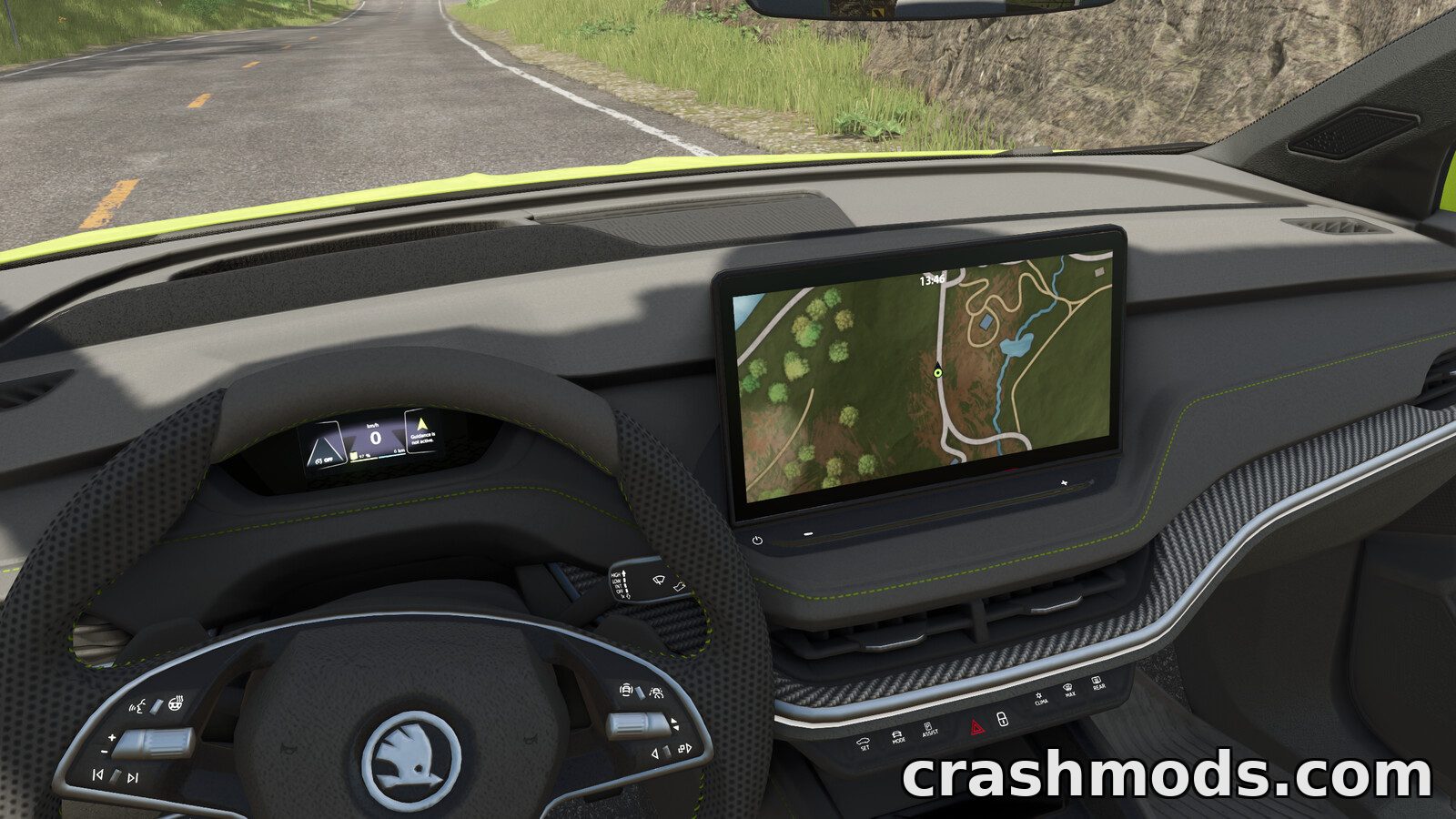
Features:
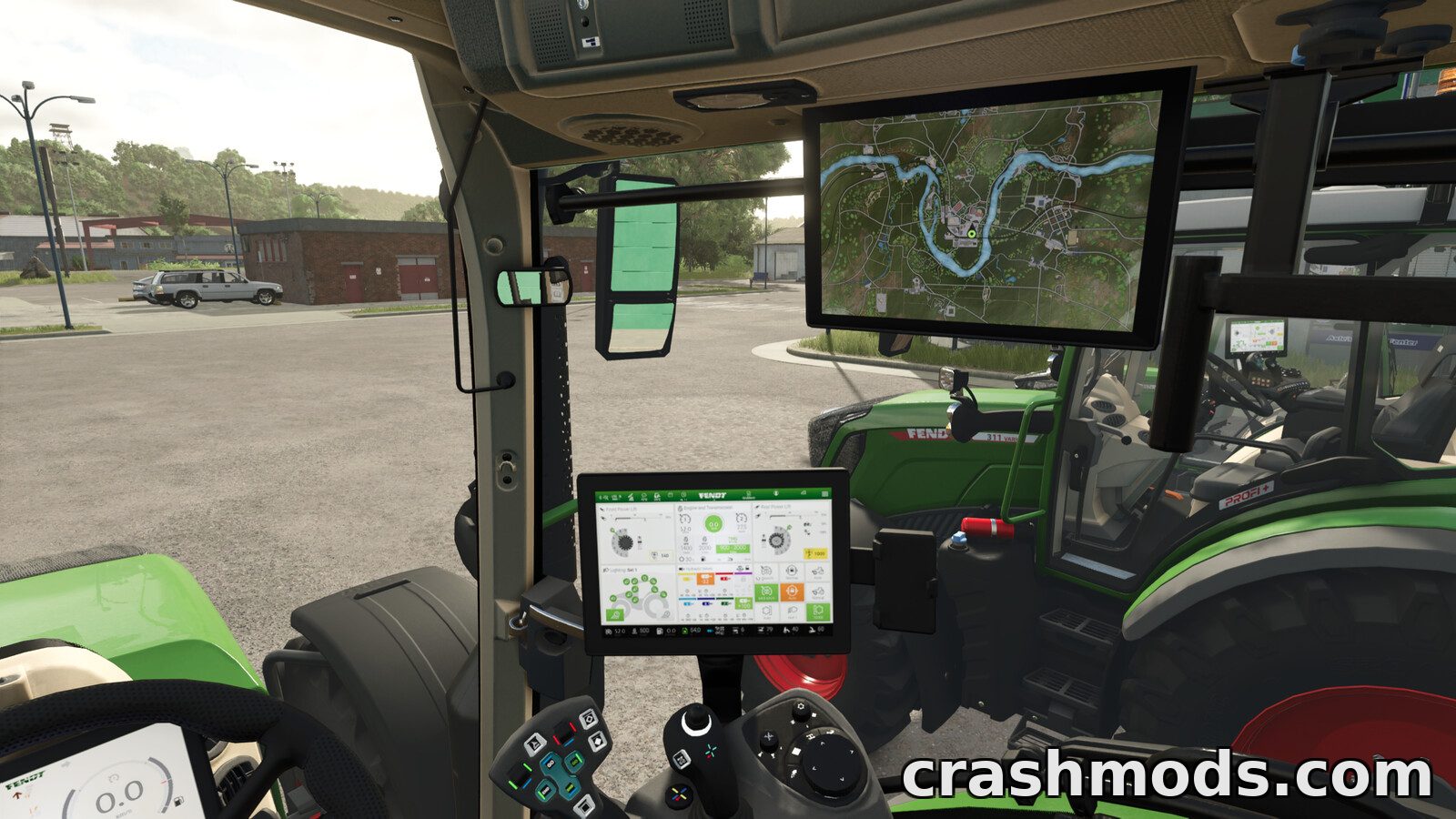
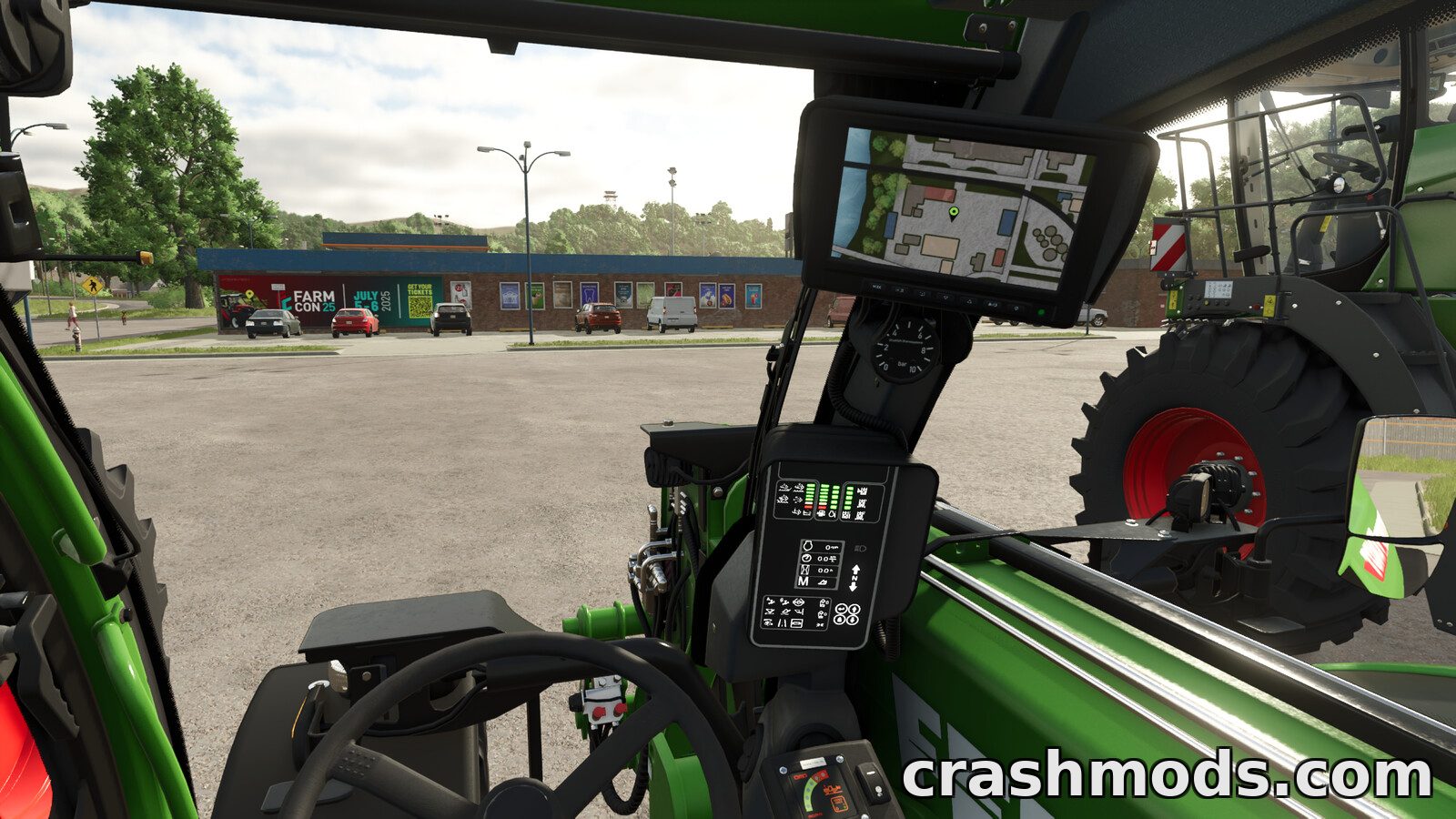
- Shows the minimap inside the vehicle instead of on the HUD
- Displays the GPS track in the cab
- No GPS steering of its own, purely a display mod
- Minimap can rotate around your position or stay static
- Zoom in for smaller map details with Left Ctrl and Page Up or Page Down
- Works with base game vehicles right away
- Prepared mod vehicles can use it as well
- Settings mode opened with Right Shift and L
- Rotation toggled with the Y key
- End key selects the next map when a vehicle holds several
- 0.75 MB download for PC and Mac
- Made by BayernGamers and [LSFM] RepiGaming
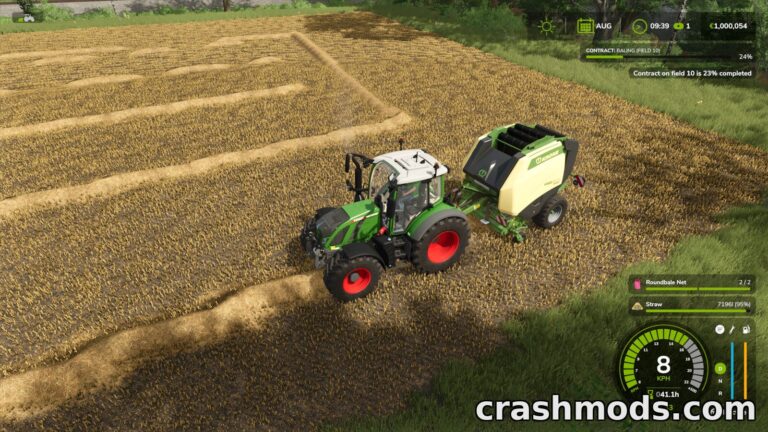
Real GPS Mod moves the minimap off the HUD and into the vehicle itself. The map and the GPS track appear on the in-cab display, which keeps the screen clear while you still see exactly where you are working in Farming Simulator 25.
The view can be set to rotate around your current position or to stay static, and zooming in makes smaller details easier to pick out. Settings mode has to be enabled before either can be changed, which prevents accidental adjustments in the middle of a job.
Vehicles from the base game are supported straight away, so the display works as soon as the mod is active. Mod vehicles can be added too when they are prepared for it, and a guide for that integration ships with the mod.
Controls stay simple: Right Shift and L enable settings mode, the Y key switches rotation on or off, Left Ctrl with Page Up or Page Down handles zoom, and the End key cycles through the maps when a vehicle holds more than one.