Features:
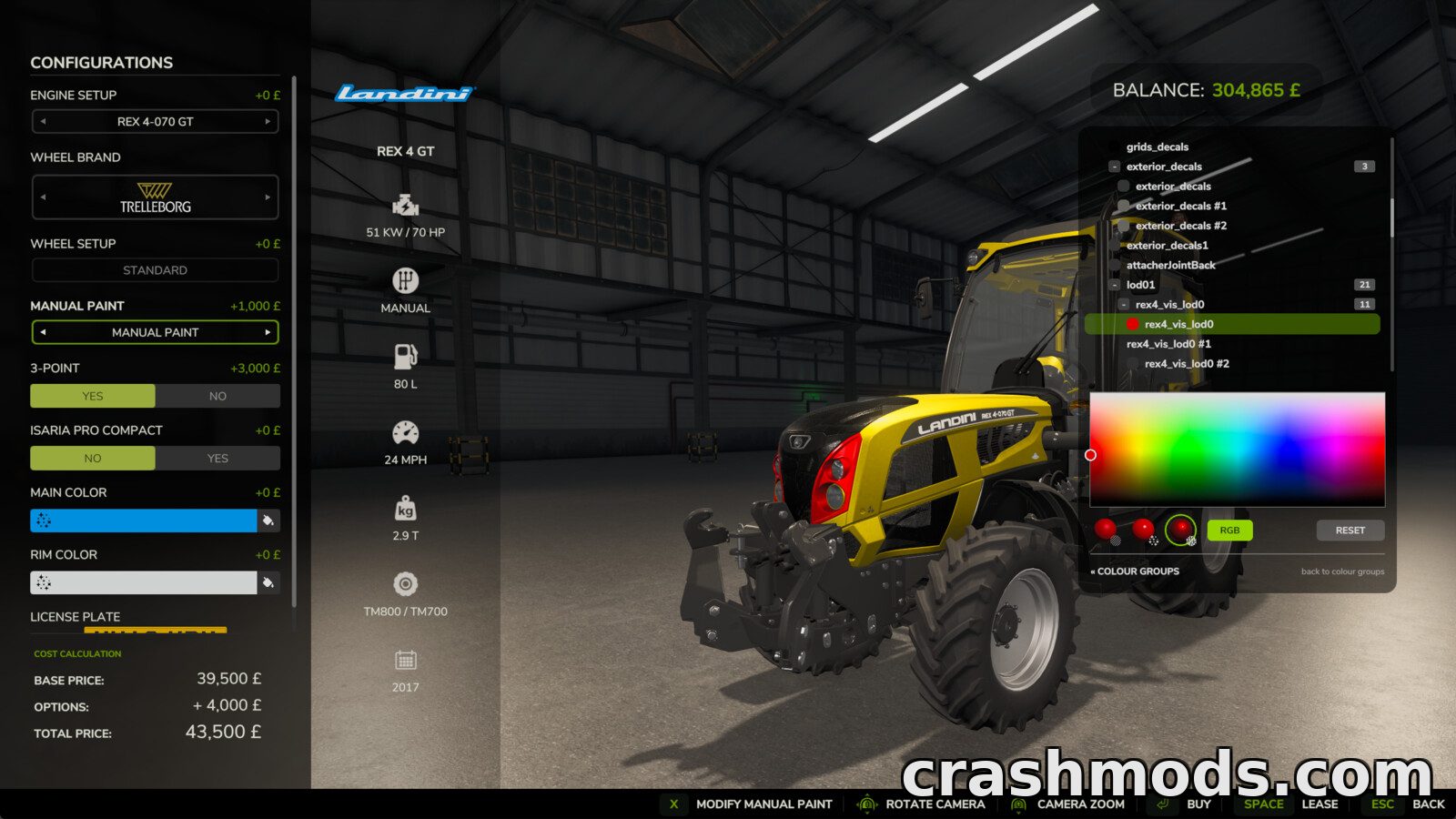
- Paints every paintable material on a vehicle
- Covers far more than the colour slots the vehicle maker exposed
- Enabled from the shop configuration screen when buying or leasing
- Also available in the workshop for vehicles you already own
- Recolours a whole colour in use across every part that shares it in one click
- Per-part view for full control over individual materials
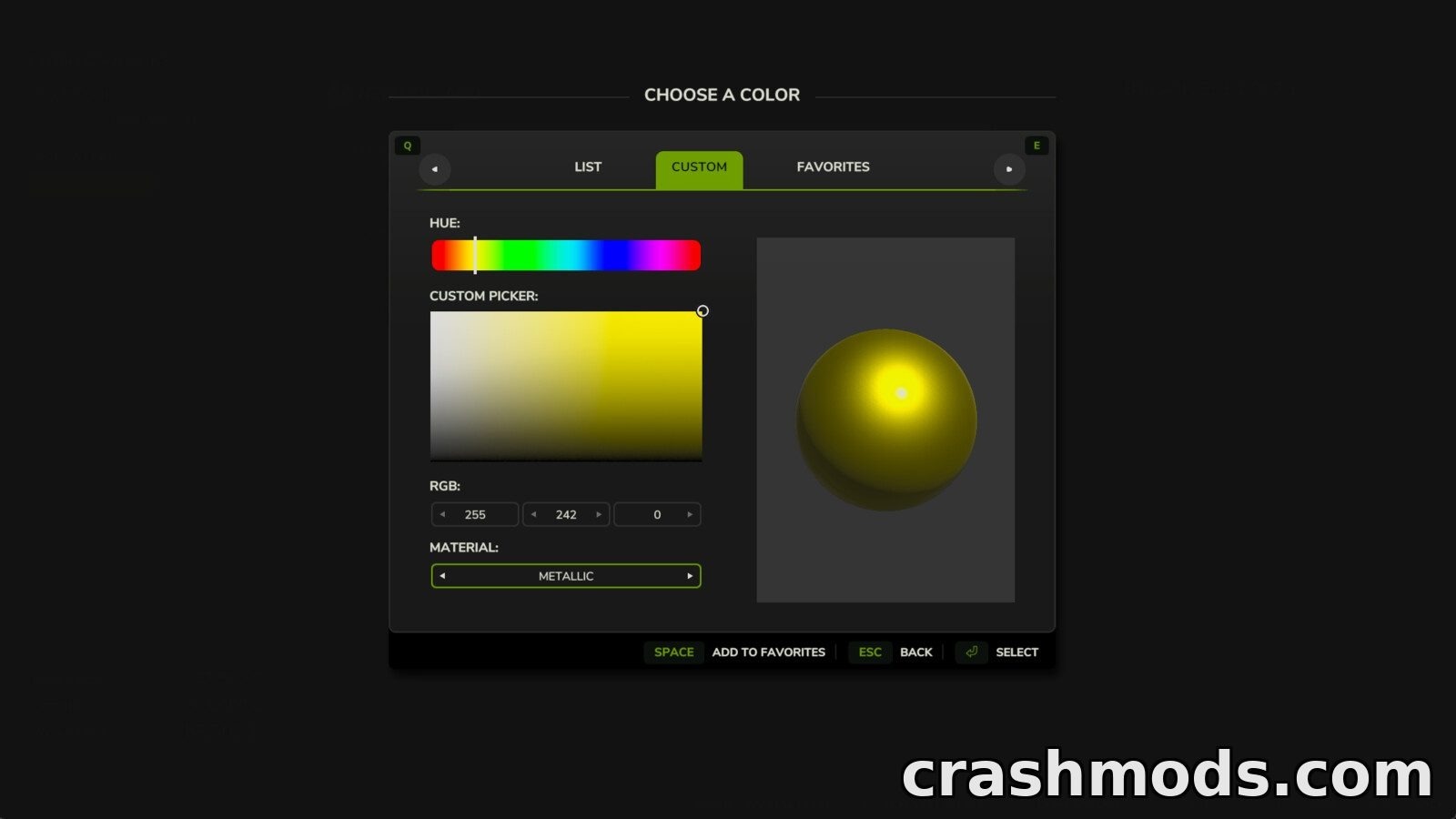
- Any colour can be combined with a glossy metallic or matte finish
- Glass rubber lights and chrome are detected and hidden automatically
- Applying paint costs a flat adjustable fee
- Charging can be turned off in the settings for free repaints
- Paintwork survives buying saving workshop changes and multiplayer
- Made by Robin (diod.es)
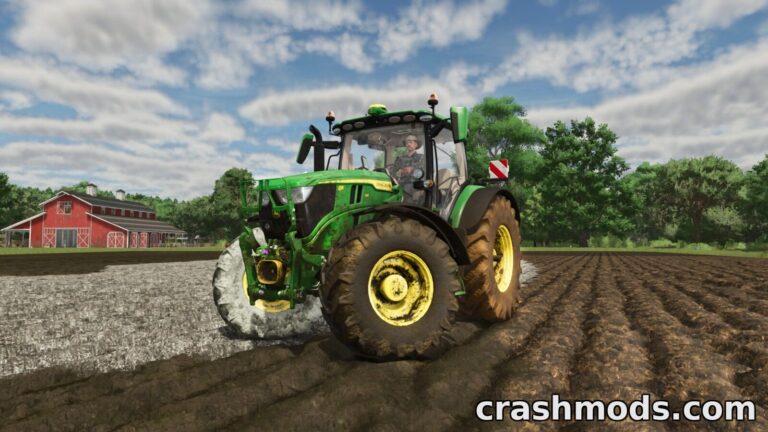
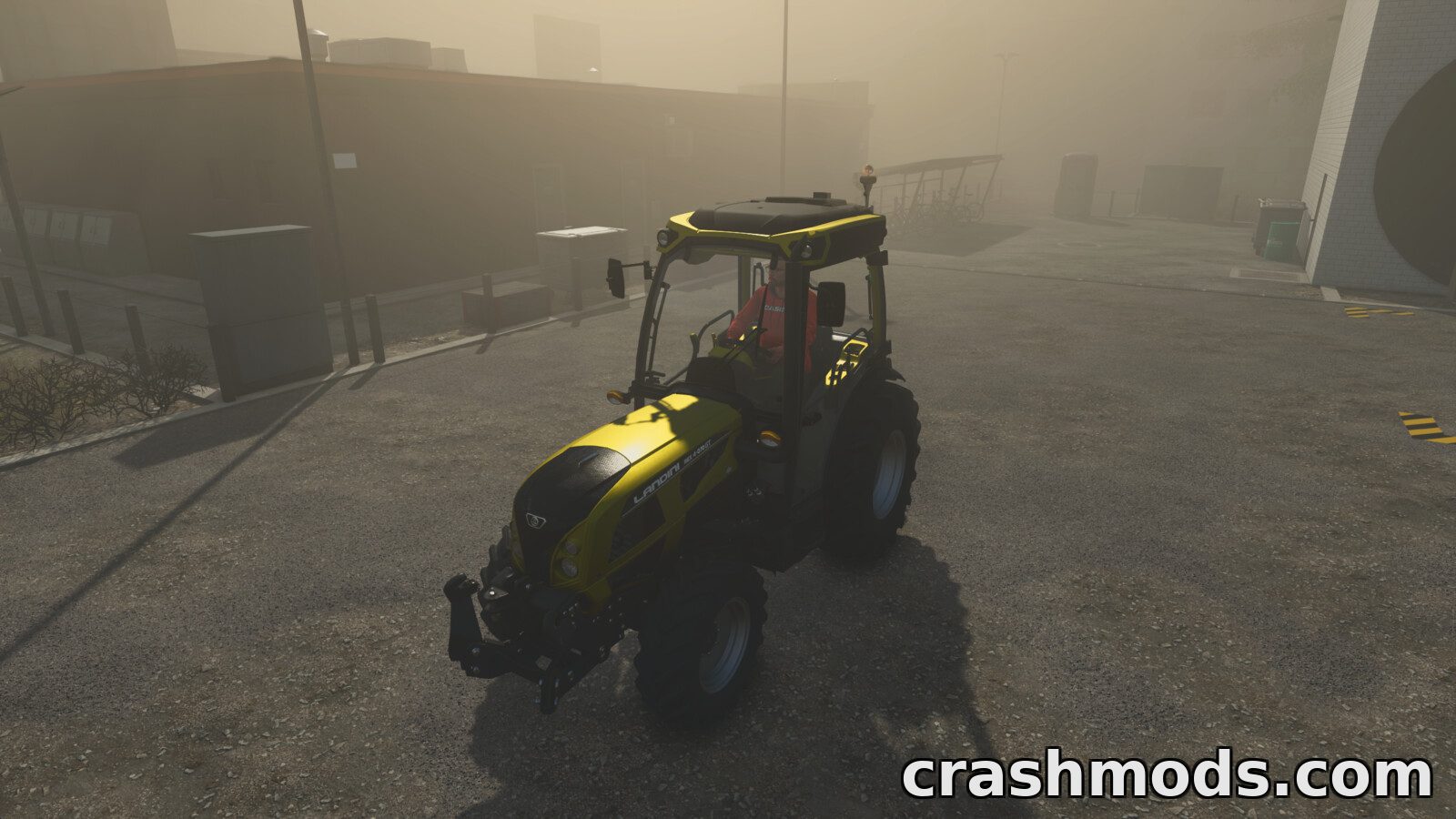
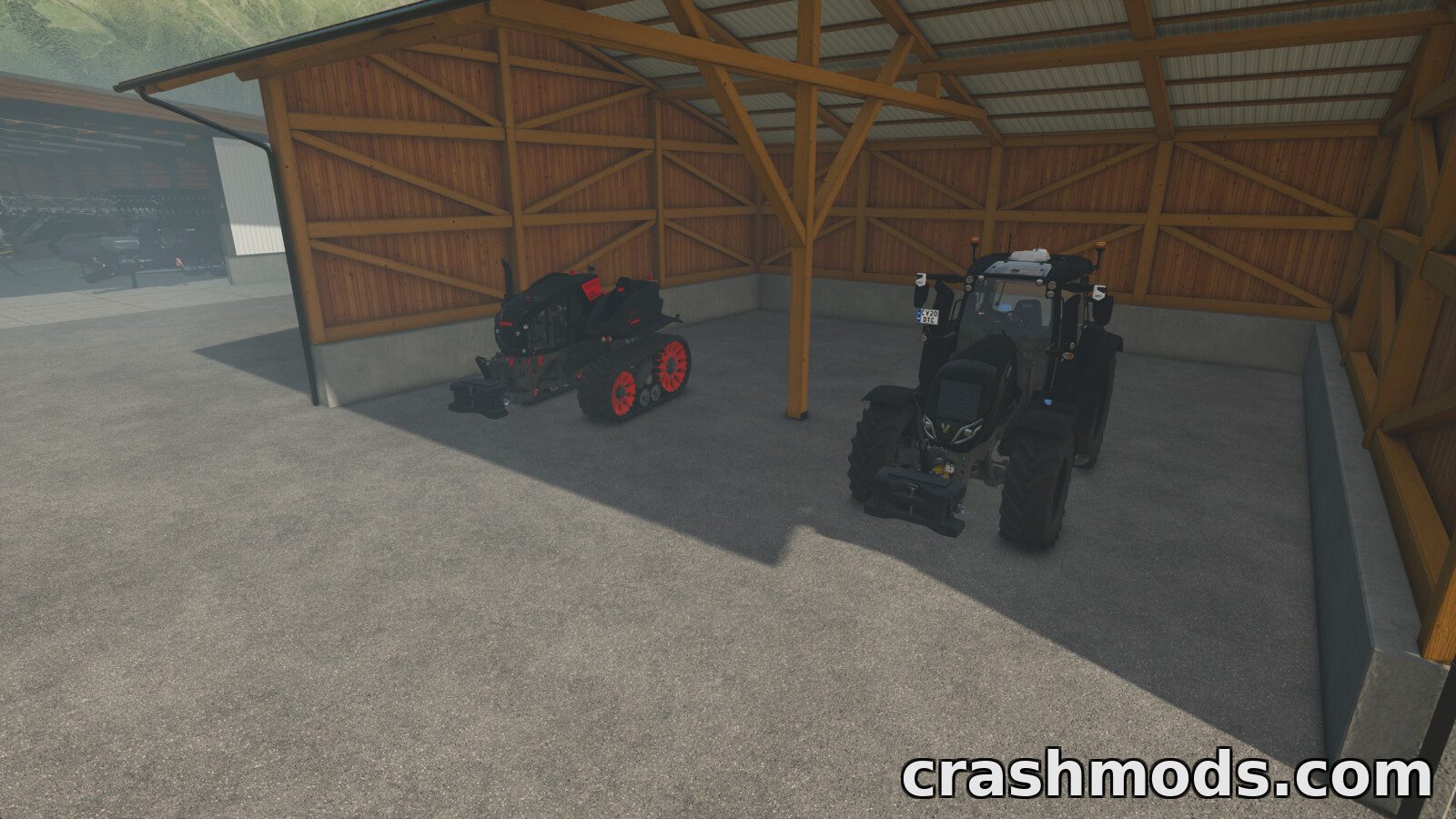
Manual Paint opens up every paintable material on a vehicle in Farming Simulator 25, not just the handful of colour slots the model maker chose to expose. The option is switched on from the shop configuration screen when buying or leasing, or from the workshop for machines already sitting in the yard.
The paint picker works two ways. A whole colour in use can be recoloured across every part that shares it in a single click, or you can switch to the per-part view when one individual part needs a shade of its own. Any colour can be paired with a glossy, metallic or matte finish, while glass, rubber, lights and chrome are detected and hidden so they cannot be painted by mistake.
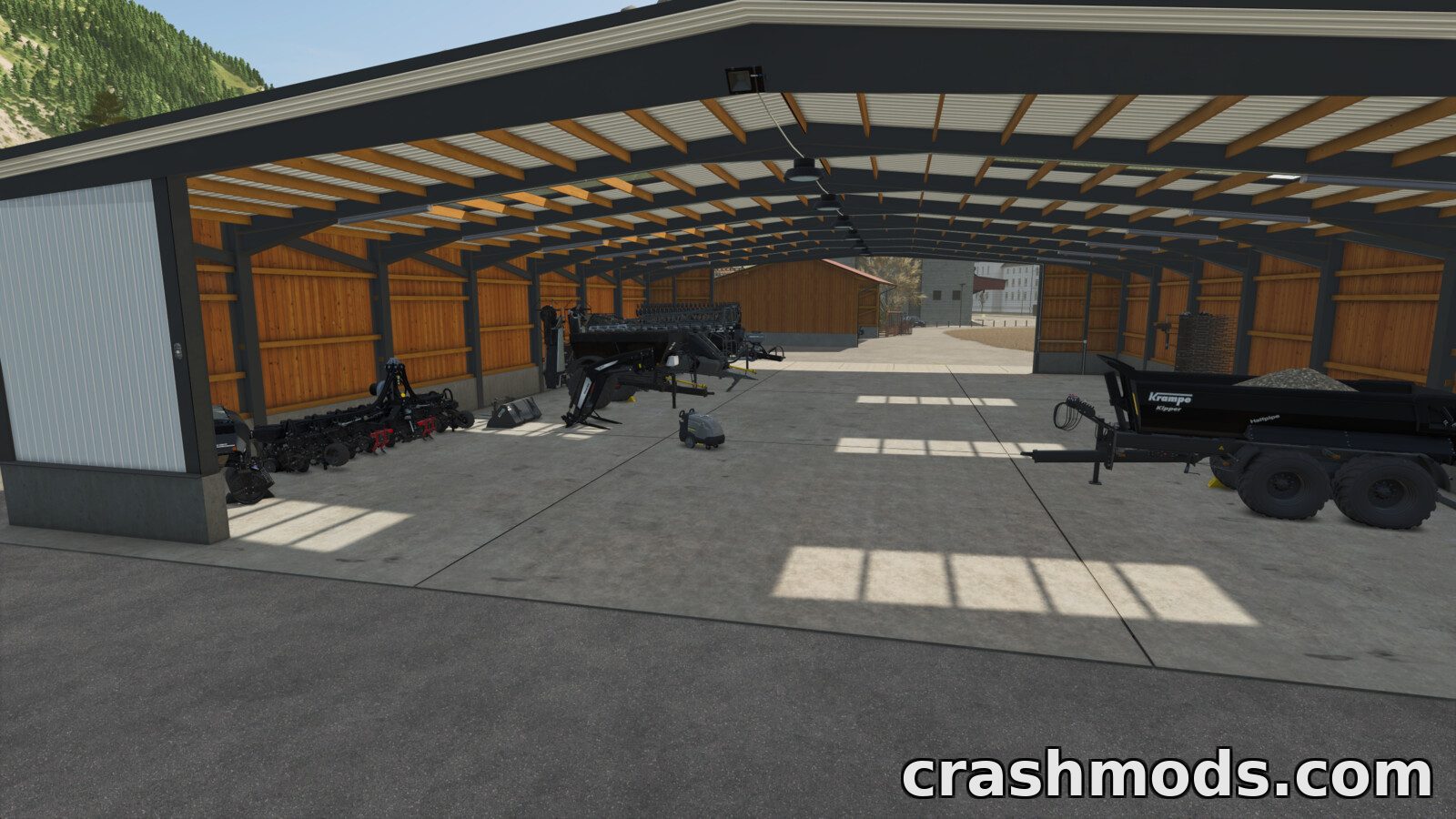
Each repaint costs a flat fee that can be adjusted in the settings, or charging can be turned off entirely for free colour changes. Finished paintwork survives buying, saving, workshop visits and multiplayer sessions, so a custom fleet stays exactly the way it was built.