Features:
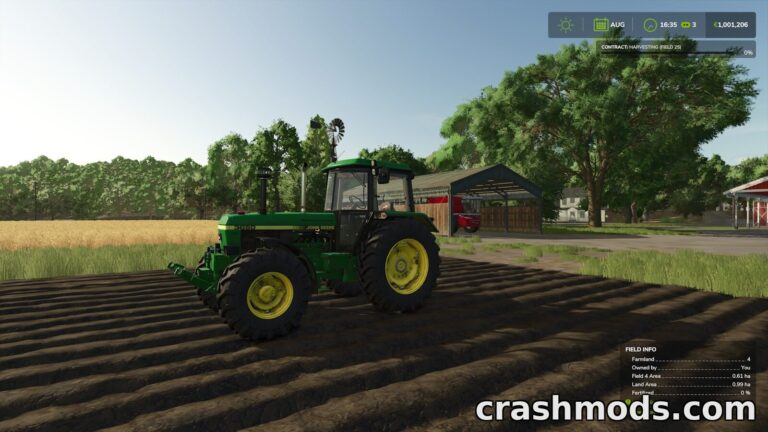
- Shows the current real world time while you play
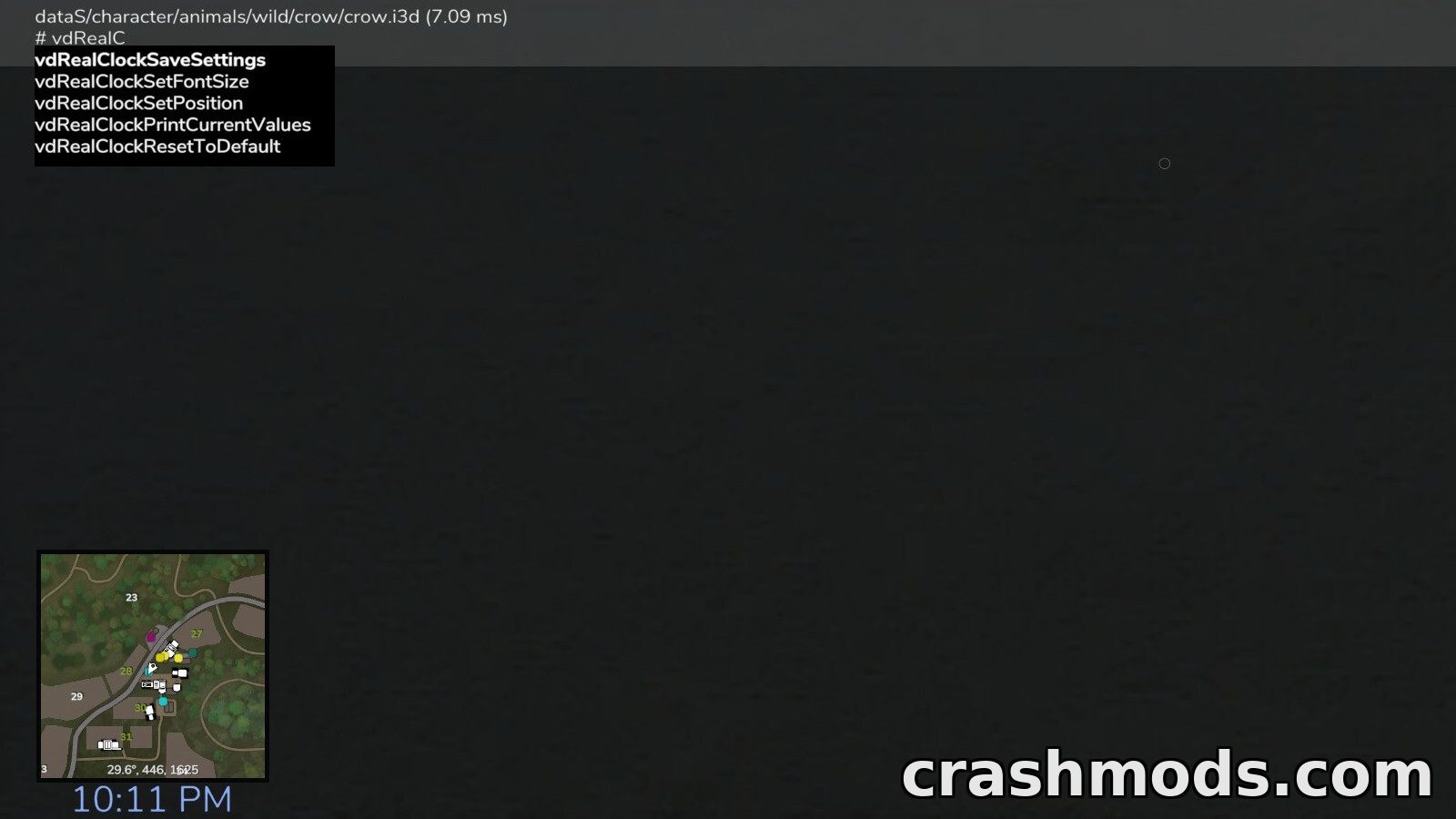
- Default position sits below the in-game clock
- Creates a configuration XML in the modSettings folder on first start
- Dynamic placement or fixed x and y screen coordinates
- Text color can be black white or any RGBA value
- Font size adjustable in the 0 to 1 range with 0.015 as the default
- UI scale is used when the displayed font size is calculated
- Customizable date and time format with tokens for weekday month day and year
- Both 12-hour and 24-hour time supported
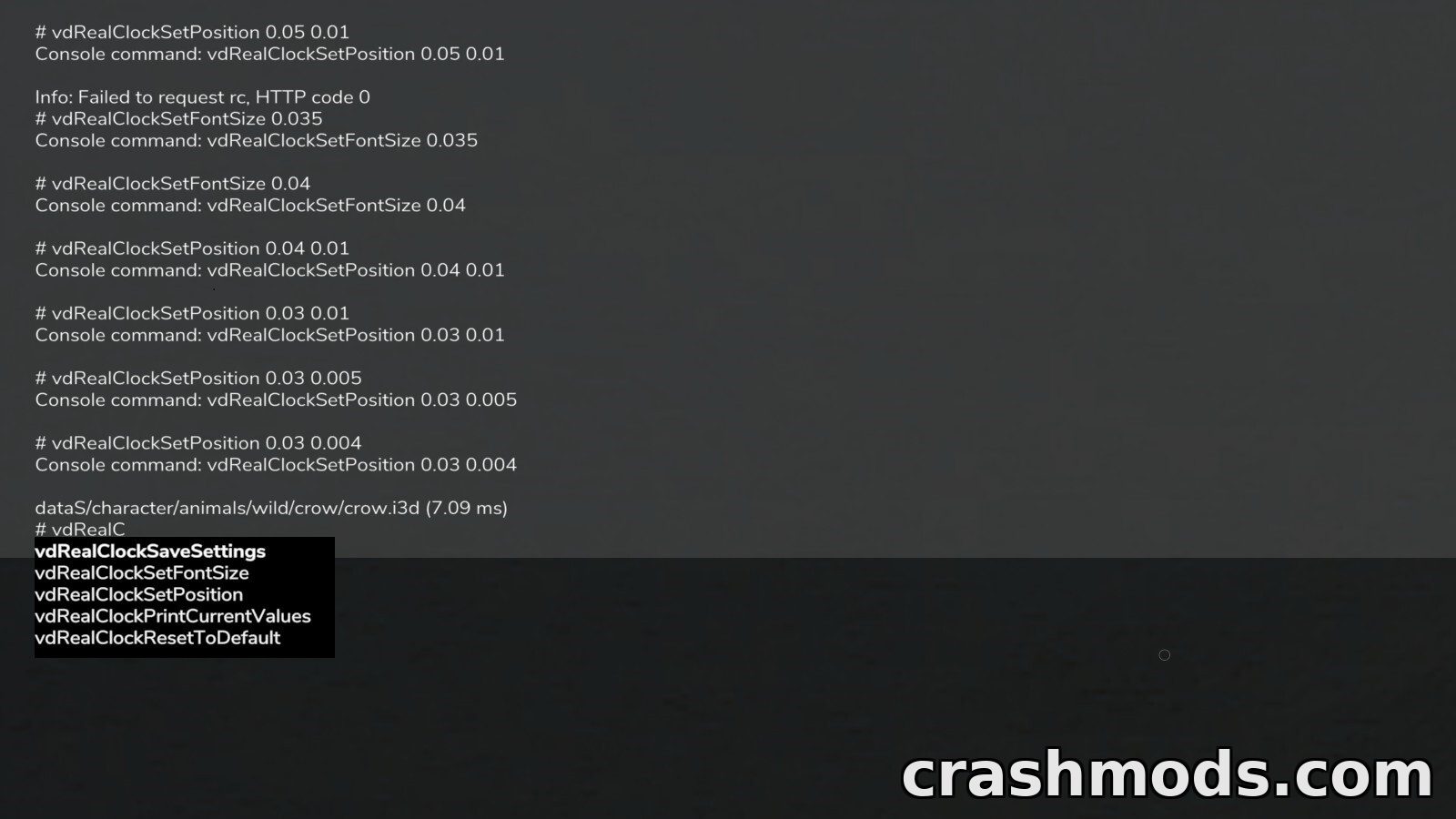
- Console commands set the position and font size live
- Further commands print the current values reset to defaults and save the settings
- Made by VertexDezign and Slivicon
RealClock puts the actual time of day on your screen while you play Farming Simulator 25. By default the text sits just below the in-game clock, so a quick glance tells you how long you have really been farming.
On the first start the script writes a configuration XML into your modSettings folder. From there you can switch dynamic placement on or off, set exact x and y coordinates, pick a text color from black, white or any RGBA value, and choose a font size between 0 and 1 with 0.015 as the default. The UI scale is taken into account when that size is calculated.
The date and time string is fully formattable, with tokens for the abbreviated or full weekday, the month, the day, 12 or 24 hour time, minutes, seconds and two or four digit years. Console commands make placement even easier: print the current values, set the position or font size so it applies immediately, reset everything to the defaults and save the result back to the settings file.
At 83 KB the download is tiny, and the script simply keeps the real time visible while you play on PC or Mac.