
Features:
- Adds a new settings tab to the pause menu
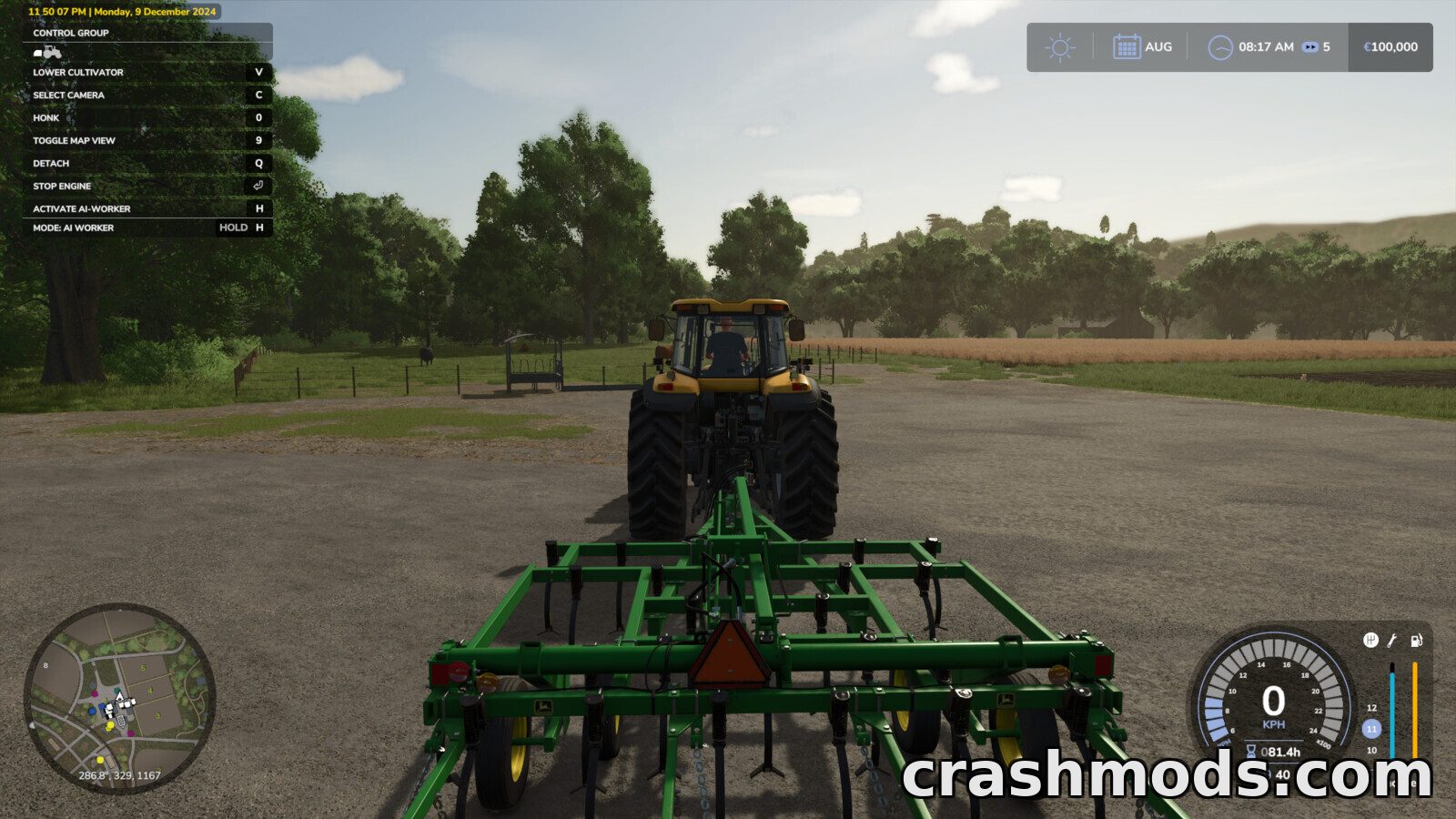
- Interface can be enabled or disabled and the crosshair toggled
- Custom interface colors can be added through a settings file
- Unnecessary information windows and blinking notifications can be switched off
- Mouse camera movement in object placement mode can be disabled
- Automatic game save start can be turned on or off
- Shop filter for base game items mods or DLC content
- Lighting from other maps can be toggled with custom lighting supported
- Smooth camera movement camera transition effect depth of field and camera collision options
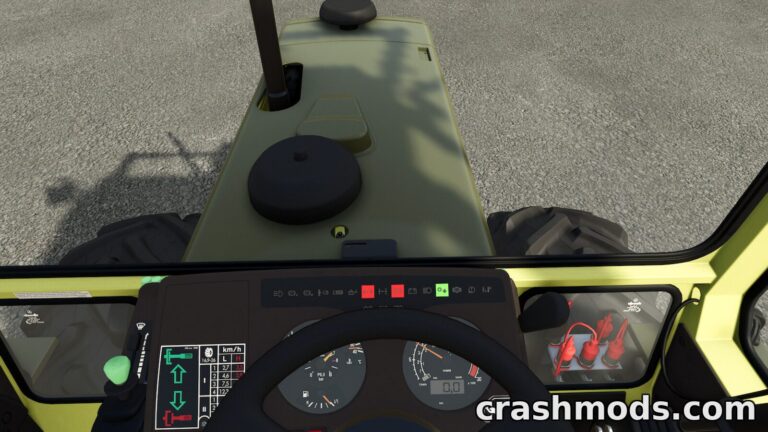
- Vehicle engine starts by pressing the acceleration key
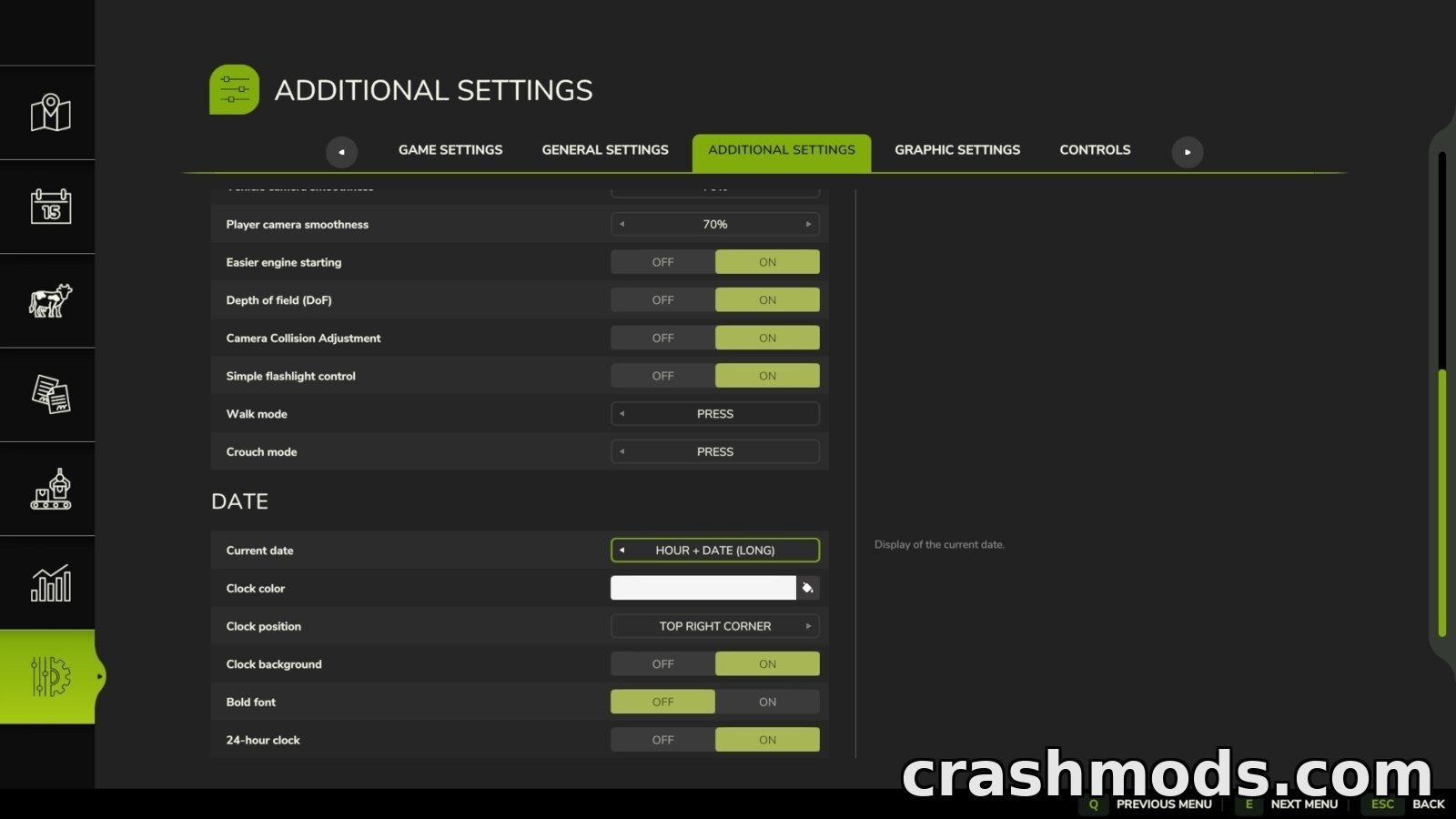
- Customizable date display plus a quit to desktop button
- Made by Rockstar
Additional Game Settings puts a whole extra tab into the pause menu of Farming Simulator 25, collecting more than a dozen quality of life options that the game itself does not offer. Almost everything is switched on or off straight from that tab, and the download is a tiny 0.12 MB.
Interface control is the biggest part of it. The HUD can be switched off entirely, the crosshair hidden, unnecessary information windows and blinking notifications silenced, and the interface color changed, with custom colors loaded from a settings file. A current date display can be added as well, with its format, position, background, color and font boldness all adjustable.
Camera and driving options follow: smooth camera movement, a transition effect when switching cameras, depth of field, camera collision and mouse camera movement while placing objects can each be turned on or off. The vehicle engine can also be started simply by pressing the acceleration key.
Two more tools round it out. A shop filter narrows the store to all items, base game items, mods or DLC content, and lighting from other maps can be toggled with your own lighting added to a dedicated folder. A quit to desktop button finally saves you a trip through the menus.