Features:
- Move decorations, trees, sheds and compatible placeables in Construction mode
- Activate the tool by aiming at an object and pressing ALT+M, then choosing MOVE
- Rotate objects with R or SHIFT+R
- Adjust object height using PAGE UP and PAGE DOWN
- Cancel a move at any time with right click
- Undo changes with CTRL+Z
- Force placement in occupied spots using PLACE ANYWAY
- Protects terrain, fields, water, map boundaries, players and vehicles from changes
- Keeps dealership sites, animal dealer sites, pastures, spawn areas and unloading points protected
- Prevents moving railways, bridges and other game-controlled objects
- Changes made are saved together with the game
- In multiplayer, only the server administrator can reposition objects
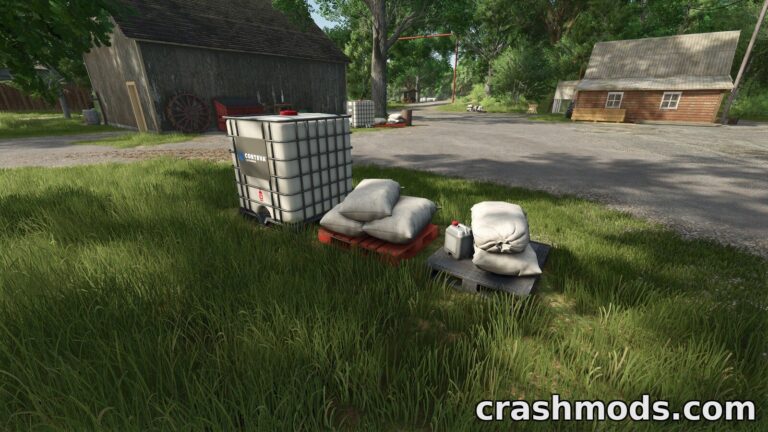
Universal Map Editor is a gameplay tool that gives players more control over how their map looks by letting them move many of the normally fixed objects placed on it. Instead of being stuck with a map's default layout, players can reposition decorations, trees, sheds and compatible placeables such as productions, greenhouses, silos and selling stations.
The tool works directly in Construction mode. Aiming at an eligible object and pressing a simple key combination brings up a move option, after which the object can be repositioned, rotated and adjusted in height before being placed. An undo option is available in case of mistakes, and a forced placement option helps when a spot seems blocked.
Important parts of the map remain untouched to keep gameplay stable: terrain, fields, water, map borders, vehicles, players and systems tied to terrain or navigation can't be altered, nor can dealership areas, animal pastures, spawn points, unloading stations, railways or bridges. All changes made with the tool are saved along with the save game, and in multiplayer sessions only the server administrator is able to move objects.
This tool suits players who enjoy customizing their farm's layout and want more freedom to rearrange existing map elements without needing a full map editor.