
Skip to content
Join our Discord for updates & support Discord

Home / Games / Minecraft

Minecraft 1.21.8 mods

10 mods

Mods made for Minecraft 1.21.8 — every file is virus-scanned and free to download. Filter by category or sort by downloads below.

Browse trending picks and fresh uploads for Minecraft—the grid below jumps straight into the catalog.

Filters
Active filters: 1.21.8 Clear all
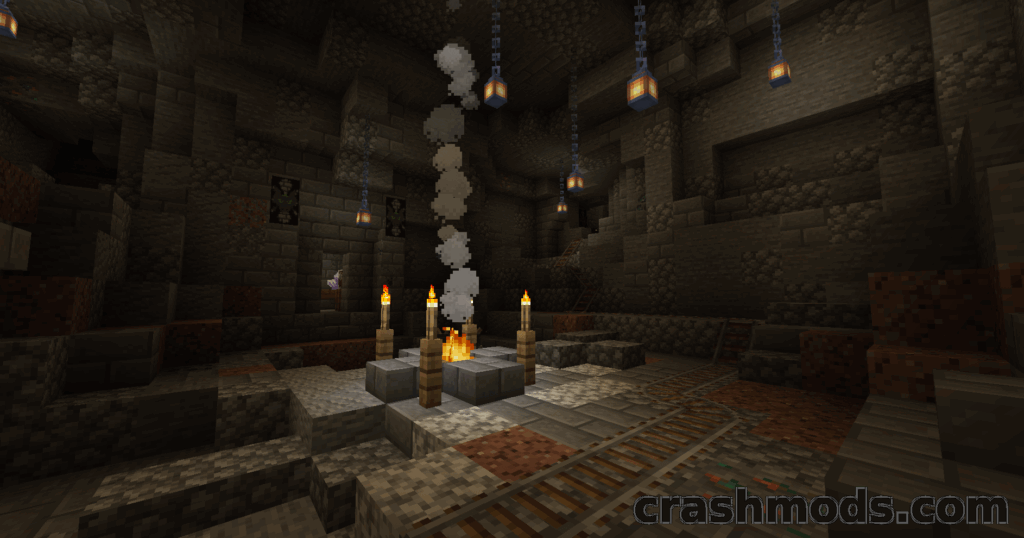
Kobolds – Underground Lizard Civilization with Trading and Dens Minecraft mod screenshot

Kobolds adds an underground civilization of tiny lizard people to Minecraft: trade with them, visit Kobold Dens under forests, meet Kobold Enchanters and cure Zombolds. For 1.21.8 on NeoForge.

  • New Mobs
  • Kobolds
  • Kobold Enchanter
  • Zombolds
  • Kobold Den
  • Trading
  • Amethyst Shards
  • Prospector Enchantment
  • Potions
  • Structures
  • Underground
  • Friendly Mobs
  • NeoForge
  • 1.21.8

Tabornok3 by Tabornok3 Rank:LITETOP

Minecraft Mobs · Mod version: V3.6.0 · Version: 1.21.8

View Mod
Updated 1mo ago Views 19 Downloads 0 Likes 0 Dislikes 0 Comments 0
File Size: 2.3 MB
No Darkness Effect – Remove the Warden Darkness Fog Minecraft mod screenshot

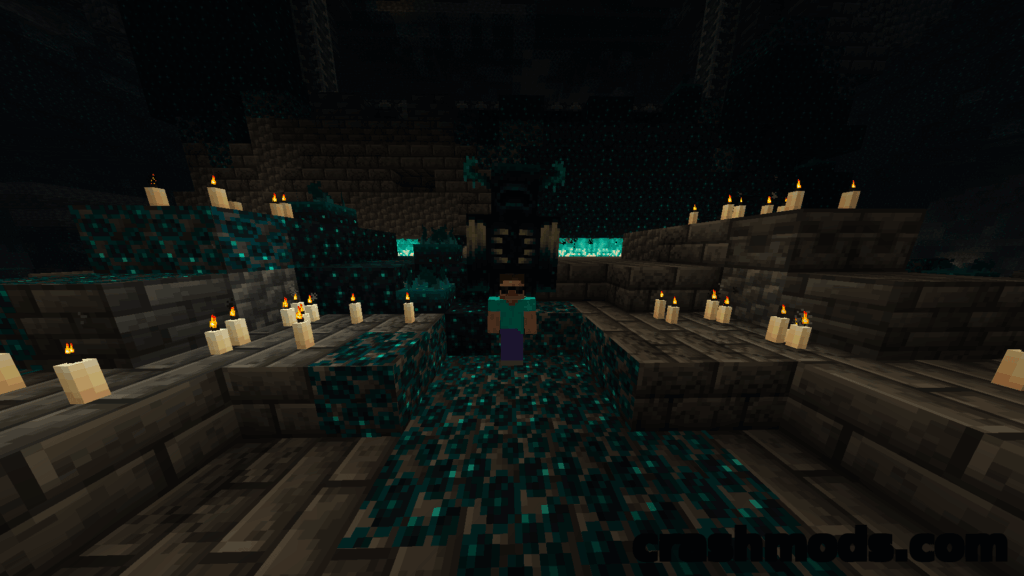
No Darkness Effect is a small client-side Minecraft mod that completely removes the Darkness effect applied by the Warden and its pitch black fog.

  • Client Side
  • Darkness Effect
  • No Darkness
  • Warden
  • Deep Dark
  • Ancient City
  • No Fog
  • Visibility
  • Status Effect
  • Lightweight
  • Quality of Life
  • Singleplayer
  • NeoForge
  • 1.21.8

Tabornok3 by Tabornok3 Rank:LITETOP

Minecraft Mobs · Mod version: V3.3.8 · Version: 1.21.8

View Mod
Updated 1mo ago Views 14 Downloads 0 Likes 0 Dislikes 0 Comments 0
File Size: 4.1 KB
AntiXray – Lightweight Ore Obfuscation for Servers Minecraft mod screenshot

A lightweight Minecraft server mod that fights xray cheaters by obfuscating ores with fake blocks, with three engine modes and per-world configuration.

  • Anti Xray
  • Anti Cheat
  • Server Side
  • Ore Obfuscation
  • Fake Ores
  • Engine Modes
  • Per World Config
  • Nether
  • Custom Dimensions
  • Block Tags
  • Lightweight
  • NeoForge
  • 1.21.8
  • Configurable

Tabornok3 by Tabornok3 Rank:LITETOP

Minecraft Technology · Mod version: V3.3.7 · Version: 1.21.8

View Mod
Updated 1mo ago Views 8 Downloads 0 Likes 0 Dislikes 0 Comments 0
File Size: 127.1 KB
Default Skill Trees – Combat and Mining Skill Trees Minecraft mod screenshot

Adds two ready-made skill trees for Pufferfish's Skills in Minecraft: a combat tree leveled by killing mobs and a mining tree leveled by mining stone and ores.

  • Skill Trees
  • RPG
  • Progression
  • Data Pack
  • Combat Skills
  • Mining Skills
  • Mob Kills
  • Ores
  • Leveling
  • Addon
  • Fabric
  • Forge
  • NeoForge
  • 1.21.8

Tabornok3 by Tabornok3 Rank:LITETOP

Minecraft Adventure · Mod version: V3.3.1 · Version: 1.21.8

View Mod
Updated 1mo ago Views 11 Downloads 1 Likes 0 Dislikes 0 Comments 0
File Size: 11.4 KB
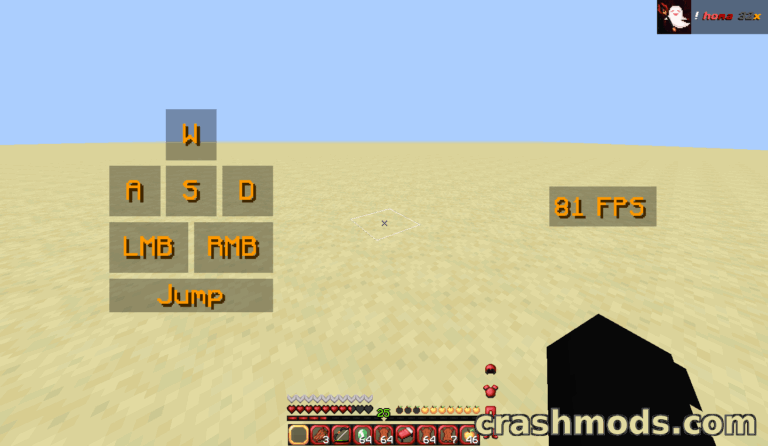
Updated HUD displays armor and tool durability alongside health and hunger bars in Minecraft gameplay.

Durability Viewer Updated adds a Minecraft HUD showing armor and tool durability in color, free inventory slots, potion timers and a warning sound before your items break.

  • HUD Mod
  • Durability Display
  • Armor Durability
  • Tool Durability
  • Color Coded
  • Break Warning
  • Mending Helper
  • Inventory Slots
  • Potion Timer
  • Window Title
  • Configurable
  • Client Side
  • Fabric
  • 1.21.8

Tabornok3 by Tabornok3 Rank:LITETOP

Minecraft Equipment · Mod version: V3.3.0 · Version: 1.21.8

View Mod
Updated 1mo ago Views 58 Downloads 8 Likes 0 Dislikes 0 Comments 0
File Size: 85.0 KB
Click Villagers – Pick Up, Claim and Manage Villagers Minecraft mod screenshot

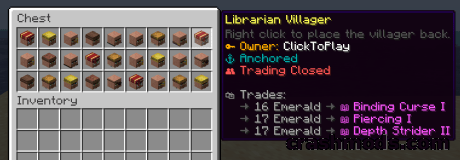
Click Villagers is a quality of life Minecraft plugin that lets you pick villagers up into your inventory, see their trades, anchor, claim and protect them, change biomes and auto-collect them with hoppers.

  • Villager Mod
  • Pick Up Villagers
  • Trade Reset
  • Villager Trades
  • Claim Villagers
  • Anchor Villagers
  • Villager Hopper
  • Biome Change
  • Trading Partners
  • Quality of Life
  • Configurable
  • Paper
  • Folia
  • Purpur

Tabornok3 by Tabornok3 Rank:LITETOP

Minecraft Transport · Mod version: V3.0.8 · Version: 1.21.8

View Mod
Updated 1mo ago Views 7 Downloads 0 Likes 0 Dislikes 0 Comments 0
File Size: 256.5 KB
RPG-HUD – Customizable RPG-Style HUD with Bars and Widgets Minecraft mod screenshot

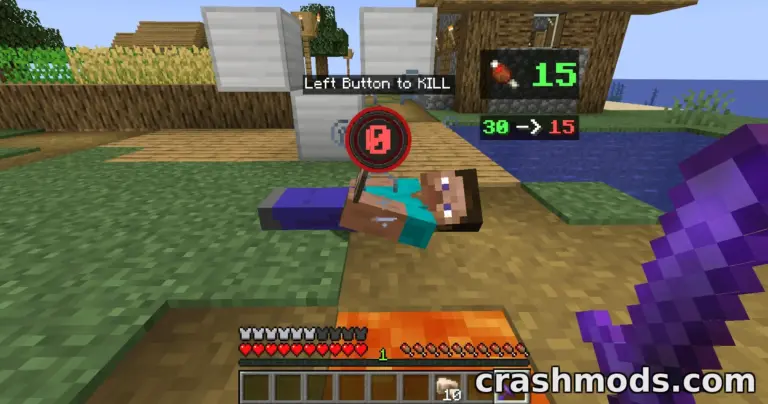
RPG-HUD replaces the Minecraft interface with a customizable RPG and MMORPG-style HUD, adding health, hunger and experience bars plus clock, compass, status effect and entity info widgets.

  • HUD Mod
  • RPG Interface
  • Health Bar
  • Hunger Bar
  • Experience Bar
  • Clock Widget
  • Compass Widget
  • Status Effects
  • Entity Inspect
  • Item Durability
  • Configurable
  • Client Side
  • Fabric
  • 1.21.8

Tabornok3 by Tabornok3 Rank:LITETOP

Minecraft Utility · Mod version: V9.9.9 · Version: 1.21.8

View Mod
Updated 1mo ago Views 6 Downloads 0 Likes 0 Dislikes 0 Comments 0
File Size: 246.0 KB
Biome Particle Weather – Particle-Based Weather with Wind and Sandstorms Minecraft mod screenshot

Biome Particle Weather replaces Minecraft's old weather rendering with particle-driven storms, including wind, sandstorms and Nether weather. Client-side only, so it works on any server.

  • Weather Overhaul
  • Particle Weather
  • Biome Based
  • Wind Effects
  • Sandstorms
  • Nether Weather
  • Client Side
  • Server Friendly
  • Resource Packs
  • Custom Particles
  • Shader Compatible
  • Fabric
  • 1.21.1
  • Visual Mod

Tabornok3 by Tabornok3 Rank:LITETOP

Minecraft Furniture and Decorations · Mod version: V3.2.9 · Version: 1.21.8

View Mod
Updated 1mo ago Views 4 Downloads 0 Likes 0 Dislikes 0 Comments 0
File Size: 17.0 B
Construction Wand (Fabric) – Building Wand With Cores and Undo Minecraft mod screenshot

An unofficial Fabric port of Construction Wand: craft the wand, apply cores in a crafting grid, open its options menu with a key press and undo with a preview first. Built for Minecraft 1.21.1 with Fabric API.

  • Construction Wand
  • Building Wand
  • Wand Cores
  • Crafting Upgrade
  • Options Menu
  • Undo Support
  • Undo Preview
  • Keybinds
  • Rebindable Keys
  • Polymer Support
  • Fabric Port
  • Fabric API
  • Fabric
  • 1.21.1

Tabornok3 by Tabornok3 Rank:LITETOP

Minecraft Equipment · Mod version: V3.3.5 · Version: 1.21.8

View Mod
Updated 1mo ago Views 12 Downloads 0 Likes 0 Dislikes 0 Comments 0
File Size: 284.4 KB

Minecraft Mods and Community Downloads

Browse free Minecraft mods, community downloads and add-ons on CrashMods. This archive helps players discover new content, compare mod pages and find updated releases faster.

  • Explore fresh and popular Minecraft mods in one place.
  • Use categories and sorting tools to find the right download.
  • Check screenshots, descriptions and file information before downloading.

CrashMods is built for players who want a simple way to discover, browse and download community-made game mods.

Minecraft mods — vetting, installing, common questions

🛡️ How we vet the files

845 of the 845 Minecraft mods carry a finished clean VirusTotal verdict (100%).

  • Until the check finishes the upload stays hidden: nobody but you and the team can reach it.
  • The download button names the host before you leave the site — and one click reports anything that looks wrong.

💾 Installing a Minecraft mod

Minecraft mods need a mod loader, and the .jar files go into .minecraft\mods.

  1. Install Fabric or NeoForge for the Minecraft version the mod lists.
  2. Run the loader profile once from the Minecraft Launcher.
  3. Put the .jar into .minecraft\mods (do not unzip it), plus any required library such as Fabric API.
  4. Start the game with the loader profile selected.

Full Minecraft installation guide →

❓ Frequently asked questions

Are the Minecraft mods on CrashMods safe?

Every uploaded file is scanned with VirusTotal automatically BEFORE the mod goes public. Minecraft currently has 845 mods: 845 carry a finished clean verdict. The result is shown on each card, and you can report any mod that looks wrong.

How do I install a Minecraft mod?

Minecraft mods need a mod loader, and the .jar files go into .minecraft\mods. 1) Install Fabric or NeoForge for the Minecraft version the mod lists. 2) Run the loader profile once from the Minecraft Launcher. 3) Put the .jar into .minecraft\mods (do not unzip it), plus any required library such as Fabric API. 4) Start the game with the loader profile selected.

Are these mods free?

They are free to download — there is no paywall on the Minecraft catalogue and no sign-up required. A mod is only paid if its creator set a price, and that price is stated plainly on the card and the mod page.

How do I know which game version a mod fits?

Every Minecraft mod card states the game version it was built for, and the sidebar lets you filter by version. After a game update, filter to the newest version first.

Stay in the loop

Get the latest mods & updates in your inbox.

✓ Thanks! We will keep you posted.

💬
New mods & updatesBe the first to know.
🛡️
Verified & safeQuality checked by our team.
🎁
Community perksEvents, contests & more.

© 2026 CrashMods — All rights reserved.
Safe & TrustedEvery mod is scanned and reviewed to ensure a safe experience.
SecureYour safety is our priority.