Skip to content
Join our Discord for updates & support Discord

Home / Games / Minecraft

Minecraft 1.21.10 mods

9 mods

Mods made for Minecraft 1.21.10 — every file is virus-scanned and free to download. Filter by category or sort by downloads below.

Browse trending picks and fresh uploads for Minecraft—the grid below jumps straight into the catalog.

Filters
Active filters: 1.21.10 Clear all
Somber – Eerie Horror Shaders with a Nostalgic Beta-Era Atmosphere Minecraft mod screenshot

Somber is a lightweight horror shader that brings back the nostalgic mood of early Minecraft alpha and beta versions with an eerie twist, adding dynamic fog and accentuated shadows. Requires Iris and targets Minecraft 1.21.10.

  • Shader Pack
  • Iris
  • 1.21.10
  • Horror
  • Lightweight
  • Beta Nostalgia
  • Dynamic Fog
  • Accentuated Shadows
  • Vignette
  • Chromatic Aberration
  • Noise Effect
  • Opaque Water
  • Foliage Vibrance
  • Programmer Art

RavenByte73 by RavenByte73 Rank:LITETOP

Minecraft Shaders · Mod version: V9.3.5 · Version: 1.21.10

View Mod
Updated 2mo ago Views 17 Downloads 3 Likes 0 Dislikes 0 Comments 0
File Size: 17.0 KB
Sky Void Additions – Vanilla-Like SkyBlock Mechanics Minecraft mod screenshot

A data pack for Minecraft SkyBlock that adds vanilla-like mechanics so every item, mob and advancement can be obtained, with every setting toggleable in-game.

  • Data Pack
  • SkyBlock
  • Void World
  • Mobs
  • Elder Guardian
  • Breeze
  • Piglin Bartering
  • Amethyst Geode
  • Trial Spawner
  • Configurable
  • Fabric
  • NeoForge
  • Quilt
  • 1.21.10

RavenByte73 by RavenByte73 Rank:LITETOP

Minecraft Mobs · Mod version: V9.1.6 · Version: 1.21.10

View Mod
Updated 2mo ago Views 17 Downloads 0 Likes 0 Dislikes 0 Comments 0
File Size: 1.3 MB
Tiers – PvP Tier Display on Name Tags Minecraft mod screenshot

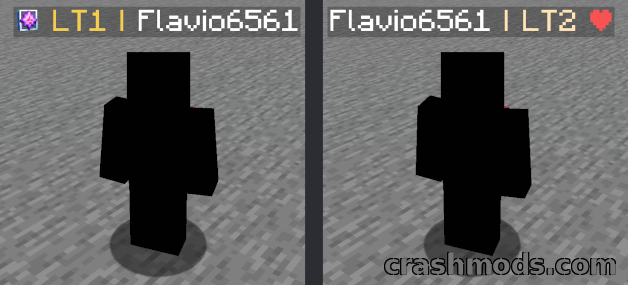
Tiers is the official PvPTiers tier display mod for Minecraft 1.21.10 that shows player PvP tiers on name tags, in chat and in the tab list, with kit auto-detection and a player search screen.

  • PvP
  • Tier Display
  • Name Tags
  • Player Stats
  • Search Screen
  • Auto Detect Kit
  • Keybinds
  • Icon Presets
  • Tab List
  • Client Side
  • Multiplayer Ready
  • Fabric
  • Quilt
  • 1.21.10

RavenByte73 by RavenByte73 Rank:LITETOP

Minecraft Equipment · Mod version: V8.8.4 · Version: 1.21.10

View Mod
Updated 2mo ago Views 29 Downloads 3 Likes 0 Dislikes 0 Comments 0
File Size: 554.8 KB
Biolith – Configurable Biome Placement Library Minecraft mod screenshot

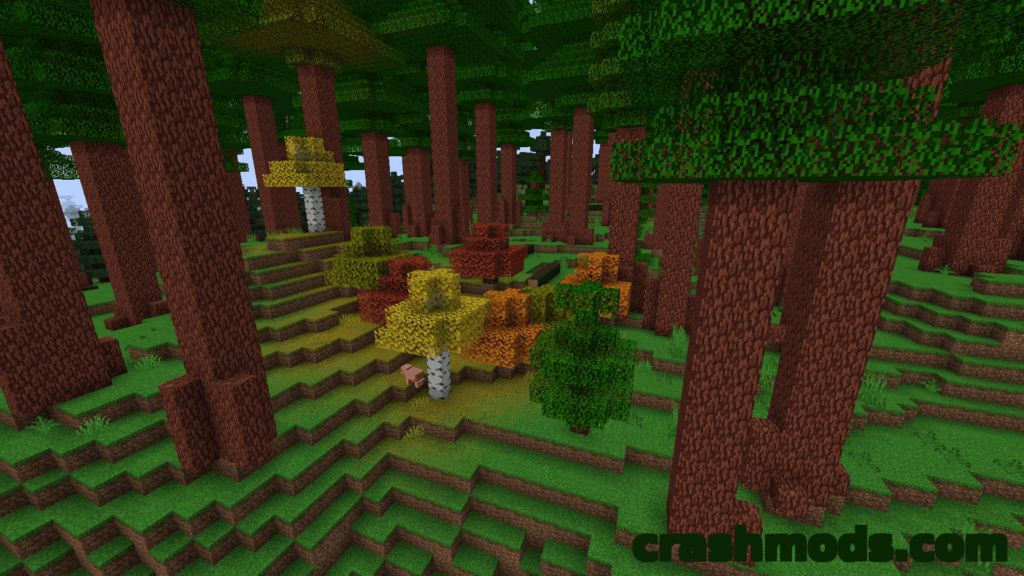
Biolith is a Minecraft biome placement and surface generation library for 1.21.10 that places, removes and replaces Overworld, Nether and End biomes for consistent, immersive distribution of modded biomes.

  • Library
  • World Generation
  • Biome Placement
  • Surface Rules
  • Datapacks
  • Overworld Biomes
  • Nether Biomes
  • End Biomes
  • Sub Biomes
  • TerraBlender Compatible
  • Configurable
  • Server Side
  • NeoForge
  • 1.21.10

RavenByte73 by RavenByte73 Rank:LITETOP

Minecraft World Generation · Mod version: V8.5.9 · Version: 1.21.10

View Mod
Updated 2mo ago Views 36 Downloads 1 Likes 0 Dislikes 0 Comments 0
File Size: 213.0 KB
Battle Towers – Tower Dungeons with Spawners and Loot Minecraft mod screenshot

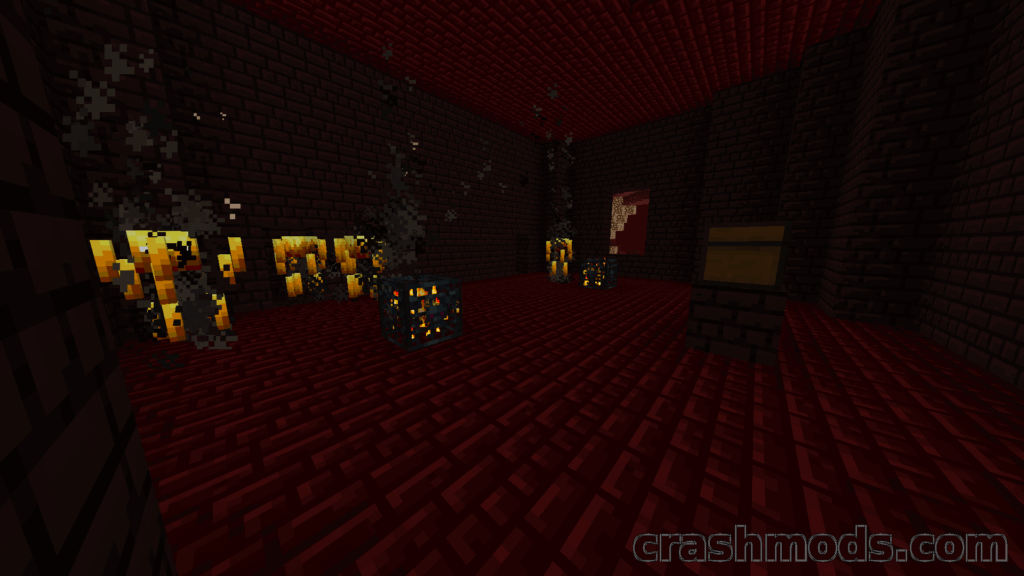
Battle Towers adds tower dungeons to Minecraft 1.21.10, filled with monster spawners and loot chests and guarded by a fireball-launching Wither Skeleton with extra health.

  • Dungeons
  • Structures
  • Battle Towers
  • Monster Spawners
  • Loot Chests
  • Wither Skeleton
  • Boss Fight
  • Fireballs
  • Treasure
  • Enchanted Books
  • Adventure
  • Work in Progress
  • Forge
  • 1.21.10

RavenByte73 by RavenByte73 Rank:LITETOP

Minecraft Mobs · Mod version: V9.2.5 · Version: 1.21.10

View Mod
Updated 2mo ago Views 14 Downloads 0 Likes 0 Dislikes 0 Comments 0
File Size: 56.3 KB
Enchantment Glint Outline – Customisable Outlines for Enchanted Items Minecraft mod screenshot

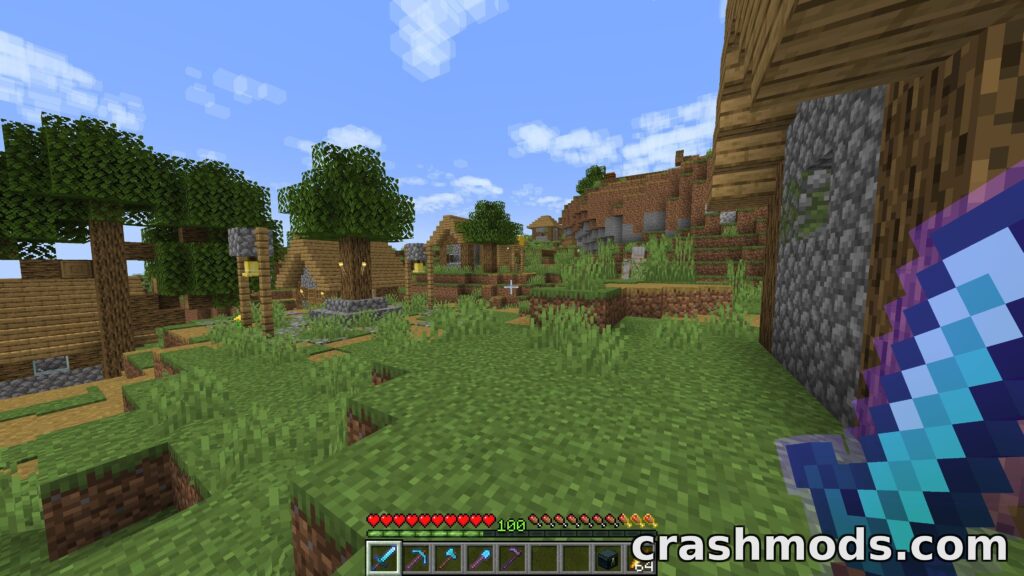
Enchantment Glint Outline adds a customisable outline to enchanted items in Minecraft 1.21.10. It works with resource packs, vanilla shaders, items from other mods and Sodium.

  • Enchantments
  • Enchantment Glint
  • Item Outline
  • Visual Effects
  • Customisable
  • Color Options
  • Resource Pack Support
  • Sodium Compatible
  • Mod Menu
  • YACL
  • Client Side
  • Equipment
  • Fabric
  • 1.21.10

RavenByte73 by RavenByte73 Rank:LITETOP

Minecraft Equipment · Mod version: V9.0.7 · Version: 1.21.10

View Mod
Updated 2mo ago Views 35 Downloads 2 Likes 0 Dislikes 0 Comments 0
File Size: 365.9 KB
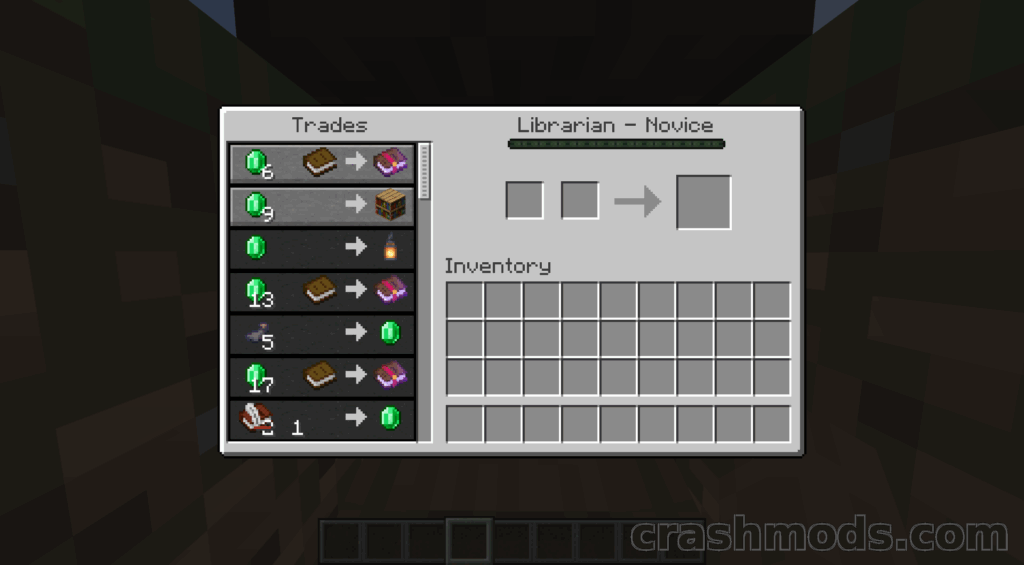
Visible Traders – See Locked Villager Trades in Advance Minecraft mod screenshot

Visible Traders is a Minecraft Fabric mod for 1.21.10 that lets you view a villager's locked trades before unlocking them, including for villagers that existed before installation and modded villager types.

  • Villager Trades
  • Locked Trades
  • Trade Preview
  • Villagers
  • Trading
  • Modded Villagers
  • Trade Cycling
  • Client and Server
  • Multiplayer Ready
  • Singleplayer
  • Quality of Life
  • Fabric
  • 1.21.10
  • Mobs

RavenByte73 by RavenByte73 Rank:LITETOP

Minecraft Mobs · Mod version: V8.9.8 · Version: 1.21.10

View Mod
Updated 2mo ago Views 27 Downloads 2 Likes 1 Dislikes 0 Comments 0
File Size: 62.4 KB
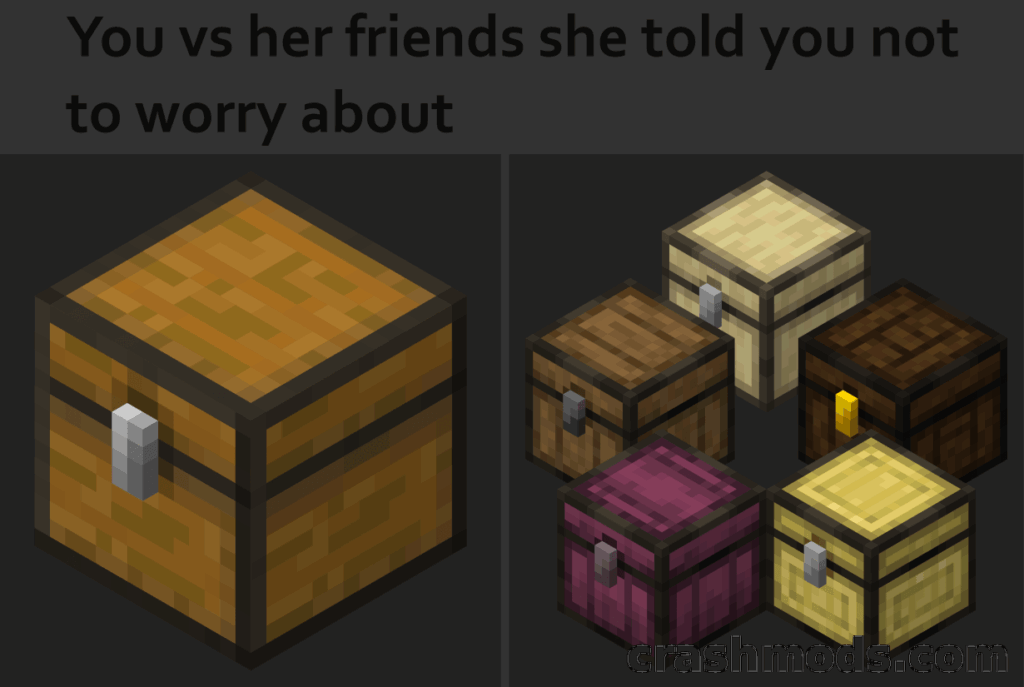
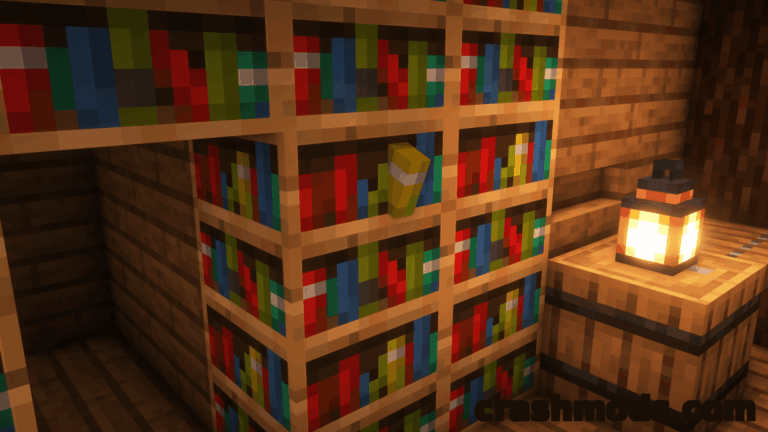
More Chest Variants – Wooden Chests for Every Wood Type Minecraft mod screenshot

More Chest Variants adds a unique chest for every wood type in Minecraft, bringing colourful vanilla-style storage to your builds with extra Quad-based features like fireproof nether wood chests.

  • Storage
  • Chests
  • Wood Variants
  • Decoration
  • Vanilla Style
  • Building
  • Furnace Fuel
  • Fireproof Chests
  • Nether Wood
  • Hopper Recipes
  • Quad Support
  • Fabric
  • Quilt
  • 1.21.10

RavenByte73 by RavenByte73 Rank:LITETOP

Minecraft Storage · Mod version: V8.7.1 · Version: 1.21.10

View Mod
Updated 2mo ago Views 20 Downloads 4 Likes 0 Dislikes 0 Comments 0
File Size: 188.3 KB

Minecraft Mods and Community Downloads

Browse free Minecraft mods, community downloads and add-ons on CrashMods. This archive helps players discover new content, compare mod pages and find updated releases faster.

  • Explore fresh and popular Minecraft mods in one place.
  • Use categories and sorting tools to find the right download.
  • Check screenshots, descriptions and file information before downloading.

CrashMods is built for players who want a simple way to discover, browse and download community-made game mods.

Minecraft mods — vetting, installing, common questions

🛡️ How we vet the files

845 of the 845 Minecraft mods carry a finished clean VirusTotal verdict (100%).

  • Until the check finishes the upload stays hidden: nobody but you and the team can reach it.
  • The download button names the host before you leave the site — and one click reports anything that looks wrong.

💾 Installing a Minecraft mod

Minecraft mods need a mod loader, and the .jar files go into .minecraft\mods.

  1. Install Fabric or NeoForge for the Minecraft version the mod lists.
  2. Run the loader profile once from the Minecraft Launcher.
  3. Put the .jar into .minecraft\mods (do not unzip it), plus any required library such as Fabric API.
  4. Start the game with the loader profile selected.

Full Minecraft installation guide →

❓ Frequently asked questions

Are the Minecraft mods on CrashMods safe?

Uploaded files up to 650 MB are scanned with VirusTotal automatically BEFORE the mod goes public. Minecraft currently has 845 mods: 845 carry a finished clean verdict. The result is shown on each card, and you can report any mod that looks wrong.

How do I install a Minecraft mod?

Minecraft mods need a mod loader, and the .jar files go into .minecraft\mods. 1) Install Fabric or NeoForge for the Minecraft version the mod lists. 2) Run the loader profile once from the Minecraft Launcher. 3) Put the .jar into .minecraft\mods (do not unzip it), plus any required library such as Fabric API. 4) Start the game with the loader profile selected.

Are these mods free?

They are free to download — there is no paywall on the Minecraft catalogue and no sign-up required. A mod is only paid if its creator set a price, and that price is stated plainly on the card and the mod page.

How do I know which game version a mod fits?

Every Minecraft mod card states the game version it was built for, and the sidebar lets you filter by version. After a game update, filter to the newest version first.