
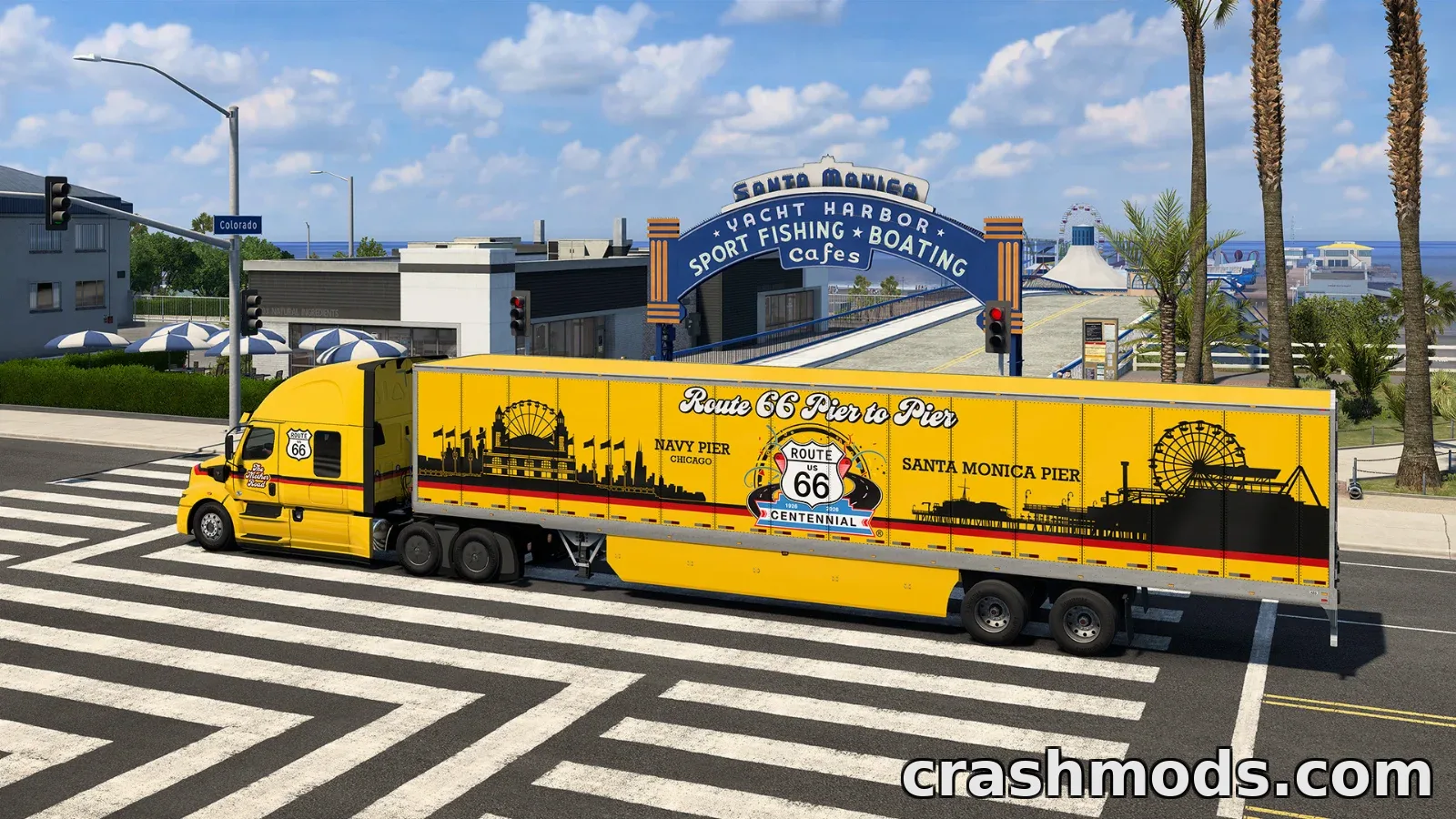

On 11 November 2026, exactly a century since Route 66 was added to the national highway network, American Truck Simulator picked up a new cosmetic DLC tied to the milestone. The Route 66 Paint Jobs Pack went live alongside a companion Route 66 Bundle, giving truckers a fresh way to mark the anniversary of the Mother Road.
The pack brings five liveries themed around the famous route: Postcard Kicks, Ultimate Roadtrip, Pier to Pier, Golden Route and Century Run. Alongside the paint jobs you also get a set of cabin trinkets, including a Route 66 mug, cap and thermos, plus an air freshener that can also be used in personal vehicles from the Road Trip DLCs.
Money from sales of the pack is going toward a grant scheme managed by the Route 66 Road Ahead Partnership, a body set up by Congress to fund repair and preservation work on businesses and landmarks along the highway. The team also thanked William from the Route 66 Centennial Commission for helping bring the project together.
A road rebuilt in-game
Work on digitally mapping the entire stretch of Route 66 wrapped up after the Illinois expansion launched in May 2026, giving the full route from Chicago to Los Angeles a place in the game world. Earlier in the year, that effort earned American Truck Simulator a spot among the government-sanctioned projects honouring the highway’s centennial, a recognition tied to the official celebrations surrounding the anniversary.
Route 66 Bundle
For players missing pieces of the road, the new Route 66 Bundle packages the base game with the Paint Jobs Pack and the Illinois, Missouri, Kansas, Oklahoma, Texas, New Mexico and Arizona map DLCs. California is already part of the base game, so the bundle covers the whole drive from Santa Monica to Chicago. It follows Steam’s “Complete the Set” pricing, meaning you only pay for whatever DLCs you don’t already own.
What this means for modders
Cosmetic DLCs like this one rarely break existing mods, but it’s still a good idea to check your paint job and accessory mods for conflicts before loading up a save, especially if they touch the same trailer or cabin slots. Back up your mod folder and profile first, just in case the update shifts any file structures. If you’re running a Route 66 themed map mod collection, this is also a decent moment to compare it against the official in-game route for overlaps.
Source: Steam · Image: Steam
