Skip to content
Join our Discord for updates & support Discord

Workstation Auto Off – Smart Fuel-Saving Shutdown V1.1

—/5, 0 ratings

Your rating

Creator: kfear

File verified — safe
All 75 security engines found this file clean.
Last checked: 2026-11-02
Security report

Features:

  • Automatically extinguishes campfires, forges and chemistry stations once their craft or smelt is finished
  • Leaves a fire lit if you light it with nothing queued, so it still works for warmth or light
  • Counts both a craft queue and a forge smelt as active work
  • Never shuts off a forge mid-smelt; it waits for ore to finish processing
  • Fully configurable through a Settings.xml file (enable/disable, idle shutdown, exclusions, verbose logging)
  • Works automatically on any modded workstation that burns fuel
  • Adds no new items, blocks, recipes or UI elements
  • Safe to add to or remove from an existing save without affecting save data
  • Decision is made server-side, so only the server needs the mod installed in multiplayer
  • Requires EAC to be turned off since the mod includes a DLL file

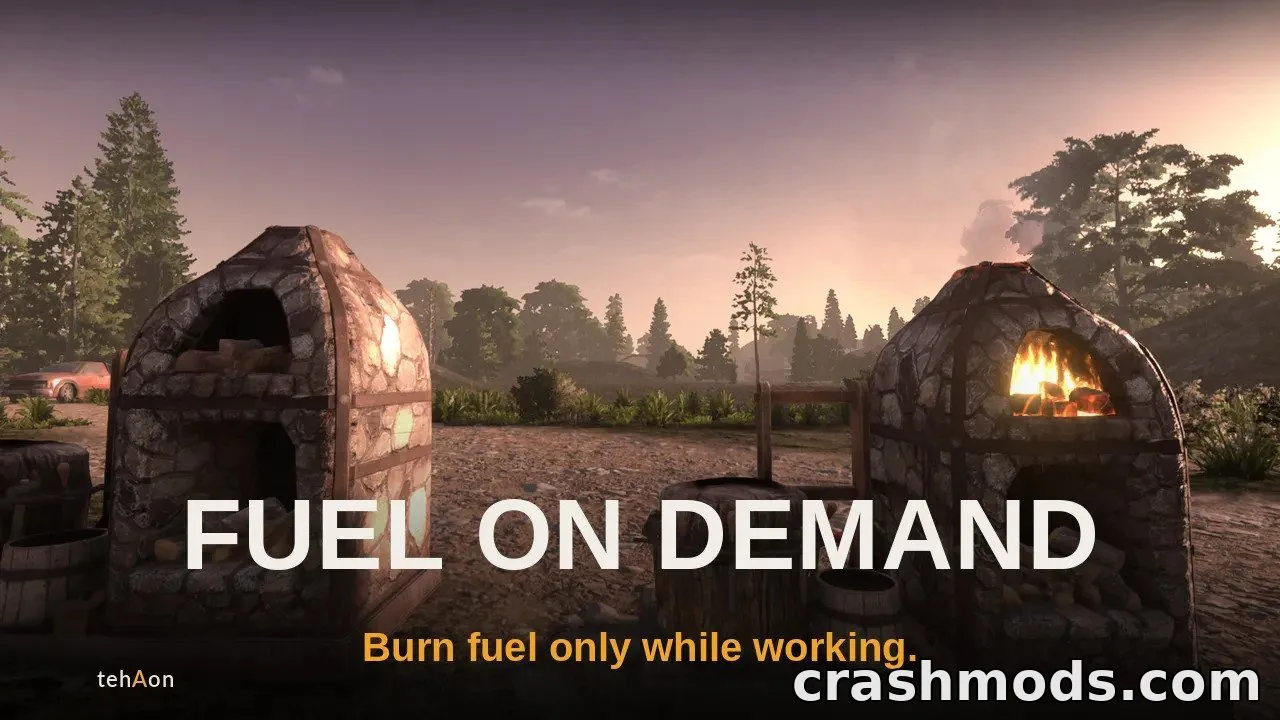
This mod is a small quality-of-life tweak for 7 Days to Die that stops fuel-burning workstations from wasting resources. Once a campfire, forge or chemistry station finishes whatever it was doing, it automatically shuts itself off instead of continuing to burn fuel for nothing.

It adds smarter logic rather than new content: a station only powers down after completing a craft queue or finishing a smelt, and a forge will never go out while ore is still being processed. If you light a fire just for ambience or warmth with nothing queued, it stays burning until you put it out yourself.

Players can fine-tune the behavior through a simple settings file, choosing whether idle stations should also shut down, excluding specific workstations, or enabling detailed logging for troubleshooting. It works with vanilla and modded workstations alike, as long as they use fuel.

This is ideal for players who want a more realistic and efficient fuel management system without needing to learn new items or interfaces, and for server owners who want to reduce unnecessary fuel waste across their world.

✅ Description reviewed by the CrashMods Team

Changelog

V1.1 — First release.
Frequently asked questions6 questions

Workstation Auto Off – which game and version is it for?

This mod was made for 7 Days to Die (game version: V3). The mod's own version: V1.1. After a major game update, older mods may stop working — check the version before installing.

Workstation Auto Off – how do I install it?

Follow the installation steps in the mod's description.

Is the download safe?

We checked the file with VirusTotal: none of the 75 antivirus engines flagged it. The full report opens from the "Verified" badge on the mod's page.

How big is the download?

The mod's file size is about 438.0 KB.

Workstation Auto Off – who made it?

The mod's original creator: kfear.

Is the mod free?

Yes, downloading from CrashMods is free; registration is not required.

What’s inside the package?7 files · 448.9 KB unpackedScripts & code 1Textures 2Config & text 4Show filesHide files

Folders, file names and sizes, read from the downloadable archive.

Scripts & code — names only, these files cannot be opened: kfearWorkstationAutoOff.dll

Package
  • banner.png308.8 KB
  • CHANGELOG.md3.8 KB
  • kfearWorkstationAutoOff.dll11.0 KB
  • ModInfo.xml536 B
  • README.md4.7 KB
  • Settings.xml1.4 KB
  • square.png118.7 KB
1–8 / 8

Download Get the latest version of this mod and enjoy!

Mod version: V1.1 7 Days to Die V3 2 weeks ago 438.0 KB
Workstation Auto Off – Smart Fuel-Saving Shutdown V1.1 438.0 KB 7 Days to Die Download File

The file is on ModsDrop, our own storage.

  • Scannedwith VirusTotal
  • EU serversFast & reliable
  • Free downloadNo registration needed
  • Latest versionAlways up to date

More 7 Days to Die Quality of Life mods

Uploaded by

blitzcore91
  • 537 mod
  • 0 follower
  • 2,572 download
  • Registered 6 months ago

Community screenshots

Screenshots from players using this mod. Add yours — images only (JPG, PNG, WebP).

No community screenshots yet — be the first!

Leave a comment