

Skip to content
Join our Discord for updates & support Discord

Home / Games / 7 Days to Die

7 Days to Die Quality of Life

90 mods

Browse trending picks and fresh uploads for 7 Days to Die—the grid below jumps straight into the catalog.

Filters

A 7 Days to Die tweak that lets you stack up to 15 copies of the same attachment on any item, stacking every bonus, no DLL needed, EAC-friendly.

  • Stackable Attachments
  • Up To 15x
  • Weapons
  • Armor
  • Tools
  • Vehicles
  • Stacking Bonuses
  • Pure XML
  • No DLL
  • EAC Compatible
  • Client-Side
  • Single Player
  • Multiplayer
  • V3.0

AxelDrift57 by AxelDrift57 Rank:LITETOP

7 Days to Die Quality of Life · Mod version: V3.0 · Version: V3

View Mod
Updated 2h ago Views 0 Downloads 0 Likes 0 Dislikes 0 Comments 0
File Size: 1.1 KB

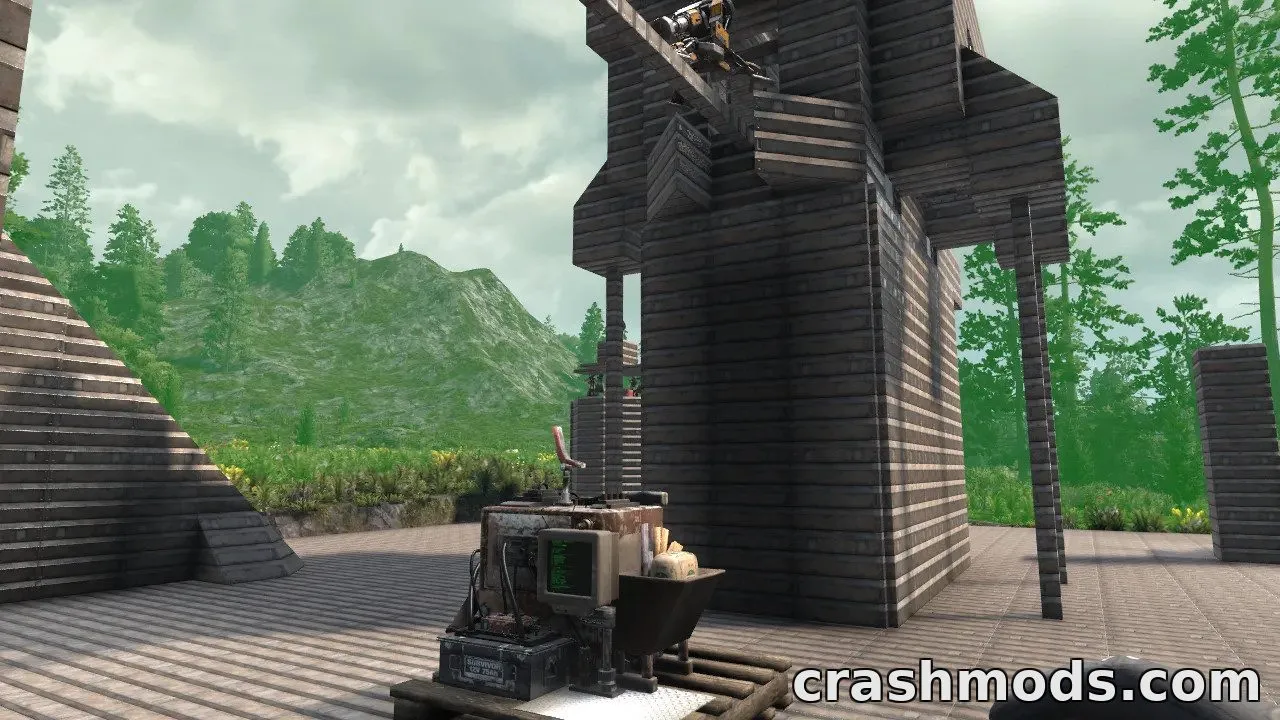
An event-driven workbench for 7 Days to Die that auto-repairs damaged blocks nearby using stored resources, with a configurable range and Blood Moon standby mode.

  • Auto Repair
  • Workbench
  • Base Repair
  • Quality of Life
  • Crafting Station
  • XML Config
  • Blood Moon
  • Multiplayer Friendly
  • Custom Model
  • Radial Menu
  • Repair Tools
  • Resource Based
  • Localization
  • V3

RavenByte73 by RavenByte73 Rank:LITETOP

7 Days to Die Quality of Life · Mod version: V1.6 · Version: V3

View Mod
Updated 2h ago Views 0 Downloads 0 Likes 0 Dislikes 0 Comments 0
File Size: 12.4 MB

A client-side 7 Days to Die tool that lets you craft from nearby containers, quick-stack your loot, and fetch missing materials instantly.

  • Nearby Storage
  • tehAon
  • V3
  • Quick Stack
  • Craft From Storage
  • Fetch System
  • Client Side
  • Quality of Life
  • Vehicle Cargo
  • Drone Support
  • Forge Balancing
  • Multi Language
  • Sub Recipe Support
  • Custom Keybinds

Dexter_718 by Dexter_718 Rank:LITETOP

7 Days to Die Quality of Life · Mod version: V3.8 · Version: V3

View Mod
Updated 2h ago Views 0 Downloads 0 Likes 0 Dislikes 0 Comments 0
File Size: 250.3 KB

PlebStacks is a lightweight server-side mod for 7 Days to Die that raises ammo stacks to 5,000 and most other item stacks to 15,000.

  • PlebStacks
  • Quality of Life
  • V3
  • Ammo Stacks
  • Item Stacks
  • Server Side
  • Inventory
  • 5000 Stack
  • 15000 Stack
  • Stack Size
  • Lightweight
  • Plebicus
  • 2 KB
  • Drop In Install

Kiro_8036 by Kiro_8036 Rank:LITETOP

7 Days to Die Quality of Life · Mod version: V2.0.1 · Version: V3

View Mod
Updated 6h ago Views 0 Downloads 0 Likes 0 Dislikes 0 Comments 0
File Size: 1.7 KB

This quality of life tweak for 7 Days to Die raises every item's stack size to 30,000, including engines, for smoother inventory management.

  • Stack Size
  • Inventory
  • Quality of Life
  • V3
  • 30000 Stack
  • Engines
  • Storage
  • Item Stacking
  • Inventory Management
  • Simple Tweak
  • Lightweight
  • Game Tweak
  • Survival
  • Utility

NeroVex284 by NeroVex284 Rank:LITETOP

7 Days to Die Quality of Life · Mod version: V2.0 · Version: V3

View Mod
Updated 6h ago Views 0 Downloads 0 Likes 0 Dislikes 0 Comments 0
File Size: 1.8 KB

This server-side XML tweak extends the Wire Tool's maximum connection distance to 250 blocks, enabling long-range electrical wiring in 7 Days to Die.

  • Wire Tool
  • 250 Block Range
  • Server Side
  • V3
  • Electrical System
  • Large Bases
  • Land Claim
  • Relay Reduction
  • EAC Friendly
  • No Client Download
  • Config Items XML
  • Quality of Life
  • Building
  • Traps

CloudRift29 by CloudRift29 Rank:LITETOP

7 Days to Die Quality of Life · Mod version: V1.0 · Version: V3

View Mod
Updated 6h ago Views 0 Downloads 0 Likes 0 Dislikes 0 Comments 0
File Size: 1.6 KB

Walber AutoSorter is a 7 Days to Die quality-of-life tool that quick-stacks your inventory into labeled Writable Storage Crates by category.

  • AutoSorter
  • Quick Stack
  • Storage Sorting
  • Writable Storage Crate
  • V3
  • Quality of Life
  • Category Labels
  • CategoryAliases.txt
  • EAC Required
  • Inventory Management
  • Misc Catch-All
  • Harmony Mod
  • Console Commands
  • QuickStackConfig.xml

Dexter_718 by Dexter_718 Rank:LITETOP

7 Days to Die Quality of Life · Mod version: V1.3.1 · Version: V3

View Mod
Updated 8h ago Views 0 Downloads 0 Likes 0 Dislikes 0 Comments 0
File Size: 47.4 KB

Smart Doors brings configurable auto-opening, auto-closing, and lockpicking to doors in 7 Days to Die, making bases feel more realistic.

  • Smart Doors
  • Auto-Close
  • Auto-Open
  • Lockpicking
  • Landclaim Doors
  • Trader Doors
  • Vehicle Horn
  • Configurable
  • Per-Door Toggle
  • V3
  • Building
  • Quality of Life
  • Multiplayer
  • Config File

ShadowMint42 by ShadowMint42 Rank:LITETOP

7 Days to Die Quality of Life · Mod version: V1.5.1 · Version: V3

View Mod
Updated 8h ago Views 0 Downloads 0 Likes 0 Dislikes 0 Comments 0
File Size: 435.4 KB

Let Me In adds a simple quality of life feature: honk your vehicle horn to automatically open nearby doors and gates, which close again after a short delay.

  • Quality of Life
  • Doors
  • Gates
  • Vehicle Horn
  • Automation
  • Lightweight
  • Cooldown System
  • V3
  • 3.2
  • Drawbridge Support
  • Timed Closing
  • No Config Needed
  • Multiplayer Compatible
  • Trader Doors

NeroVex284 by NeroVex284 Rank:LITETOP

7 Days to Die Quality of Life · Mod version: V3.2 · Version: V3

View Mod
Updated 8h ago Views 0 Downloads 0 Likes 0 Dislikes 0 Comments 0
File Size: 14.5 KB

7 Days to Die Mods and Community Downloads

Browse free 7 Days to Die mods, community downloads and add-ons on CrashMods. This archive helps players discover new content, compare mod pages and find updated releases faster.

  • Explore fresh and popular 7 Days to Die mods in one place.
  • Use categories and sorting tools to find the right download.
  • Check screenshots, descriptions and file information before downloading.

CrashMods is built for players who want a simple way to discover, browse and download community-made game mods.

7 Days to Die mods — vetting, installing, common questions

🛡️ How we vet the files

86 of the 90 7 Days to Die mods carry a finished clean VirusTotal verdict (96%).

  • Until the check finishes the upload stays hidden: nobody but you and the team can reach it.
  • 4 file(s) exceed the 650 MB automatic scan limit — we check those by hand and their card says “size limit”.
  • The download button names the host before you leave the site — and one click reports anything that looks wrong.

💾 Installing a 7 Days to Die mod

Follow the game’s standard mod-installation steps and read the mod description.

  1. Download the file from the mod page.
  2. Find the game’s mod folder (usually under Documents).
  3. Copy the file in, then enable the mod inside the game.

❓ Frequently asked questions

Are the 7 Days to Die mods on CrashMods safe?

Every uploaded file is scanned with VirusTotal automatically BEFORE the mod goes public. 7 Days to Die currently has 90 mods: 86 carry a finished clean verdict, and 4 file(s) exceed the 650 MB automatic scan limit (we review those by hand). The result is shown on each card, and you can report any mod that looks wrong.

How do I install a 7 Days to Die mod?

Follow the game’s standard mod-installation steps and read the mod description. 1) Download the file from the mod page. 2) Find the game’s mod folder (usually under Documents). 3) Copy the file in, then enable the mod inside the game.

Are these mods free?

Yes. Downloading 7 Days to Die mods is free and you do not need an account. A few creators offer paid mods — those always show the price on the card and on the mod page; everything else is free.

How do I know which game version a mod fits?

Every 7 Days to Die mod card states the game version it was built for, and the sidebar lets you filter by version. After a game update, filter to the newest version first.