File verified — safe
All 75 security engines found this file clean.
Features:
- Searches across Game, Graphics, Audio, Controls, Additional and Accessibility tabs
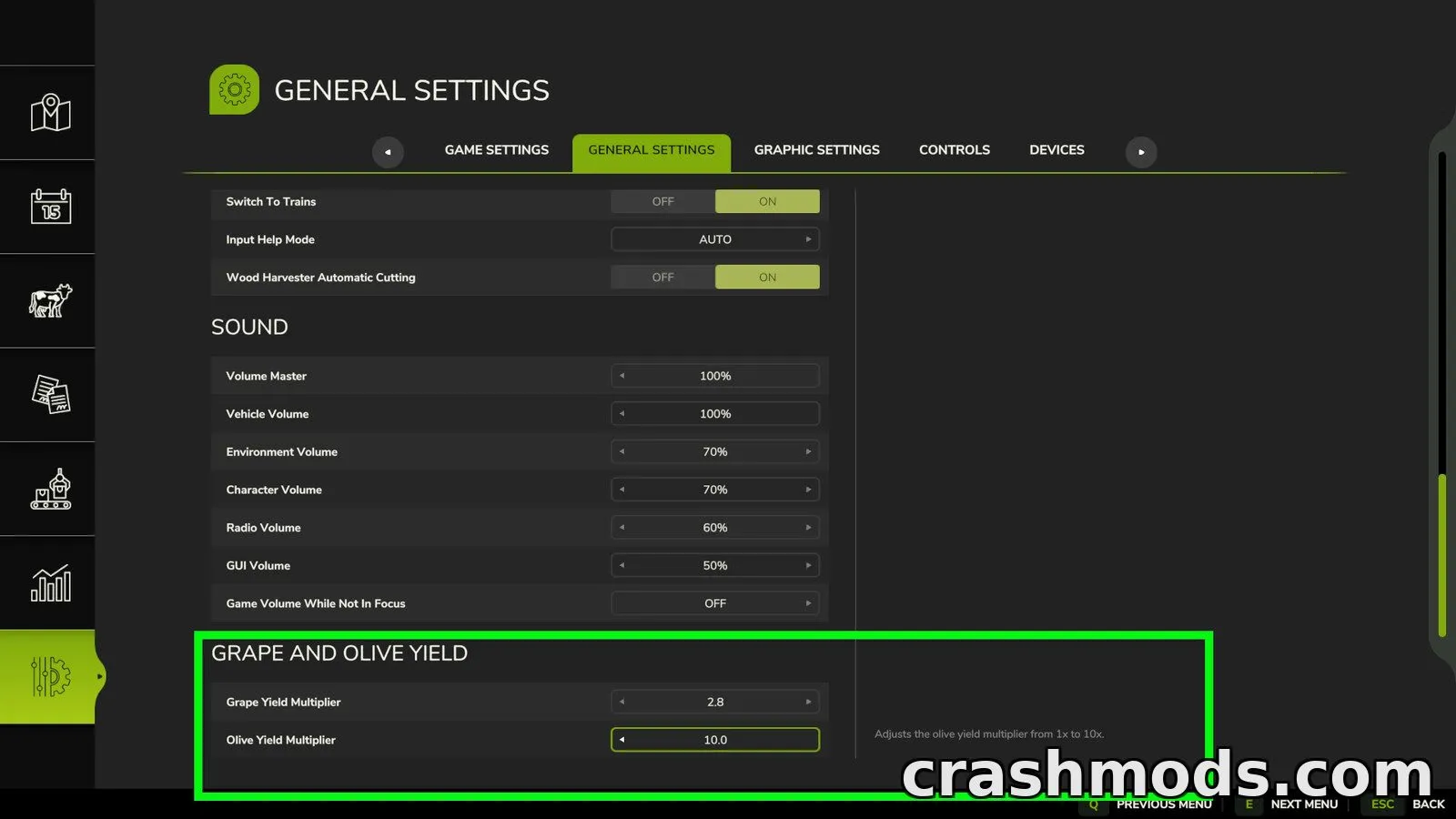
- Also searches settings added by other mods
- Type a search term to jump directly to the matching tab
- Search first to see which tab contains a result
- Typing a section name like "Camera" reveals the whole section
- Works in the Controls tab to find mod key bindings by name
- Supports short forms such as "AD" for AutoDrive or "CP" for Courseplay
- Section search now works across every tab, not just Controls
Settings Search is a small utility that makes navigating the in-game settings menu much faster. Instead of clicking through every tab to find a single option, you can simply type what you are looking for and jump straight to it.
It covers all the standard settings tabs, including Game, Graphics, Audio, Controls, Additional and Accessibility, and it also picks up settings that other mods add to these menus. In the Controls tab, searching works for mod names too, so typing a mod's name or a short abbreviation shows all of its key bindings at once.
This tool is useful for anyone running a large mod collection, since it saves time hunting for specific options or key bindings buried deep in submenus.