Skip to content
Join our Discord for updates & support Discord

Screenshot Mode – In-Game Photo Camera Tool V2.0

—/5, 0 ratings

Your rating

Creator: Monsieur Bab

File verified — safe
All 74 security engines found this file clean.
Last checked: 2026-11-08
Security report

Features:

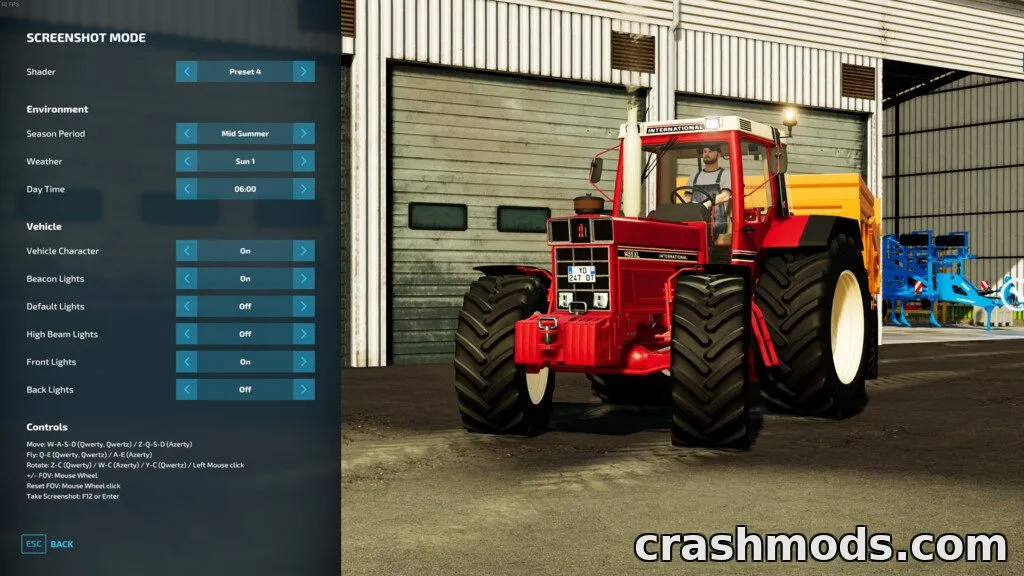
  • Move and rotate the camera freely with adjustable field of view
  • Choose from several color grading shader presets
  • Set the season period on demand
  • Select the weather conditions for your shot
  • Adjust the in-game time of day
  • Toggle visibility of the vehicle character
  • Toggle vehicle lights and beacon lights
  • Smooth camera movement and rotation with shift-hold acceleration
  • Dedicated hotkey to capture a screenshot instantly
  • Inspired by the photo mode controls from Euro Truck Simulator 2

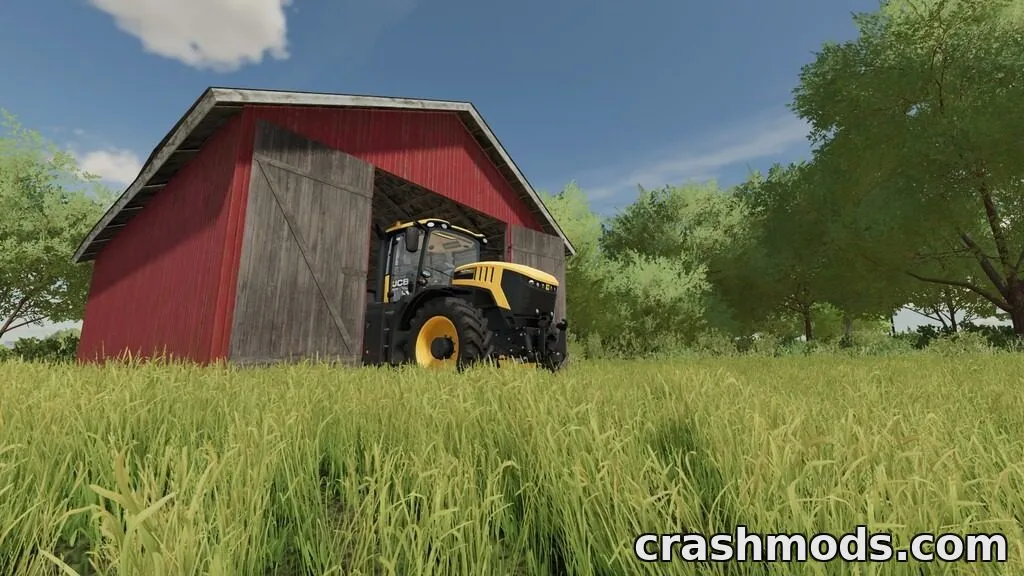
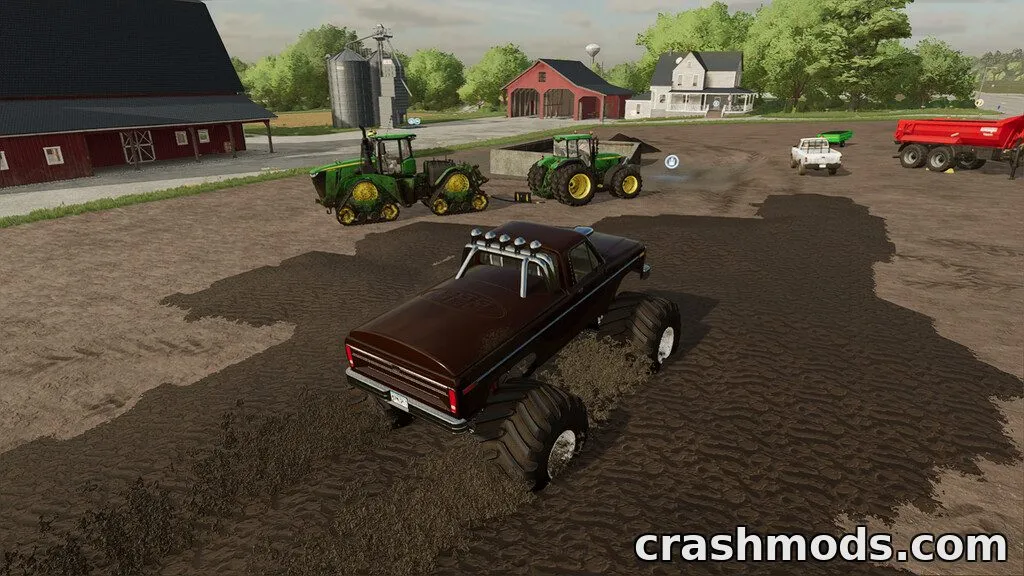
Screenshot Mode is a camera and environment utility built for capturing better in-game shots. It gives players full control over the camera position, rotation and field of view, so you can frame the perfect scene without being tied to the normal gameplay camera.

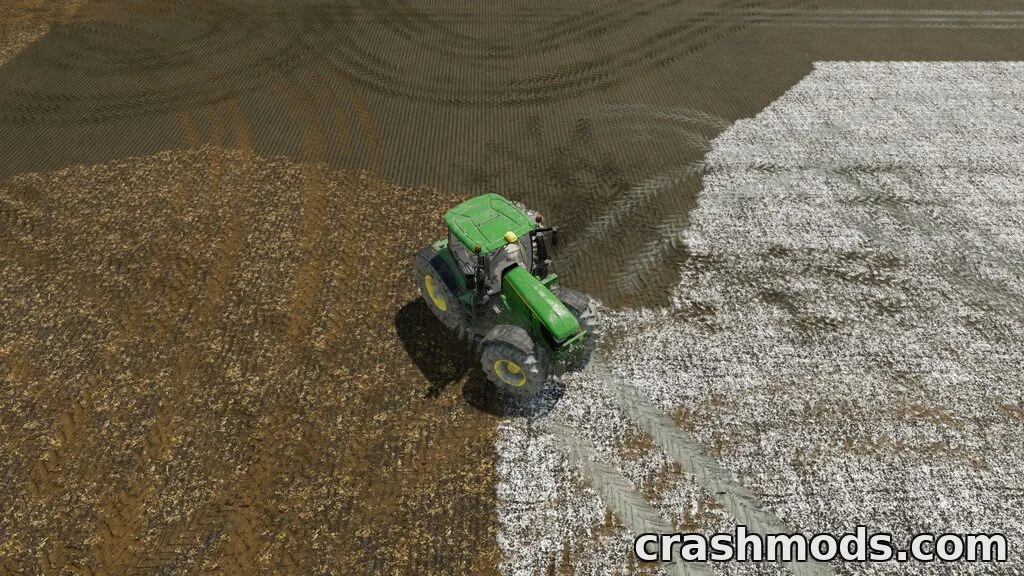
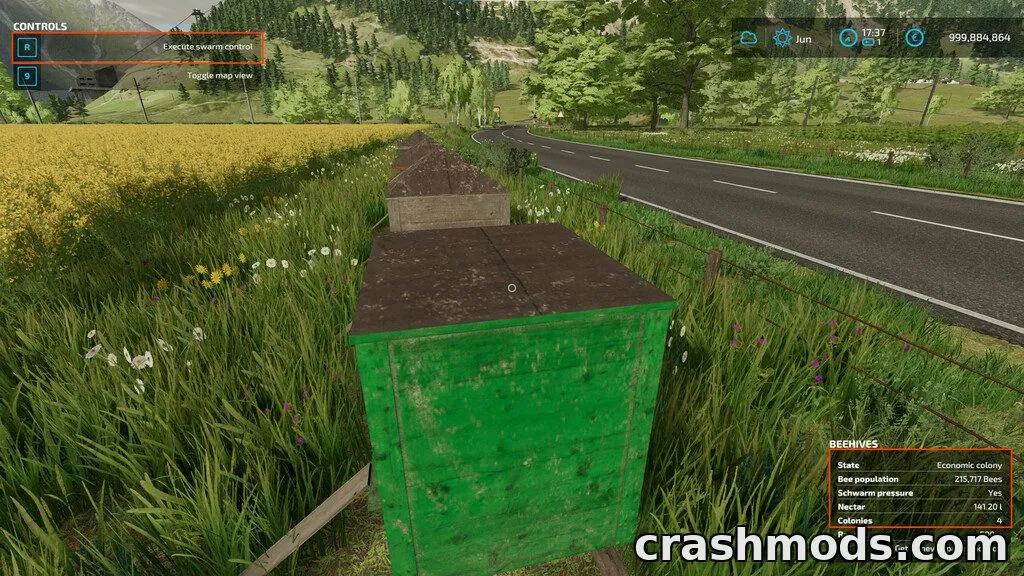
Beyond camera movement, the tool lets you adjust the surrounding environment just for the screenshot: switch between weather types, change the season, set the time of day, and apply different color grading presets to change the mood of the image. You can also hide or show the vehicle character and toggle lights or beacon lights for cleaner compositions.

This is aimed at players who enjoy taking and sharing screenshots and want more creative control over lighting, atmosphere and camera framing. Note that it does not permanently alter your savegame's environment settings, and multiplayer compatibility is not currently supported.

✅ Description reviewed by the CrashMods Team

Changelog

V2.0:
- Complete UI overhaul
- Added vehicle options: toggle character visibility, lights, and beacon lights
- Added camera movement and rotation smoothing
- Added shift-hold motion acceleration
- Added a new hotkey (Print Screen key) to take a screenshot
- Minor bug fixes
Frequently asked questions6 questions

Screenshot Mode – which game and version is it for?

This mod was made for Farming Simulator 22 (game version: 1.13.x). The mod's own version: V2.0. After a major game update, older mods may stop working — check the version before installing.

Screenshot Mode – how do I install it?

Copy the .zip file to the Documents/My Games/FarmingSimulator20xx/mods folder (the folder for your game version), then enable it in the in-game mod list.

Is the download safe?

We checked the file with VirusTotal: none of the 74 antivirus engines flagged it. The full report opens from the "Verified" badge on the mod's page.

How big is the download?

The mod's file size is about 44.1 KB.

Screenshot Mode – who made it?

The mod's original creator: Monsieur Bab.

Is the mod free?

Yes, downloading from CrashMods is free; registration is not required.

What’s inside the package?24 files · 639.6 KB unpackedScripts & code 5Textures 2Sounds 1Config & text 16Show filesHide files

Folders, file names and sizes, read from the downloadable archive.

Scripts & code — names only, these files cannot be opened: DebugHelper.lua, LogHelper.lua, ModHelper.lua, ScreenshotMode.lua, ScreenshotModeOverlay.lua

Package
  • guiProfiles.xml3.9 KB
  • ScreenshotModeOverlay.lua19.3 KB
  • ScreenshotModeOverlay.xml9.8 KB
  • focus_overlay.dds512.1 KB
  • l10n_de.xml2.1 KB
  • l10n_en.xml2.1 KB
  • l10n_fr.xml2.2 KB
  • DebugHelper.lua4.1 KB
  • LogHelper.lua3.9 KB
  • ModHelper.lua18.2 KB
  • capture-sound.ogg11.1 KB
  • preset-1.xml945 B
  • preset-2.xml943 B
1–20 / 291 / 2

Download Get the latest version of this mod and enjoy!

Latest Mod version: V2.0 Farming Simulator 22 1.13.x 2 minutes ago 44.1 KB
Screenshot Mode – In-Game Photo Camera Tool V2.0 44.1 KB Farming Simulator 22 Download File

The file is on ModsDrop, our own storage.

  • Scannedwith VirusTotal
  • EU serversFast & reliable
  • Free downloadNo registration needed
  • Latest versionAlways up to date

More Farming Simulator 22 Gameplay mods

Uploaded by

Kiro_8036
Kiro_8036 LITE
  • 443 mod
  • 0 follower
  • 1,600 download
  • Registered 2 months ago

Community screenshots

Screenshots from players using this mod. Add yours — images only (JPG, PNG, WebP).

No community screenshots yet — be the first!

Leave a comment